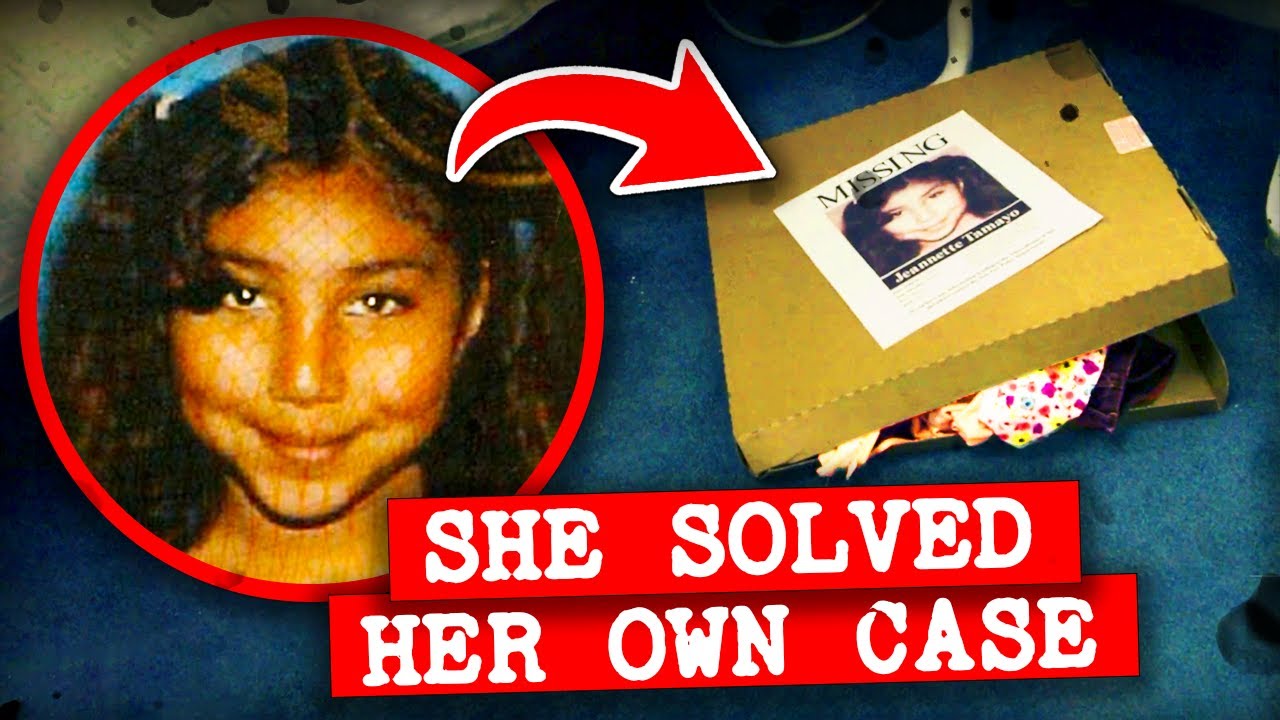
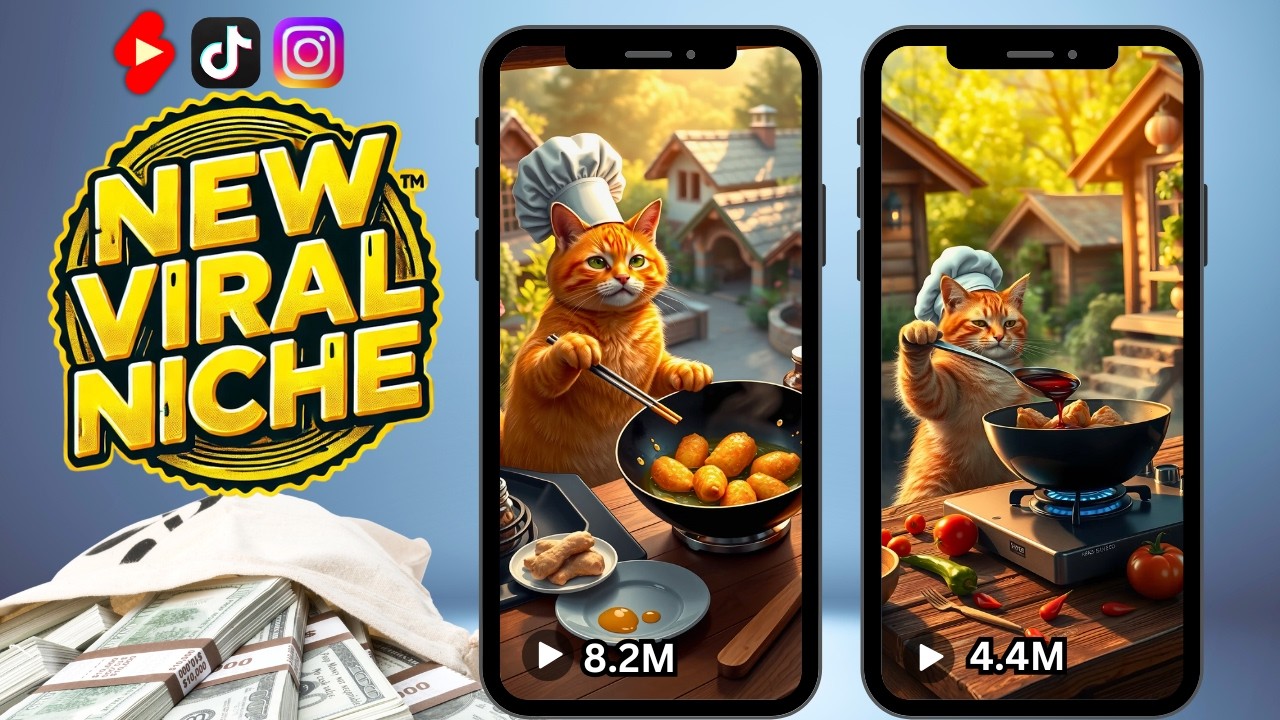
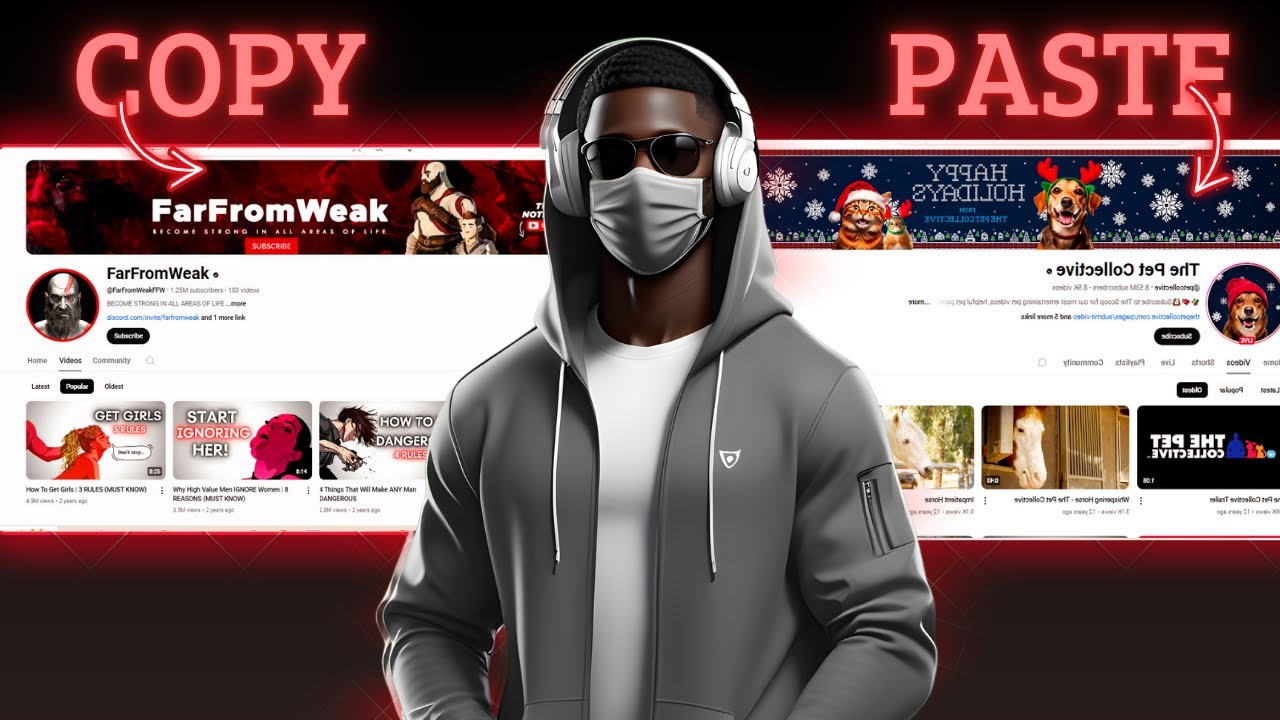
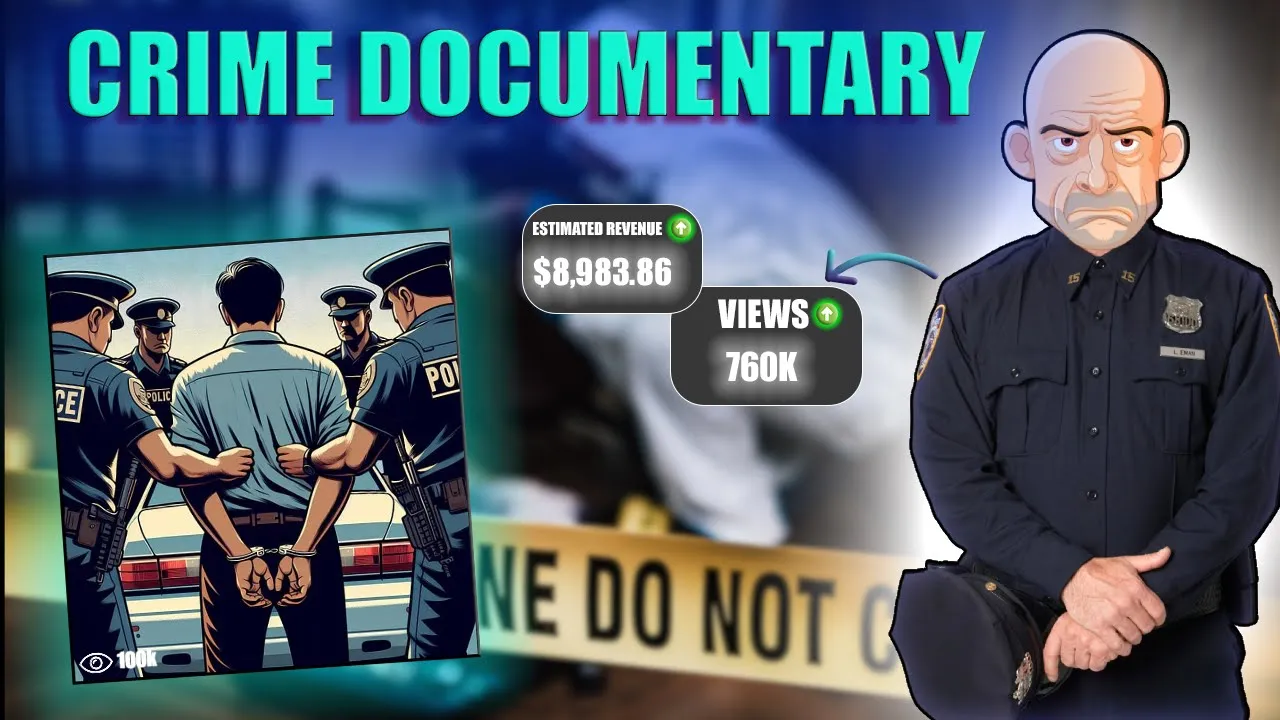
did you know you can make up to $500 a day creating viral true crime documentaries all with nothing but AI That's right no cameras no being on screen just AI handling the hard work for you and guess what there are channels already doing this and they've exploded in just one year take true crime stories as an example this channel started just a year ago and with only 76 videos they've gained almost 50,000 subscribers and when we look at their stats they're making anywhere from 4,000 to $122,000 just from their videos pretty crazy right another Channel
just thought Lounge has a massive 414,000 subscribers and earned between 9.6k to 24K in the last 28 days alone I'm literally going to walk you through everything step by step starting with where you can find amazing true crime stories then I'll show you one of the best software wondershare verbo to get a talking Avatar how to add a voice over and where to get your visuals plus I'll show you how to put it all together and edit it for a viral video but before we get into it take a look at the kind of AI
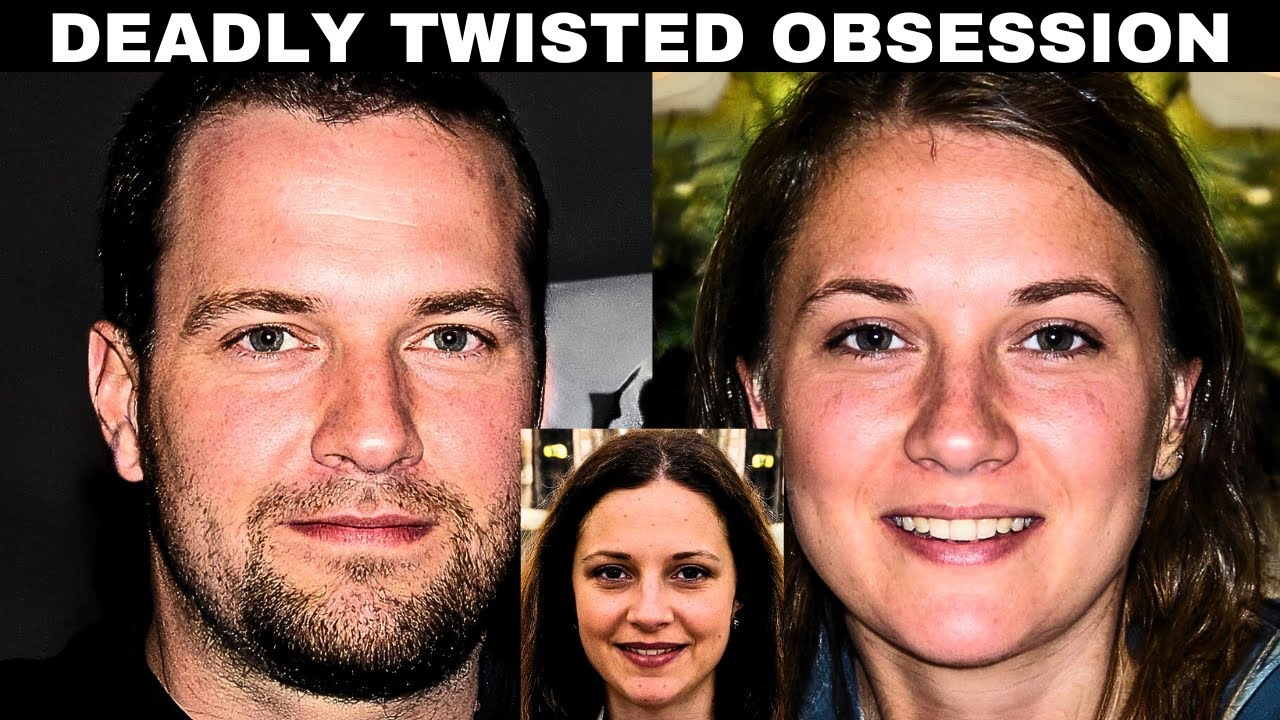
powered True Crime documentary video I created using the strategies you're about to learn when 17-year-old Zoe Nelson stormed out of her family home after a heated argument no one could have imagined the horror that would unfold in the days to come this is the tragic story of Zoe Nelson a vibrant young girl whose life was cut short in the most unimaginable way Zoe Nelson was born on August 13th 1992 in Wishaw Scotland by 2010 she lived in the small village of newmains with her mother Maryanne stepfather Daniel and two younger sisters Laura Anne and Ashley
Zoe was known for her bubbly personality and was well-liked by her peers at motherwell College where she studied vehicle body repair but beneath the surface of her seemingly ordinary life tensions were Brewing Zoe's relationship with her younger sister Laura Anne was complicated both sisters were romantically involved with the same man 20-year-old Robert Bane trust me this is just the beginning all right let's start with the first step creating the script we're going to use AI to help us write the script but first we need a good True Crime Story to find one open Google and
search for true crime stories you'll find a ton of interesting cases that you can use for your video pick a crime story that stands out and seems interesting something with a lot of twists or surprises will keep your viewers watching you can check out Pinterest just search for true crime stories and you'll find even more real life stories you can use you can also find true crime stories on Google News just search for any interesting cases there for example I found a crime story about the murder of Zoe Nelson you can find this story on
Wikipedia or on The Daily Record website choose any case that you think will be interesting for your viewers now once you have your story here's the next step all you have to do is copy the summary of the story and paste it in a Google doc for our next step we'll use an awesome tool wondershare verbo just search for it on Google or get the link in description and it'll take you right to their page it's an all-in-one tool that you can use online or you can download it for free on Windows and even on
your phone wondershare verbo has a lot of great features like an AI video generator AI talking photos text to speech and a new feature that lets you turn a URL into a video to get started just click on start online for free then sign in with your Google account first we need to create a script start by clicking on create AI Avatar video then select a 16x9 ratio and click create video next click on AI script type in this prompt I'm looking to create a 30 minute True Crime Story I'll give you the details and
I need your help crafting it into an engaging viewer friendly script in simple English then paste The Story summary and press send within seconds this tool will create an amazing script you can adjust it by choosing to make the script shorter or longer and if you want the script to make longer just click the expand option and it'll rewrite it for you if you want your script to have a more polished and professional tone verbo has you covered simply click on the professional option and in seconds the tool will transform your existing script into a
refined highquality version the result a script that's even better and more polished than what you might get from chat GPT now you'll see see an avatar on the screen click on it and on the left you'll find a variety of ultra realistic options both male and female avatars across different categories pick the one that best suits your style you can also adjust the View mode options include close-up Circle View and full body view the full body view looks fantastic for a professional touch Additionally you can change the Avatar's position to align perfectly with your video's
layout next let's choose an AI voice there are plenty of options available including premium voices in different languages select the voice that best fits your video and choose the gender to match your avatar once that's done click on scenes here you can pick a specific category to set the tone for your video for this project let's go with the documentaries category to keep it professional after making your choice click select the next step is to find visuals for this we'll use a mix of real images and stock videos to make the content more engaging and
Visually appealing start by searching for real images related to the story for real images the easiest way is to search on Google type in keywords related to your story like the crime location people involved or any significant details you can also explore websites and articles about the crime many news platforms and blogs often have relevant images you can download just be cautious about copyright always check if the image can be used in your project for stock videos you can use platforms like pixels videos vidivo or story blocks but canva is a powerful and userfriendly Tool
head over to canvas's website and log in they have a massive library of stock videos you can use perfect for creating professional content but here's a shortcut use chat GPT to make your search even easier just give it this prompt provide me with a list of stock video suggestions that are optimized for use with canva the videos should align perfectly with the themes and content of my script and then paste you script once you paste your script and send the prompt chat GPT will give you a curated list of stock video ideas you can then
use these suggestions to search for and download suitable Clips directly from canva as you can see some of these visuals are part of canva pro don't worry there's an easy solution if you don't already have canva Pro simply send a direct message on Discord with your email and you'll be added to a canva pro account for free Discord Link in description once all your visuals are downloaded the next step is editing them to continue in wondershare verbo follow this easy process start by adding one line of your script then import the visual you downloaded place
it on the screen and make sure it fits properly after that click on the image and adjust its position to move it backward next duplicate the scene add the second line of the script and import the visual that matches this line again click on the image and move it backward it's a straightforward process just repeat these steps for all other Clips add one line of the script import the visual and adjust its position to fit perfectly let's speed up the [Music] process you can also add transitions to your video just click on ADD transition and
pick one from the options avoid using complicated transitions I'm using fade in and Fade Out for a smooth look add these between all your Clips let me complete the script before we move [Music] forward if you want you can also change the font style for subtitles you can enable them here but for now let's disable this option wondershare verbo has launched some exciting new features like AI video and AI audio to use them simply add a prompt for example let's create AI music just write a description or use chat GPT to generate one then paste
it here in seconds the tool will create AI music you can add to your videos wondershare verbos editing tool is super simple to use when you click on expand timeline you can easily view all the layers of your project this makes it convenient to manage and adjust your visuals audio and effects when everything is done simply click on export the lip syncing will automatically be visible in the final exported video it will take 2 to 3 minutes to process once it's done click on it and download it from here our final step will be in
cap cut in cap cut start a new project and choose the aspect ratio 16 to9 import the clip we downloaded from wondershare and place it on the timeline next add the dirt layer that downloaded from YouTube place it on the top layer and remove its Background by enabling chroma key adjust adust the key intensity so it blends perfectly with the clip if you want to add captions click on auto captions to generate them then adjust the template and size as you like you can even add some effects like a swing effect now that the video
is ready click on export to save it wondershare verbo has some other cool features for example I created my own AI talking Avatar using this tool if you want to learn how you can check out my tutorial it's super simple another great feature is translating videos in just one click just upload your video in English pick the language you want like Spanish and the tool will create a translated version in [Music] seconds it's a great way to reach a wider audience and grow your channel globally right now Black Friday big deals get an exclusive 30%
off on wondershare verbo whether you're starting your true crime documentary Channel or creating any kind of content this tool has everything you need to produce professional quality videos but hurry this special offer won't last forever check the description below and grab your deal today I hope you found this tutorial helpful thanks for watching and I'll see you in the next one bye
![How to start a faceless YouTube channel with AI [1 HOUR COURSE]](https://img.youtube.com/vi/FI9lM_5xhzA/maxresdefault.jpg)