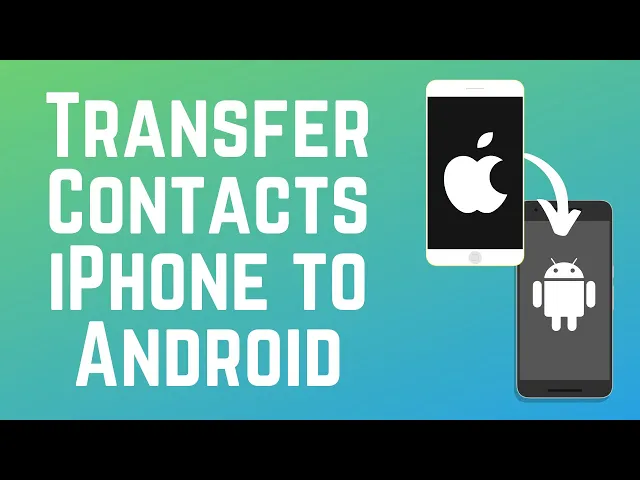
[Music] got a new Android phone and want to transfer your contact list I'm Jessica and in this video I'll show you how to transfer your contacts from iPhone to Android now let's get started to transfer your contacts from iPhone to Android open the settings app on your iPhone scroll down and tap apps select contact s then tap contacts accounts select your Google account if you haven't added it yet tap add account then sign into your Google account now ensure the contact switch is enabled so your contacts will be synced from your iPhone to your Google
account next open the settings app on your andro Android and select Google then sign into the same Google account you just synced your contacts to on your iPhone tap all services then scroll down and tap Google contact sync tap status then enable Google contact sync your contacts should then be synced to your new Android device that's all it takes to transfer your contacts from iPhone to Android for more helpful Android tips and tricks to help you get started with your new device check out our full playlist of Android tutorials click the playlist on your screen
now to watch thanks for watching if you found this video helpful we'd love it if you'd hit the like button below and subscribe to our Channel Channel we put out great new tech tutorials like this one every day