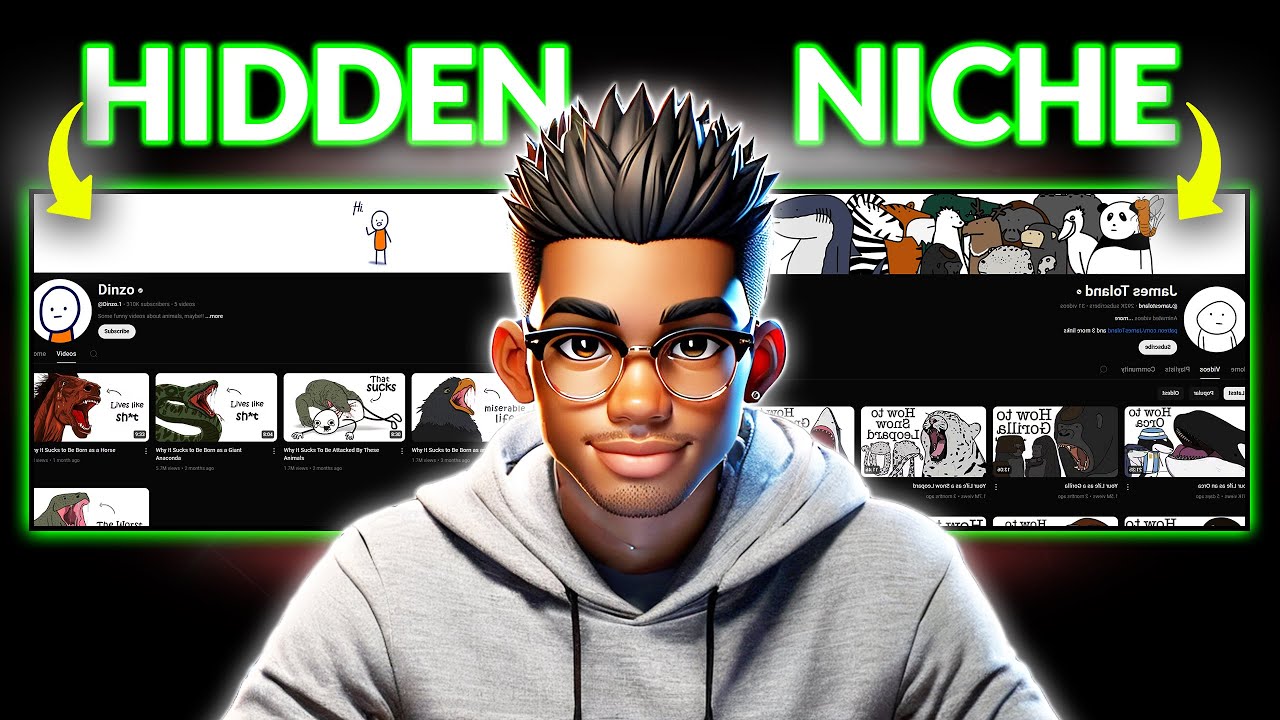
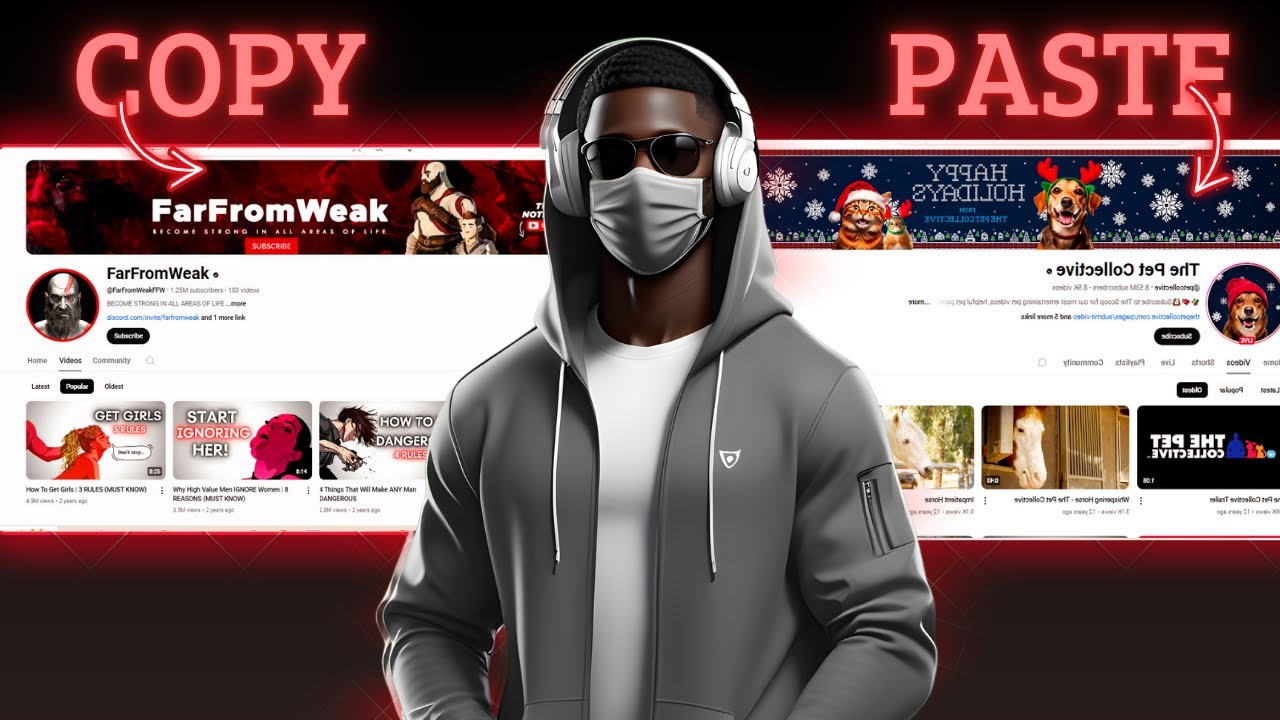
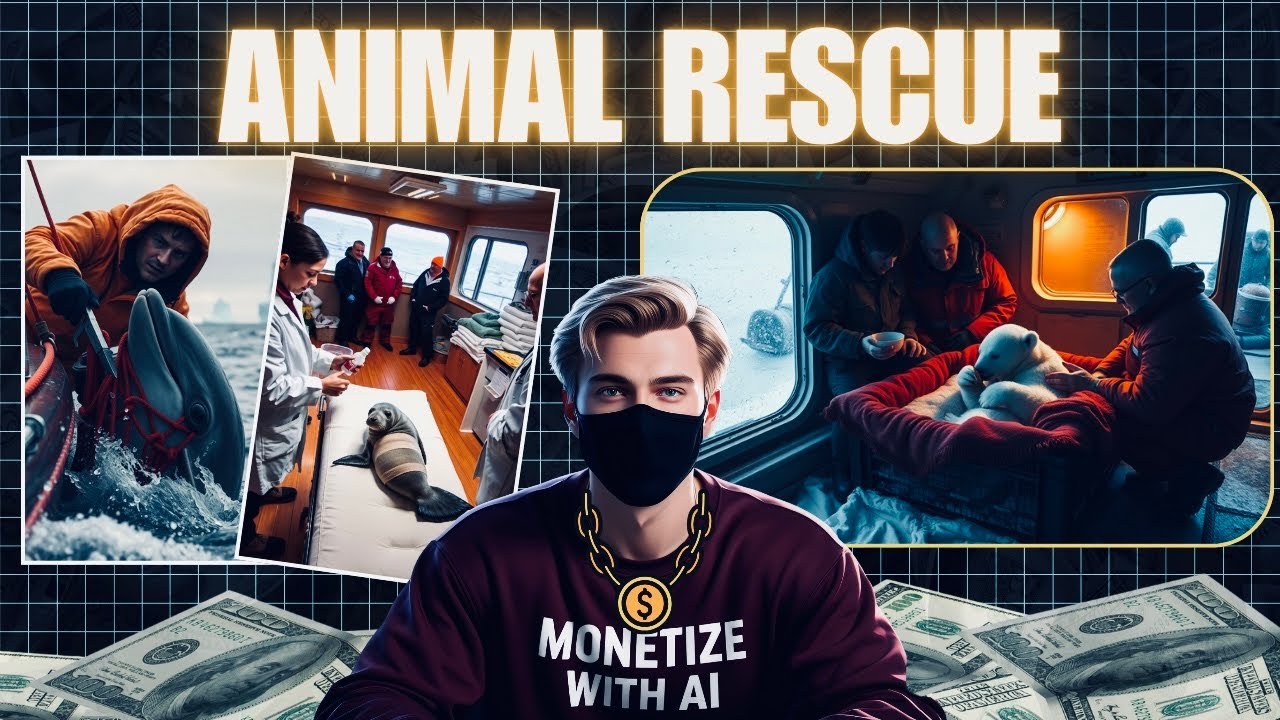
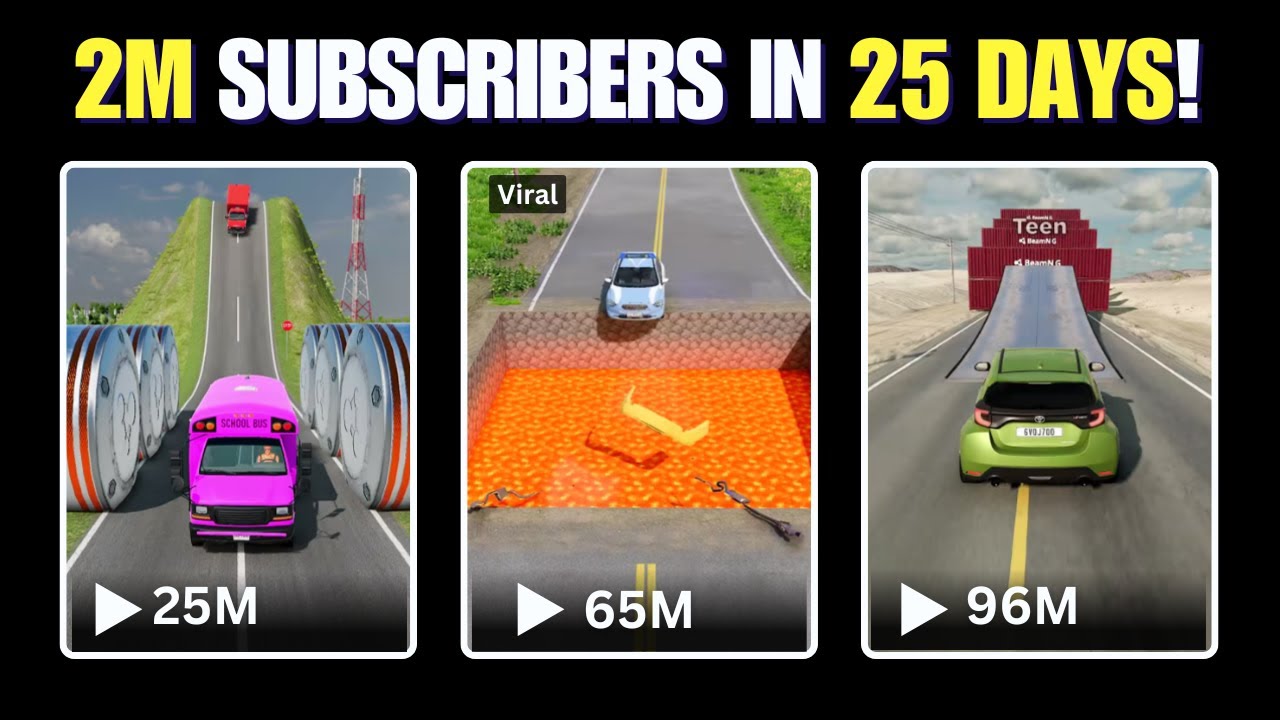
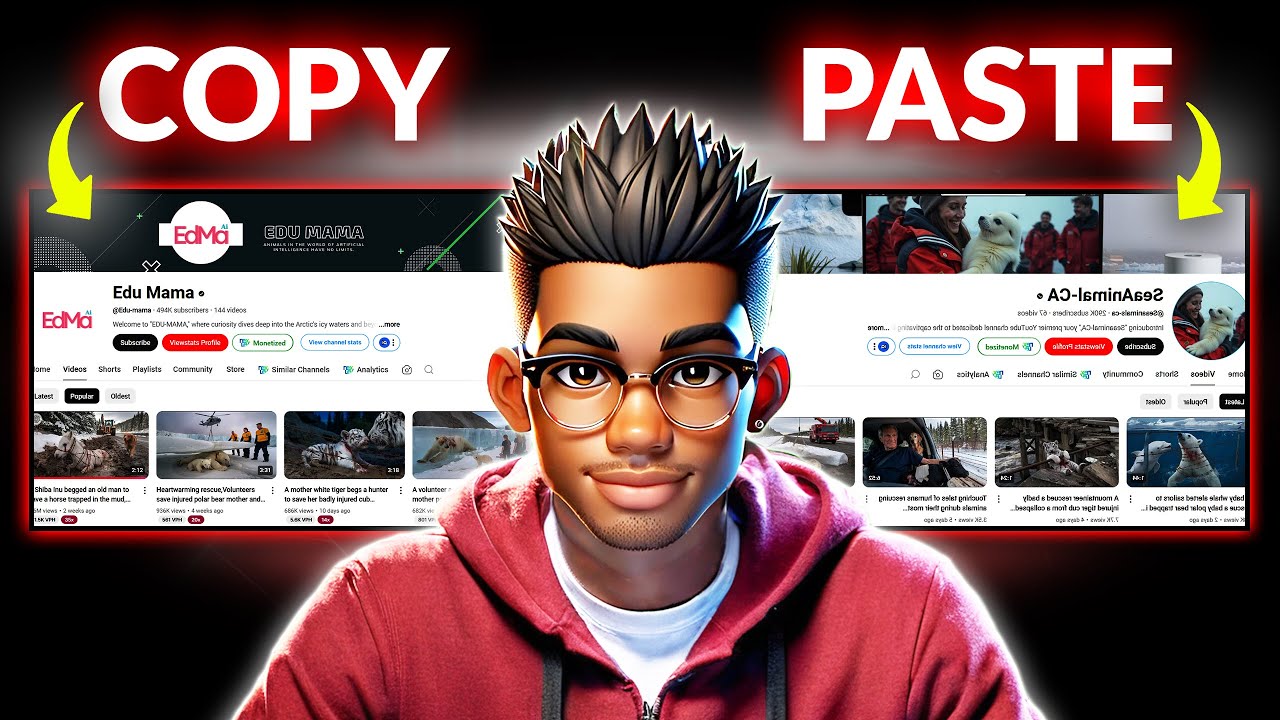
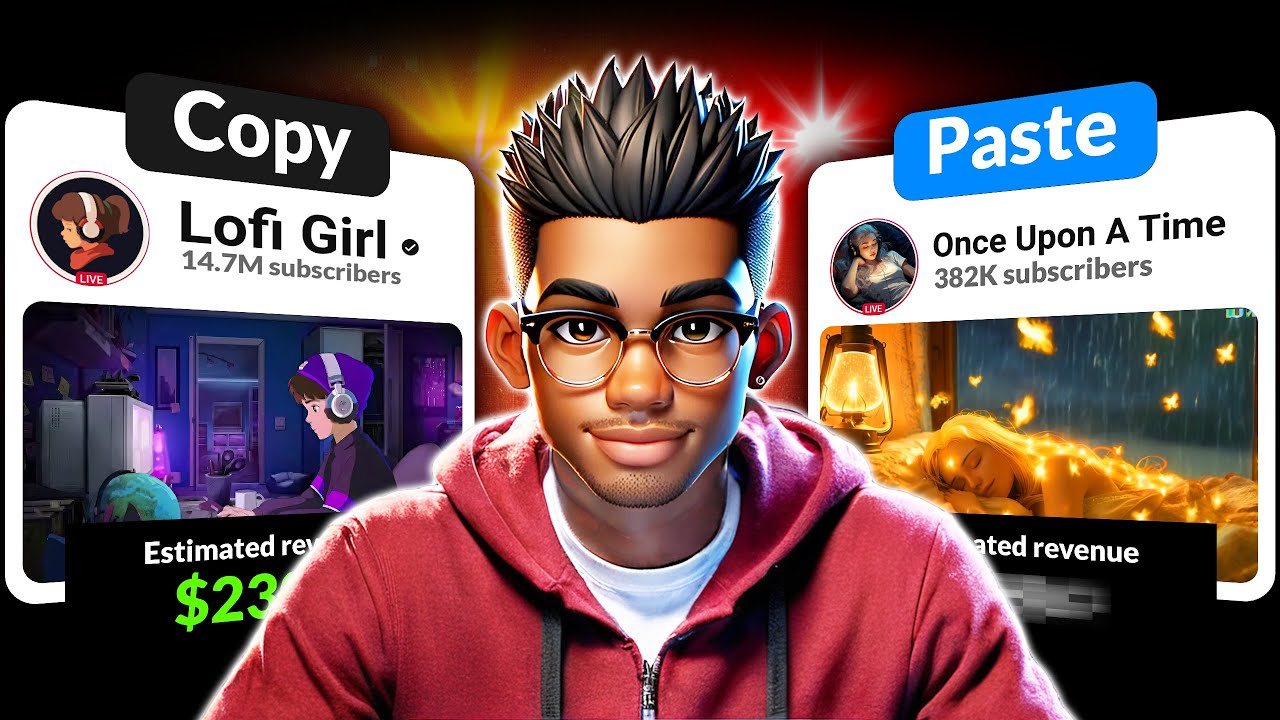
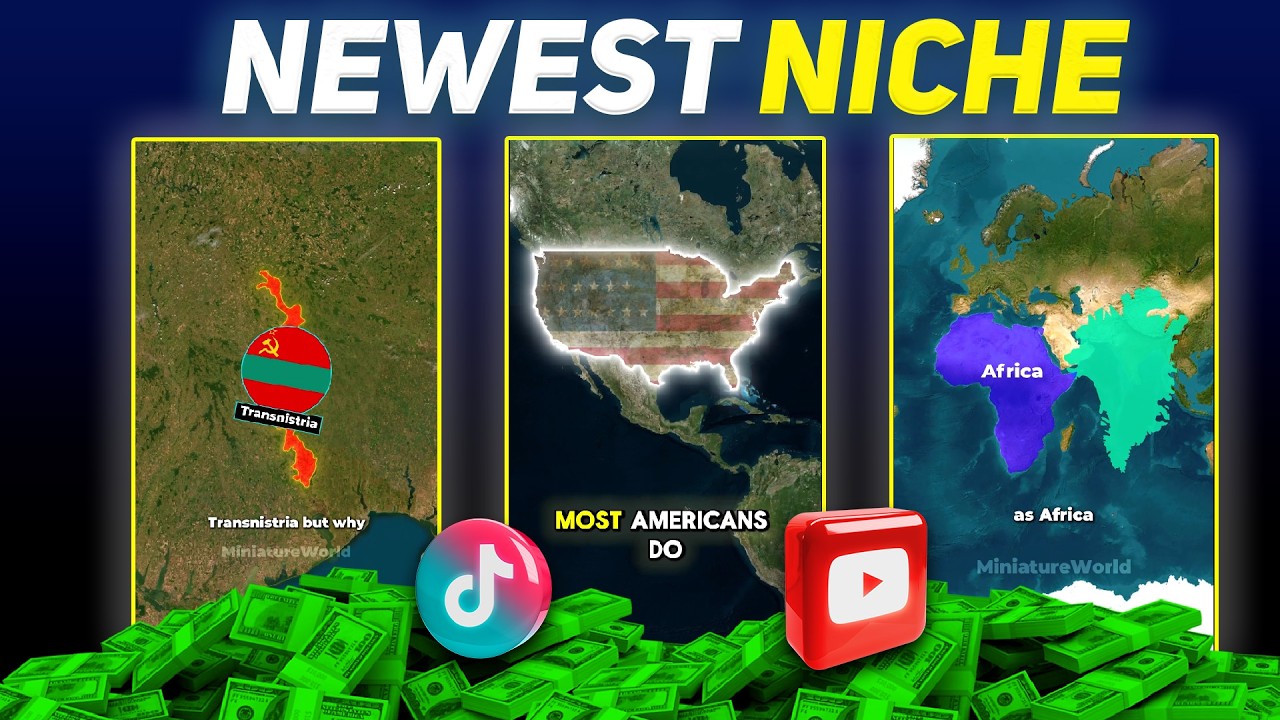
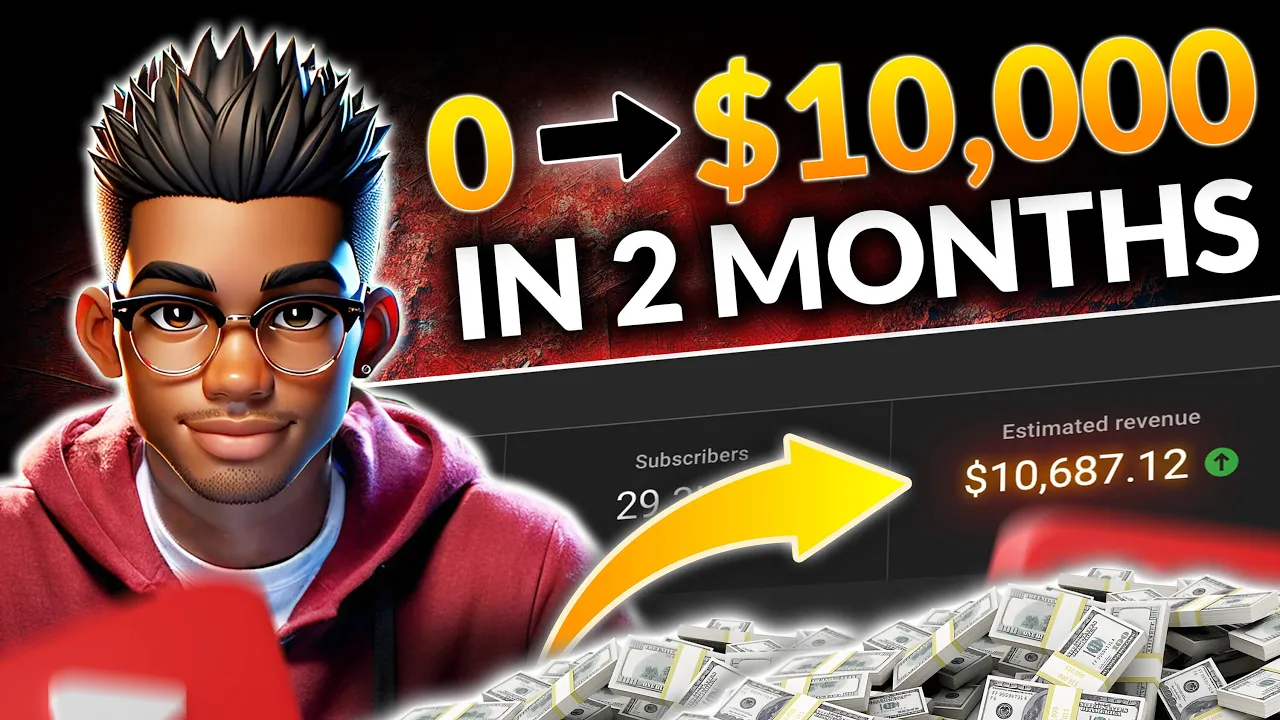
these two YouTube channels are absolutely blowing up right now and they're doing it in record time the first one was started just this June but already boasts over 7 million views same applies to the second Channel with over 2 and2 million views in Just 2 months what's even more interesting is the fact that these numbers were all generated from long form content just take a look at these videos I'm not only referring to the jaw-dropping view counts but the length of the videos as well each of their videos is incredibly long which means it would
have been easier for them to get monetized on of their first viral video you might be thinking this is all good but how much can these channels realistically earn and are they even monetized if so how exactly are they creating these long and intriguing stories that the algorithm seems to be head over heels in love with well hold on for just a moment because I'm going to answer all of that and more before we get into the details though let's take a quick peek at one of their videos St Mary's General Hospital a beacon of
medical excellence in an affluent suburban community was about to face an unexpected challenge when Angela Parker a talented black nurse joined their staff she had no idea of the deep seated prejudices she would encounter here's where it gets even more exciting both channels have some sneaky smart strategies they're using to hook viewers and keep them coming back for more but if you implement the strategies I'm about to share with you in this video you could have your own money printing machine just like these guys in literally a few months to clear up any doubts about
monetization check this out a quick glance at Social social blade reveals that the first channel is raking in up to $4,000 per month while the second could be pulling in as much as $10,000 monthly insane right and keep in mind this is from a channel that literally uploaded its first video Just 2 months ago that's more than most people earn working for a whole month but don't worry I am going to dissect their entire process and present you with the full blueprint that you can use to copy their strategy and start your own YouTube automation
today you don't need any prior experience with YouTube or even AI I'll show you everything from how they create their stories to editing the video keep in mind that YouTube isn't just going to hand you the views if you don't put in the work or implement the right strategies however if you have the patience to stick with me to the end you'll have a working strategy that you can Implement and start pulling in views just like these guys the first thing you need is to create your channel if you've ever created a channel before you
probably already know how to do this so feel free to use the timestamp to skip to the next chapter however if you haven't created a channel before do this head over to YouTube and click on your profile picture then you want to select switch account and view all channels click create new channel and you'll be able to pick a user name if you have one in mind go with that but if you don't simply head over to chat GPT type this command prompting it to create a few Channel names taking inspiration from the two channels
that are featured in this video chat GPT will spit out some creative ideas for you to choose from and hey if you're not feeling the first set of names just regenerate them until you find the perfect fit once you've got your channel name locked in paste it into YouTube and create your channnel next you need to create a description for your channel feel free to write that yourself but chat GPT can be useful here too ask it to create a fitting description for a channel in the storytelling Niche something engaging but not too long because
let's face it no one's sticking around to read an essay on your channel page now that your channel is set up the next step is to add keywords to improve your Channel's SEO that stands for search engine optimization this is what helps your Channel show up when people search for certain keywords go ahead and add words like storytelling and any other phrases that fit your Niche or the theme of your new channel just a quick tip avoid using keywords that have nothing to do with your channel not only is that unhelpful but it could also
hurt your SEO while you're at it make sure to specify the category your Niche falls under depending on the kind of stories you want to tell you might pick something different but for this style of Video Entertainment or education should fit perfectly next up you'll need a logo and Banner for your channel don't over think this something simple will work just fine you can ask chat GPT to create a prompt for generating a logo for your channel if you're on chat gpt's plus plan you can even generate the logo directly but I prefer using idiogram
for my Logos all you have to do is paste in the prompt choose a square aspect ratio and hit generate it usually takes a few minute for the logo to appear once it's ready take a look at the results any one of these options would be great but I'll go with this one and upload it to the channel page the last step here is to create a simple Banner you can use AI to create one but I'll go with something simple maybe a colored background with some text or even the logo head over to canva
or photopia then create a new project using this aspect ratio and draw a simple rectangle in your brand color now grab the text tool type in your channel name and you're done all that's left is to export the banner as a JPEG file and upload it to your channel just like that your channel branding and SEO are complete time to move on to the fun part creating content this is where these channels are able to stand out from the competition but unlike the majority of Storytelling channels these two use a technique called in media's res
if you don't know what that is neither did I until a few days ago but no worries I'm here to break it down for you it's a popular storytelling technique used in many hit movies and even by some of your favorite content creators let me illustrate normally stories start from the beginning then move to the middle and finally the ending but stories that use this technique jump right into the thick of things starting at a point where there's already a lot of tension or action then they backtrack with a flashback to the beginning of the
story this leaves viewers with so many questions that can only be answered by watching the full story let me show you an example of this technique in action I'm sure we've all seen the movie ratou just pay attention to the first few seconds and you'll see exactly what I'm talking about the movie starts with this curious scene a mouse carrying a book it immediately grabs your attention but then just as quickly it cuts to the beginning of the story like a flashback what's interesting is that movies aren't the only places you can see this technique
in action tons of content creators use it too one of the most popular examples is Ray William Johnson his crime stories almost always start this way dropping you right into the action or a pivotal moment then rewinding to explain how it all unfolded so yeah it's nothing new it's just that most of us had no idea this was an actual storytelling technique or how powerful it can be when used in our own stories but enough with the theory let's dive into how you can create your own stories using this technique the first step is to
come up with a story if you're the creative type who can whip up an amazing plot from scratch go for it but if you're anything like me and need a little help brainstorming an interesting topic you can always turn to chat GPT now paste this command prompting chat GPT to generate some intriguing story ideas you can specify the theme of the story like kindness Justice or even some good old Poetic Justice to guide chat GPT even further include a few sample titles to show the style you're going for to make this easy I'll be making
all of these prompts available in a Google doc on my Discord server you'll find the link in the description below and on my channel page as you can see chat GPT has generated a variety of interesting topics for your videos any one of these would make a great story but for this demonstration I'll go ahead and choose the third one to create a script for this story using the inmedia res technique all you need to do is paste this prompt replace the placeholder number with the number of your chosen top topic or even the exact
title then hit enter and let chat GPT generate the story for you now if you look closely the introduction follows the command we gave to the AI perfectly but you might notice something the overall word count for the story is less than 700 words don't worry though I'll show you how to fix that the introduction looks solid so we'll keep it as is the rest of the story starting from the backstory will need some work to expand it paste this prompt asking chat GPT to rewrite the rest of the story into 12 chapters you can
go with more or fewer chapters depending on your preference chat GPT has done as commanded but as you can see the chapters are generated with just a few sentences each this is easy to fix simply add a command prompting it to rewrite each chapter to match your preferred word count do this for all the chapters and soon you'll have a fully fleshed out story with your story complete the next step is to generate the voice over for that head over to 11 Labs now to generate your voice over paste your prompt into 11 Labs make
sure each batch is under 700 characters longer prompts can sometimes make the voice sound a bit off in certain places once your text is ready head over to the voice library and select your preferred narrator after that choose the voice and you're all set to proceed with the voiceover generation next up it's time to create images for your story now here's an interesting thing one of the channels where modeling uses just one image for their entire story but the other channel takes a more Dynamic approach they start with more images in the beginning and later
switch to floating characters with background videos to create your images you can ask chat GPT to generate detailed prompts for the characters in your story you can also copy sections like the introduction and paste them into chat GPT requesting prompts for the visuals then use your favorite image generator to bring those prompts to life if you're a chat GPT plus subscriber you can go one step further paste each prompt individually specify the image style and aspect ratio and hit enter repeat this for all the images you'll need throughout your story before moving on to editing
consider generating images of each character on a white background depending on the style you want for your video These might come in handy later the final step is putting it all together in cap cut start by importing your images and voiceover files then drop them onto the timeline add the first image and head over to effects under motion apply this effect it adds a subtle motion to the image making it feel more Dynamic after that duplicate the first clip and start bringing in your other images for something extra you can try the 3D Zoom Pro
effect which adds a nice depth effect arrange the rest of your images to flow naturally with your story if you want to add some extra Flare download a dust particle or old film overlay from this website drop the overlay into the timeline change the blending mode to color Dodge and adjust the opacity until it feels just right all that's left is to repeat this process as you go forward but if you want to Overlay your characters on top of a video grab some clips from we sites like pixabay then use a background remover to create
a transparent image of your character now import them into cap cut add the video and drop the character on top of it decrease the opacity of the video and bring in the old film overlay here as well lastly add the rebound swing effect and you're good to go repeat this for the rest of your story and once you're done export at 1080 or 2K resolution if you're new to cap cut and want a more detailed walkr check out this tutorial