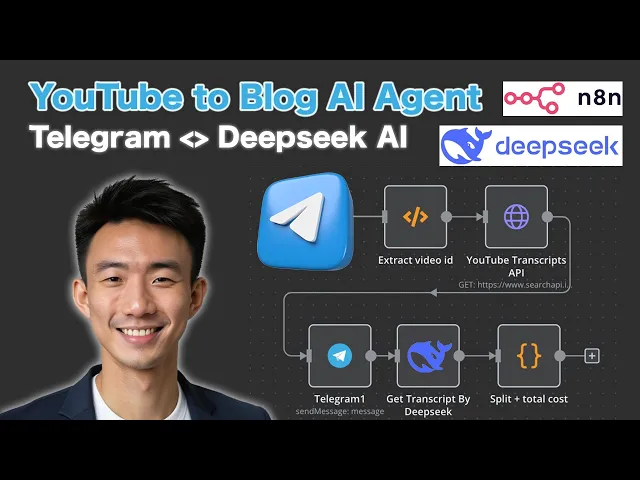
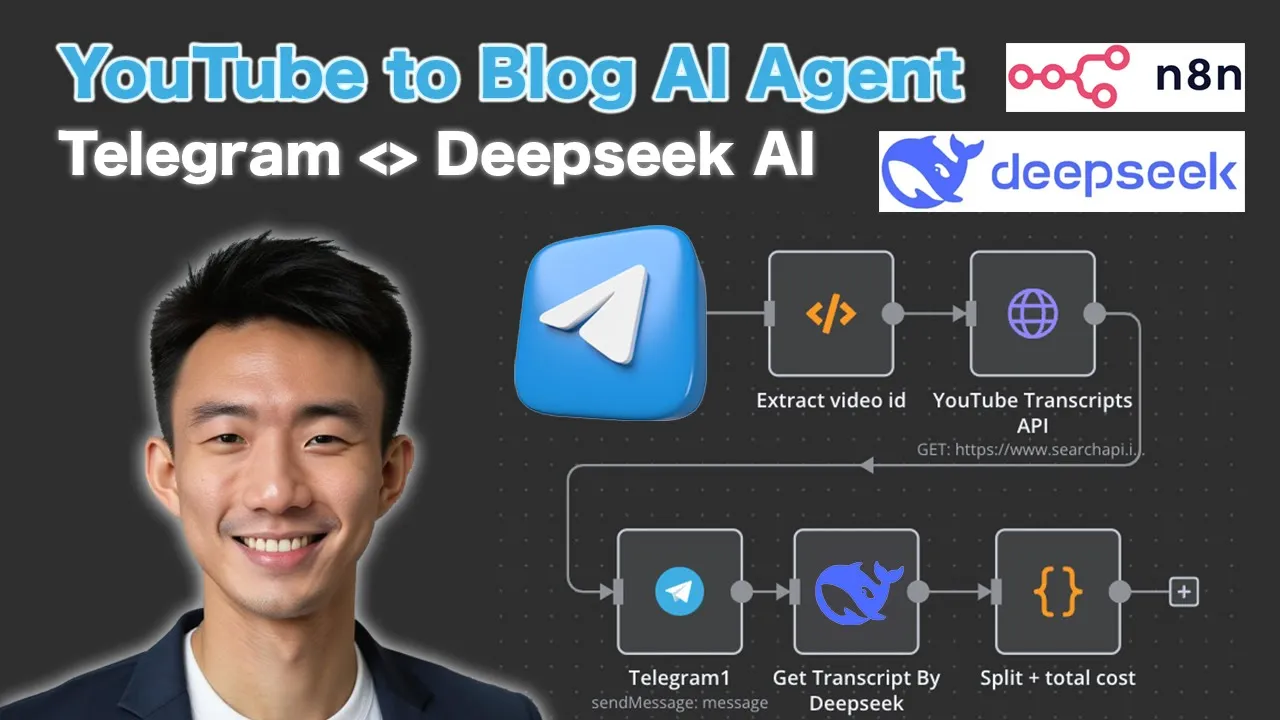
hi in today's video we're going to talk about how you can create an AI agent to turn YouTube into blogs we're going to use Telegram and dip seek AR in this tutorial so before we dive into the NN workflow let's do a quick Demo First so for example we're going to use this video which is around 14 minutes long and then we are going to turn it into a block so we're going to use the telegram interface so let's paste the YouTube link here and then it's processing getting the transcript and after getting a transcript is going through dipic AI to do the summary and turn the YouTube transcript into a Blog great as you can see this is a well structured easyto read block so um and also the statistics are provided as well the original length of the video is uh 40 minutes and 32 seconds and then the expected reading time of this block is around just 5 minutes so time total time saved it can be 9 minutes and 32 seconds and you can see it's very well structured and um and last but not least we can see the total cost uh required to generate this block post so let's dive into the workflow itself okay so let's dive into it so we have to prepare three items first the first one is a telegram port and then D seek API and also search api. API first of all for telegram uh we go to Telegram and search for bot father and we are going to click um type new bot for example we can call it um YouTube to B post bot and then we can choose a username um for example like testing um YouTube blog post spot and we can just copy this token go back to Ann so we can add credential search for telegram API continue and then we can just paste it as a token and remember this is a telegram account 3 or you can name it in the way that you want want save it uh I have already have one so I don't need to save this for now and then for the dip seek API uh we can go to dip. com click SS API and go to API keys and you can just create a new API key and copy the API key and go back to n so um what we can do here um let me show you so for some about this one it is a header header or you need to type authorization and then just paste the value here great and then for the search api.
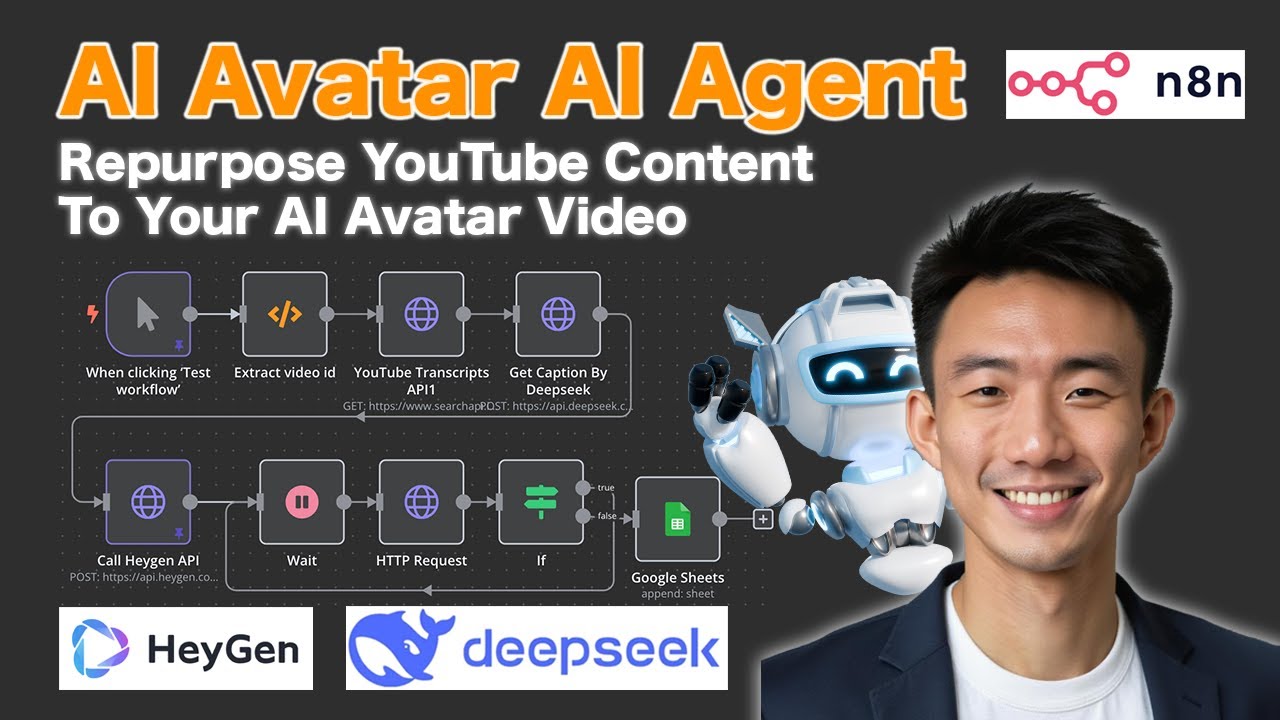
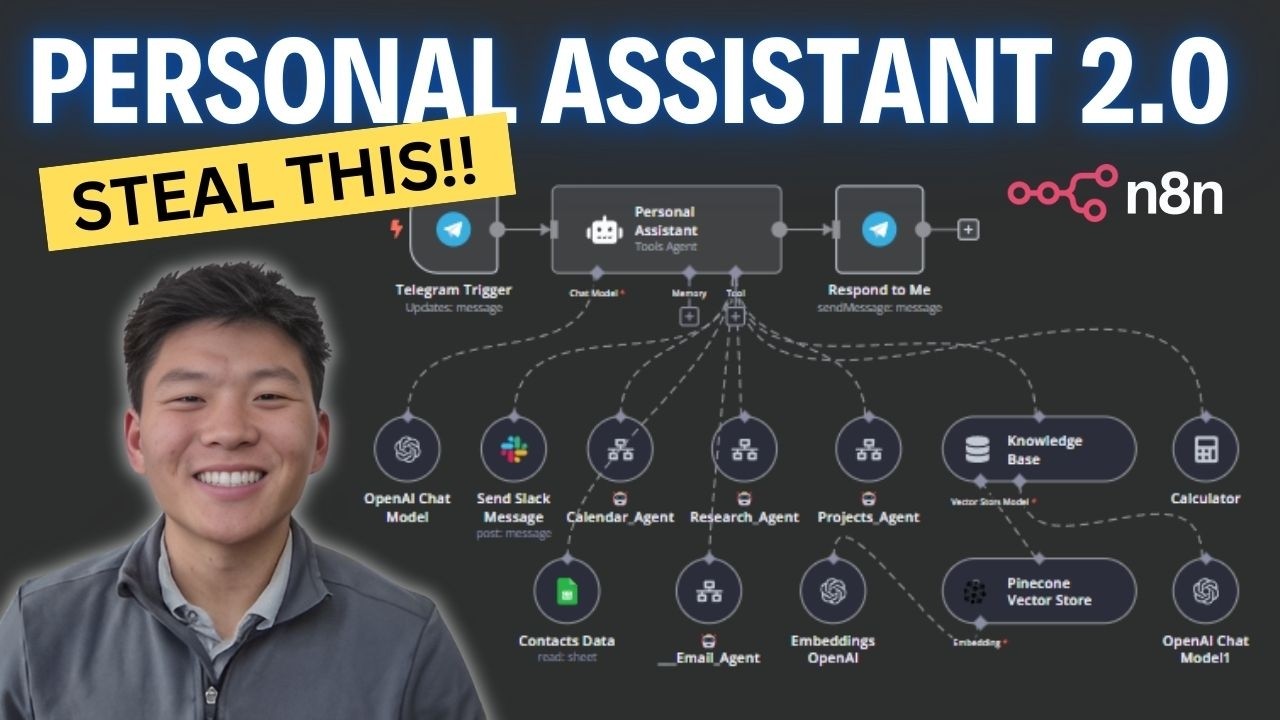
we can go to search api. here and then go to dashboard and just copy API key and and the um note using YouTube transcript so we're going to paste it here okay you can paste it under the field name called API _ key so that's the credential setup for the workflow okay after setting up the credentials um let's dive into the workflow so there are mainly five steps first all is the telegram trigger which is here and then we're going to extract the u YouTube video ID from the telegram message because we're going to um input the uh YouTube url as a telegram message and then we need to extract it uh extract the video ID um because we need the video ID for the search api. API to retrieve the video transcript so this is the note and then we're going to process this transcript via um DP cki and last not least we're going to generate a send of response um including including the total cost um to back to um telegram okay so let's get started so for the telegram trigger so let's dive into it um because uh we have already set up the credentials we can just choose the uh credentials to connect with for example the account the telegram account that I use is called telegram account to so you can just choose this and then trigger on message so this is a note and for the ex video ID so this part uh we can just add a note uh we can search for code it's a c custom code so you can just copy and paste this this code to the custom note and uh I've already prepared uh Google Document um you can just copy this part into to your note and then for the second part which is the uh video transcript let me delete this one first okay for the uh YouTube transcript API uh we are going to have uh H TTP request so you can just edit here and then we going to um show the details inside so none s see authentication and we're going to use get request method and then for URL we can use you just copy and base this and then the response format is Json so there are a couple query parameters first of all this is engine uh Val is YouTube score transcript you you can just copy and paste it and video ID and then uh copy and paste this value uh language English transcript type Auto API key you can just copy and paste um the API uh key that um you have on your own uh search API IO search api.