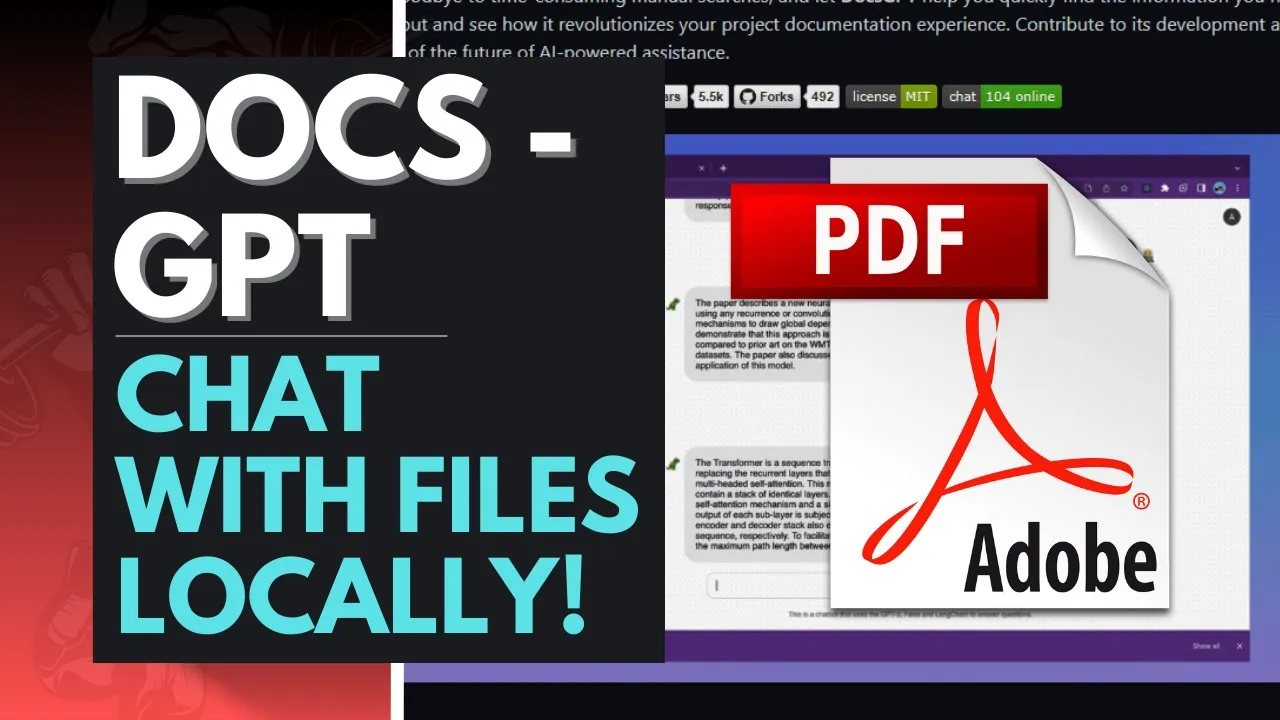
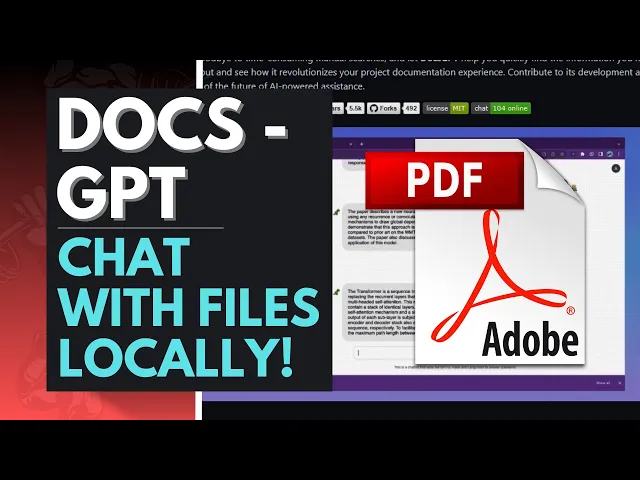
hey what is up guys welcome back to another YouTube video at the world of AI in today's video I'm going to be showcasing a project which is called Doc's gbt docsgbt is an Innovative open source tool that aims to simplify the task of retrieving information from Project documentations this means that you can upload PDFs into the actual application and you can chat with these PDFs now by leveraging the advanced capabilities of GPT models this solution offers developers as well as users inefficient as well as an intuitive way to ask questions about your own project as
well as receiving accurate and relevant answers now traditionally finding specific information in a project documentation can be quite time consuming as well as labor intensive now what this has done is that you are often need to manually search through extensive documents and as well as reading through numerous Pages or relying on keyword searches that might not always yield the best desired result but what with like actually dark GPT you're able to address these challenges by providing a natural language interface to interact with the PDFs or the files that you have uploaded now I know I
covered a lot of different types of applications where we talk to different PDFs as well as private GPT which focuses on having the Integrity of privacy while talking to your PDS locally but in this case we have an easy approach where you can actually access it fairly easily on the virtual front on the web front as Doc gbt is available on this search engine as I mean sorry the search host and this way we're able to access it quite easily so in today's video we're going to take a deeper dive as to what you can
do with docsgpt by analyzing some of the in-depth like information of the octavity taking a look at some of the features as well as showing you guys the roadmap that they have it will also be going a little bit deeper into how you can actually install it locally on your desktop and this is something that will showcase later on in the video now guys before we actually get into the video it would mean the whole world to me guys if you guys can go follow this Twitter page of mine I'm gonna be posting the latest
AI news over here so you can get like basically the latest AI news right to you on the Twitter page so definitely give this a follow if you guys haven't subscribed definitely do so guys and if you guys haven't seen any of my previous videos I highly recommend that you do so because there's a lot of content and a lot of value that you will definitely benefit from so like this video turn on the notification Bell and with that thought let's get right into the video now at its core Doc's GPT is powered by the
GPT models which are state-of-the-art language models developed by openai now these models have been trained on a vast amount of text Data from various sources which enables them to understand and generate human-like texts now by fine-tuning the GPT models specifically for a Project's documentation what you can do with docsgpt is you're able to provide highly accurate and context of where responses to the query that you have inputted now the main advantage of docs GPT is its ability to comprehend natural language curies instead of relying on a specific keyword or a search term you as a
user or developer can simply ask a question in plain English now for example instead of searching for a specific function or a code snippet in the documentation you as a developer developer could ask how do I Implement feature X in my project now with docsgpt it will then analyze the question and it will then understand the intent behind it and then it will provide you the relevant information from the documentation that you provided to giving you the output of the answer now another significant feature of Doc's GPT is its versatility it can be integrated into
development of different types of environments such as integrating developing environments that will help code like code editors in making different types of development processes to like basically deploy your code now this integration allows you as a developer to access relevant documentations right when you need it without the need of a manual search engine or switching between different tabs which might be quite time extensive now let's get into the next Focus where we talk a little bit more in depth as to the main features that are provided with docsgbt one of the main features is that
docs GPT provides a natural language interface that allows users to ask questions in plain English this basically eliminates the need for specific keyword search which we talked about before secondly there's a context very response feature which basically is integrated into the GPT model and it allows docsgpt to offer more of a taunt context of their response to your queries as it understands the intent behind the questions that are provided with accuracy accuracy as well as relevancy to the information from the document that you input thirdly there's an integration with development environments this basically means that
Doc's gbt can be seamlessly integrated into existing deployed environments such as an IDE or a code editor this means that you as a developer can access the documentation right within the workflow without the hassle of switching between different tools as it provides a quick and convenient access to the information that you need to enhance your productivity we can see that you can also Host this locally on your desktop which I'll be showing you guys very shortly shortly as well as having a nice interface which is quite easy to look at and it's quite simple to
use so before we actually get into installing it locally on our desktop firstly I want to just show you guys how you can actually install and make this application runnable on the web front so first things first I'll leave this link in the description below as well as the roadmap and and the actual GPT dock or the repo for this docs GPC folder now first things first you're going to need to create your own account so if you guys haven't you can sign in create it with apple your Apple ID GitHub Microsoft as well as
Google in this case I'm just going to use an email address and I'll quickly create my account and I'll be right back so guys I've officially installed my account onto the actual application so now once you are in this actual UI what you can now do is start chatting with different documentations firstly you can choose different types of models in this case you can choose the GPT 3.5 as the default model but you can also choose gpt4 which is I believe is their Pro like feature I'm not too sure how you can actually access this
but you can upgrade I believe I did not know it was a paid feature but I guess it's ten dollars a month in my opinion I'm not recommending that you pay for this as there's cheaper options out there so I I think it's better to just use the free one in this case you can also use Source stocks of python 3.5 as well as different types of different like documents that you uploaded in this case I uploaded this PDF right here and I'm going to start chatting with it now let me just open it up
so you can get a better context so basically I just downloaded this random paper that is talking about some sort of LM now basically I uploaded it over here by going to this upload tab over here selected the file and I basically allowed the application to start training with the document that I had uploaded now once that was uploaded it takes a couple seconds it might take a little bit longer if it's a larger file but once you have that uploaded you can start asking questions now what is this PDF talking about and once you
have that submitted you're going to get a better response that is formulated in a couple of seconds now another great thing about this is that you can also have multiple chats running simultaneously obviously it might not work at the kernel because it's generating this but you can have different types of Logs set up on the side so you can access them anytime that you want now in this case you're going to have different names renamed for different use cases in this case I just put this one but you can rename it beforehand and this is
where you can actually rename it and change up the format and another thing that I wanted to talk about is that it's limited to only 10 MB so if you have a file that's larger I would highly recommend that you condense it by searching up online condensed PDF file condensers or txt file conductors now we can see over here it has given me an output which is talking about what this actual paper is discussing it gives me a good summary of what is happening throughout all 25 Pages as it goes on and analyzing it and
now you can actually reference and talk about ask about certain things maybe in this case uh let's say let's copy this text limitations and Feature work talk about the limitations and Feature work so now it will then formulate and start working towards giving me the limitations and the feature work so once this is complete I'll be right back sorry guys I have to refresh this page but basically I asked it again and I had it to be a little bit more specific because the system wasn't able to analyze that there was a PDF uploaded so
I just refreshed and asked it once again what are the actual limitations and I had to specify specifically about the actual Project's title so I pasted that in and I was actually able to get this formulated answer and this is basically how you can actually chat with PDFs fairly easily on the web front so I highly recommend that you check this project out guys now let's actually take a look before we actually end this video off on how you can actually install it locally on your desktop so first things first you're going to need an
application that is called get get is a free application that helps you clone a repository onto your desktop quite easily so once you have once you have that installed you can get to the next step which requires you to have python so if you do not have python make sure you have that installed and lastly you're gonna also need application which is called Visual Studio code and this is an application that will be used to actually edit the code and lastly I forgot to add on you're gonna also need this application called Docker this is
what's going to actually help you run it on the actual web front and it will basically host it on your Local Host so first things first what you want to do is open up command prompt now what you can now do is copy this command prompt right here and paste it into the actual command prompt press enter and once you press enter you're going to need to type in this command which is basically saying CD Docs GPT and once you're in this command you're going to be in the folder and what you will now do
is you're going to have to now go on to visual studio code which is this application over here which I totally download and once you're in that folder or this application what you will now next need to do is go on to open folder Tab and what you will need to do is open up the docs GPT folder and once you're in that folder there's going to be a couple of files that are going to be on the left side handle there's going to be one that says the dot and template and basically you just
gotta get rid of the template and upload your open API key that is going to be stated over here and which once you've done that you just gotta click save and you can close it and once you are finished that you can run the next command which is right here copy this paste it into the command prompt it's fairly easy and once that is done you'll be able to operate and run this application and then once you have that finished you can then go on your localhost and you'll be able to operate docs upt just
like this but on your local host and this is how you can actually access this application on your local desktop so with that thought guys in summary docsgbt is an advanced open source solution for being the Revolutionary way of actually chatting with your chat bot I mean with your PDFs with a chat bot and with this thought guys I hope you found this video to be quite beneficial for you guys and you got some sort of value out of it it would mean the whole world to me guys if you guys can go follow my
Twitter page if you guys haven't already make sure you subscribe turn the notification Bell like this video and share it around and if you guys haven't seen any of my previous videos it'll mean the whole world you guys if you guys can do so and with that thought thank you so much for watching have an amazing day spread positivity and I'll see you guys very shortly peace out fellas





![LocalGPT: OFFLINE CHAT FOR YOUR FILES [Installation & Code Walkthrough]](https://img.youtube.com/vi/MlyoObdIHyo/maxresdefault.jpg)