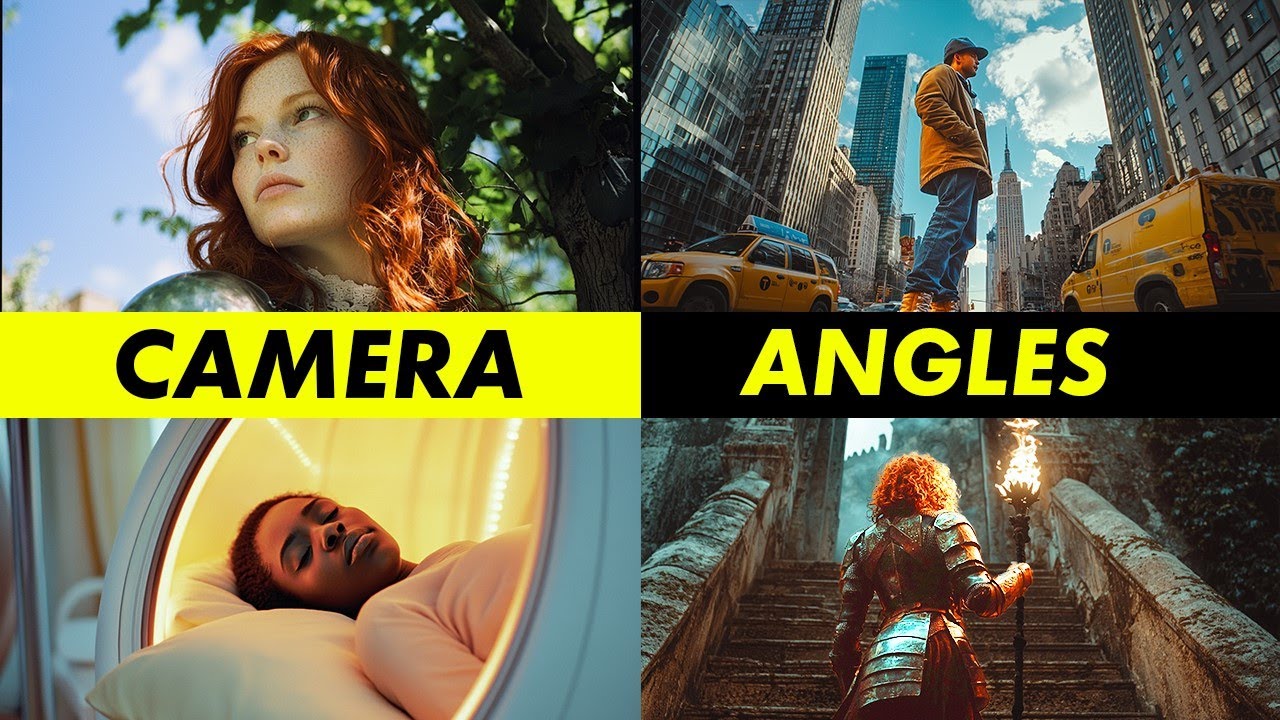
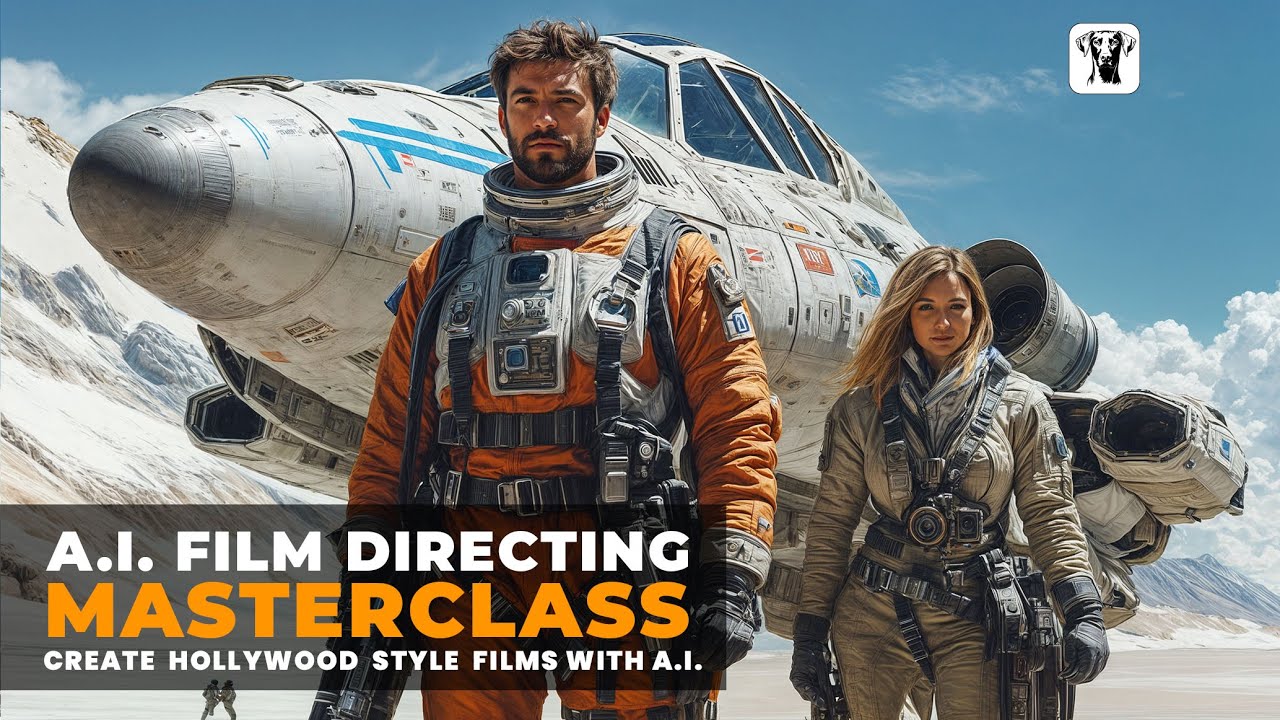
in the AI video world we reach to a point that we can say we can generate almost all type of videos that we want but in order to get the most out of these AI video generators and create the most cinematic scenes we have to know how to direct the camera and also how to control its movements so for example only with one image we can generate different scenes with different scenarios and different stories or maybe you want to create an AI infl Lancer and you already have the images that you need but you want
to create AI videos for your AI influencer but you don't know how to do so or maybe you want to showcase a product or showcase your brand in this video I'm going to show you how you can do all of those amazing camera movement and also how to direct your camera to get the most cinematic scenes and also how to explain your scene context in order to get the most out of these AI videos so let's start with simple ones posing in front of the camera is one of the simple prompts that you can use
and it will always generate fantastic results like the videos that you are seeing now another simple prompt that we can use is how to make the camera perfectly still without any movement with the keyboard fixed lens by doing doing so we can avoid any movement into the camera and we can focus on the object however sometimes this keyboard might not work in these cases you might use stationary camera or static camera and after a few try you might get the result that you want by the way I generated all of these images with Leonardo Ai
and also after creating all of the images I came to cling Ai and in AI video I pass the image here and I put the prompt into the prompt section I also tend to set the creativity to point7 uh I'm always using the standard mode and 5sec duration and one video at a time next up is simple zoom in and zoom out we can zoom in with the word camera zoom in to get closer to the subject we also can zoom out with the word camera pullback or even camera zoom out and by adding keyboard
like fast we can do this in a faster way because sometimes the camera movements are so slow with adding keyboard like fast or super fast we can control them also you may still not get the result that you want but you will get the desired result after a few triy another cool and simple prompt which you can use to make your videos more cinematic is rotating lens with rotating lens we can move around the object and show different angle of the objects like the videos that you are seeing now all right now we can go
on a more advanced prompts and start combining camera movement with character directions now we are moving the camera above her head and give her a panicking expressions like she's terrified or panicking from something now pulling the camera back and reveal a gun to defend herself we also can tilt the camera down or up with a few simple words which can add cinematic effect into our videos another cool prompt that you can use is fpv which is a stands for firstperson view with this simple prompt you can have a firstperson view on your videos which is
going to add a highly cinematic scene into your videos we already covered a lot and with the prompt that we covered until now you already are more advanced than the most AI video users but let's move even this further and see how we can combine the camera movement and add scene context and by the way if you are still watching please consider to subscribe to the channel to see more tutorials like this to make our movement more cinematic and more advanced from now on we have to be more descriptive in our Pro prompt for example
in this video I use the prompt camera flies above to a bird's eye view of the tree here is another image with the exact prompt do you see the problem yeah sometimes you may lose the color consistency so in these situations we might use another keyword and the keyword is muted color so with passing muted color we can tell the AI have a more consistent color and don't change the color at all another way to be more specific and more descriptive in the prompt is to tell the AI where to zoom in so for example
in this video I passed the prompt zoom in on her eyes and as you can see the video turns out really good another cool effect that we can create with zoom in is that we can first describe the character movement into the scene or add this scene context and then zoom in on that part as an example in this video you can see how he turns around and Rises a gun and we are zooming in on his eyes since we are still combining the camera movement and scene context in camera til down we can be
more descriptive and describe the whole scene for example on this video we say that camera tills down to reveal her legs and the video turns out really nice another cool scene that we can create with the EXA exact image is this camera flies above to an overhead shot of the woman she is standing on a known geometric pattern muted color for having a consistent color saturation all right now on this video we say the camera pullback and Tils up to reveal a giant UFO glowing with electricity in the sky so as you can see as
more descriptive we are going to get we can have more complex scenes with more move movement with adding more subject into the scene now with the exact image we have the camera pull back and then P to follow him walking towards a motorcycle as it turns out the motorcycle is really cool all right with the exact image we can see the camera pullback and tracking shot of him walking towards low angle shot so now we are doing the tracking shot with just adding a prompt of tracking shot of him walking towards with the exact image
we can have the camera pull back and tracking shot of him walking towards body angle shot so with saying body angle shot we can have a body shot but on the previous one we had the low angle shot so the camera only showed his legs another cool keyword that we can use is follow so with using word follow we can follow the subject into the scene so for example in this scene I said follow the soldier hiking in the forest or with this scene camera flies above to an overhead shot of the woman she start
to fly another video zoom in on the snake now let's get more advanced tracking shot she stands up and walk out of the pool she is wearing orange leggings muted color it turns out a really good video now let's go on under the water so for example follow her as she Dives under the water the camera moves under waterer muted color as you already can see we can also move the camera under the water with the word camera moves underwater but the AI isn't perfect yet check out these two videos these are the exact prompt
with a really cool image but it turns out a really weird video so one of the best advice that I can give you is to go and explore the community in cling AI or any other AI video generators there are always some Community which other users share their videos so let's check out these videos so for example in cing AI there is a explore Tab and we can come here and explore all of this video from here I can choose video I can come down and see all of these amazing videos and see what prompt
and what picture did they use which AI model did they choose and how did they create all of these amazing videos so for example let's check out this one this is an image the woman Smiles slightly turns around and walks towards the castle along the path so as you can see the AI followed all the prompts another cool video so the Creator already had an image and he passed the fashion show at Runway slow motion the video turns out really cool so as you can see this video also has a reference image but no prompt
we cannot see any prompt here so AI did the creativity itself and came up with this video here is another cool video which has a reference image and is a closeup shot and you can see the prompt here here is another video it has a reference image smiling and walking to the viewer really cool prompt and generated a cool video also maybe check out this one a reference image but a really descriptive prompt which the video is also really really nice so there you have it guys if you want a better video you have to
describe the video as detailed as possible but be aware that if you make a complex prompt the AI always cannot follow the complex prompt The Prompt should be simple understandable and without any confusion I hope you guys enjoyed this tutorial if you like this type of content content I will appreciate if you consider to subscribe to the channel and give a thumbs up to this video see you on the next one