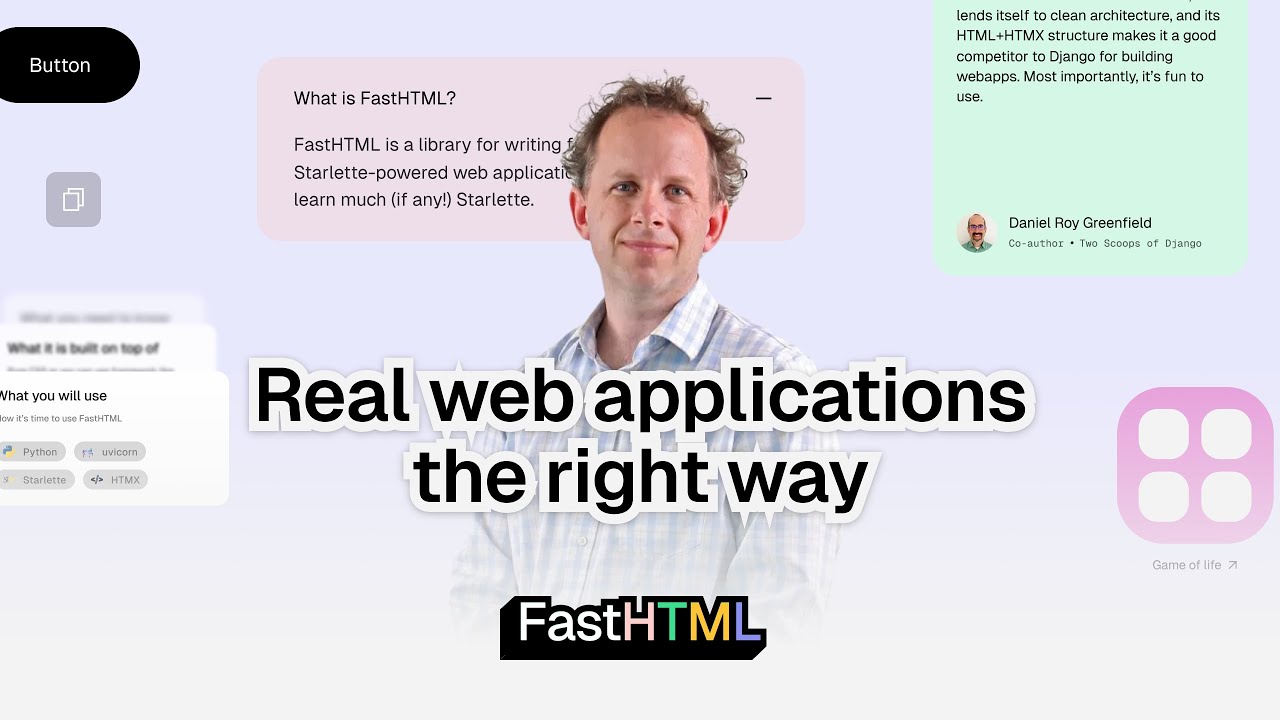
hi everyone in this video I want to introduce you to a new python web framework called Fast HTML which has got the vision to make it very easy to create quick prototypes but also make it easy to create scalable powerful and Rich applications without knowing a front and framework like reactor angular fast HTML allows us to create interactive applications with HTM Max which allows us to create interactive applications without the massive overhead like a virtual Dom and all that stuff which modern JS Frameworks use I'm going to show you the basics and simple examples and also very basic chat application with L chain since many of you wanted to learn how to build a UI with python okay I'm in vs code and on the left you can see multiple files you can also get access to these files if you follow the link in the description so the first step is to install the package so we install it by pip install python fast HTML and after that we're going to have a look at the very Basics so first we going to explain the basics. pi so we going to import everything from Fast HTML and there is the common module and this common module has got this fast HTML class so we can create an instance of an app and then like in every other web framework in Python you can create a route so we create a very simple get route where we serve this HTML in the root route so we create a function and return this simple HTML element at the end we also call these surf function here and then we can just use Python basic. pi and this will now set up our application and it will be accessible on Port 50001 okay so this is how it looks like in the browser as you can see we are on Local Host Port 50001 so nothing really shocking this exactly displays the HTML as it is but to be honest this is not the best way to do it there are some helper classes and we import it here just by using this wild card operator so for helper classes we've got something like a diff this is a normal diff container in HTML we've got an H1 which displays text a little bit larger than let's say with a ptag so these are all very common HTML texts but you can just use Python THX to create this simple website you can also create functions to create interactive reusable components and use it like this so we've got our HTML content and we iterate just five times and append the HTML content here to this list and at the end we create a diff so like in every other JavaScript framework we have to return a single element from that so we wrap the diff around our HTML content and then at the end we serve it again so this now looks like this if we refresh the server we can see that now we've got five times hello World some text and some more text so also very easy to do that in a loop so now let's have a look at the app.
py this app. py contains a very simple example of our to-do app so we're going to use some other classes here so in this case we're going to use the fast app function which will create an app instance and also a router instance a router is used to post or get data and not just to serve HTML so we're going to create this simple to-do app by creating an empty task list first and then we going to create our first route so this is again the home route or root route and we create a get method here we then create an HTML form like this so we use the python syntax but this is exactly the same like if you used vanilla HTML so we create a form with an input field which is of type text and we can also add a placeholder we then can also add a button and for this form we want to have the a post method and we want to post the action to this add task route okay so we don't only want to have a form here but we also want to display the tasks and this can be done by using an unordered list in short Ur this again the same like in vanilla HTML and then we going to create for each task a li item a list item where we provide the task as text and then we also going to create an AAG where we can make a post request again and we can delete the task with a specific index here so we're going to iterate over every task and create that task list and then at the end we just going to return a single HTML element again here with this titled class so we create a title to-do app and in H1 my tasks and here we pass in just the functions which will be rendered then by fast HTML okay so the next step is that we create our add task route where we only allow a post method and what we're going to do here is that we just append the task to the inmemory list tasks and then we going to make a redirect response because we don't want to end up on this route but always return back to the Home Route then we again create another route and this is responsible for creating a to-do so again we just use or in memory let's say database and pop the item with the index that is displayed here so here we've got the correct hre to create uh or to delete the correct task and then at the end we just going to serve that so let's stop the current APP and run the app. py again okay so this is how it looks like as you can see we already get some styling this is provided by Pico CSS a minimal CSS framework and we can now add some items so just add one add one again and we can delete one item and yeah just like that our to do app works but take a look at the left you can see that the website refreshes every time so this is not what we want we want to use HDMX So currently we don't use it but every time we add something we make a request to the server and get back the complete rendered HTML so now I'm going to show you how that looks like with HDMX okay so go to the HDMX app.
py and as you can see this looks pretty much the same like before but I created a little function to actually render the items but the key parts are these the HX post HX Target HX swap so what do these mean HX post uh triggers an HP request to the specified URL so nothing really spectacular but this is the key part HX Target and this attribute designates which part of the page should be updated with the response from the server so this time we will not make a complete update of the website but only of the target here and the HX swap attributes determines how the content of the element Target should be updated so we will replace the outer HTML of that Target so I'm going to show you how that looks like so we're going to run python HDMX app. high now as you can see the app looks exactly the same oh I kept it in German but yeah no matter what it doesn't really matter and as you can see if we add any elements and if we delete elements you will not see this refresh symbol triggered but we only update the part of the document object tree which has to be updated but we won't perform a full refresh of the website and this is how we want our interactive website to behave okay so last example is a small real world application here the llm app. py so what's happening here we will create a simple chatbot and we again import the required classes and functions from Fast html.
common and this time we also import from length chain human message AI message and system me message as well as chat openi so we we will create first a list of messages and then create an instance of chat OPI with gbd4 mini as our model then we can use now a special headers list and inside here we will import now Tailwind CSS Tailwind CSS allows us to use utility classes and yeah make our application much more beautiful than just using the Pico CSS framework we also going to import or reference with a link the daisy UI Library which is built on top of Tailwind which makes it even easier easier to create beautiful components we also going to use the script tag here to use htx in a minified format so we can all do that on our own customize our headers like we did here so now we're going to create a class chat message and we're going to use some Daisy UI styling so we will use the chat bubble primary class and I'm going to show you how that looks like so we going to create a chat bubble here on the left and here on the right so if it's Ani message we put it on the right and if it's a human message we put it in on the left and then we going to also add some helper functions from Tailwind like this which gives us a little bit of margin in the bottom we then create our route so our home route we use a get method here create a form this is used for our input that we want to send to the openi model and we use a button here with a little bit of tailone styling give that a post method and the action should be sent to the chat endpoint and we also provide our HDMX uh attributes here to make that interactive and at the end we just going to return a single div with all of the chat messages and we also give that a div container in ID so at the end we return the single HTML element with the chat history with our headers and H1 so we put also a little bit of an image here I created this pirate PNG here with jgpt so it looks a little bit nicer okay so next step is that we create our chat endpoint this is where we going to send our request to when we input something and uh type the button so this will make a request to this chat endpoint and this will add the end trigger the invoke method of our llm so this will make a request to open AI we will get a response and then we append the AI message here to this messages list and we also going to return the div with all of the chat mess messages here from that endpoint and the very last step is again just run the surf method so we're going to use Python llm app.