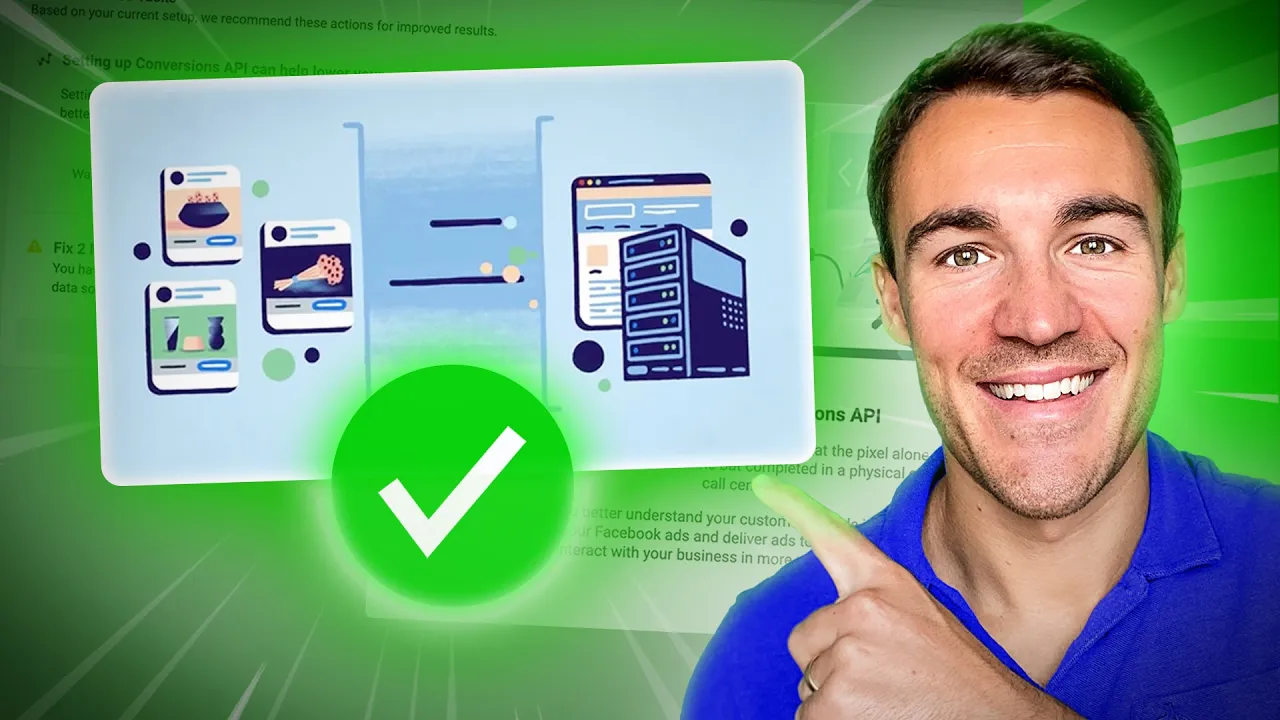
Facebook ads tracking is not what it used to be we used to get incredibly accurate data when it came to running our Facebook ads and it's almost impossible to overstate how important accurate tracking and data is to Facebook ad results then iOS 14.5 came along and messed all that up fortunately meta introduced the conversions API which really helps and is something I'd recommend that all meta advertisers do get set up it can be quite complicated and quite technical but in this video I'm going to show you a really quick and easy way to get it
set up so 14.5 was introduced 2 and a half 3 years ago at this point and it limited what we were able to track as Facebook ads the actions people take once they left Facebook Instagram apps when they're using iOS um devices and that impacted the accuracy of our data which not only made it more difficult for us as Facebook advertisers to optimize our campaigns because if we can't see exactly which ads are generating which conversions and and how successful they are and the return on ad spend all that sort of stuff it's more difficult
for us to make decisions but likewise the same applies to meta's machine learning learning process and being able to optimize the campaigns around that data both were negatively impacted oh my God okay it's happening everybody say procedure everyone what's the procedure and meta has the conversions API to really help with data accuracy and it's something that all meta advertisers should set up I'm going to show you quickly and easily how you go about um actually doing that what it does is it gives you another string to your bow effectively in terms of data Gathering and
adding in really important data back into your Facebook ad account that can be used for you to optimize and for meta to optimize you're not just relying on the pixel data which on iOS devices can be um unreliable and we know that other privacy rules are being introduced you know we've got some stuff going on in the EU that I've made a video about link be in the uh description um discussing that and and how that's going to affect tracking so the conversions API is is really important now it's only going to become more important
as privacy rules Come into place that make it more difficult for us to track uh what people are doing once they click on our Facebook ads and Instagram ads now to demonstrate this I'm in an example website that we often use for demonstration purposes it's a WordPress website and I'm going to demonstrate this for WordPress website owners don't worry what we're going to talk about in a minute also applies to all of the different types of sites whether it's Shopify or whatever it is you're using so so it's going to be relevant no matter what
platform um you are actually using but I'm just going to demonstrate in WordPress first if you go ahead and into your plug-in sections I'm obviously in the WordPress dashboard here and you click on add new um don't worry about the warnings up as I said this is a um this is a example website that we typically use and then if I go over here to search for plugins and I put in if I just search for metapixelatron if you want to know more about the pixel I wanted to keep this video uh much more focused
on on the conversions API but once that's been installed I can then obviously click activate and then we've got this little notification here it says you know easily manage your connection to meta with meta for WordPress follow the setup steps that's exactly what I'm going to do and then um and then walk through okay so if I go ahead and click on get started down here and then make sure that you have the right um account you're logged into the right account um to be able to go ahead and set this up so click continue
continue again obviously you have to Grant the permissions for you know the information to be transferred um and then once you get into this section here you need to go ahead and make sure that everything is set up correctly right so firstly your business manager if you've got multiple business managers you can click on this little arrow and then just make sure you select the right one from the list as we have uh multiple set up here so that's absolutely fine so we've got the the right business manager set up then we want to make
sure that we've got the right Pages selected for example um and then once again click next then you can go ahead and add in an Instagram profile which again is something that I would recommend you do make sure that you've got your ad account selected as the right one you may just have the one which is absolutely fine but obviously we have lots of we can potentially choose from so again make sure you go ahead and just select the right one there and then the same applies to your pixel again this may not apply if
you've just got the one pixel but if you've got lots of pixels um like we do then I need to make sure that I go ahead and select the actual right one in there okay automatic Advanced matching is something that I would recommend that you turn turn on you can see what it says here use information your customers have provided to your business like email address phone number to match web serves people on Facebook that's going to help with data accuracy um so that's definitely something we want to turn on so basically once you've just
made sure that you've got all the right options selected here that's fairly self-explanatory you just want to go ahead and click next okay so once you've clicked on that and and meth has actually made the connection um that's great we've made progress by the way that is a little bit buggy of course okay let's try again, time okay so if you do find that something doesn't work like try again try on a different browser um that plug-in is not um foolproof but it does make it very easy if it does actually uh work out for
you but the important part when it comes to the conversions API is to scroll down to this section here right so we've got the business connected to Facebook and it's this meta Advanced configuration and we've got this uh option here send websites events to meta using conversions API and that is selected for obvious reasons because we definitely want that to be turned on now sometimes this will be turned on by default a lot of the times it won't I don't know why it differs but we always make a note to manually check that this conversions
API tracking is set up and that if it's not we absolutely go ahead and tick that box that is very very important because otherwise the conversions API won't work but in terms of getting this set up on a WordPress website it really is as simple as that install the the plug-in activate it and go through and just make sure you've got right page you know log into your Facebook account make sure you've got the right page right ad account right pixel selected connect them up and then absolutely make sure that this conversions API checkbox is
ticked so this is what it looks like for WordPress which I know a ton of the people that that watch my videos will be they will have WordPress websites so that's exactly how you get it set up another massive grouping of people that watch my uh content will be people that have Shopify stores and again it's a very similar process once you've got the pixel installed within Shopify um it's just a checkbox okay so very straightforward and and a simple process and a lot of the other website platforms have quite simple Integrations the most important
thing to take away from this video is that you need to be using the conversions API and there probably will be a checkbox somewhere and you need to go and find it depending on what website integration you have because you need to turn it on it will help with your accuracy now if you have gone ahead and installed the metapixelatron quite technical so if that technical person is you I'm sure you can probably work it out because you already set that up the pixel up that way manually coded it in yourself if it was someone
else that did it like a developer or something like that I would get them to go ahead and install the conversions API for you it's definitely over my head when it comes to to technical levels I can do it using the the Integrations and plugins and things like that but any sort of manual code is is not something that I go near and if you need to get this set up you've got the pixel um installed uh coded in manually as opposed to using one of those options and you want to get the conversions API
set up definitely get the previous person to do it or hire someone on Fiverr upwork something like that to do this for you it won't cost a lot of money and um you'll be much better off them getting it right so that your tracking is accurate because as I've already said the accuracy of the data that is fed back into your Facebook ad account really helps you as a meta Advertiser to make optimization decisions it also really helps meta use their machine learning process and AI to get you the best results possible so really really
important you get the conversions API set up it's a lot easier to set up now than it used to be and that's how you go about doing it if if you're getting the conversions API set up you are clearly serious about your Facebook advertising and that's great that also means that you're going to love this video here in it I demonstrate a brand new Facebook ad strategy that costs way less than traditional Facebook ads it takes advantage of a brand new feature you have to go ahead and check it out
![[2023] How To Set Up Facebook Conversion API w/ Google Tag Manager (Server-Side)](https://img.youtube.com/vi/L65roS_B4rA/maxresdefault.jpg)