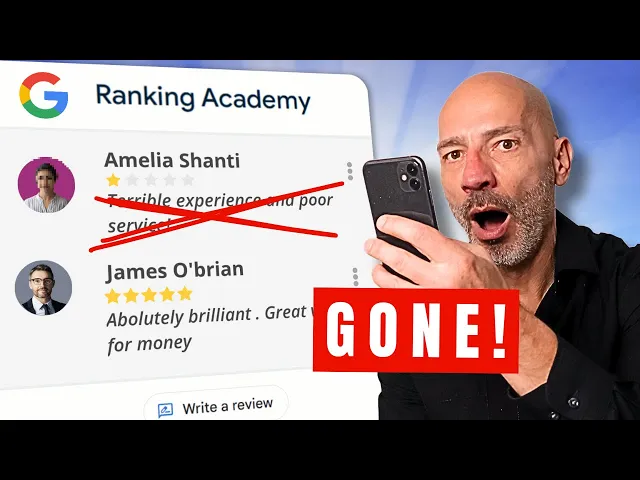
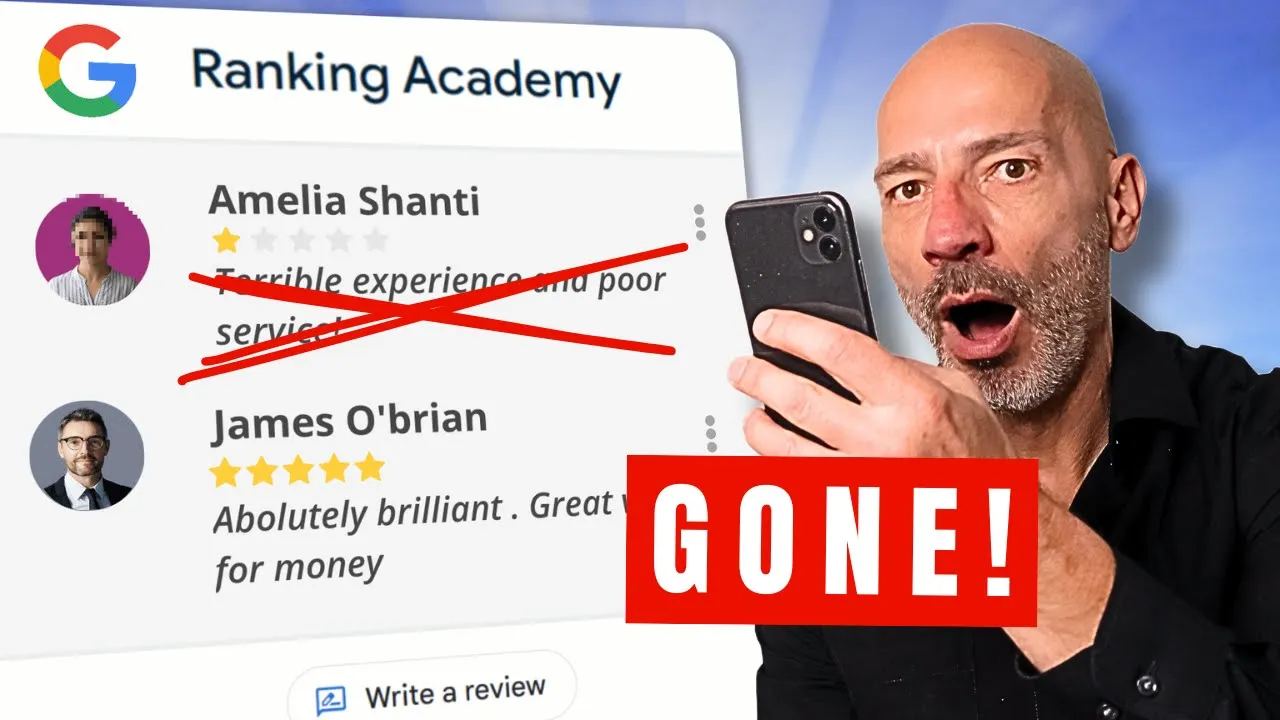
so someone just posted a negative review on your Google business profile and now your business reputation is at risk in today's video I'm going to walk you through four methods to help you remove it but before trying to remove a negative review here is what you need to know Google will only remove reviews if they violate their guidelines so if a client posted a negative review that you simply don't like trying to get it removed won't work however if the review is from someone you've never done business with a disg granted ex employee or if
you're getting hit with review bombing where people leave tons of onear reviews just to mess with your credibility you've got a good shot at getting those reviews taken down let's go through the first method flagging a review from your listing if you're looking to get those negative reviews taken down here is the first thing you can try start by logging into the Google account connected to your Google business profile just go to Google type my business in the search bar and then click on view profile profile if you have more than one profile make sure
you select the right one this will bring up your business profile management dashboard now click on the read review option and find that negative review you want to deal with before you do anything else it's super important to reply to the review why because while you're trying to get the review removed which can take several days if not longer it's still there for everyone to see by responding you show that you care about customer feedback and you're proactive about addressing any issues plus it's a great way to clarify misunderstandings and give other potential customers your
side of the story the key here is to stay polite and professional even if that one star review has you feeling pretty annoyed and angry I know if you're not sure how to respond you can always use chat GPT to help let's say someone left a negative review but you're pretty sure they're not a customer and that the review is is fake just copy the review go to chat GPT and type in craft a response for the following negative review that was posted on my Google business profile from someone who has never been a client
of my business use a courteous tone of voice then use Chad GPT suggestion as you reply don't hesitate to customize it once that's done look for the little icon with an exclamation mark next to the review click on it and you'll see a list of reasons you can choose from to justify why you're reporting it these are all things that go against Google's guidelines pick the one that fits and hit send report you will see a popup letting you know the review has been reported to Google and it might take up to three business days
for them to process it just keep in mind this doesn't mean the review will definitely be removed it just means means Google will look into it you'll also get a notification from Google thanking you for flagging the review while this process is pretty simple in my experience it only works if the review clearly breaks Google's guidelines like harassment hate speech or profanity otherwise Google usually won't take the review down if the violation isn't super obvious I'd suggest going with a second method instead using the Google review removal tool a while back Google introduced a new
tool that makes it easier for business owners to report reviews for policy violations and even better check the status of the ones they've already flagged the link to access this tool isn't exactly us friendly so I've added it in the video description when you open the tool make sure you're logged in with the Google account connected to your business profile if not just log in and confirm your account next you'll be asked to select a Google business profile it should show up right below the search box if you have more than one they'll all be
listed there and you can use the search box to find the right one if needed just select the correct profile and click continue on the next page you'll have two options check the status of already reported reviews or report new ones let's go through how to report a new review first click report a new review for removal then hit continue find the review you want to report and click the report link next to it a popup will appear where you can choose the reason for reporting it just like in method one after that you'll get
a notification from Google thanking you for flagging the review and all you need to do is wait for a few days to see if Google removes it or not you can check the status of the review You've reported by using the second option available in the tool this time once you're logged in and have confirmed your account click on check the status of a review I reported previously instead of report a new review for removal on the next page you'll see a list of the reviews you've reported along with their current status there are three
possible statuses decision pending Google is still processing your request and is yet to make a decision report reviewed no policy violation Google has decided that the review you reported doesn't violate their policies and won't remove it escalated check your email for update your appeal has been escalated and you'll receive a decision via email if the review you flagged isn't listed it usually means Google has removed it so congratulations however if the status shows report reviewed no policy violation it means Google won't take it down so it's time to move on to method three appeal Google's
decision whether you're using method one or method two to try removing a Google review the process is pretty much the the same you flag the review and pick a reason why it should be taken down but just flagging a review isn't always that effective even when using this tool even though both methods are similar using the tool however has an extra perk if Google decides the review you reported doesn't break their guidelines and won't remove it you can appeal their decision this lets you provide more details and context on why you think the review should
go to do this log into the Google review REM tool then select the check the status of a review that I've already reported and my appeal options then click on continue select the appeal eligible review radio button then click on continue select the review you want to appeal then click on continue right under the review you should see a link that says submit an appeal click on it this will open a form where you can explain your case in more detail and provide context giving you the chance to explain why the review should be removed
after you submit your form Google support will send you an email which includes a case ID number make a note of that number Google usually takes a few days to look into your appeal and will'll send you an email to let you know if it was successful or not if they agree with you the review will be removed if not it will stay on your profile and you might need to try method four Reach Out out to the Google business profile community support if your appeal was denied there's still one last chance to get that
stubborn negative review removed head over to the Google Community Support Forum I've put the link to it in the description below and raise a new ticket be sure to include the case ID number you received via email when you appealed Google's decision hopefully one of the for moderators will be able to escalate your case to Google and help get that negative review taken down be gentle with the moderators they are doing this for free and do not work for Google what if everything fails if you haven't been able to get a negative review removed don't
worry here is what you can do to lessen the impact first it's not the end of the world a few negative reviews can actually make your business look more real nobody's perfect just make sure you respond to them in a calm and professional way second focus on getting more positive reviews to bury the bad one in the mix third whenever you ask clients for reviews encourage them to add pictures to them reviews with images usually get pushed to the top of the list and stick around longer helping to push those negative ones further down best
of luck to you all and if you want to learn how to manage your review more efficiently I reckon you love this next video