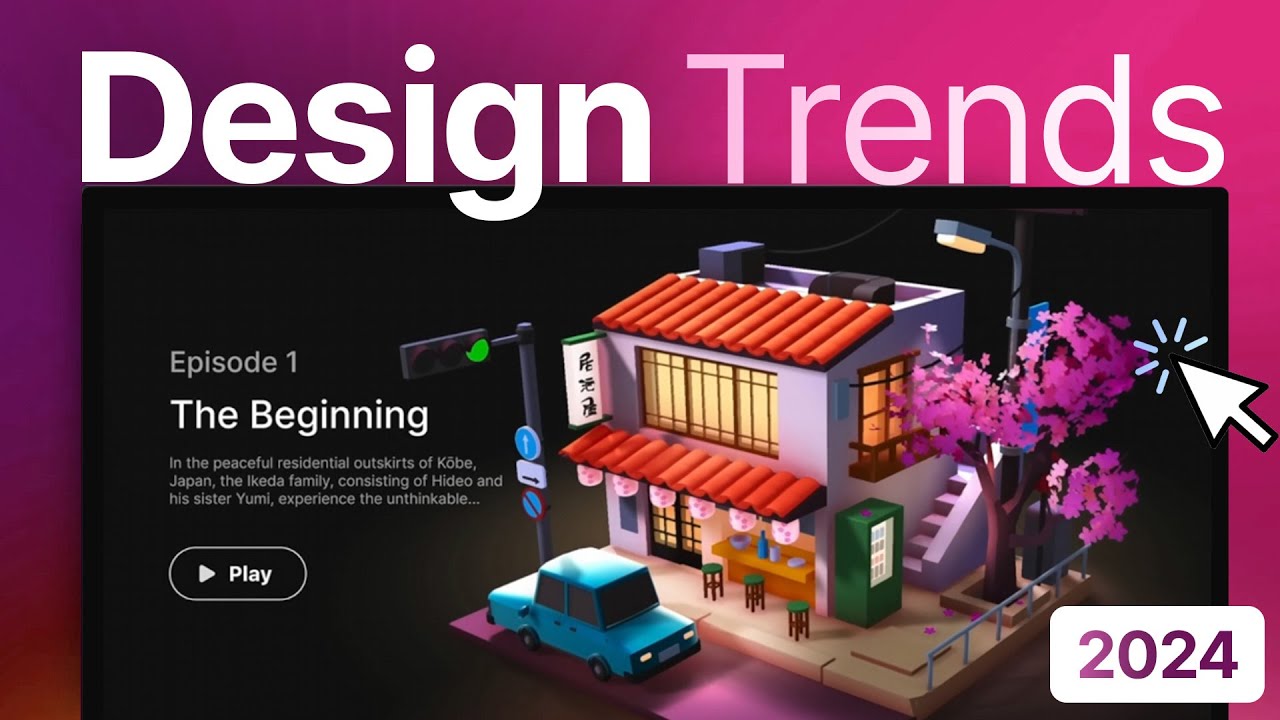
these incredible 3D websites were all built without writing a single line of code but what if I told you that you could build your own $20,000 website with just three tools thanks to the power of no code and AI well today I'm not just going to be showing you how to build out this website I'm also going to show you how to go out and sell it so make sure to stick around to the end welcome to the lab my name is Christian we have a lot to cover right now so let's Jump Right In
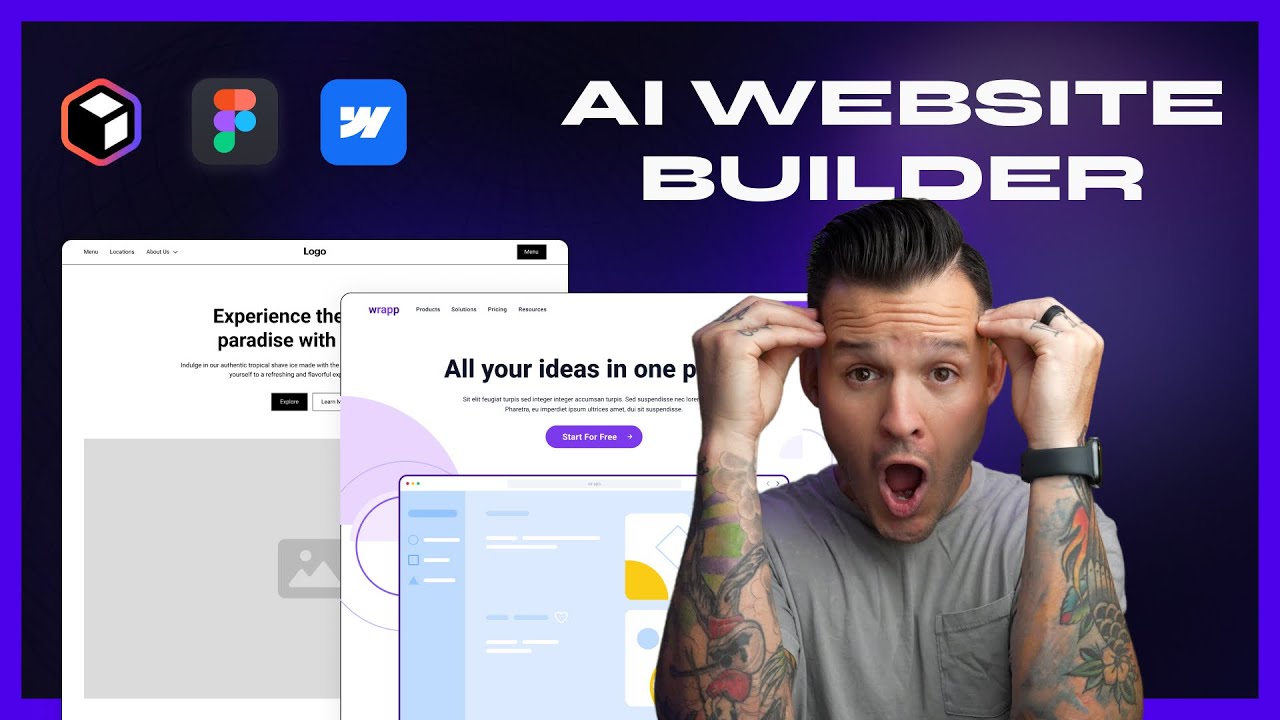
now this first tool allows you to build s maps and wireframes for your website in less than a minute and if you're not familiar with these terms a sitemap are all the pages that you're going to have inside of your website and a wireframe is all of the sections that you're going to have within each one of those pages so we're talking about the text the buttons the images now let's blow your mind this platform is called reloom and it allows you with just one prompt to build out the entire sit map in just a
couple seconds you're going to see it build itself live so all you got to do is come down here and describe your company in one sentence so here I've put a roofing company called roof ninjas based in New Jersey let's generate this as we see live it is actually built out the homepage it's also determining which Pages you might want for your website but if we come in a little closer here we're going to see that it's actually created different sections for this homepage so each page has its own sections and we can choose to
rearrange these sections to delete them Etc and if we scroll out we're going to see the different pages we can select for it to generate the content of this page a Blog that sounds great with blog post section what I show you next is what's going to start blowing your mind if you come to the top here you just click on wireframe it's literally going to build out every single single one of those pages in real time it is doing this in a matter of seconds in front of your eyes and it's creating not only
each section that it's talked about but it's also actually copywriting inside of each one of these sections so just like that we have all these Pages built if we scroll in a little bit what we're going to see is that it's actually created not just the different sections but it's also created copyrighting it's created space for the images and this is just the very first step you can actually come in here and let's say that you don't like this header image you can come here and replace the component you can choose from a number of
other components that it has here and it will rebuild that in real time with AI so you can now just come in here and adapt the wireframe as you'd like you can change all the copy in each one of these sections and now my friends things start getting spicy cuz we're now going to build out this entire thing in a matter of minutes with no code tools when we're happy with this we can come to the top right and we can click on these buttons and we can copy to webflow it is a no code
website builder that allows you to drag and drop functionalities to build beautiful websites and we can copy this and we can actually straight up paste it inside of a flow project it's going to ask us to clone the style guide which is the entire look and feel of the website that we've created here and it's going to ask us also to download a plugin to make it easier for us to build inside of web flow then come here and click clone here it's going to create a new project inside of your webflow on this screen
I'm just going to click create site we're going to call it we are no codes fantastic site and it's opened up inside a web flow the way to see if it worked you click here you're going to see there's a style guide right here I'm now going to go back into my project here I'm going to click here I'm going to copy the web flow I'm going to jump inside web flow I'm going to come here I'm going to delete everything from the wrapper here and then I can click on this and paste and so
this built the entire homepage in just a couple of seconds and boom just like that it's created all the HTML all of the CSS and the JavaScript so it's built out a fully functional website with all the code behind it without writing a single line of code in a couple of minutes and if anything I've shown you so far has blown your mind you owe me a subscribe and if not keep watching cuz I'm going to earn that subscribe I'm going to blow your mind let's go so here we have a very beautiful website and
we can come in here and we can change out all of these images we can connect the buttons but this is basically a static website so we would have to do a couple things to turn it into a high-end website so the next thing we're going to do is bring in beautiful animation just like these and again no coding required at all so this next tool is called spline and it is a 3D collaboration platform where you can create designs and you can integrate them specifically into your web flow projects too so when we log
in here we can either generate one use new files I can go and check out the different things in the library and let's see ooh I like this thing here let's import this inside our project and there's a full interface for you to be able to adapt it here but for the sake of this example I'm going to go quickly and let's say that we're ready to export this to our project so what I'm going to do is I'm going to go ahead and click on the play settings I'm going to select the animations that
I want I do not want it to be able to zoom in for example and let's just say I'm good with all the rest I'm going to update this public URL you always want to do that once you've adapted something inside this panel and then we're going to go to viewer so I'm going to come in viewer here I'm going to click on this copy button for this link and then I'm going to head over to web flow I'm going to go inside my project and I'm going to pretty much add over here an element
now this element we can actually select spline because they have an integration which is beautiful I'm just going to go ahead and paste this in here boom it's created it so that's great but we actually realized that there's background here and this is too small so we're going to jump back into spline over here and we're going to go to play settings we're going to take out the background again we're going to update you might even want to reduce the size SI of this a little bit just because it seemed a little bit big on
that website then we're going to click on export again and again we're going to update the viewer so go ahead and copy that we're going to come back inside of here we're going to click inside the scene we're going to switch out this link boom just like that it looks good Okay cool so now we're going to go and play it we're going to see what this looks like live awesome so just like that we've Incorporated this little 3D that as you can see moves around with the mouse which is pretty cool and this is
going to be the kind of thing gives it a very expensive little touch to it right and just like that with zero code you've created a first version now what do we have to do to make this a $2,000 website well there's a couple of things first of all you're going to want to add your logo you're going to want to put in beautiful photography you could also have 3D models that basically adapt and move down your website as you actually scroll so there's so many things you can do with 3D animation you can adapt
all the styling here just by going once into the style guide over here and just adapting the individual buttons that you see inside of here so if you want to change for example the look and feel of a button you could go down here and you could basically just change one little UI element like a button and it will change throughout the entire project so let's just go back now to the homepage and we're going to see now that all the black buttons are now green and you can also add all sorts of functionalities through
these apps down here which will allow you to extend the functionality and to go from a just $5,000 website to a $20,000 3D website okay so you've showed us how to build it how do you go out there and get customers though well the first thing you can do is create a port folio website so have a first beautiful website that you can showcase to clients so that when you show up and say hey I'd like to build a website for you they can take you seriously now to find people who can afford $20,000 for
a website I would probably Target businesses who can actually afford that kind of money and to do that I'd probably use a platform called built with which allows us to find out which websites are built on potentially some old school kind of software and once I had a list of companies that are generating more than a million dollars a year but have very clunky websites I would actually start looking on LinkedIn for the people who work at that specific company who might be in the marketing department or if it's a small medium business I would
probably start with direct Outreach on LinkedIn letting them know that I've checked out their website potentially recording a short video of me going over their website and telling them what I think they could improve at the end of that short video I would talk about my services and showcase a beautiful website I had built with webflow no code and AI now to sell a $20,000 website it has to come with $20,000 support which means that they want reactivity so as soon as I got an answer from them I would basically create a sitemap and and
I could share it here within reloom saying hey here's what I think the structure might look like ask them if they have any thoughts about the layout and then you could basically show them the wireframe within just a couple of seconds as well and you could say hey here's how I see all of these sections potentially working together so now you've been able to show them your proactive and together with the example of the website that you've created you're also going to have credibility and already starting to take first steps in the direction of building
out their website even before they pay for it you're hopefully able to close the deal and then you can send me my 10% commission and we're good to go and that my friends is how you build and sell a website but if you want to learn more ways to generate money with no code and AI I highly recommend that you check out this video because I'm going to be showing you seven no code AI tools that can make you a millionaire thanks for watching let's go