foreign [Music] is one of the hardest advancements in recent AI technology and it's now possible for anyone to create their own realistic images with just a few clicks using generative AI studio in Google cloud in this video I'm going to show you how you can get started and reveal some of the tips and tricks for getting the best results I'm also going to show you some of the new features of generative AI Studio that just might change the way you work with generated images so let's get started if you're not already familiar with image generation
this is the technology where you can feed an AI Model A text description or prompt of what you want and the AI will generate brand new images that match that prompt and now you can use and build with this technology in generative AI Studio on vertex AI to get started we'll navigate to generative AI studio and click through to vision now we enter our prompt which describes the image we want to generate and hit submit an array of images will be generated so you can take your pick of which ones you like best and there
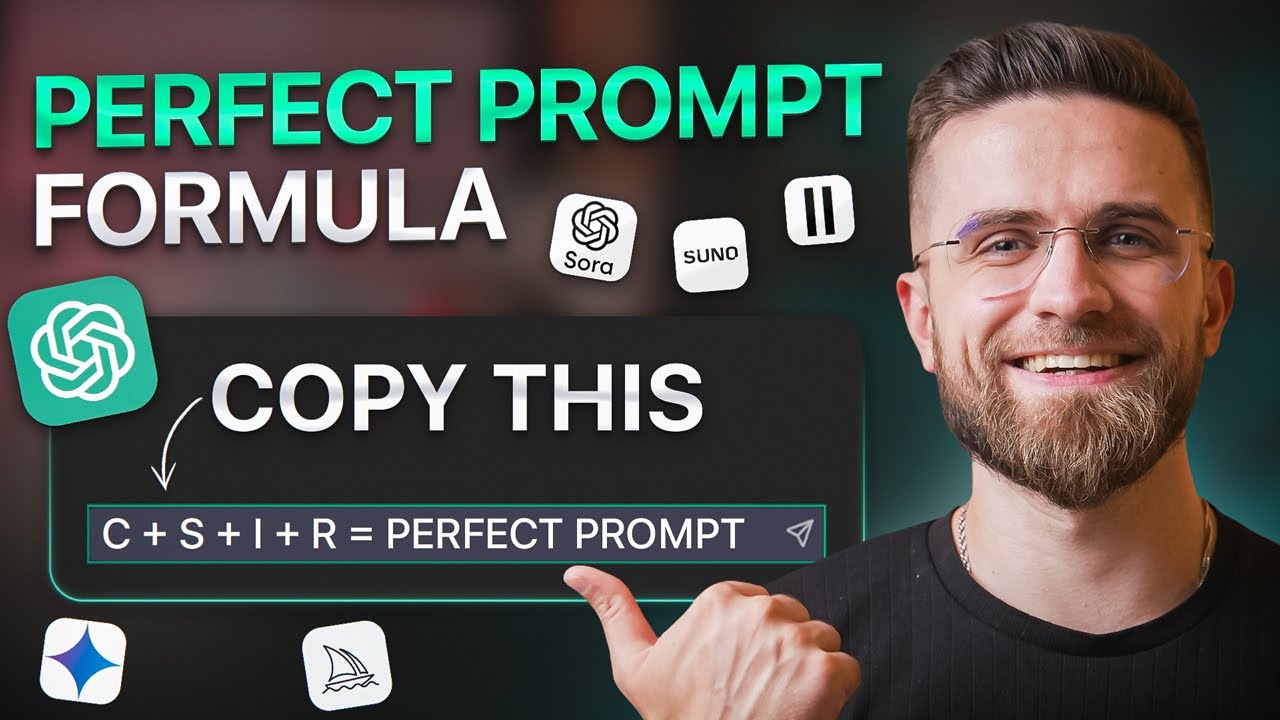
you have it you can directly export and use these images for your content apps or marketing campaigns one tip when writing prompts is that it helps to be as specific as possible to generate exactly what you want or if you're in more of an ideation phase then you can be vague with your prompt and let the AI generate more random images a good prompt pattern to follow when generating images is to structure your prompt with the form style then subject and then the context for example a real life photograph of a leafy plant sitting on
a windowsill with a blurred City in the background when generating images you can also configure some parameters like the size and number of the images generated you could also make use of the new upscaling feature to take your generated images and make them even more detailed this is good if you plan to use the images in print now maybe you've generated an image that you like but you want to make a slight change to it well in that case you can make use of the new editing feature if it's a small change then you can
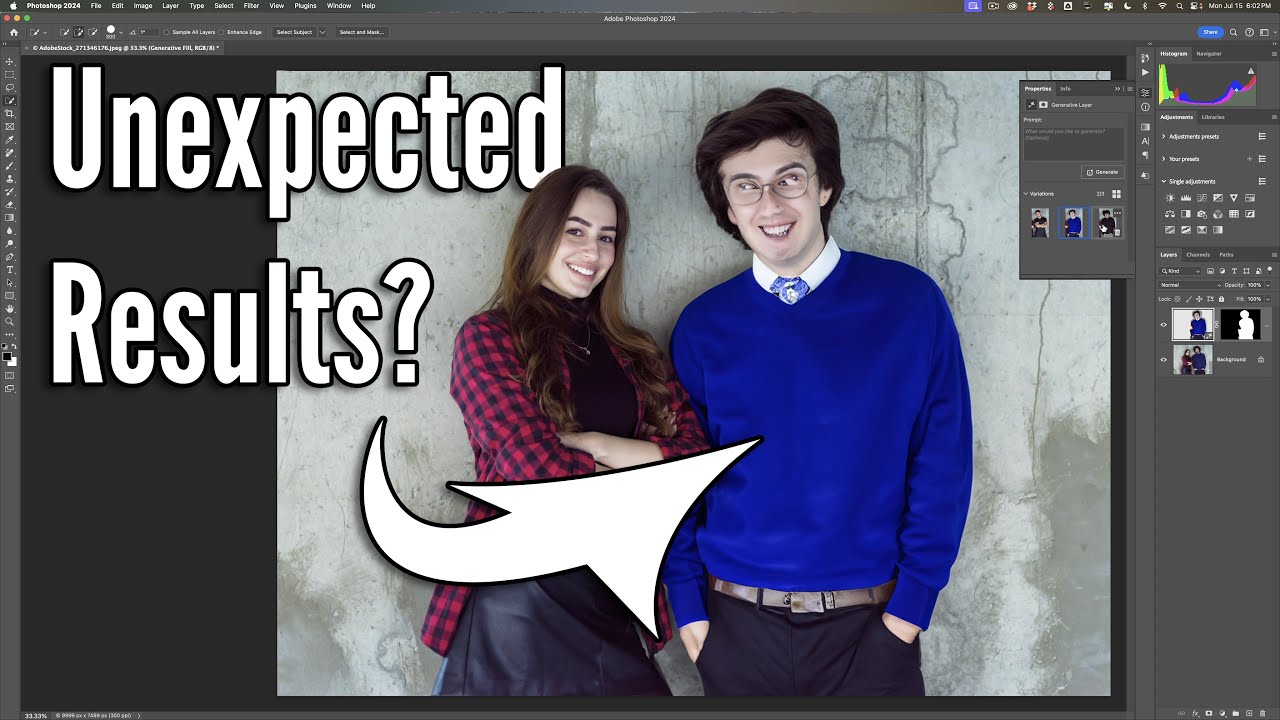
highlight a specific region of the image you wish to edit and then write a prompt that describes how you want to regenerate that region for bigger edits you could describe how you want to regenerate the image without defining a mask and voila you can also use this feature with your own uploaded images so that's how you make edits to a generated image but what if you want to generate images of items that you have but the model doesn't know about for example a new product or company logo well the fine tuning feature has got you
covered you can simply upload a couple of images of the item that you want to generate new images for and then kick off a fine-tuning job what's the fine tuning job is done you can then reference that item by name in your future prompts to generate brand new images that include your unique item this is a fantastic way for rapidly generating new custom images for your own products for marketing materials [Music] so those are some of the new features of image generation in generative AI Studio and all of them are also accessible by an API
so that you can embed image generation technology directly into your applications be sure to check out the rest of generative AI studio and comment below how you're going to use the new image generation features [Music]