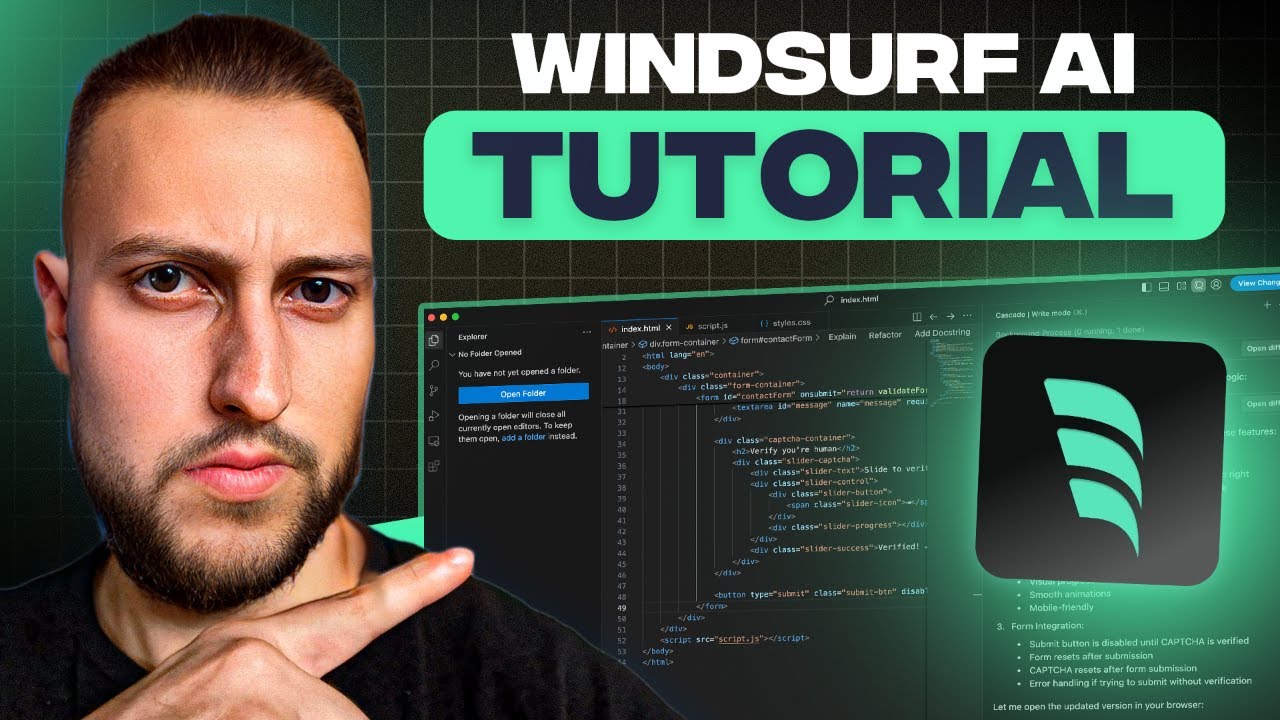
there's a new AI coding app called winds surf that's been really hyped lately and it's basically been popping up everywhere so I just wanted to test it myself and really find out if all of these things are true is it really better than cursor so yeah I found a couple of main differences and that's what I want to talk about in this video so let's jump in okay so the first thing I actually want to cover is the UI so you can see that both of them actually look pretty similar and that's because both of
these programs are Forks of vs code and so they have very similar features but a few of the features of course are different especially when it comes to the AI features so the first thing that you'll notice which I actually find quite cool is when I open up Cascade here which is basically the composer equivalent of wind surf it's their AI agent feature if you open that up you can see that they have this right versus chat toggle and I actually really like that because in cursor I often have the problem that I want to
explore the code and just ask some questions and just use AI as the sparring partner and often when I do that in cursor it just starts suggesting code for me so I think wind surf actually solve this really well in having these two different modes so the write mode is like the normal way how you would also use the composer to write your prompts and then have it execute the prompts and write the code for you whereas the chat feature is more for you to have this chat with your code base in the context of
it so here for example I'm saying hey explain what this project does and it just tells me about the the code base and analyzed it so gives me some information about it and importantly it doesn't suggest any code so it just is a good way for me to talk to an AI assistant here yeah I really like this I I think they solved this really well all right the next big difference is how wind serf actually handles the context for example here I opened up the Cascade WR mode and pasted this initial big copy coder
prompt and then what it does here is it says say okay I'll help you create this and then the first thing it says is first let me check the current project structure it basically does this analysis and reads whatever is inside of your project at this moment and then it's it goes really like step by step so I really like how it's breaking things down and it says Okay first let's configure the next uh do config and then let's create these components here and then it analyzes the layout file so it's really cool and how
it goes step by step and this is much more of how you would expect an assistant to work right you as the human should just get a high level overview of what's happening and the assistant should be updating you on the different steps that it's taking whereas with cursor it goes more directly into action so if you look at how the composer works here it's the same prompt and it says yeah no problem I'll help you do that and it just jumps straight into implementing code and it doesn't have any of these more agent-like behaviors
where it would analyze something analyze a page and then starts actually implementing code in that page so another really interesting thing about the UI in Wind surf is that the terminal is by default integrated so Cascade is able to run terminal commands which of course cursor previously was not able to and the default cursor composer mode is still not able to but the newly released agent mode is able to do that as well and if you compare how Cascade uses the terminal it does feel more smoothly integrated into the flow than with composer agent so
let me show you how the terminal is integrated into Cascade let's just say set up a nextjs and Shaden skeleton and let's just run this okay so you can see here it says suggest the terminal commands suggest this and then you can just say do you want to run this command accept or reject right and it's waiting on response and you can click accept and it will run that so really simple to use obviously there's this added security layer of that the terminal commands need to be approved by you which is good now so let's
have a look at how this looks in the cursor agent feature set up a nextjs and shadan skeleton okay so it's actually similar run command you can run that and then what I don't like so much about the UI here is that you actually like right now it's loading everywhere it's showing loading everywhere so I have no idea what to do and it's actually waiting for me to make my selections here but I need to before I can scroll here I need to click into this okay so I need to click into this and then
scroll to the right and realize oh I need to hit enter uh and and keep going here okay it's the UI here is just slightly off but yeah I'm sure cursor team is going to improve that soon so yeah overall I think wind the wind surve UI just feels a bit more intuitive and easier to use than cursor currently um so definitely a plus Point here for wind surf okay let's go to the second comparison category here which is going to be about code quality both tools of course use the same underlying models in this
case I'm obviously using clot Sonet the code quality should be similar but I actually found in my tests that cursor tends to produce higher quality results in my code for whatever reason but yeah that's what my tests have shown so let's go through an example and for that I'm going to use these copy coder prompts and we're going to build out something using these prompts and just see and compare these two projects with each other and see if the cursor version looks better or if the wind surf version version looks better okay so I finished
the implementation here in cursor what we basically did here was we took these two copy coder prompts and I pasted them into cursor in the normal cursor mode not in the agent mode and yeah built out this front end of this application if you want to see a more detailed process you can go look at my copy coder tutorial video but that's basically what we did and this is the result that we got so if we click through the pages you can see they all look pretty good this was also all in one shot so
I there were no build errors I didn't have to correct anything I just had to go through this process and then all of the pages were built for me so cursor did a really good job here so let's see how it is for wind serf okay now we're here in Wind serf and I did the same thing in Wind serf I I pasted in the first copy coder prompt and it built out the initial part of this implementation and there was I think yeah there was one little error which I had to P paste in
and then fix it and then I pasted the second prompt and interestingly what it did was it actually went ahead and built out everything in one goal so you can see it created all of the different pages in just one goal so truly like a an agent that kind of just fulfills the entire task list so build out all of these things but then there were a few problems so it didn't look great and I had to iterate on it try to fix it and often it did not really make a difference after I gave
it the feedback so I had to go in Loops a few times and that really took me a couple of tries here until it improved a few things but at the end of the day if we look at the result so this is what the wind surf build looks like if we click into the pages here these look empty compared to the cursor build so overall I would say the cursor build definitely looks a lot Fuller and more complete and uh cursor did a better job here okay and the final category that I want to
make a comparison in is the pricing so if we look at the pricing Pages here both both obviously have a free version and it's fine to use that but you'll see that both of them don't allow any premium usage of Premium models in the free version so in cursor you will get uh 2,000 completions and 50 slow premium requests so these slow premium requests are use of Premium AI models but they're slower requests it'll take you a bit more time and then in the $20 per month pro version you actually get 500 fast premum requests
in Wind serf you get five premium user prompt credits so you can only use the premium models five times which is really not a lot and yeah don't know about you but I only use Claude and I don't use any other models I think that gives me the best results so I only want to use premium models and which previously used to be $10 per month and now they increased it to 15 per month which is pro version which is very similar to the pro version of cursor just a bit cheaper where yeah you get
500 premium model user prompts so very similar to what cursor has there so overall how does cursor and wind surf compare I would say it's very interesting how they positions I think wind surf is positioned a bit more on the side of tailored towards beginners people that are not experienced developers whereas cursor is a bit more experienced developers that obviously still want to use AI in their process wind surf might be a bit better for beginners I think it's not totally on the side of the spectrum like a bolt that really is tailored very much
for total beginners people that have absolutely no idea about code and just want to like very easily prompt something and create code it is a little bit simpler to use than cursor but if you really want to take the route of creating something more complex and creating something that is uh production ready that you can monetize I would still stick with cursor for now seems to be producing the better code quality at least in my tests so that would be my recommendation for now and if you would like more support and even if you're a
beginner who has never written code before and would like to start building something with AI we have a community here called The Prompt Warriors Community where there are over 1,000 Builders we're we're building things together we have regular calls we have chats with other builders who are helping each other out so come join us there if you want to learn how to code with AI all right bye-bye