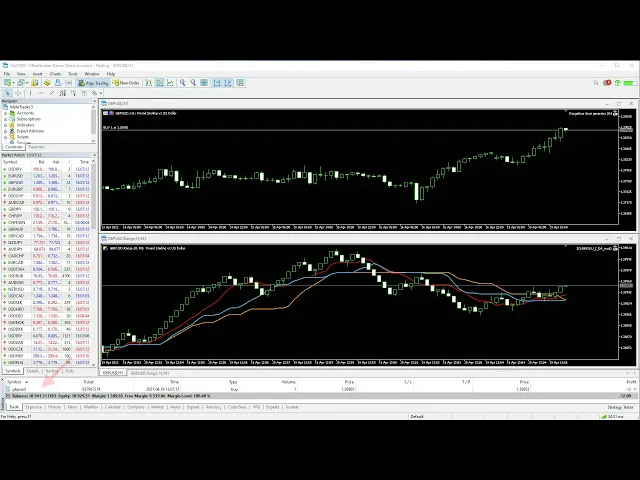
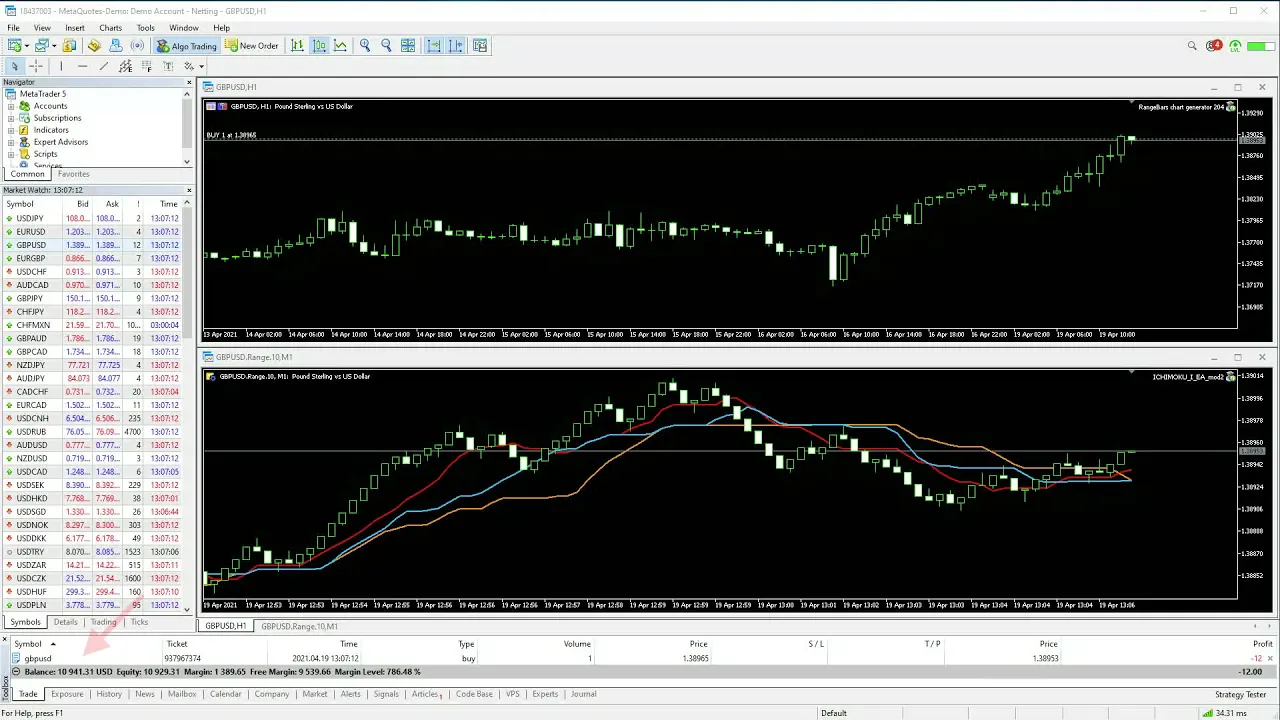
in this video tutorial i'll demonstrate the process of modifying a standard ea for trading on custom symbols then i'll introduce the trade tracker library and i'll show you how to incorporate it into the ea that i'm going to modify in a moment as you already know custom symbols by design are not directly tradable on metatrader 5. fortunately there is a way for eas to function on range bars tick charts renko charts and others created by various custom symbol generators in this video i'll show you how to convert a standard ea so it can trade on custom symbols such as gbpusd. renko.
10 the ea source code is required to make a few simple changes when modifying the ea we want to have the robot's logic use the custom symbol chart for technical analysis trading on the other hand should happen on the tradable symbol hence we only need to modify the code that uses trade functions see the mql5 reference documentation for a complete list of trade functions i'll load up the original ea's source code into meta editor and browse through it to locate all of the trading related code plus all uses of the underscore symbol variable or the older but still utilized symbol function the first thing i notice is the include statement for the trade. mqh header file it means that trading activity leverages the c trade class the xtrade variable holds an instance of this class so i need to look for all occurrences of x trade in the source code i'll use the find feature of the meta editor to locate them here in the parameters of position open i need to make sure that the tradable symbol is used instead of the default one for this purpose i scroll back to the top of the file and declare a string variable named tradable symbol i'll assign a value to it later now i scroll back to the position open method and substitute underscore symbol with tradable symbol i make sure that the remaining parameters also use tradable symbol resuming the search i find the position close method i adjust it accordingly and continue finding other calls to methods of the ctrade class i modify the parameters if needed now i'll search through the code for all symbol references and i make sure that the variable is not used in position handling or sending and modifying orders i'll leverage the find and replace functionality of the meta editor to selectively change all uses of underscore symbol to tradable symbol remember we only want to use the custom symbol for technical analysis and not for trading the copy rates function retrieves data for technical analysis i leave it unchanged as it has nothing to do with placing trades handling orders or positions now i arrive at the position checking function i need to make sure that it only uses the tradable symbol name i make the necessary changes a call to the moving average indicator is also related to technical analysis i leave it unchanged as i want it to calculate on the custom symbol finally i need to assign a value to the tradable symbol variable declared earlier if you are using any of the custom symbol generators listed in the description you can use a function that will automatically detect the tradable symbol first i'll paste the code snippet at the end of the ea source code file thus adding the get tradable symbol and is custom symbol data set ready functions you can download the code snippet from the link provided in the description i'll initialize the tradable symbol variable in the on init function like so if you are using a third-party custom symbol generator you will need to hard code the tradable symbol name or add an input variable for this purpose you can use it to initialize the tradable symbol variable i'll also add a call to is custom symbol data set ready at the top of the on tick function body to ensure that custom symbol data series are ready before the ea attempts to use them if the ea compiles correctly you can attach it to a custom symbol chart the ea will now be able to trade correctly on custom symbol charts however this solution has one inconvenience you will not see any trade or stop levels on the custom symbol chart while the ea trades these will only be visible on the standard time-based charts for the tradable symbol nevertheless the ea trades will be correct if this is an issue for you consider using the trade tracker library for custom symbols it is available via the mql5 market and designed to bypass this problem you'll find the download link in the description first you will need to get the trade tracker library additionally you'll need the matching. mqh file from the comments section copy the downloaded.