greetings Oh doers during our lessons about inventory we've learned how to receive purchase orders and how to send delivery orders using odoo as stealthy woods warehouses we would like to make these processes even faster with our barcode scanners the good news is that barcodes aren't only used to identify products they can also trigger actions this way operations like moving items in and out of our inventory become much easier when packing an order for our client I just need to scan the products then the barcode that triggers the validation action and voila the whole thing is
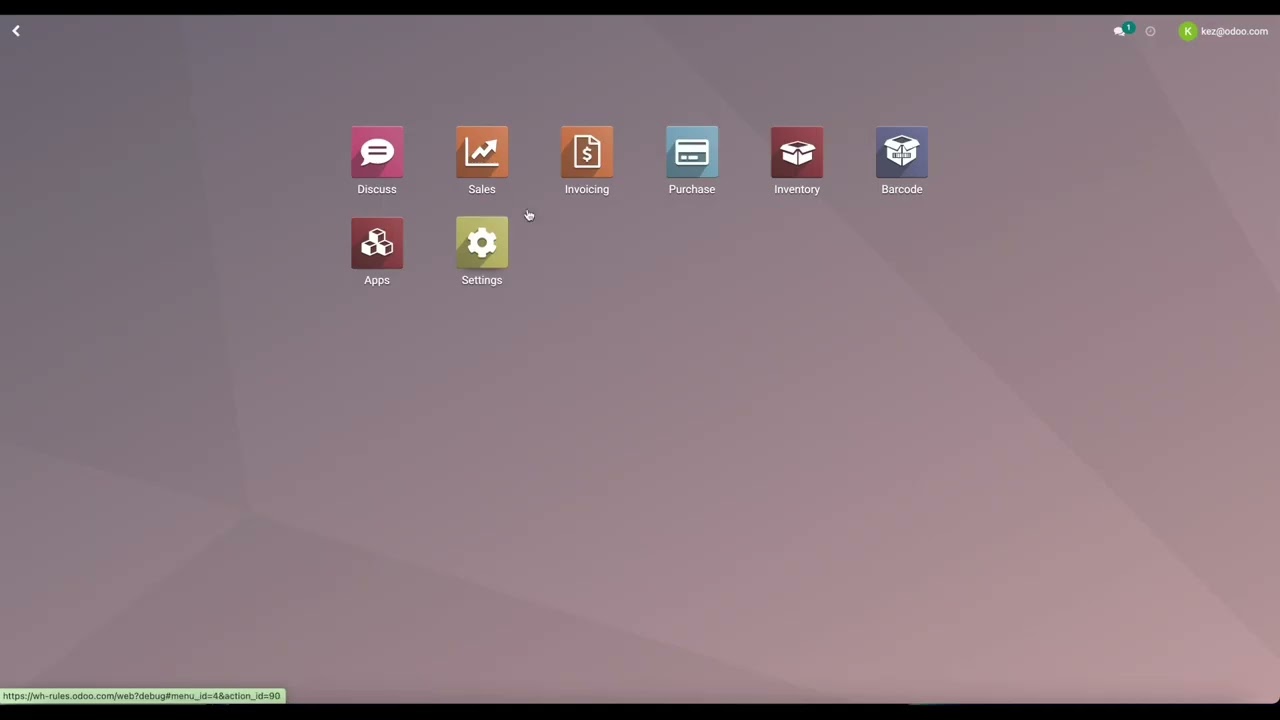
packed up in just a few scans so let's look at how to do that right now alright so here we are on our du database now the first thing we're gonna want to do is install the barcode application all right so I've already done that if you need to you can do that from the apps module once you've done that let's go ahead and jump into inventory configuration settings must activate the option to use barcode scanners alright I already have that option activated right here if you need to go ahead and do that now and
be sure you click on save before moving forward alright now let's go ahead and print our barcode commands so when I click this button I will be given a PDF with different barcodes and there are actions related to these bar codes such as validate discard cancel and more so I'm gonna be sure that I print these this page out so that I have easy access to these barcodes and can just click and go alright so let's go back to our oder database and then we'll go to configurations operation types now o dó will generate some
generic barcodes for each operation type so for example if we go to receipts all right I have a barcode warehouse receipt okay so it's quite simple it's pretty straightforward and there will be of course a different barcode for each operation type as we can see here now let's go ahead and start using some of these barcodes let's see what happens when we actually go to try to create a receipt for example so let's go to our barcode application I have a list of some barcodes here umm one of them here is for the operation type
so I have my warehouse receipts okay I also have some actions and a product on here as well so let's go ahead and complete a whole flow alright so let's start with warehouse receipt okay we're ready to retrieve some products I'm gonna add a product alright I have my product zebra okay and I'm gonna go ahead and modify the amount we're going to receive so I'm going to say 20 I'm gonna confirm this and then I'm going to validate I'm gonna complete that action also by scanning a barcode here alright and then I'll have a
little message saying the transfer has been validated so it's super fast it's super easy and now let's check out that receipt when we go to the inventory application alright so I'm gonna go to inventory receipts for my company and I'm actually gonna search by the product I think that's a bit easier okay and at the bottom I have that receipt that we just created okay it's validated it's done it's good to go we have the products in our inventory how simple is that now let's go ahead and try let's try to use barcodes in a
different application let's go to purchase so let's imagine you create a purchase order I already created one to save some time okay so I have my product again it's my zebra okay I purchase 15 and let's go to the receipt I'd haven't validated the receipt yet but I have printed a picking operation alright so I'm going to picking operations here I'm gonna open the PDF alright so I have that barcode generated for the picking operation and I also have a barcode down here from the product alright sorry both of those at my fingertips alright so
I went ahead and I printed this okay and now let's see when we go back to the barcode application and I scan this operation at the top okay I will have that purchase order right here that receipt right here and I can go ahead and validate by going back to my action barcode of course when you obvious barcodes printed for your company I'm sure you'll be much more organized than I am right here all right now so be a little bit more seamless but it's still quite simple even for me even though I'm shuffling through
some papers so I'm going to go ahead and validate this by clicking on the validate barcode all right of course I get the same pop up that I would have in the purchase application as well because I didn't apply I didn't record any dumb quantities so it will automatically apply the reserved quantities so let's go ahead and click on apply transfer transfer has been validated again super simple super easy now we've seen how we can create erisa tea using the barcode scanner we've seen how we can receive a receipt that we created through the purchase
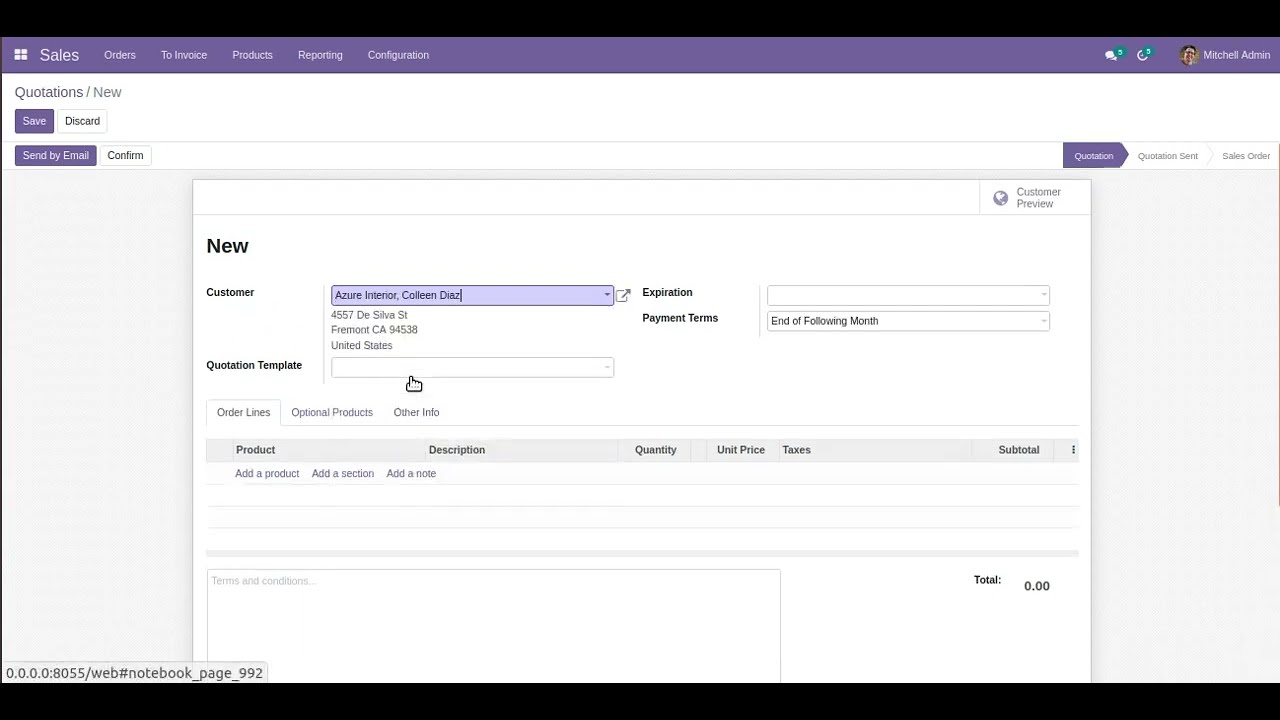
application now let's go ahead and do this with sales as well all right so I created a sales order for my customer has your interior also for the product zebra of course alright let's go ahead and go to the delivery ok I haven't validated this delivery just yet ok so let's imagine I went ahead and I reserved some items but there needed to be another step in the process before it validated so I don't have the page open but when it's ready to be validated when someone has shipped the product they can go simply again
to the barcode application all right you can print the picking operation as I did for the purchase order it's still under action for picking operations ok scan the barcode you have that detailed right here it says three of the product alright and I can validate again by going to my barcode with that action validate ok let's see if I spin it properly there we go and it's as easy as that we'll apply and of course if we had those items reserved or free recorded the done quantities we wouldn't even have that pop up alright so
it's super simple and easy and so convenient ok so as long as you have your barcode scanner configured correctly everything else is so easy and convenient and I definitely suggest you use it especially if you work a lot with inventory and sales and that's all for this video thank you for watching