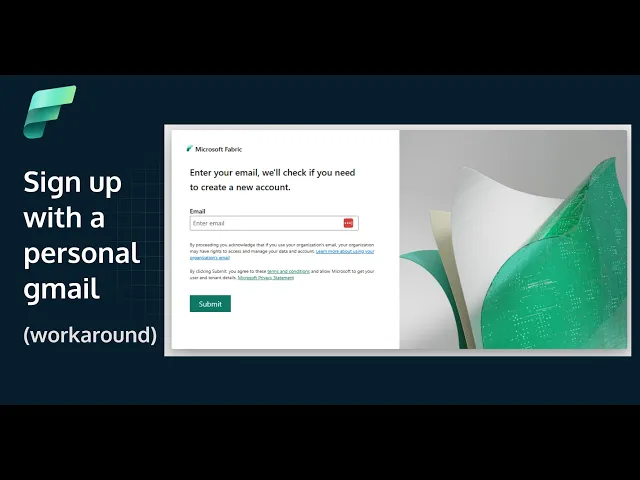
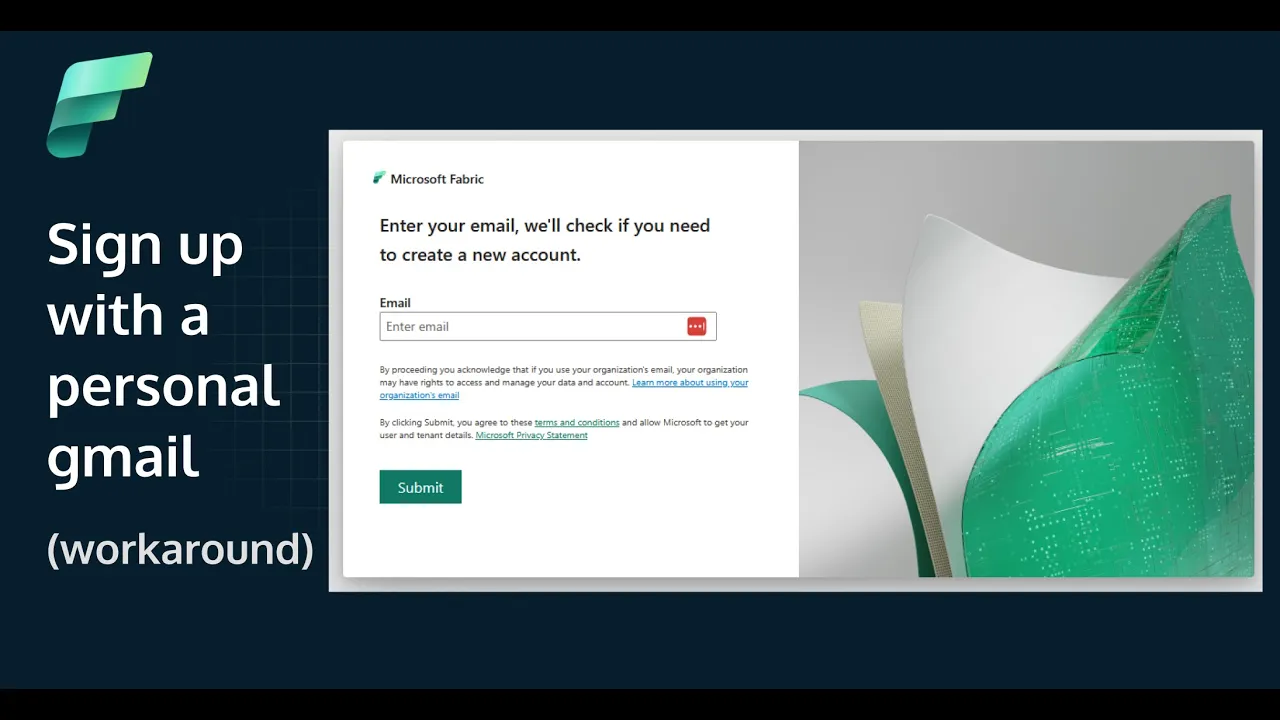
before we jump into the main content of the exam I just want to walk you through this quite important prerequisite and that's how to set up a Sandbox fabric environment because this is the problem ideally you need administrator access to a fabric tenant to pass the exam there's some questions that require you to understand what's going on in the admin portal in fabric which you probably might not have if you're an analytics engineer in a company now Microsoft as you're probably aware offers a free trial but to use it you need to set up a business email address so you need to have access to a business email address now there used to exist an old method that required you to set up a Microsoft developer account and then set up an E5 sandbox environment and then from that you can set up the fabric free trial but unfortunately that method has been discontinued so how can you set up a business email address to start a fabric free trial that you're going to need to set up a kind of sandbox environment to help you revise for this exam well there's a bit of a four-step process there's a few different ways that you can do this this is probably the the best method that I've seen so it's a four-step process and I'm just going to show you the process first and then we'll walk through how to actually do this but it involves creating a Azure account so if you don't have an Microsoft Azure account then you can do that you can set that up with your personal email address then you're going to create a user within entra ID so entra ID is what used to be called Azure active directory so you're going to set up a new user and from that you get a a business email address from there we can use that business email address to set up your free trial and then start using fabric so let's have a look at what that looks like now your first step is to go to azure. com I'll leave a link in the description and sign in with a personal email address now the email address I'm using here is actually a Microsoft email address so I've created a Microsoft personal email address uh behind this Gmail account and it's going to ask you to set up a profile for your Azure account now here it's saying I'm not eligible for a free account because I've already set one up previously but you can do pay as you go and then it's going to ask you for a few more details you're probably going to have to authenticate with your mobile phone as well don't need any technical support sign up and then once you've got an account this is what the Azure portal looks like so in the search bar at the top just search for Microsoft enter ID and what we're going to do here is click on the users tab down the left hand side and then we're going to go on new user create new user so fill in some details here and make a note of what you write down here as the user principal name you can add in a display name and a password and I'm just copying it into a notepad because we're going to need those details in a second now what you want to go and do is click on assignments now this is quite important because we need to give this user an assign an assignment and the assignment that I've given it is fabric administrator because that's going to allow you to access the Fab fabric admin portal with this user so when that's assigned click on review and create and then create here so now we've got a new user set up within our admin uh within our Azure portal now what I'm going to do is go to app. fabric.
microsoft. com and it's going to ask you for this business email address and now we've got an onmicrosoft. com email address we can put that in there it's going to ask for the password use the password that you use when you set up the account you might have to update it the first time you you use the password okay so it's going to ask you to do a bit more signing in selecting your free account sign up and so here you are we're in the fabric homepage now what you want to do is go to the you can see already that the fabric trial has been enabled in this account account if we go to create an item here for example a new data flow and it's going to say upgrade to a free fabric Tri click okay and that's going to basically get your trial enabled and what we're going to do here is just go into the admin portal so the settings then admin portal and you should see the same list down the left hand side okay so just before we wrap up the video I just want to urge a bit of caution here so what we've done is set up a peyo Microsoft Azure account or you've used the free trial to set up that Azure account now this is free unless you go ahead and start creating a lot of new resources in Azure when you create new resources in Azure it's going to cost you money so if you're not experienced in Azure I'd recommend not creating anything else in Azure as it will cost you money and depending on the resource it could end up costing you a lot of money so just a word of caution there so in this lesson we've looked at how to set up a business email that onmicrosoft.