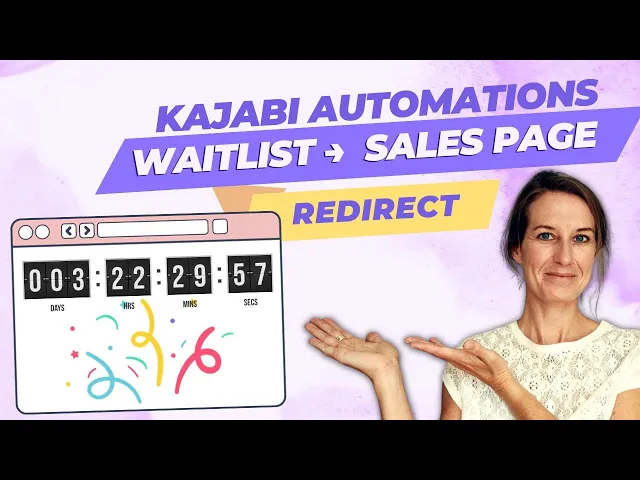
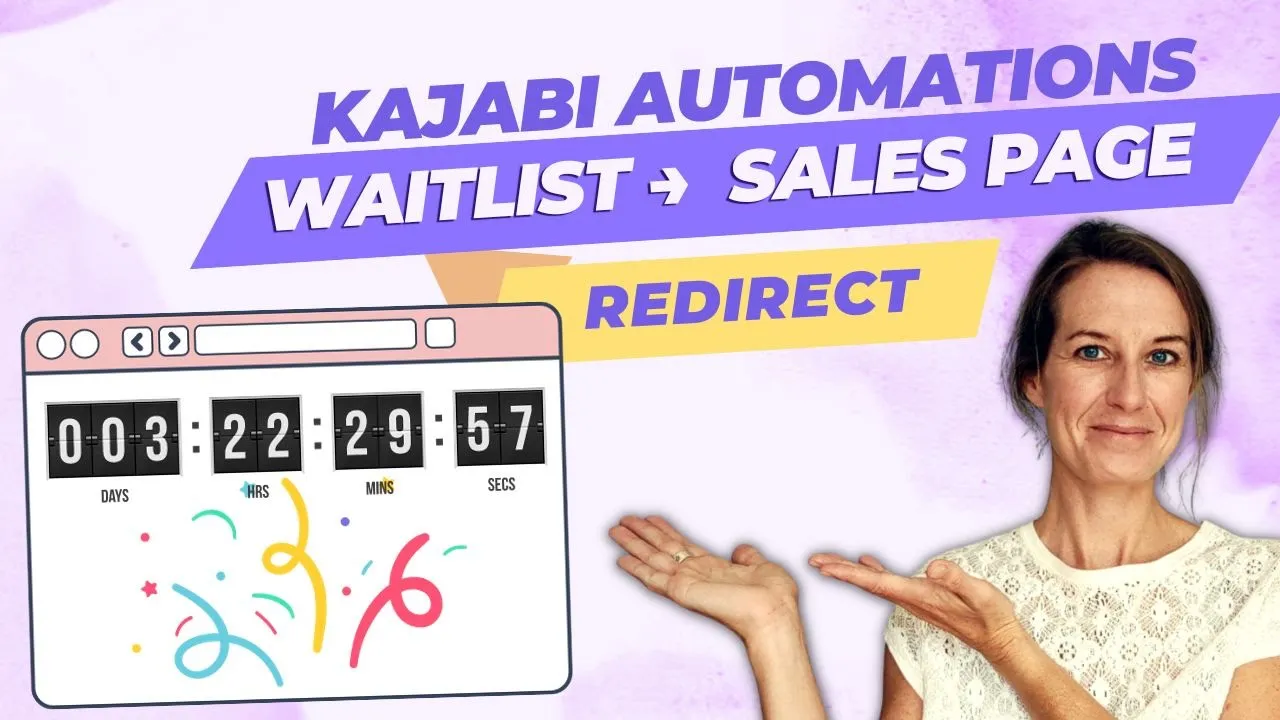
let's say you have a digital course launching soon you want to be talking about your course on social media in your email marketing to your list on your podcast everywhere you want to be teasing it promoting it generating excitement so that when it actually comes time to sell you have this list of people who's excited to buy from you so in order to capture those people's information their name and email address you want to create a weit list page in kajabi also once you are actually open for enrollment and once your course is actually for sale you'll need a sales page in kajabi so you have these two pages weight list page and sales P page and you want to make sure that you're sending traffic to the right page at the right time without having to change your page content or change the links that you're sharing you do this with an automatic page redirect and that's what I'm going to show you how to do now hi I'm Susie of elevating expertise on this channel I talk about how to grow your online business on kajabi specifically how to generate traffic how to build funnels and how to develop your marketing strategy if you're selling your digital course using a live launch model you will only open for enrollment for a certain period of time usually between 1 and two weeks so this means that you have a cart open date and time which is when you first open up for sales and then a cart close date and time which is when you stop selling when when the course is no longer for sale so before your course is actually for sale you want to be talking about teasing promoting it for people and you can do this with a weit list page a weight list page is a landing page that you build in kajabi and you on it you'll tell people a little bit about what the course is about when you are planning on um launching and then there will be a form where they can add their name and email address there's no obligation they're just saying yes I'm interested you know tell me more information when it actually is for sale you can also use a weit list page after your cart close because there will be some people who just don't take action this time but they might want to sign up to be notified next time that you open for enrollment so that's the purpose of a weit list page you'll also have a sales page which is where you actually sell the course but here's where things get tricky let's say I am opening up for enrollment on January 15th at 8:00 a. m. so I want my weight list page to be active until 7:59 a.
m. and then at 8:00 I want that sales page to become the active live page without having to change the content of either page or change the links that I'm sharing so we will use an automatic page redirect to do this to accomplish this goal so next I'll hop into my computer and I'll show you how you're going to set up a weight list page a sales page and then an event countdown and then a page redirect action so we'll jump into kajabi now and I will show you exactly how to set all that up okay we're going to go through creating a weight list page sales page and then an automatic redirect between those two pages and these are the steps I already created the weight list page and sales page just to save some time so I'll show you what those look like so this is the weight list page we can preview it here it's pretty short we want it to be all above the fold uh so that they don't have to scroll down to be able to get to the weit list part of it and we're just letting them know in January 2024 I'm launching a course um I grabbed this uh course mockup template from canva I definitely recommend creating a a mockup like this um even if you know your course isn't totally complete which it won't be at this point that's fine but you can create something like this it really brings it to life makes it feel and look just more legitimate so on this page uh in this hero section we have a text image and form block so the text is this one the image is just this um graphic I created in canva and then this is the form block um so if we click in here I haven't selected a form yet because that's what we're going to do together so that's why we're on the when we're on the weight list page here there's there's nowhere to actually add their name because we're going to do that together um I did add this copy down here but we're going to create the form uh but first i'm just going to show you real quick the um the sales page and I just grabbed a one of the templates that that kajabi comes with and you would want to say something here in the hero section you know to grab their attention I have this tell me more call action button that shoots them down so this would be the the when the course is actually for sale um we're going to use I'm using the same graphic here then you're you know listing out the what's included by now this takes you to the checkup page so and then there's more to this page but it's all um it's all just the placeholder text that the kajabi template came with so what we're going to do is set up an automatic redirect between this weight list page and this sales page so I'm going to show you I have this little checklist so I already checked these off create weight list page sales page create weight list form that's what we're going to do together so in kajabi you're going to go to marketing and I'm going to close these and I'm going to move this weight list page over just because that um makes it easier for me and we'll go down to under marketing you'll go down to forms on this leftand side panel going to create a new form okay so course launch you would probably have the actual name of the course weight list and I do want to include the um the month and year that I plan to launch because you might have weight lists in the future and you just want to make sure to not get those groups mixed up and we're going to change this one to single optin and we just need their name and email address automations I would add two automations one we're going to tag them so your when fields are pre-populated and then your then Fields add a tag and um I'm just going to create this tag and I'm going to make sure to include again that month and year so that I can filter these people so we gave him a tag and then we're going to I also want to send them an email after um after they've signed up so you can either um subscribe to an email sequence and set this up as an email sequence or you can just send a oneoff email so subject you're on the wait list and then you would just update this copy here okay so you're going to add a little bit more copy to this just getting them excited and confirming that they're actually on the weight list and I'm going to save that okay so our form is created let's go back here I created the form add email sequence or email and tag including a launch date um you know what I actually forgot to we have one more step here okay add weight list form to weight list page so we go to the weight list page select here or click here to select form and actually I'll refresh this to make sure that that form is available from this drop down course launch January 24 save and we also definitely want to make sure to update this submit is boring and I'm going to change that background color so it's not that kajabi blue okay great okay going back here we did that next create cart open Event so I mentioned if you're doing a live launch you're going to have a cart open date and time and a cart close date and time so we're going to create an event in kajabi for that cart open Event um and let's say using this as an example is January 15th at 800 a. m.
we can also say close is p okay so we're not actually doing anything with cart close date right now but um this is just kind of an example of of what these dates and times might look like okay so to create that event we're going to go to we're um in kab under marketing going to go to events and new event we'll say course launch 2024 and then it's asking you and this is a date and time selector field so uh it's going to be exactly what um what you select here you can't like type in the wrong thing okay so I've selected January 15th at 8: a. m. which this is going to be my time zone that's going to default to um mountain time so just yeah you can change it here if you want to we don't need to repeat this event and I'll click save and I'm not doing anything else I'm not adding emails or uh I'm not repeating the event I'm not adding automations the only reason right now that I need this event is to set up that page redirect so we'll go back to our checklist create card open event I did that January 15th at 8: a.
m. okay so now we need to add that event countdown block to the weit list page so I'm going to go to my weight list page and let's just preview it here okay so this is what the page looks like right now it just has this form that's the only thing happening on this page we're going to go back to edit it to add an event countdown to the hero section um we can do this countdown wait move this up we want it up at the top of the page it says select or click here to select an event to countdown to do that course launch 2024 and at this point it's just numbers it's it doesn't tell us like what is actually happening there so I will have to add a text [Music] section okay we'll move this up above the course will be available in 27 days 21 hours blah blah blah so it's counting down to zero here and I would make those colors a little bit brighter a little more eye-catching maybe add like a border around there or something just to grab their attention um but for our purposes right now this is fine so but the important thing is that this is going to count down to zero and then we need to enable the countdown action so what that means is that once it counts down to zero once this hits zero something's going to happen that's something we want to after event we want them to go to landing page so I'm going to grab that sales page and then save so what that means is for the next 27 days and 21 hours if you share the link to this page with somebody they're going to go to this page and they'll be able to add their name to the wait list after that after it counts down to zero so on January 15th at 800 a. m.
if somebody clicks on the link to go to this page this page will open up for just a second and then it's it's going to show the sales page and then they'll be able to you know buy from there so we added that event countdown block to the weit list page and we created that countdown action redirect to sales page and if this is your first time doing this it's can be a little bit nerve-wracking so I would test it you know create an event that's you know in 20 minutes from now and then just keep an eye on this page and uh not from the admins and but from the The public's view just see what it's going to look like um so that you can actually see what will happen once this countdown timer hits zero okay so that's how you set up an automatic page redirect based on a date and time that you decide for your weight list page and sales page you can also do the same thing kind of in Reverse so when your cart closed let's say you're open for 10 days and then January 25th at 9900 p. m.