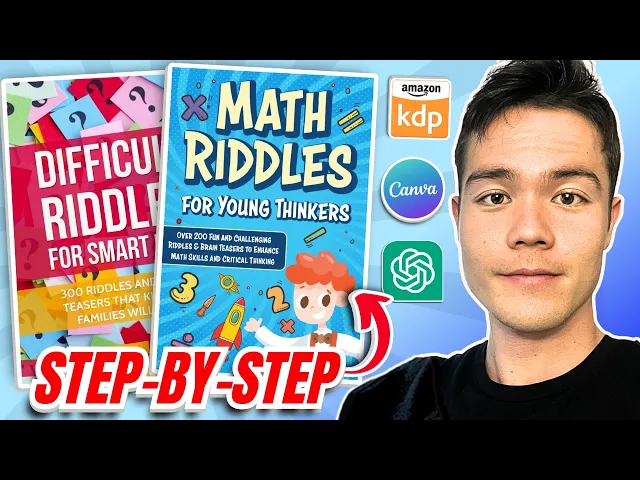
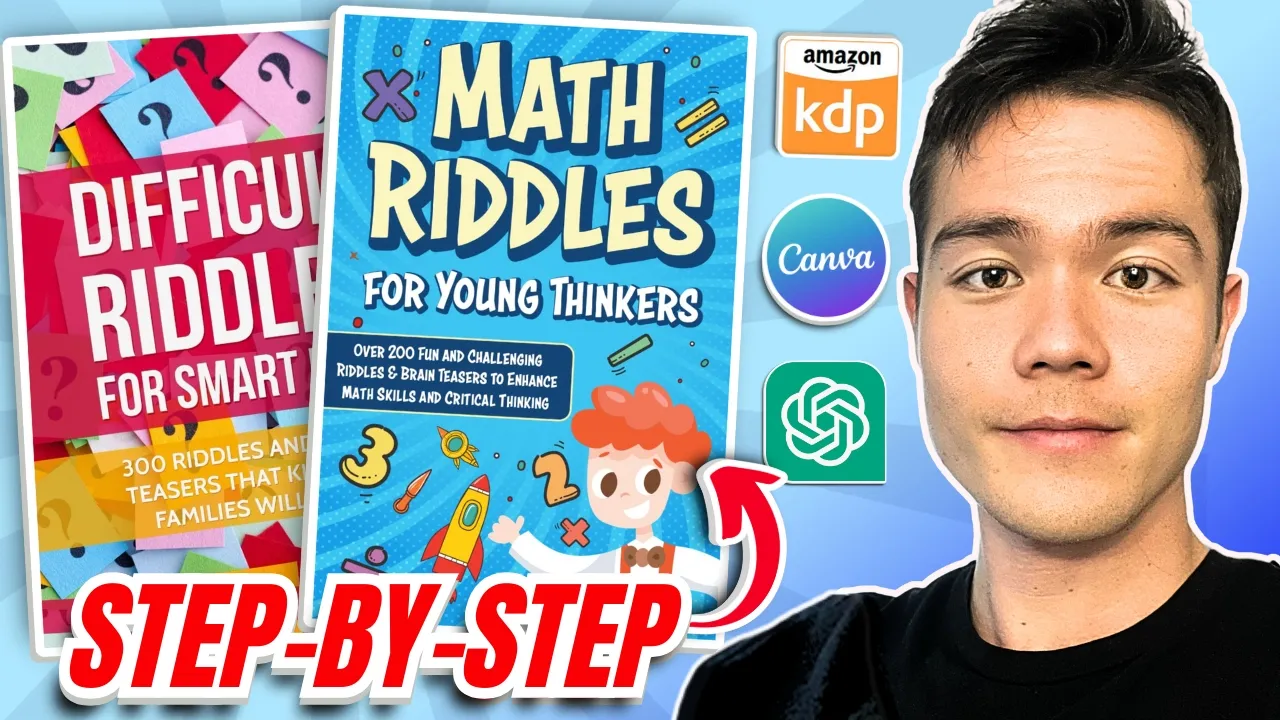
in this video I'll show you a step-by-step process on how you can create riddle books on canva so you can start selling it on Amazon KDP so if you're new to the channel my name is Sean I've made well over seven figures from my own Amazon KDP businesses so if you want no BS advice from someone who's still actively in the game then make sure to subscribe so riddle books are extremely profitable as you can see from this one difficult riddles for smart kids 300 difficult Riddles In brain teasers for families and this book right here is number 23 in the entire book store making between $946 to $2,100 every single day so that is $30 to $60,000 a month now this book obviously has a ton of reviews it's been on the market for a long time but what about another book this book tricky riddles for smart kids has 556 reviews and it's making a lot less but it's still very very solid this is $84 to $100 a day so that is about $3,000 a month and even a very new book like this one math riddles for young thinkers it only has 33 reviews and yet it's doing $20 a day so that's $600 a month and I'm pretty confident that as they get more reviews and Market the book then they will start making more and more so the big question is how can you do the same and create a book like this well let's start by reviewing a sample from this book so scroll down to the main content look at the interior section for example here's riddle number two you can see me in water but I never get wet what am I the answer is likely reflection so this is a great example it's so probable for kids but still challenging their minds so the formatting is very straightforward with riddles numbered sequentially so 1 2 and so on up to 27 in this sample the book title mentions 300 difficult riddles so it offers a large variety for readers these kind of books are very popular with families and they make great gifts so let's look at another example here and here's a book that doesn't offer a Read sample option scrolling down we can see it also lacks illustrations so in cases like this we can check the review with images so there are a couple images here so if you take a look at this one one riddle says you may sing in songs you can move me so I can really read further because it's poorly written and grammatically incorrect which to review also highlights this issue and it's getting negative reviews for it but despite that this book remains profitable so imagine if you create a book that's actually well written and engaging right actually good then you could beat this book and you know make more money but let's check another example here so here's another book with a sample available so you want to scroll down to the main content and the riddle page isn't showing up so if you cannot find the riddle page you can check if they have illustrations to show or go to the reviews this sample includes images making it more engaging for kids the illustrations are simple yet effective like a knight or a coin on top of that the riddles are numbered and well organized just like the previous example but with better visual appeal so here's an example riddle from this book a bakery sells cupcakes in boxes of six and muffins in boxes of four if you buy seven boxes of muffins and nine boxes of cup cupcakes how many items do you have in total so this is a math riddle that's both fun and challenging for kids which is very cool so how can you create a similar book well let's use chat for help so I'll show you a prompt to generate any type of riddles you want uh it's not limited to General riddles you can create math riddles uh logic puzzles or anything else so basically follow these steps uh to write the prompt The Prompt is create 30 lists of fun and engaging riddles for kids about the subject designed to stimulate curiosity and critical thinking each riddle should be one to three sentences long offering a clever or playful description of an object concept or creature that encourages readers to think outside of the box ensure the riddles are age appropriate imaginative and challenging yet solvable for children avoiding overly complex or abstract references so once you've entered the prompt replace the subject with the topic you want like the math riddles we saw earlier then click generate so here's an example of what chb might produce uh I am greater than two but less than four double me and you will get more so it's generating riddles on topics like addition subtractions fractions measurements and more uh here's another example here I'm the part of the day after morning what am I the answer is afternoon or I'm 60 seconds but not a clock what am I the answer is a minute so kind of simple uh if you want something more complex just ask chat for it but uh I think this is pretty decent you can also switch topics easily for example let's generate riddles about animals so chib will provide topics like farm animals jungle animals ocean creatures uh for instance I live in a shell carry my house and crawl very very slowly what am I the answer is a snail so by doing this uh you can create a variety of topics like you know it can be anything uh Vehicles animals nature much much more and you can generate between 200 to 300 riddles uh which is what you need for your book and you'll have a book similar to the example one that I showed you so so now you have the riddles but now you got to create the interior design so before you begin you need to decide on the set book size bleed and margins so first identify the size of your book and how many pages it'll have so take this book for example it has only 79 Pages which is quite slim right and it's dimensions are 6x9 so here's another book with 132 pages also 6x9 and here's the third book which has 110 pages and also using 6x9 trim size so as you can see all three books are all 6x9 which is what we'll be using as well so let me quickly explain what bleed means uh basically when designing you need to decide whether to use bleed or no bleed so look at this example right here on the left uh we have a no bleed page and on the right is a page with bleed so bleed allows the design or images to extend to the edges of the page after trimming so in this case the no bleed page has a small image that stops right before the edge while the bleed page has an image that reaches the very end of the the page now let's talk about the margins okay so look at the bottom part here uh you will need to consider the page count and whether to use an inside gutter margin for books with page counts between 24 and 150 Pages the inside gutter margin is typically 0. 375 in for outside margins the measurements are slightly different so if your book doesn't use bleed the margin should be at least 0. 25 in for books with bleed the outside margin should be 0.
375 in now I get that this is a little confusing especially if you're just getting started but the cool thing is as you create more books it's basically the same process every single time so you will get used to it very quickly so going back to it let's focus on the dimension next if your book is 6x9 in without bleed the size Remains the Same but if you're using bleed you need to add a bit more to account for the trimming process during printing so for instance with bleed the dimensions become 6. 125 in by 9. 25 in this basically ensures Your Design reaches the edge after trimming earlier we saw that the example book has a design that extended fully to the edge making it a great starting point for beginners so using bleed simplifies the setup because both the inside and outside margins are the same which is 0.
375 in so this saves time compared to adjusting different margins for each page so by doing this you can maintain consistent margins across all your pages so now that we know that let's move on to Cana so the next step is to create a design so you want to click on custom size set the unit to inches and input the width and height which which is 6X 9 in but since we are using bleed we actually need to adjust this to 6. 125 by 9. 25 so once you've entered the dimensions create a new design the first thing to do is you want to set up the margins so the margin should be 0.
375 in so even if it's slightly off like 0. 376 in that is fine as long as it's very close and as long as it's above the minimum 0. 375 okay so these are small adjustments it's not going to impact the overall design significantly even if you go over it so don't worry too much about that so repeat this process for all sides to ensure uniform margins to simplify this process you want to use canvas elements select the shape such as a box and place it in a corner adjust its size to fit perfectly then copy and move it to the opposite corner and repeat this for all sides once the margins are set delete the boxes used for measurement now you're ready to create your page design so you can start by adding a simple element like a box to different sections and finally add text to your design for example create a title or section heading then you want to paste the text that you got so let's just say you've chosen a title like math riddles for kids uh list number one numbers right then simply copy it and paste it into your ca design and now that we're back in Kaa click on the paragraph text box and press contrl plus v to paste The Riddles we copied earlier and align the text to the left for consistency select everything and align it to the left again just like this and adjust the font to something more appealing uh as the current one looks a bit cheap uh we can choose a Bolden readable font for better presentation so for example comic sense works really well here uh making it bold to improve readability as well and next copy the text and paste it where needed so start by breaking it down into sections for instance question number one copy the question but leave the number one intact and repeat the same process for all the numbers so if a number is missing simply type it in manually for example type 2 manually then continue the same process for each question copy paste and organize everything neatly and now that we've separated all the questions Center the content title and rephrase it to something like math riddles so bold the title to make it stand out adjust its font size to around 20 and place it at the top and you can resize the text to improve readability now compile the answers and write them on the back page of the book select all the text set the font size to 15 for all and adjust accordingly copy and paste the text into its proper location and label the page title with something like math riddles numbers and add the answers below so for example question number one answer is three question number two answer equals clock create a new page move the content there and update the title to answers repeat this process for every section of your riddles and organize everything to improve ridability once again for instance uh lighten the colors to make it visually appealing round the corners of shapes to around 20 for a cleaner look ensure everything fits well and adjust the shapes so they cover the left and right parts of the text as needed so if a text box blocks any content you want to right click it go to layer and choose sent back once the answers are finalized you can delete them since they're already compiled and you can fix the alignment group each of the box and text elements select all the box and text elements right click and use the space evenly option to tidy things up so now that everything is aligned you can adjust the layout properly to fit the page finally create additional Pages for different themes for example math riddles for numbers fractions animal riddles whatever you want to put here so once your entire book is done then you want to click share then download and select PDF print as a file type if you have canva Pro you can choose CMYK for professional quality printing if you're using the free version you will have to go with RGB which is fine for now so click download and you're done so that was how you create the interior for the book cover if you do want to create it yourself for free on CA then you can look at sha noit book cover and I do have a tutorial on that I'll also leave a link in the description but if you rather just Outsource to get a professional create a book cover for you then this is a great option for $30 you can see that it creates a really high quality book cover so I'll also leave a link in the description below now if you don't even want to deal with the process of creating the book interior or the book cover you can actually Outsource the entire book creation process for these books someone like this gig on Fiverr is an excellent option he is one of the best low and medium content book creators that I know know of on Fiverr so it's either going to be the $75 or the $140 option but he will create the entire book for you so both the interior and the book cover so I will also leave a link in the description below in terms of uploading the book to Amazon KDP if this is your first time you guys can check out the step-by-step tutorial video that I've done and once the book is live on Amazon then you want to start marketing it if you want a Amazon ad tutorial video I'll also leave a link to this video that I've done and you can also consider doing social media marketing this is an example of some videos that are working really well right now and it's as simple as ordering your book and talking about it so this video right here it got 5.
3 million views and it's just the author ordering the book and just talking about it behind the camera right so you basically have to be consistent you got to post every day make a lot of different videos each one will get a couple thousand views if not less but over time some videos will go viral like this one 5.