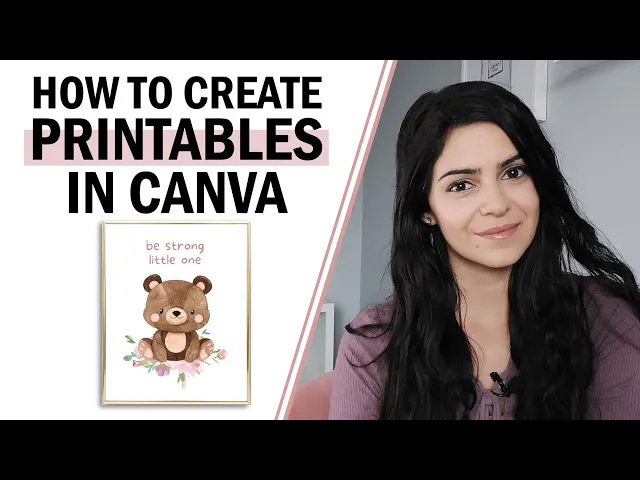
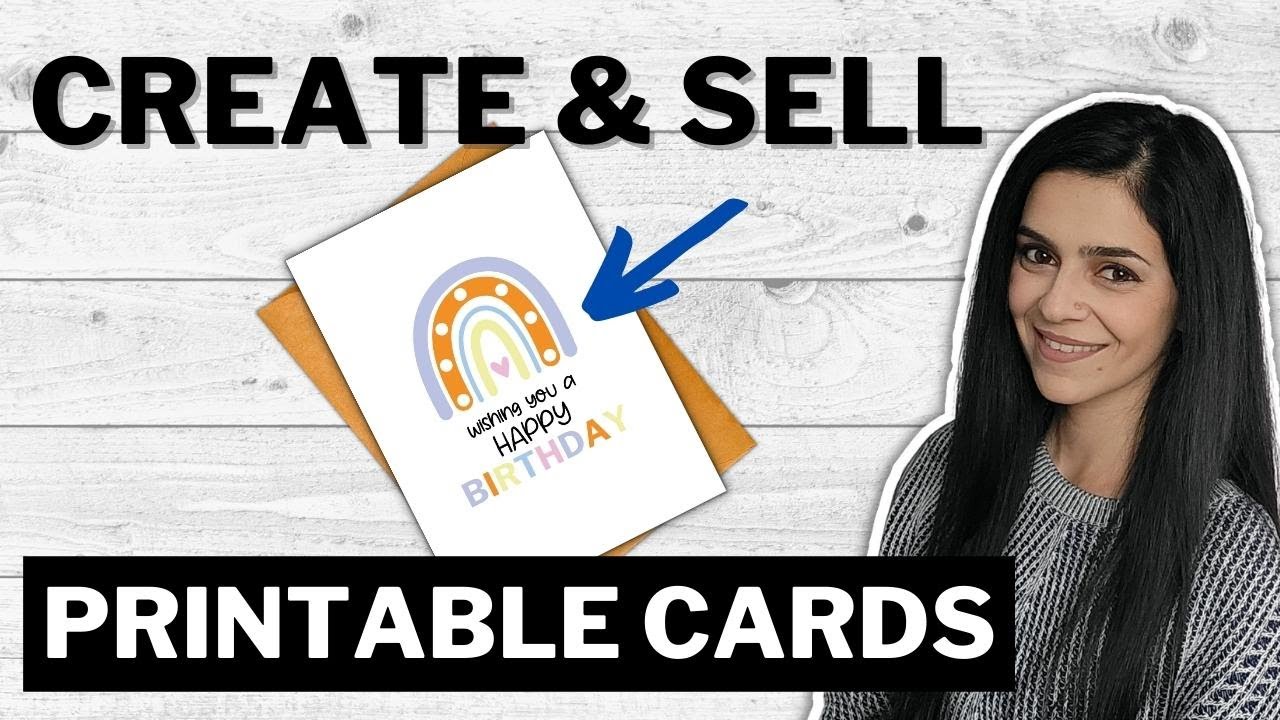
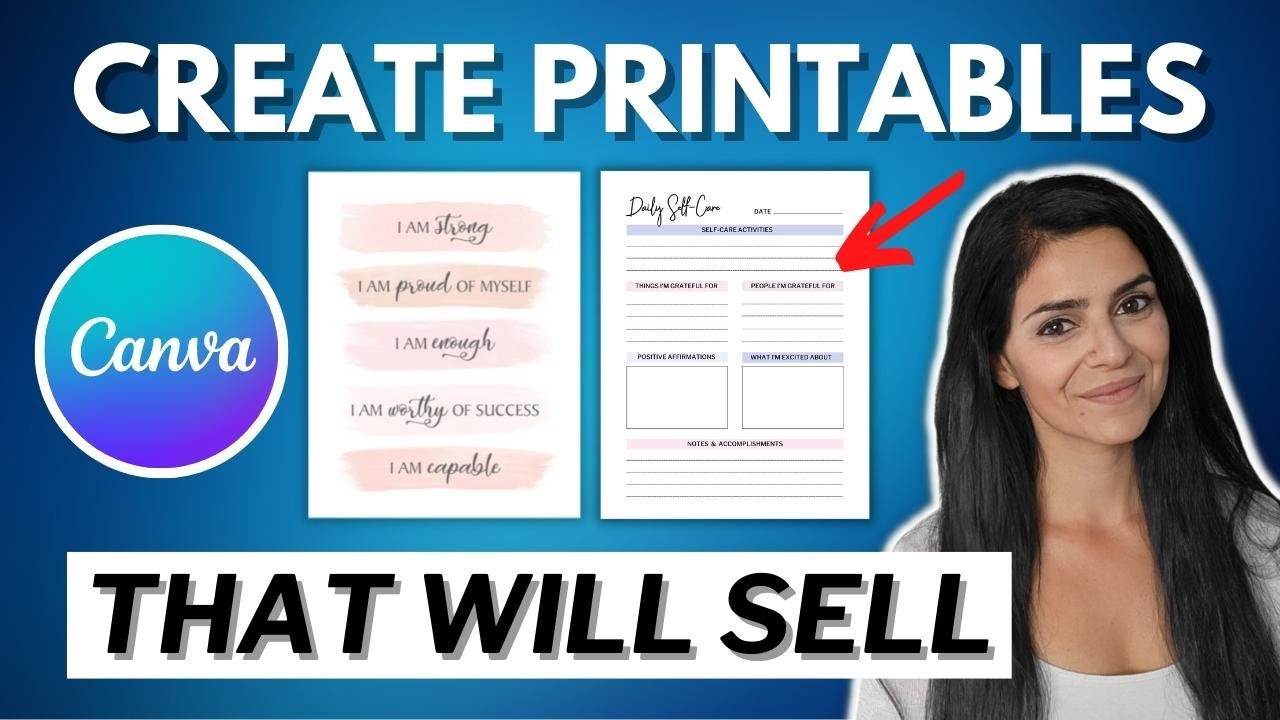
let's create some fun printables in canva for free so you can finally open that digital product Etsy shop that's going to bring you passive income hi if you're new here my name is Sandra and I'm a freelance graphic designer if you haven't seen my last few videos I talk all about selling digital products online to create passive income if that sounds like something you're interested in be sure to subscribe to my channel and hit that Bell to be notified when I post a new video every Tuesday I've been creating and selling printable wall art and
digital planners for a few months now and I've gotten to a point where I basically make daily sales it's a super fun and creative process and I promise you don't have to be an expert in graphic design to do it as well before we start the tutorial I wanted to let you know that I've linked my free guide in the description box Down Below on 20 digital product ideas that you can sell online so make sure to grab your copy before the end of the video now without further Ado let's head over to my computer
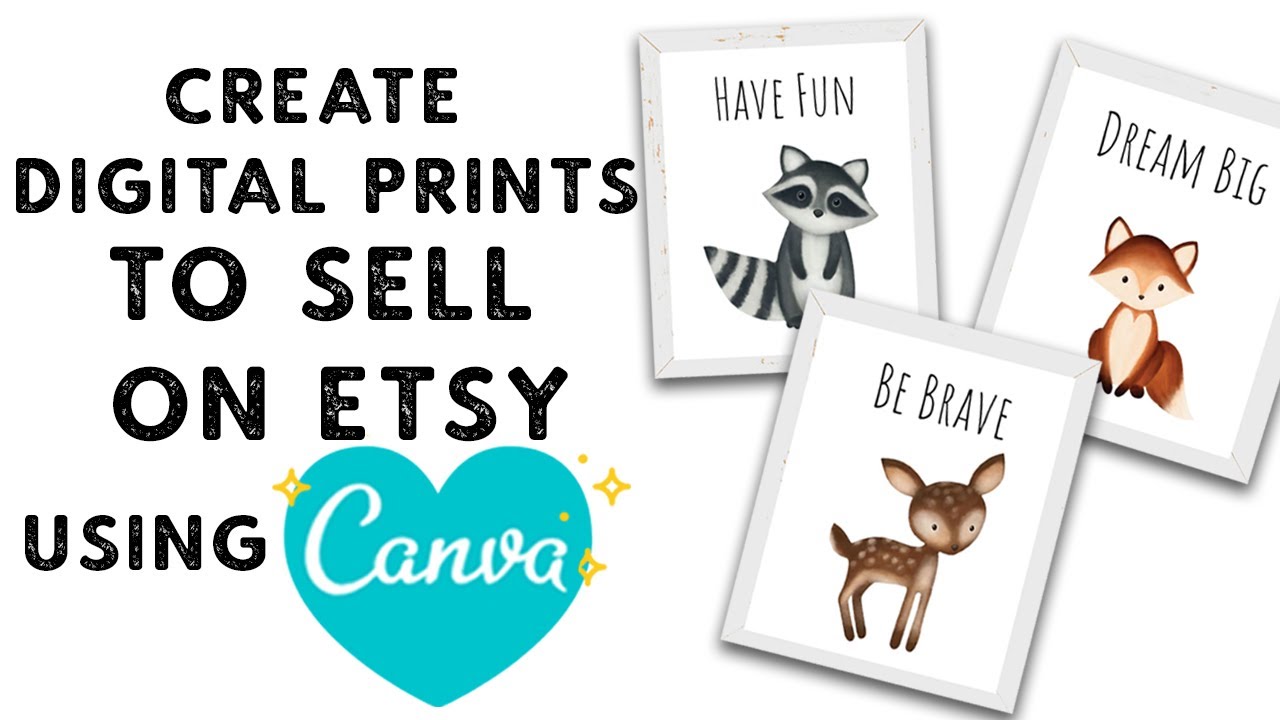
okay first step is to find the graphics that you want to use for your printables I highly recommend going to creative Market that's where I get all of my graphics and today I'm going to be putting together a cute little Nursery wall art so I love this one watercolor Woodland friends this is the one I'm going to be using as you can see I've already purchased it but if you haven't purchased it it'll show you for personal use commercial or extended commercial it will recommend that you choose commercial which is what I purchase so that
I'm allowed to use these graphics for my own digital products I'll link this one in the description box down below if you guys want to purchase this one as as well but now that I have these Graphics I'm going to head over to canva I'm on the homepage of canva.com right now if you haven't used canva I highly recommend that you browse through it there's so many templates that you have to work with you can create Instagram posts Pinterest pins even YouTube thumbnails so it's absolutely amazing but for now I'm going to create a custom
Dimension design for my printable so I'm going to go up to the top here create a design and I'm going to start with an 8x10 in artboard so click on create new design and now I have a blank artboard that I can work with you can see the menu on the left side here that you can just go through there's available templates that you can use and swap out your own images and change the fonts but for now I'm just going to go to uploads because this is where you upload the graphics that you want
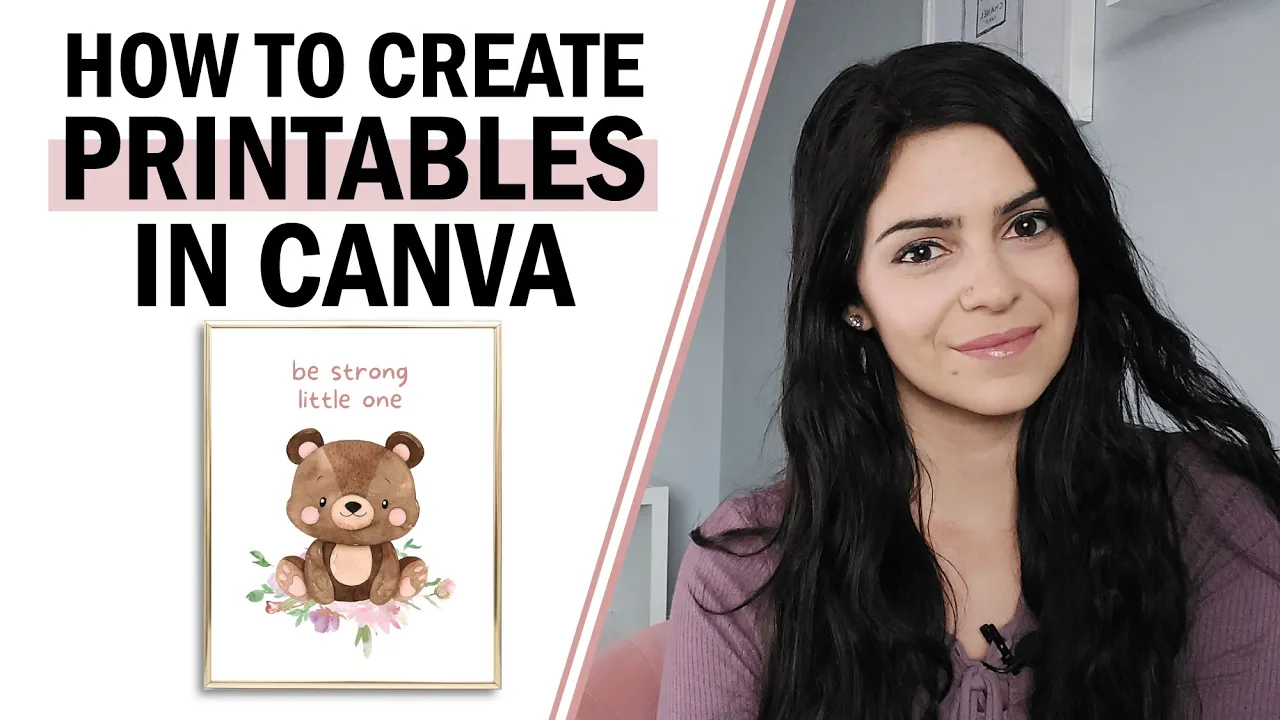
to use for your printable so as you can see I've already uploaded a couple of Graphics that I want to use for this Nursery wall art but if you want to upload anything just go to upload media and then click on device and then you just have to browse through the folders and add in your graphics so the first thing I'm going to do is I'm going to add this adorable little bear so you can either drag and drop it or just click it and it'll show up on the artboard and you can make it
smaller or larger and I'm going to add these flowers here it's part of another package that I've purchased from creative Market it's a beautiful floral package I recommend that you read the rules of the commercial licenses that you're purchasing because I find that majority of the time they're asking you to add different Graphics from different packages and maybe some words just so that you're not just taking their graphic putting it on Nord and just reselling it so in other words make it your own so let's click on this to add it in and I'm just
going to rotate it you can rotate it with this little button here get back and then right click Send backward so I'm just going to make it look like the bear is sitting on these flowers and I'm just going to Center everything just go to position center okay and now I want to add text so back to the menu I can click on text and I'm going to add a heading okay so now I want to change the font so you'll see here there's a drop down of a bunch of fonts that you can use
and I know it's going to be a question regarding what you can and can't use in canva in terms of personal or commercial use so I'm going to link an article in the description box that I found from canva which explains what you can and can do in terms of commercial use and personal use so I'm going to use this font and if I want to change the color of the font just click on text color and the cool thing is right here it shows a photo color so if I want to choose a color
that matches the photo I can so let's see what these look like okay I think that looks good and then if I want to change the spacing between the words I can go here okay so that's super cute now if you want to create a few printes at a time just go to add page right here and then a new artboard will appear and you can start creating let's say a new Nursery printable if you want to batch design so for now I'm just going to focus on the one that I have now you want
to download it so that you can upload it onto Etsy so that when somebody purchases it they will receive this file so go to download and you can download it as a JPEG or a PDF now because I've heard that if you download a JPEG from canva it only downloads as I think it's 96 DPI but it's not as high quality if someone were to print it out but if you save it as a PDF it will be high quality so that's an option for you I personally create my printables in Adobe Illustrator so I
exported to 300 DPI it is possible that if you have the premium account you might be able to download a higher quality JPEG file but for now let's just do a PDF and download and then it's just going to download onto your computer and this is where you can take that file and upload it onto ET y now what I do recommend is you offer multiple sizes in your digital print if you have the premium account you can just go to resize again I don't have it but as soon as you click resize and let's
say you change it to an 11 x 14 it's going to adjust this size and then you can also download it as a PDF and then you'll have two different sizes that you can offer but since I don't have the premium account and you want to stick to the free account this is what I would do go back to the homepage and you can just create a new design again let's say you want 11 by4 now you have an 11x14 art board that you can work with so what I would do is I would go
back to my 8x10 and I would just drag my cursor and copy and paste it onto this artboard now of course you just have to resize it so that it fits nicer within this size and then I would just repeat that process and download it as a PDF okay now I want to show you how you can create a image that you're going to post in your listing so we're going to use a mockup let's go back to the homepage to create a new custom Dimension design so because Etsy recommends a minimum 2,000 pixel width
for an image I'm going to go to pixels and let's do 2,000 by let's say 1500 I usually do Square images with a minimum 2,000 pixel width but for now we're just going to do more of a horizontal orientation so I'm going to go to uploads and this is a mockup that I purchased as well from creative market so click on it and I'm just going to center it nicely on the artboard I'm zooming in because I want to focus more on the printable as opposed to the rest of the mockup now what I'm going
to do is I'm going to download my printable in jpeg format so I'm going to go back to my design and go to download jpeg okay so now I just need to upload it okay so you just have to click on it and resize it to fit the frame now one last step is I want to make sure that the buyer knows that the is a digital download so you can go to elements and let's add a circle I'm going to change the color to a darker pink and let's change the transparency okay and I'm
going to go to text add a subheading to type instant download or digital download and I just want to make it more bold so I'm going to use a different font that looks good and I'm going to change it to White just going to make this darker so it stands out a little more and there's no confusion and there you go this is what I would download and I would make as maybe my main photo if you need me to do a tutorial on how to start a listing and add in your images your title
description and your tags let me know I can go through that step by step and show you how to upload the digital files to make sure that your buyers receive the digital downloads immediately after purchase now keep in mind that you don't have to limit yourself to just printable wall art you can create digital planners workbooks and even templates however I do believe that you need the premium account in order to create and share templates but that's totally worth it for you if those are the products you want to sell now just a reminder make
sure you grab your copy on 20 digital product ideas to sell online in the description box down below before you go if you found this video helpful make sure to give it a like don't forget to subscribe and hit that Bell to be notified when I post a new video every Tuesday next I highly recommend that you check out my video on digital downloads that will definitely sell on Etsy as well as how to build passive income with digital products thank you so much for watching and I can't wait to see you next week bye