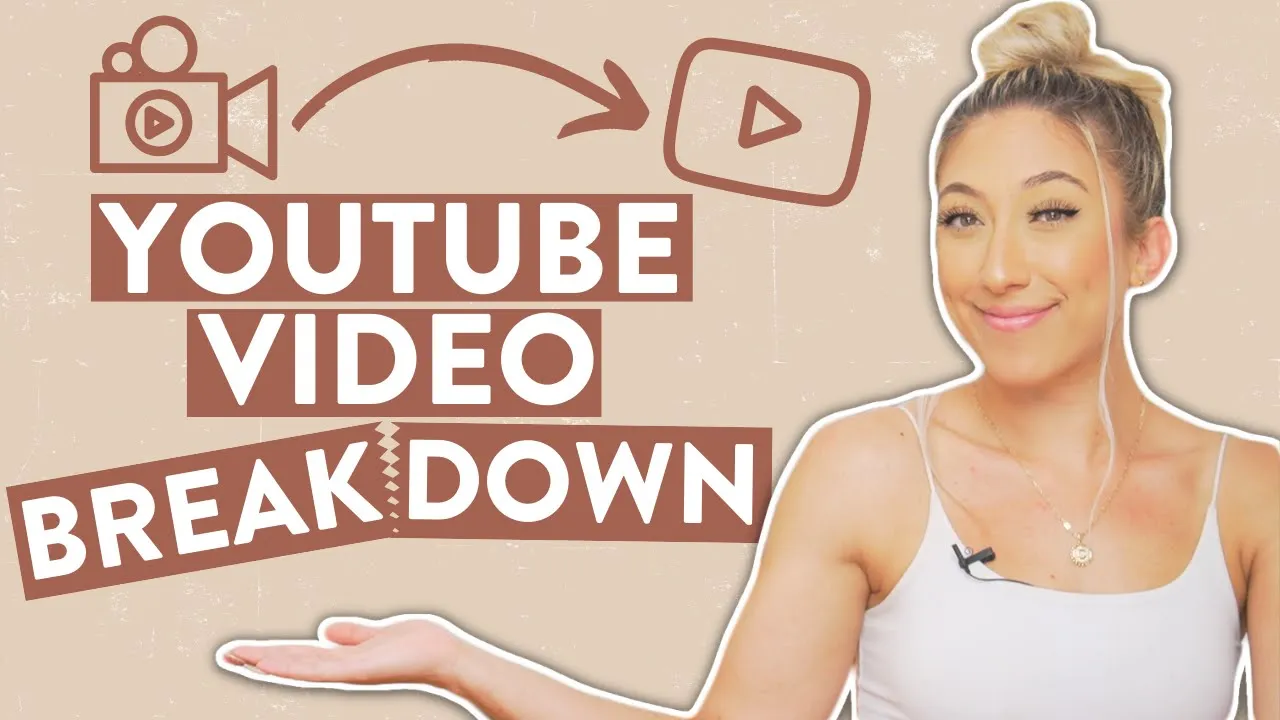
this is my entire youtube process from conceptualizing scripting editing to posting what's up everyone i'm milly i'm an influencer coach i post twice a week here on my channel both on sundays and wednesdays teaching you the latest strategies and trends for how to grow your personal brand and monetize your passions as an influencer there's a lot of different influencers out there for different platforms today we are talking about youtube and how you can structure your youtube process as an aspiring youtuber or aspiring influencer as always timestamps will be in the description down below because i
value your time and you already know why you're here so let's get into it first things first is coming up with content ideas how do i come up with content ideas and how can you come up with content ideas for myself there's really two ways that i come up with my content ideas one is market research and the other one is audience feedback so when it comes to market research basically what i'm doing is i utilize search engines to show me what is currently trending and what is currently being looked for or asked for within
my niche and expertise of course on youtube it's important to have a niche i think every everybody says it so for me being in the instagram online educator niche what i do is i go to search engines like pinterest youtube google even tick tock is an up-and-coming search engine so i go to a search engine and i type in my niche or my industry or my content pillars content pillars are basically the topics that i rotate talking about so i consider my niche to be i'm an influencer educator or an influencer coach and the content
pillars or the topics that i rotate talking about are instagram tips how to land brand collaborations how to get paid as an influencer how to create your personal brand or your personal image online so those are some of the topics that i rotate talking about so i'm gonna go to youtube and type in instagram and see what's recommended under there so if it says instagram followers instagram growth how to grow on instagram fast i'm going to utilize that search as inspiration for my video topic another tip that i have for somebody who is just starting
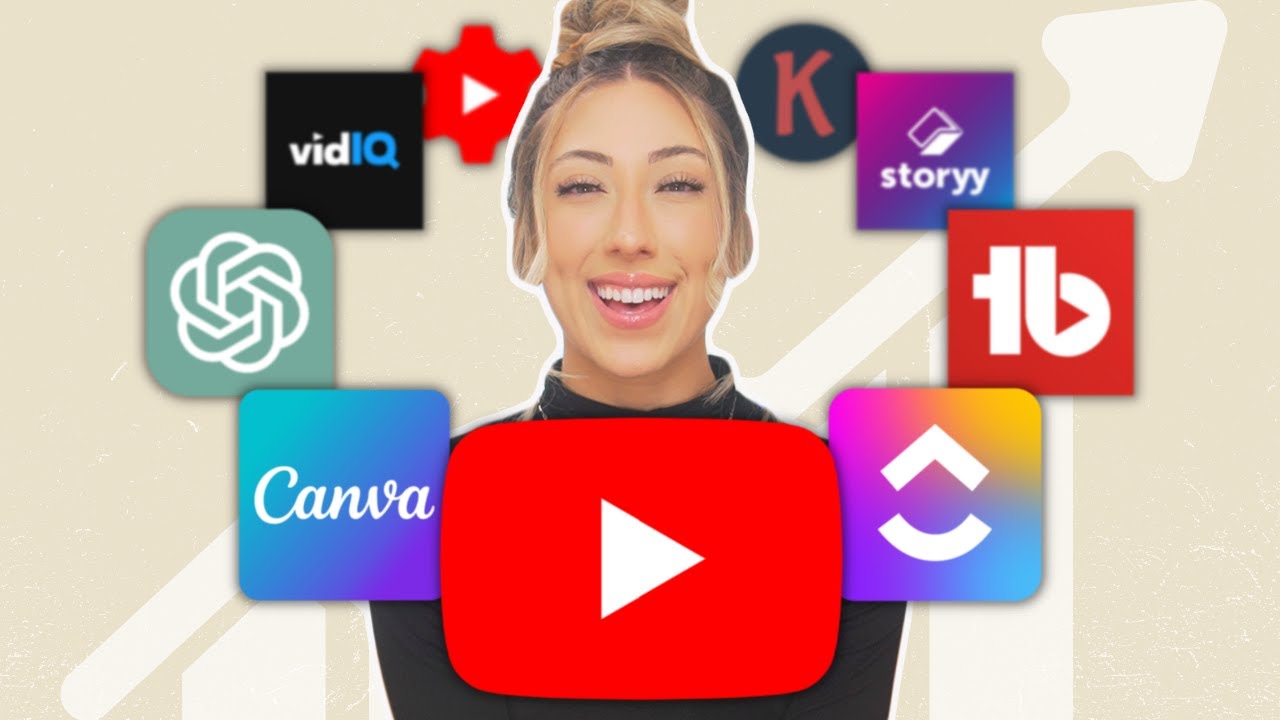
out is to use tubebuddy or vidiq tubebuddy and vidiq are extensions that you could add to your browser i love them they make the youtube creation process so so so easy and basically when you type a search into youtube it'll tell you how likely you are to rank in that search so that's something i'm keeping an eye on as well in addition to that i use something called keywords everywhere you do have to pay for keywords everywhere like credits i think i paid like 10 for like 100 000 credits and that lasted me an entire
year as long as you turn on and off the extension so i use keywords everywhere in tandem with youtube so on the youtube platform type in the topic that you want to create a video on so if it's how to sell digital products type that into the search bar keywords everywhere will tell you how many people are searching for that thing per month what you want to do is look for a search quantity that is equal to or less than your subscriber count for example if you have 1000 subscribers or less you want to find
a phrase that has 1 000 or less searches per month so that's like the market research side on top of that i also do audience feedback which is huge this is like the most important part of my content creation process on youtube specifically 50 of my youtube topic ideas comes from all of you who are leaving comments of like hey can you do a video on this hey can you do a video on this because me i'm one brain i'm one mind i can't always be reinventing the wheel it can be exhausting constantly coming up
with content ideas so to hear directly from my people the people who are like dedicated enough to take the time and write a comment and a request on a video topic those are the people that i want to be listening to and taking into consideration now after i've picked a few topics i usually batch script and record my videos so after i have an outline of maybe one month's worth of content then i'm going to go to a coffee shop and script my videos i prefer to get out of my house when scripting because i
feel like being in a new environment helps me feel a little bit more inspired with new surroundings so i'll go to a coffee shop get myself a coffee maybe a little treat write it off as a business expense because i'm working there for the next four to six hours for my research specifically i know a lot of people ask me where are you doing your research for instagram topics how do you do research for this my resources for instagram related videos i just stick to the main source instagram themselves so i consume their instagram posts
the instagram account their creators account adam asari's account i also follow them on twitter for any updates and i also read their blog post so believe it or not instagram does have a blog and they are posting there maybe once a week once every other week so i'm constantly staying up to date with all of their latest announcements and blog posts that's where most of my research takes place each script takes me about two to four hours to write mainly for like talking head videos those are the ones that take the longest to script because
i want to make sure i'm giving the most important information and just getting to the point whereas the vlog casual style videos those aren't scripted and i can be more spontaneous with the content scripting is also really helpful for brand collaborations because i can send a script to the brand beforehand to approve before i film which saves a lot of time on the back end instead of doing back and forth with revisions they can approve a script and then i can record exactly what they've approved if you're curious specifically about what my collaboration process is
i do have this video here that goes into how i plan out my videos specifically for brand collaborations on top of that if you're curious on how i actually script my videos like what does that template look like what is the structure of my videos what do i say blah blah blah all those things i have this video here where it's an instagram q a and i answer the question of how i structure my youtube videos so you could go to the 14 minute time stamp to get that information of like the scripting and how
i break videos down once the video is scripted and approved by the brand then we go into filming just like how i batch script my youtube videos meaning i script them all in one day and it takes me like eight hours to script three to four videos i batch film my content i try to film my content at least a month in advance this gives enough time for the editors to edit the videos also for brands to approve the videos and we can properly get it up scheduled on youtube and ready to post in time
i'll pick one to two days out of the entire month where i sit and film my videos so today i have four videos that i'll be filming sitting here batching and then next week i'll also film four more videos and then i'm set for the entire month of september next up we have editing luckily for me i am at this point where i can outsource and i have hired a team of people to edit my youtube videos my editors are through a company that's called story but before i had video editors i was editing them
all by myself so if you're somebody who's like i i can't have a team i don't have a team i have to edit everything myself i get it same i did that for the first few months even year of creating content for my youtube channel and i even had a youtube channel before this with my brother we were posting for nine years so like i had to edit videos myself and i get it two important things that you want to keep in mind when editing one keeping your video entertaining keeping it fast paced cutting out
any uh um or awkward silences like try to keep your videos fast paced to increase the average view duration of your video which is just the average time somebody watches your video from beginning to end and then also making sure you're using the right music because even if you're not monetized now if you're not using royalty-free music to avoid copyright claims you won't be able to monetize your videos in the future and that's why i recommend using epidemic sound who is also the sponsor of this video if you've been a subscriber for maybe the past
year or two you probably have heard of epidemic sound because i talk about them in a lot of my youtube related videos like this whether you're a youtuber who's making videos or you're somebody who works in-house in an agency making video content epidemic sound has 35 000 soundtracks and over 90 000 sound effects the most important thing to have as a creator is security so that you can monetize your passions and be able to make an income and that's what epidemic sound provides to you they offer you that security so you're able to monetize your
videos without having to worry about copyright claims their personal plan covers you on all personal social platforms like instagram youtube tick tock twitch twitter podcast all the things and then their commercial plans covers your freelancing projects or commercial productions for your business i know most of you watching are probably going to lean more towards the personal plan side so i will have a link down below where you can get a free trial and if you end up loving it like i do i also have a discount code for you to use to get 50 off
the personal annual plan so you can use that code to get your 50 off discount the best part is any content that's uploaded during the time of your active description that content will remain clear of any copyright claims forever literally no strings attached with this subscription you could cancel at any time and again any content that's uploaded during your subscription will remain cleared for forever so again i'll leave their link down below and my discount code down below when it comes to editing softwares i originally started editing youtube videos on imovie that was what i
learned on that was like my first video editing software that i used because it was for free and then i went to final cut pro and then i went to davinci resolve and then i now i use adobe premiere pro if you're looking for a free one you have apple imovie is fine i was really intimidated to use any adobe products because i thought like this is way too advanced for me but it's actually a lot easier than it appears to be so i recommend adobe premiere pro i love it and i'm pretty sure that's
what my editors use okay now that the video is edited it is time to post what i'm looking for when i'm posting is the title of my youtube video is filled with keywords and the first two lines in my description is filled with keywords as well i want these to match and like target the same keywords because youtube pulls that information to help rank their videos so they're looking through your title they're looking through your descriptions and seeing okay this says how to grow on youtube or what youtube process and then the description also says
that so double whammy this one's good to go let's rank it in youtube i also make sure that the thumbnail is poppin really what it comes down to is getting clicks if your title and thumbnail aren't thebomb.com even if your video is gold money nobody's going to watch it because nobody's going to click on it so making sure that you have really eye catchy and thumb stopping thumbnails you could use canva that's where i create my thumbnails if you're like hey i suck at graphic design you can literally hire somebody to make your youtube thumbnails
on places like fiverr and upwork for really cheap so definitely look into that as an option when doing your thumbnail research just look at other videos in this topic and get inspiration from them make sure you're posing for your actual thumbnails instead of just pulling a screenshot from your video because those will actually perform better i'm still super strategic with tags i try to be as accurate as possible i use tubebuddy and vidiq to help me select my tags but i do know there's like a lot of rumors out there where people are like tags
don't matter anymore but i still try to be as thorough as possible and then we schedule it to post there's a lot of other little things that happen in between like i have my va she does all the time stamps for the videos to make sure y'all can fast forward and go through all the stuff that you want to go through we also make sure when i point and say like watch this video a little thing pops up where you can like actually go to watch the video making sure anytime i reference a link it's
down in the description so there's a lot of little things that go into making sure the video is as put together as possible but that is the main process for my youtube channel if you've made it this far and you're not already subscribed to my channel be sure to hug the subscribe button and turn on the bell notification so you don't miss when i post my next video and i'll see you in the next one thanks for watching follow your joy bye [Music]
![Film YouTube Videos On Your Smartphone By Yourself [6 Easy Steps]](https://img.youtube.com/vi/QICqk4W047M/maxresdefault.jpg)