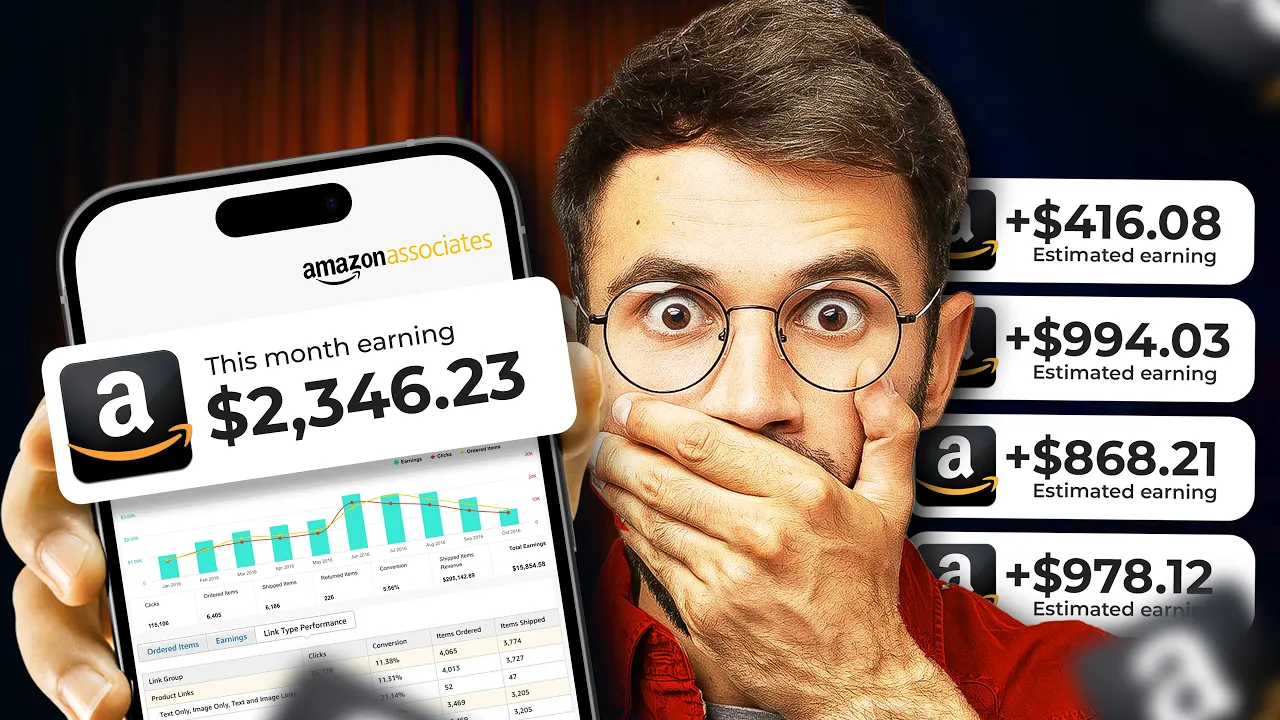
take a look at this channel they promote Amazon product videos as an affiliate and are getting millions of views for instance one of their videos alone has an insane 34 million views in that particular video they promoted a knee pillow priced at $30 on Amazon now Amazon's standard commission for home related products is around 3% which means they're earning 90 cents for every knee pillow sold I know it doesn't sound like much right but here's where it gets really interesting if just 1% of those 34 million viewers decided to buy the knee pillow that's 340,000 sales and guess what that means this Creator earned around $36,000 in commissions from a single video crazy right but wait it doesn't stop there this Creator is smart he repurposes his content on Tik Tok and gets millions of views doubling his reach and earnings with minimal extra effort imagine how much money he's made across all his videos now I'm going to show you this exact strategy using AI tools to make the process even easier if it worked for them why can't it work for you so smash that like button and let's get started the next step is to find a popular Tik Tok video that features a trending Amazon product to start go to Tik Tok and search for videos using keywords like Amazon finds or Tik Tok made me buy it these keywords will help you find videos showing popular products now focus on finding a product that solves a problem for example I found a mini iron that's perfect for people who need to iron clothes while traveling or in small spaces it's compact easy to use and solves the problem of bulky irons which makes it a great option to promote once you find a product that catches your eye check the comments section of the video if people are excited about it talking about how useful it is or asking where to buy it that's a sign it's a product worth promoting after choosing the product copy the video link and go to tikm mat. online this site lets you download Tik Tok videos without the watermark for free pay the link download the video and save it to your device next open the downloaded video to identify the product name you can take a screenshot of the product using a tool like VLC player or Snipping Tool then go to images. google.
com click the camera icon and upload the screenshot Google will search for matching images and help you find the exact product name in this case the product is called a travel steamer iron for clothes mini now copy the name and head over to Amazon paste the product name into the search bar and hit search look here's the exact product as you can see 9,000 people bought it just last month which means it's still in demand now click on the product to open it and to check out the details here's the important part many Amazon listings have demo videos that show how the product works these videos are often free to use to download these videos you'll need to install an extension simply search for video downloader professional and add it to your browser this extension will let you download demo videos directly from Amazon all right now click on this and pin the extension then go back to the Amazon product page and refresh it then click on the extension you'll see that the extension has grabbed the product videos for you to download review the videos and download the best ones you can do the same on Tik Tok simply search for the product name name on Tik Tok and download the best videos you find there as you can see I've just downloaded the best videos and saved them in one folder so two or three highquality videos are enough for our short video now go back to Amazon copy the product URL and I'll show you in the next step how to transform this product URL into a unique viral video using AI now that we have the product videos and URL I'm going to show you how to easily create viral content using wondershare verbos AI Montage maker this AI is a game changer all you need to do is upload an Amazon URL and it will automatically generate a complete promotional video complete with a script voiceover realistic human-like AI avatars and talking photos let me walk you through how it works first I've included the website link in the description so click on it and it will take you straight to the site the best part is verbo has a desktop version an online version and even a mobile app so you can use it however you like but for now we'll need the desktop version it's super simple just click download free to get the desktop version install it and you're ready to go once you've installed wondershare verbo you'll see a clean and userfriendly interface at the top you'll notice several powerful AI tools including AI script talking photo AI Montage maker URL to video and more these tools are designed to make content creation fast and easy you also have access to a wide selection of AI humanlike avatars that you can use to make your videos more engaging and realistic on top of that there are ready-made templates across various categories allowing you to create professional and appealing content with just a few clicks it's truly an all-in-one software designed to simplify video creation to get started just click login then sign up for free with your email and you're good to go once you're logged in click on URL to video which will bring you to the dashboard here you'll see AI support for creating videos across multiple platforms including Amazon Shopify Etsy and eBay simply provide a product URL and the AI handles everything for you you can either analyze a URL or upload content manually to generate your video in this case we'll use the analyze link option just paste the Amazon product URL you copied earlier into the input box and hit analyze link all right once you click the AI will automatically find and add stuff based on the product URL you can pick which photos to include in the video if there's anything you don't want just delete it now let's add the video we downloaded click on ADD media and upload the product videos you got the AI will make an interesting video using the videos or photos you uploaded now as you can see the AI has gathered the product information to generate a perfect script using this information you can add or or edit any points you want to include for the video size choose 9x6 because we want a vertical video for Tik Tok and YouTube shorts this format is perfect for those platforms also keep the video duration under 30 seconds since shorter videos tend to perform better and keep viewers attention now pick a language from the list there are many options but I'm going with English since it's widely understood for the video type choose AI Avatar and voiceover this means the AI will use a virtual person to talk about the product and it will add a voiceover once you've set everything up the way you want it just click generate video now the AI will use the product information to create a perfect viral video all right you'll see three different promotional video options pop up review them and pick the one you like best but to make it even more professional click edit to customize it now that we're on the editing page we can change anything we want first let's improve the script you can adjust it however you like I made the intro more direct and relevant to the video's content but feel free to edit any part you want once you've customize the script let's change the voiceover I want to use a male voice in English so I'll find the best option there are plenty of realistic AI voiceovers to choose from let me show you one I like logic will get you from A to B imagination will take you everywhere sounds natural right now select the voice character then enable apply for all stor boards and click okay we've just set the voice for the entire video all right now let's change that Avatar to a more realistic male character first rightclick on the current Avatar and select replace this will take you to the Avatar selection area where you can browse through different categories all the avatars look like real people but I recommend checking out the fixed backgrounds category they've got some really natural casual looking avatars that would be perfect for this browse through and find one that you really like the look of once you've selected your avatar just click apply to all boards and then okay this will update the Avatar across your entire video you know in my experience using these realistic humanlike avatars can really help build trust with your audience when you're promoting a product all right now you can customize the Avatar however you like you can crop it into a circle change its location or even go for a half body View you personally I prefer the full body size it feels more engaging when you click on that timeline mode you can adjust how long the Avatar appears on screen I'd recommend adding it at the key moments in your video that way it really draws your viewers attention but it's not just the Avatar you can play with here you can also change the timing of the video clips or voice over as well giving you more control to make everything fit together perfectly now let's move on to the second video section here I don't want the Avatar to appear in this part if you feel the same way you can easily remove it from the timeline just click on the Avatar hit delete and it's gone all right let me show you something really cool if you're not happy with the script you can easily change it see that little T icon over there just click on it when a new window pops up you can adjust the script however you like it's super flexible for example if you want it to sound more professional there's an option for that just click professional and boom instant script upgrade it's one of the best features in my opinion but that's not all you can also use the command prompt box to write your own custom script just type in whatever you want and the system will update it for you now let's move on to the third and final video section as you can see the AI set up the Avatar in circle mode at the top it looks great but it would be even better if we make it a bit bigger just make sure it doesn't cover any of the main product video all right on the right side you can change the background music browse through the categories to find something that fits the vibe or upload your own track once you pick the voice adjust the level so it complements the video without overpowering it if you want to add subtitles to your video just enable the subtitle option once it's on you can click directly on the subtitle in your video and that will bring up all the customization options from there you can change the text style pick a different font adjust the size and more but for this video I'm going to keep it clean and skip the subtitles finally I want to show you something that can make your video more engaging most Amazon product review videos have some text at the start so let's add that in on the first video section of the timeline let's add some text to the intro click on the text option and you'll see plenty of choices but if you click on text templates you'll find even more great options to choose from pick a template you like then customize it by adding the text Amazon finds part one since this will be your first video in the series now move the text to the bottom of the video for a clean look finally on the timeline make sure the text only shows up in the intro section by adjusting its duration all right we've customized everything it's pretty simple right now let's move on to exporting the video just click on export and wondershare will start generating and exporting the video for you as you can see the video has been generated and exported success UC F now click download and save it to your desktop folder now that the video has been exported successfully let me show you what the AI created Amazon finds part one this amazing handheld steamer effortlessly banishes wrinkles from all your favorite outfits you'll see how one product can completely transform your wardrobe in a snap now let's zoom in on This brilliant design that promises to make your life easier with just a quick press you're ready to smooth out any fabric the best part this little Powerhouse folds perfectly for travel and heats up in just 5 Seconds making it incredibly convenient it's the must have product you never knew you needed wa this is insane the way it combined all the elements together is just seamless and did you see how natural that Avatar looks while explaining everything it's like a real person is talking to you by the way with a bit of creativity you can make something truly amazing using these AI tool all right now that our video is ready let's move on to the next step now I'm going to show you a simple way to add Amazon products to a store for free this method allows you to earn commissions whenever someone makes a purchase through your store the website we'll use is legit and widely trusted plenty of people are using this platform like this guy who has his store Link in both his Tik Tok and YouTube bios when you click the link you can see all his products displayed with images and there's even a search bar to help people find what they want it's super simple and effective let me show you how to create a store like that first head over to this website and click sign up then in the user name section type in your shop name and hit continue next sign up using your Google account once you're signed in you'll be taken to the dashboard and this is what it looks like don't worry if it looks a bit messy at first I'll walk you through how to set up your store easily all right first step click on this option here which will allow us to start customizing the store profile next click on your profile and it'll take you to the customization area first let's add our shop logo once uploaded you can adjust its position however you like then you can resize the logo to fit your preferences after that change your display name to something catchy mine is Nexus Amazon finds in the Bio Section write something engaging like discover must of Amazon finds to boost your daily life here you can add your social media links it's better to have them added for future engagement next we need to add a disclosure to comply with Amazon's guidelines here's a suggested statement hey there just letting you know I earn from qualifying purchases as an Amazon associate at no extra cost to you once you've written the disclosure click on save to ensure all your updates are stored properly as you see we have a search button so this allows customers to easily find the products they're looking for next we will add our Amazon affiliate product to do this click on the shopping bars icon which will open a customization area now we need to add our affiliate link click on this button and here's where you should enter your Amazon affiliate link to get your affiliate link you must sign up for Amazon Associates I have made a video tutorial on how to sign up which you can find in the description once you on the Amazon product page click on get link to generate your affiliate link copy this link then head back to our customization area and paste it in the link area next we need to add the product title go back to Amazon find the product title and copy it then return here and paste it into the title area you can customize the name as you wish now it's time for the product picture go back to Amazon again and download the product image to your desktop after downloading return to our customization area click on the picture icon and upload the product image once the product is added we can customize the layout of the store choose a layout that you prefer in my opinion the rectangular format is better because it is more visible for customers so select this option you can also change the corners to be rounded if you like all right we've got one last thing to do let's make the background of your store look even better first click on appearance once you're there enable the overlay option next click on the background section here you have the option to add an image background however I recommend keeping it simple so let's choose one of the simple gradient backgrounds from the options listed once you've picked the background you like go ahead and click save now let's take a moment to preview the store wow it looks really clean and simple right since we already have a product added click on it to make sure it redirects to the correct Amazon product page everything's working perfectly on my end and remember the more products you add the better your store will be try to add at least one new item daily to keep things fresh and engaging for your visitors all right to share your store click on the share icon and copy your store link this link will allow others to access your store easily now that we've successfully set up our free store let's move on to the next step now I'm going to show you how to promote your Amazon affiliate product video on YouTube short YouTube is one of the best platforms for affiliate marketing especially for Amazon Affiliates and here's why first YouTube has a massive Global audience over 2 billion active users so your content has huge potential Reach people come here looking for product reviews and recommendations video content really helps build trust and gets people clicking on your affiliate links personally I've seen great results promoting affiliate products across different social media platforms but YouTube stands out because of how engaging videos are so don't underestimate its potential for driving traffic and sales in the future I'll show you how to make money with other affiliate programs using YouTube but for now let's stick to how you can promote Amazon affiliate products effectively on YouTube first go to youtube. com if you don't have a YouTube account I made a video on how to create a professional YouTube channel you can find the link in the description once you're on YouTube click on your profile then click on YouTube Studio in YouTube Studio click on customization here in the profile section scroll down to the links section click add link then paste your Amazon store Link in the name section write something like get the product here this makes it easy for viewers to find the product remember to remind viewers to check your bio for the link at the end of the video because YouTube shorts doesn't allow links in the description or comments only in your bio now click the plus icon to to upload your video drag and drop your video into the window to upload it for the title use a viral title that most creators use for example I use this viral title in the description part use the exact title of your video for SEO additionally add these exact hashtag keywords for discoverability # shorts # YouTube shorts # Amazon finds in the tag section start with shorts and YouTube shorts then head over to Rapid tags. io to generate more viral video tags based on your title paste your title In The Box hit search copy the generated keywords and go back to YouTube paste these keywords in the tag section to help your video go viral finally let's schedule your video for the best time schedule your video to post between 12:00 p.
m. and 3:00 p. m.







![It took 2 hours to make $220,000 with this AI video [TikTok Shop Affiliate]](https://img.youtube.com/vi/VOxTHGyQzbA/maxresdefault.jpg)