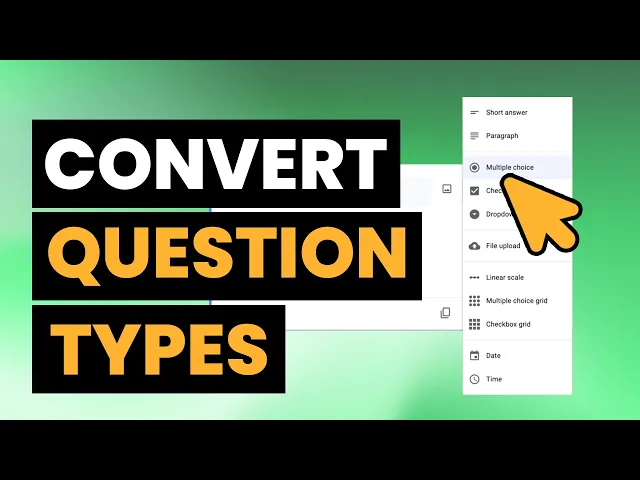
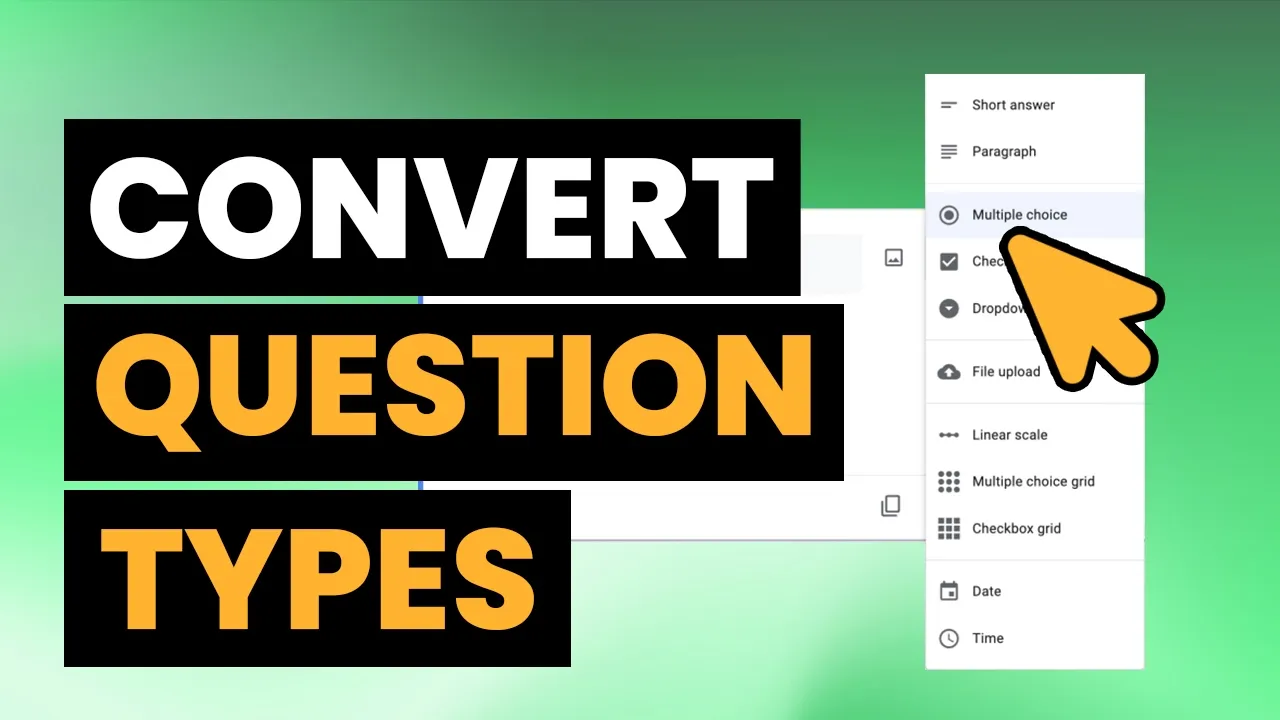
Hey guys. So today I'm going to show you how we can remix our form questions. Meaning if we have for instance a question that's multiple choice or a question that's a short answer and we want to change it to multiple choice.
We can easily do that through some of Google forms extensions. So to start we first need to install exam lines. To do that, you just go to these three dots.
Go to get add-ons. Search for example. Uh it's going to require you to accept the permissions.
And once that's complete, you can go back to your form and then go to the puzzle icon on the toolbar. Find examines and open it. Next, we're going to find the remix button and I want to convert question type.
Once the questions have loaded, you're going to select the the questions you want to convert. And I'm going to select this uh degrees/ major question. And I want to convert that to multiple.
Now you can see instead of it just being an open answer, we're going to have multiple choices for what is your degree that's measure. When I hit apply to form, you can see that it updated the question so that it's a multiple choice now instead of a short answer.