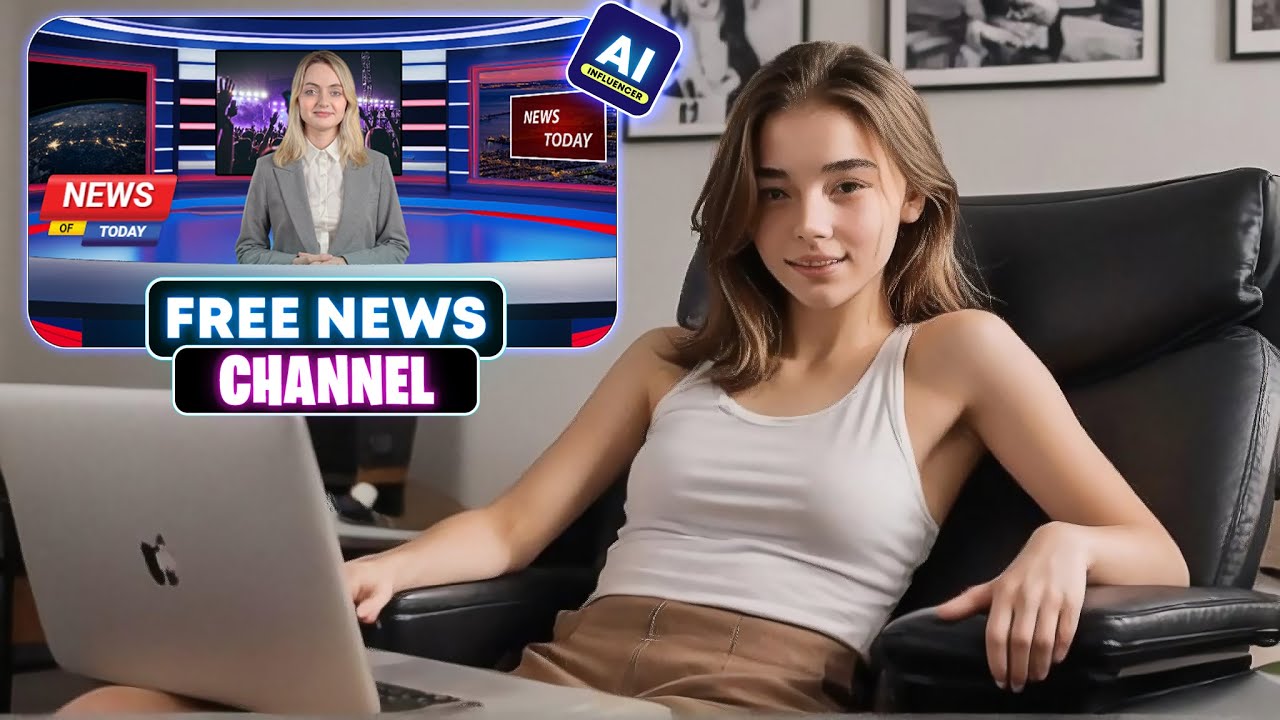
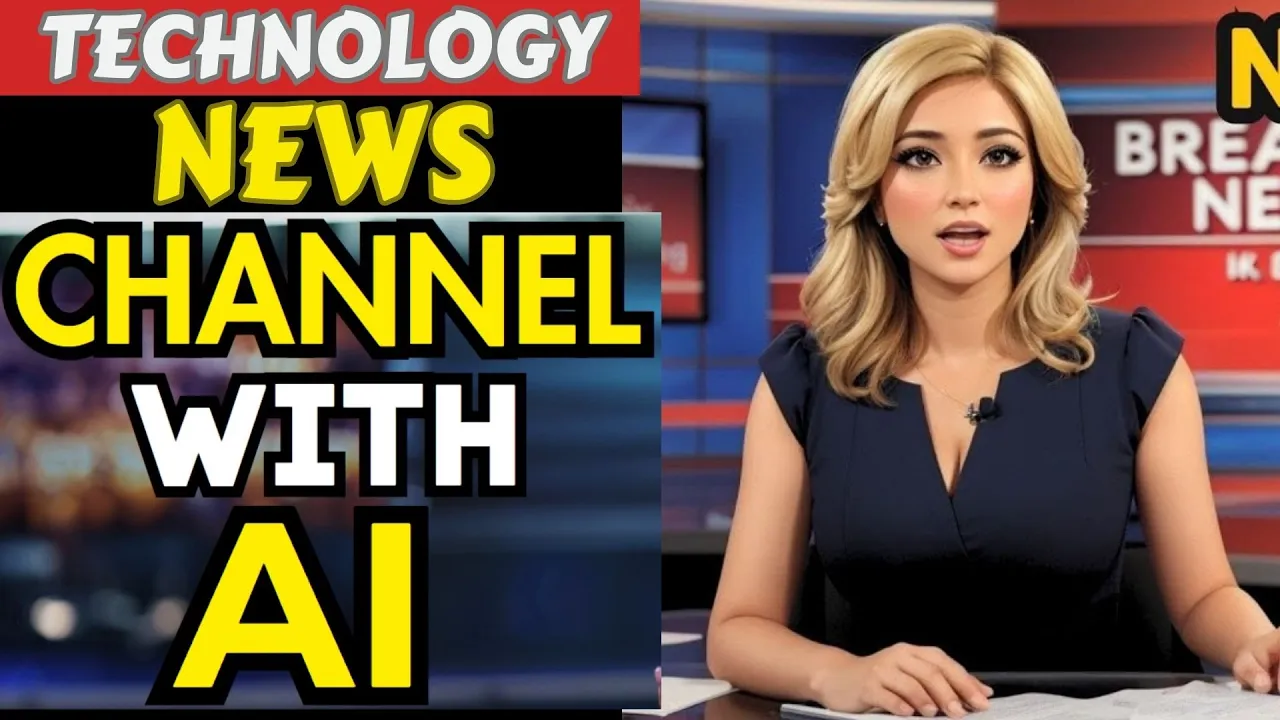
look at this channel it has almost 1.9 million subscribers and according to Social blade they are making over $22,000 per month and the type of videos they are making its ability to make people nearby uncomfortable it's all about technology news basically they are sharing updates and news about various technology topics you can also create this kind of video even if you don't have any prior knowledge about this Niche or video production actually AI will make the videos on your behalf today I will share the method of making Tech News videos with the help of AI
so without further Ado let's dive in first of all we have to collect the news you can gather news from various sources but the most efficient way is Google news after reaching the Google News homepage navigate to the technology tab here you will find a vast number of articles on the latest technology review some of them and try to find the trending ones you can also use Google Trends to identify the hottest topics for example I am selecting this article about meta smart glasses all right we have our topic but there's a catch you can't
exactly copy the news article as you may face legal issues so what do we need to do just follow these steps copy the article and past it into a document file Now log into your chat GPT account once you are logged in go to the prompt box and type I will provide you with a blog post and you will rewrite it as a news episode for my news channel then hit the enter button chat GPT will ask for the blog post now copy the article from the document file paste it into chat GPT and hit
enter as you can see chat GPT provides a brand new news episode script with visual suggestions it's Unique and engaging all right our script is ready now let's move on to the next step now we have to create a news presenter to do that I will use an AI tool called dubdub AI it's not just a presenter creation tool it's a perfect platform for Content creators here you can generate content voiceovers Avatar videos translate video languages edit videos and much more let's start by creating our news presenter first we have to create an account I
will include all the links in the description once you are on this page click the sign up button and create an account with your email or any social media account once you are successfully logged in your interface will look like this here you will find various AI tools to create content we need to use the AI Avatar option to create our news presenter so click on it this is our AI Avatar generator platform now you will see three options AI talking photo gesture Avatar and generate AI image Avatar the gesture Avatar is more lifelike and
works with hyperrealistic hand gestures so I will go with the gesture Avatar in the gesture Avatar tab you will find a variety of avatars preview some of them and select the best one I will choose this one all right our Avatar is selected now we need to enter the voice over or audio there are three options here text to voice record voice and upload voice this time I will go with the text to voice option we have to enter the script in this box one important point to note we can generate audio with a maximum
of 3,000 characters at a time okay copy the text script from the document file and paste it into the Avatar script box next we need to choose a voice actor to do this click here and you will find a vast library of voice actors we need to find the best and most suitable one in the voice lab you'll even find some famous celebrity voiceovers you can also clone your own voice to generate a voiceover in your own voice today I will use an ultra realistic voiceover from dubdub after navigating to the all voice actor tab
you can set filters to find the best voice in the quality section I will set the voice quality to ultra now listen to some of the voices and choose one of them on a time in a small village since I selected a female Avatar I will choose a female voice actor after listening to a few I am selecting this one all right our Avatar script and voice actor are set now to generate the video click generate talking Avatar it will take some time to generate the video Let's fast forward this part and here it is
our video is ready next big thing in the world of consumer devices in a bold move meta is bringing AI capabilities straight to your eyewear aiming to make Rayband meta not just a fashion statement it's a perfect video Just as I want it okay download the video to your device now we need to create a newsroom environment you can use the dubdub video editor to do this however for a more professional look first I will create a news room environment using canva you might need a canva pro account for this if you don't have a
canva pro account you can enjoy a 30-day free trial another big announcement for you we will provide 100 canva pro accounts to our subscribers to access them you just need to subscribe to the channel join our telegram Channel take a screenshot and then join our Discord server in the giveaway Channel upload the screenshot our team will give you access to canva Pro all right once you are on the canva homepage create create a new video design now go to the elements tab in the search bar type news background then navigate to the video tab you
will see a vast number of Newsroom backgrounds select one of them to use once the video clip is added to the canvas set it as the background now I will add a frame to my video again search for shape Vector frame now go to the frames Tab and select a frame add the frame to the video in this Frame we will add the b-roll footage so place the frame as a screen that's perfect you can also add a border to make it look more polished okay now upload the Avatar video clip to canva once the
video is uploaded add it to the canvas adjust the size and position according to your background now we need to remove the background simply click on remove background from here and Welcome to our Tech update on AI lockup where we bring you the latest developments in the world of that's perfect okay we are done however according to chat GPT we need to add some b-roll footage to make the video Perfect it also mentions what footage to add and when to add it according to chat GPT we need to show a demo clip of Rayban meta
smart glasses you can find it on the meta website and it won't create any legal issues as we are using it under fair use if you can't download it simply record some footage once your b-roll is ready upload it to to canva when that's done we will insert the b-roll into the frame here but if we add the footage now it will play throughout the entire video I don't want that so I will split the scene where necessary at the start of the video I will add a breaking news template b roll go to the
elements section and search for breaking news after finding the breaking news video add one of them to the frame that's awesome in the second part of the video I will insert a meta smart glasses clip following this method review all the scenes and add the related b-roll footage to the frame and we're done that's a fantastic video there's just one more thing to fix the background music in the elements tabs music section you will find a wide selection of music clips search for news and you will find a bunch of news background music listen to
a few of them and select one after that adjust the volume all right now you can add text and other elements to make the video Perfect once you are done click the share button select the download option choose MP4 as the file type and then hit the download button it will take some time let's fast forward this part and here it is our video is ready let's take a look good evening and Welcome to our Tech update on AI lockup where we bring you the latest developments in the world of innovation today we're diving into
some exciting announcements from metac connect 2024 where CEO Mark Zuckerberg unveiled Cutting Edge upgrades to the company's Rayban meta smart glasses these new features are set to make smart glasses the next big thing in the world of consumer devices in a bold move meta is bringing AI capabilities straight to your eyewear aiming to make Rayband meta not just a fashion statement but a tool that enhances your everyday experiences one of the standout announcements realtime AI video processing and live language translation are on their way later this year this you're wearing your Rayband metag glasses walking
through a new city and with a simple command the glasses can answer questions about what you're seeing in real time whether it's cooking at home or exploring a new environment the glasses AI will process the live video feed and provide you with audio responses making this futuristic Vision a reality I think it's a perfect news video now you can create your own Tech News Channel and make money on YouTube all right friends I will wrap up our video now before I go I would love to hear about your experience with video creation using AI share
your thoughts and results in the comment section below don't forget to like this video if you found it helpful and subscribe to our channel for more amazing tutorials like this one thank you so much for watching and until next time happy creating