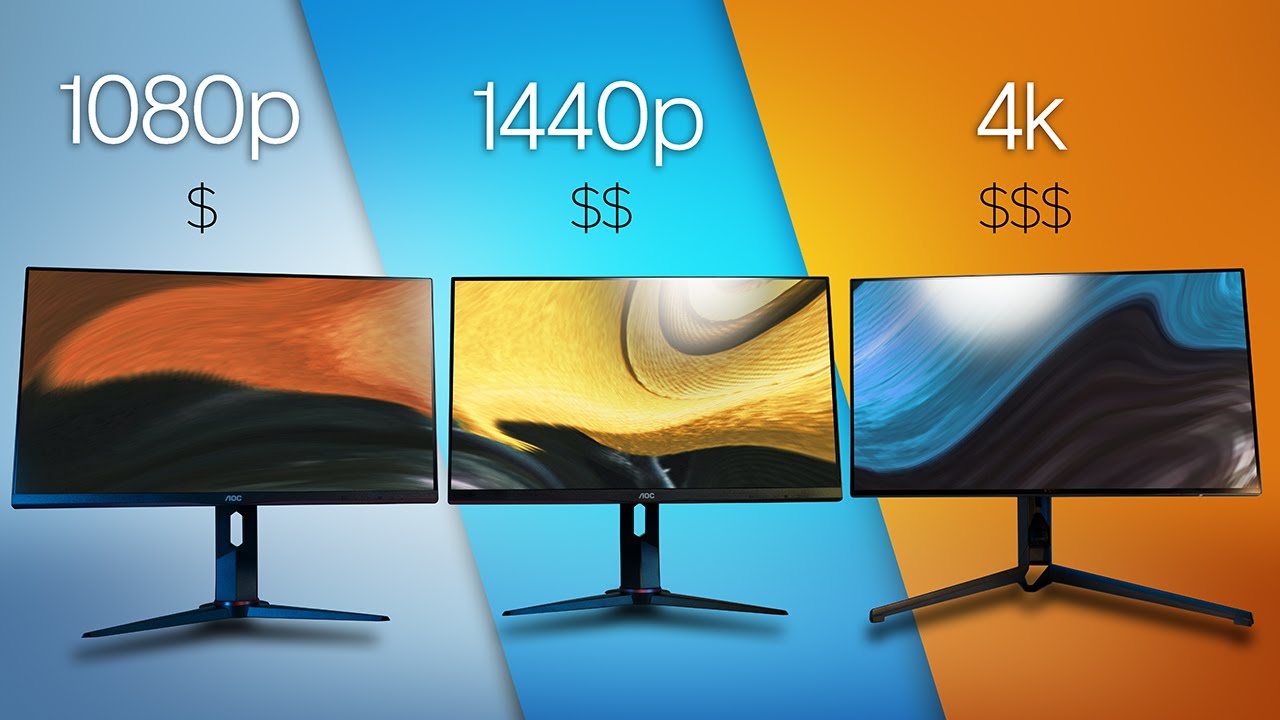
hey everyone Kyle Erickson here this is a topic that I've wanted to dive into for a while now and it's something that I find seems to have a lot of uncertainty around whenever I talk about using 4K monitors with a Mac on the channel there are always some questions around display scaling and if it causes any issues with blurriness or display quality and if there's a performance hit so what I want to do is really dig into this topic and explain how all this works and what is actually happening here with all these different scaling
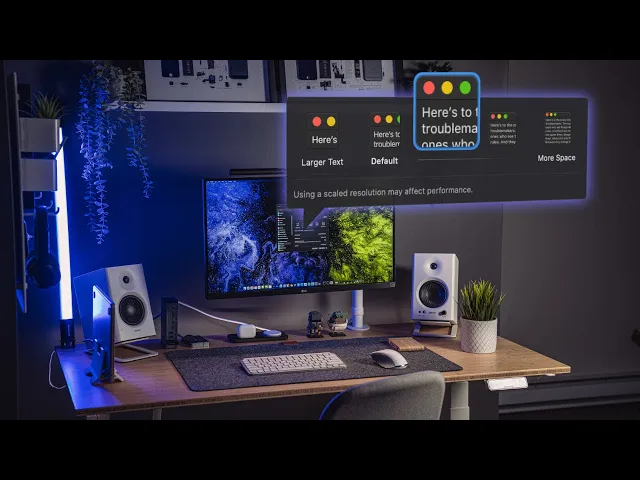
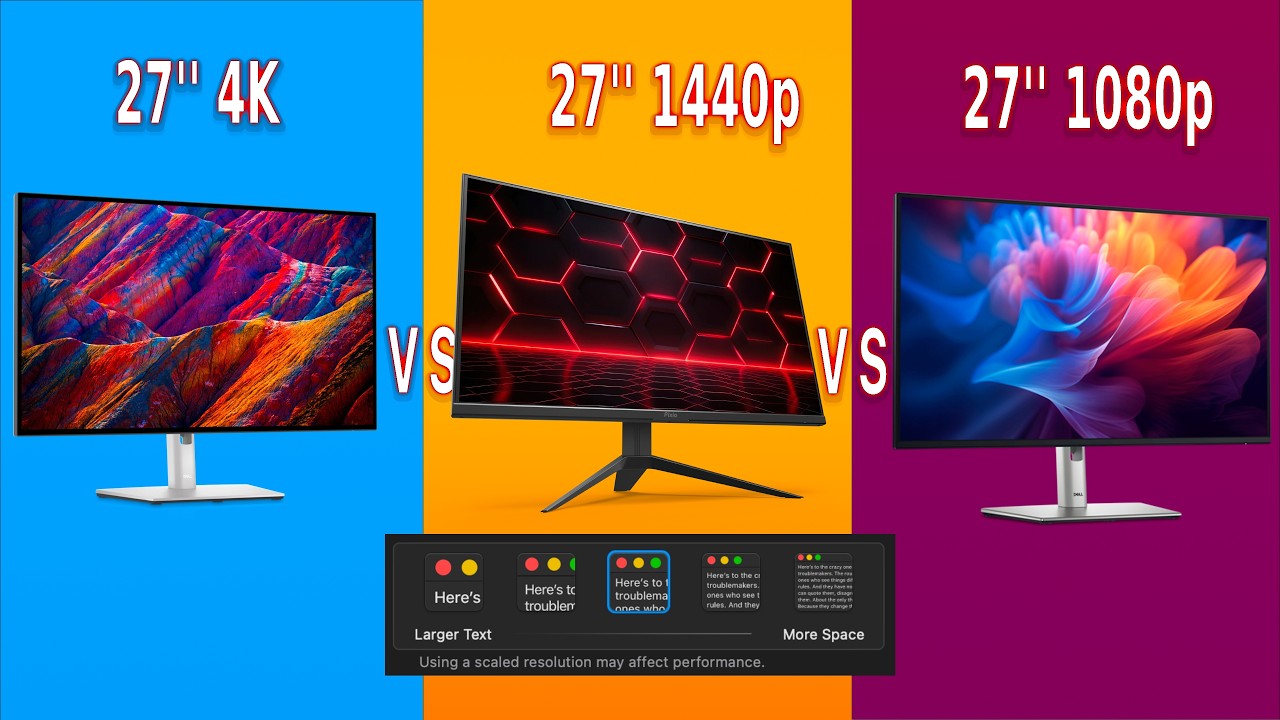
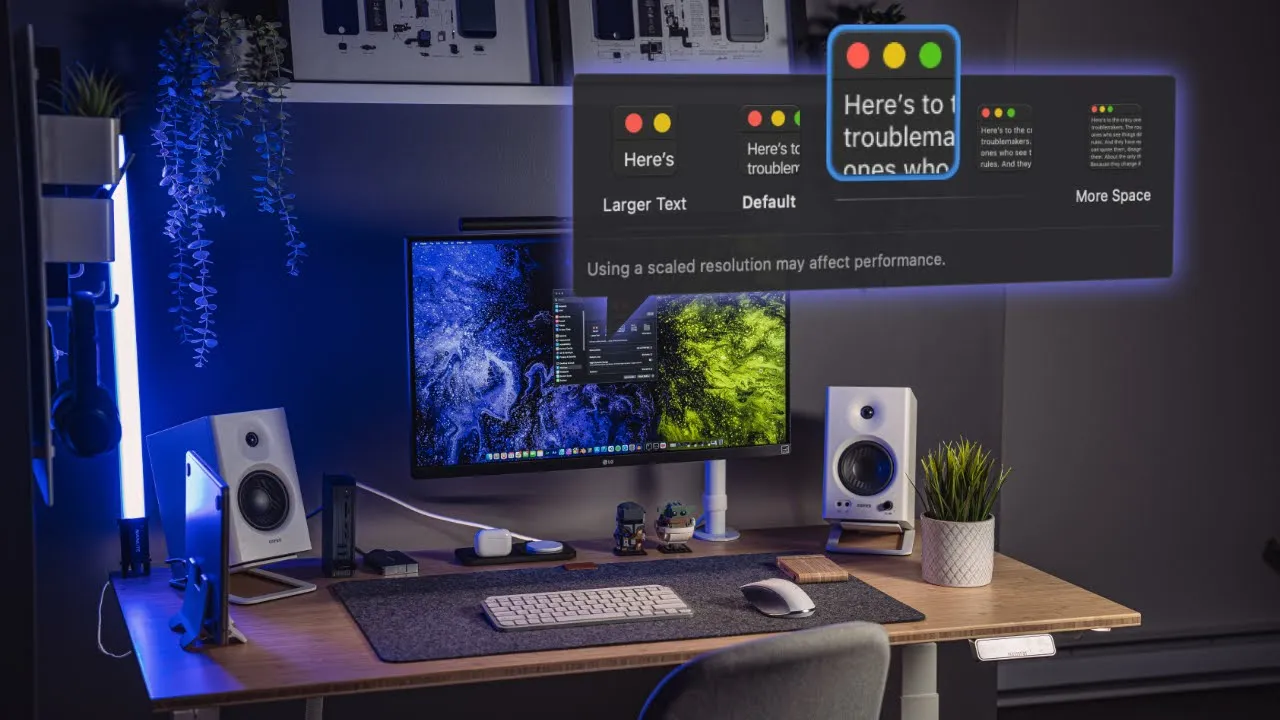
options and give you some info on if you should be worried about using a 4k monitor with your Mac versus something like a 1440p monitor a Mac Studio or an xdr display for those of you who don't know what I'm talking about if you go to your display settings in Mac OS you see all these different scaling options which will essentially just adjust the size of your entire user interface and I think the big thing here to take note of is this little note underneath that everyone seems to get caught up on using a scaled
resolution may affect performance this is a really vague message like what does apple mean here are they talking about actual processing performance do they mean image quality or not really given a clear indication to really understand what is happening here let's just take a step back and go over why we use display scaling and how it works with Macs and iPhones display scaling in the context of what we're talking about here was really introduced with Retina displays but the first written at display was introduced in the iPhone 4 in 2010 they've since appeared in everything
from iPhones to iPads Macs Apple monitors all the way down to the Apple watch essentially what a retina display is is an extremely pixel dense screen with four times the amount of pixels than a traditional display so if you think about a pre-retina iPhone screen they went from 320 by 480 pixels to 640 by 960 in a retina screen this obviously allows you to cram in more information onto to the screen and the smaller those pixels are the harder it is to distinguish between each of them with the iPhone 4 retina display being just over
300 pixels per inch if you have perfect vision and you hold the phone roughly 22 inches from your face it turns out the human eye can no longer see each individual pixel but there Still Remains one issue the more pixels that you cram into one space the smaller your user interface gets and the more uncomfortable it is to use apple solves this problem with Retina displays by scaling everything by a factor of two so we get all the added benefits of smaller pixels but the user interface still feels like the same size as a traditional
display in a nutshell everything looks like it's the same size it's just much sharper and cleaner basically behind the scenes all of the scaling and display info is stored in your machine's RAM and that data contains all the information that drives your display in other words what pixels go where the important thing to note here is any retina play that you see in a Mac is going to scale by a factor of two and that factor of 2 is consistent when we come back to the scaling options in our display settings in Mac OS if
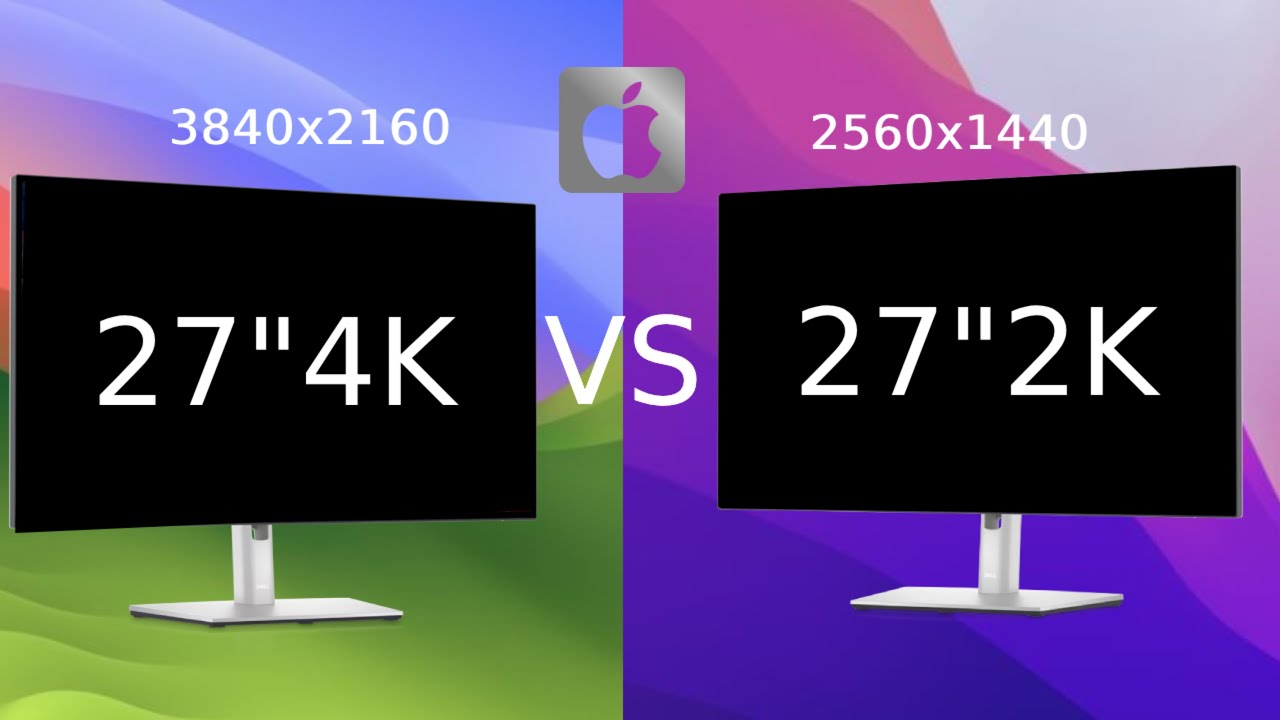
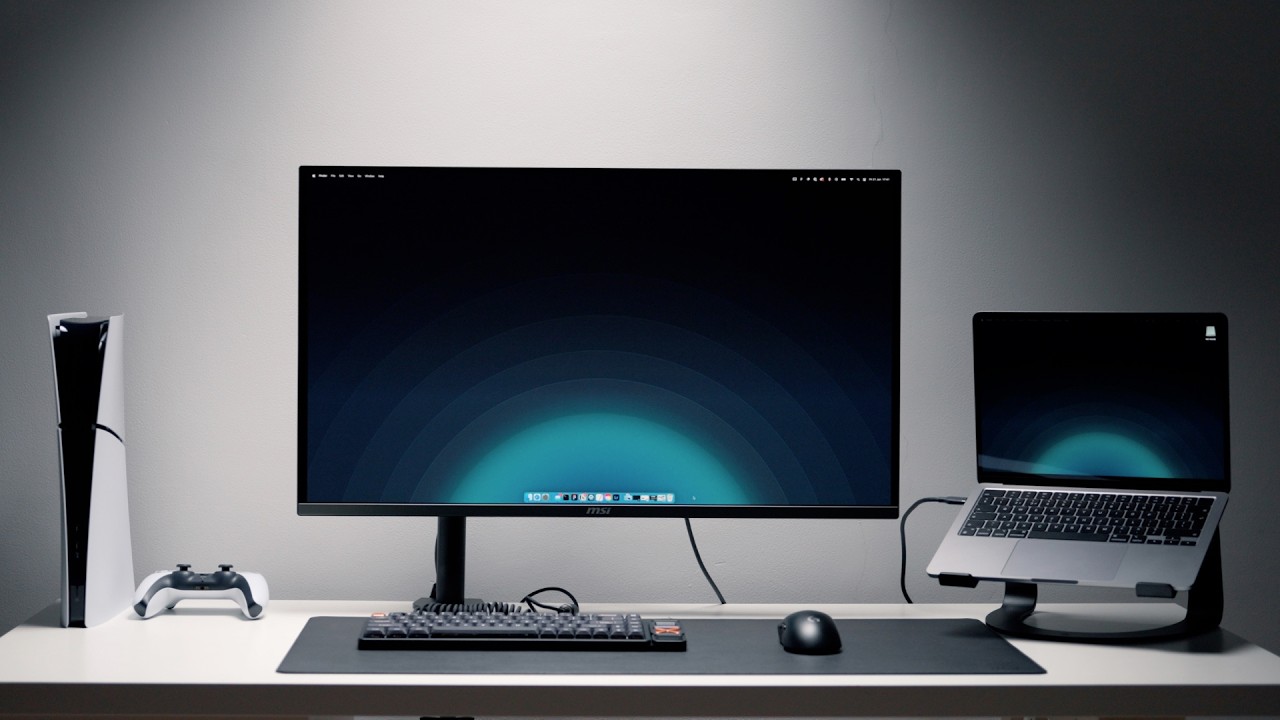
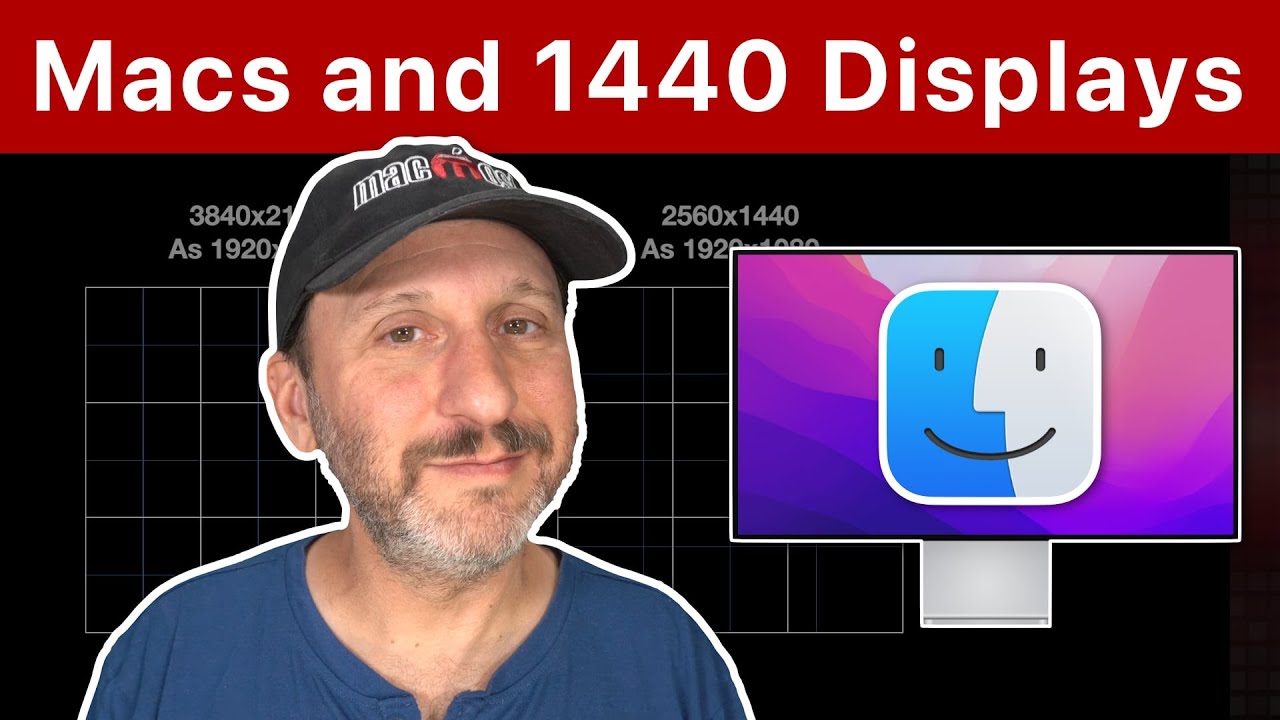
you hook up a new 4k monitor to your Mac you might notice that in the settings by default it is scaled to 1080p because that stays in line with that 2x scale factor rule the problem is not a lot of people like the way that that looks as it does appear quite large and most folks prefer a size smaller from that which is 2560 by 1440. the problem here in the case of 4K monitors is we've got a 3840 by 2160 resolution monitor which would make this size a 1.5 time scale factor meaning this shouldn't
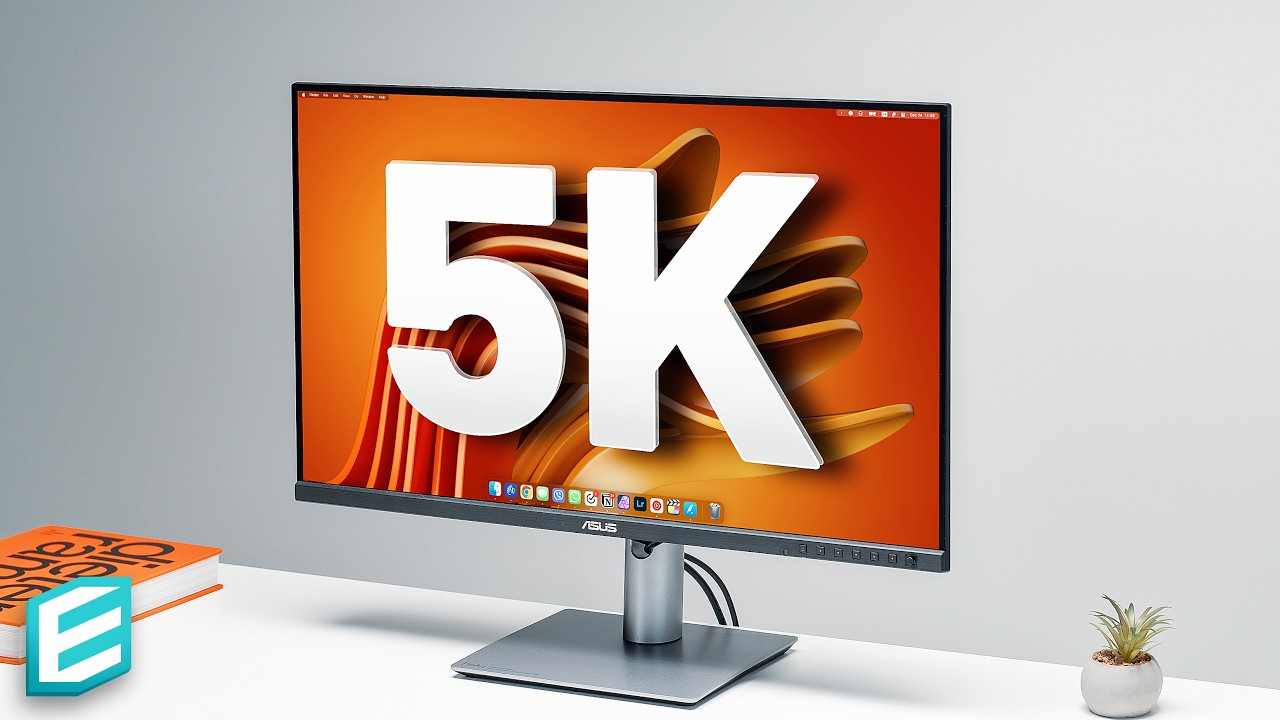
work given how scaling is calculated how Apple solves this problem is by scaling up to a 5120 by 2880 display and then scaling it back down to 1440 so it can retain that two times scale factor this is why if I'm on a 4k monitor scale to 1440p e and I go get the native resolution in my terminal or from system information it will show me a 5k resolution and that's also why IMAX and the Max studio display are 5K displays so they can satisfy the requirements for that two-time scale factor and also display at
the most desirable setting when it comes to the interface with that said there's obviously some questions that might stem from this the first thing on your mind might be if we're scaling to 1440p from a 5k resolution on a 4k monitor how much detail are we going to lose or is there anything that's going to be distorted this is a pretty valid concern considering 4K is less dense than 5K and we're not satisfying that scale factor in the same way meaning we're inherently going to have some pixel values that don't mathematically add up and the
answer there isn't black and white remember earlier when I said that single pixels can't be seen around 300 pixels per inch from about 22 inches away well we can apply that here to 2. with a 27 inch 4k monitor being 163 pixels per inch give or take that number is about 42 inches away and with a 27 inch 5K at 218 PPI like on the emac studio display that number is about 31 inches but that might seem like a pretty big difference but that's with perfect vision in absolute ideal circumstances in environment and Equipment it's
quite likely that we can cut those distances in half in a lot of instances as far as Distortion or blurriness Mac OS does a fantastic job scaling on a 4K as long as you have a good panel it's really difficult to notice any kind of deformity in simulated displays that I've seen for how this works on a 5k versus a 4K you could definitely notice a difference or if you're pixel peeping on the actual displays really closely but in everyday use it's not something that you generally have to worry about you can see on the
simulated example here how it's showing this weird weird line deformity but on my actual display this never happens things for me have always looked crisp and I've personally never noticed any blurriness in any of my 4K displays that I've used on my Macs over the years but what about performance I think this is one thing that a lot of people get hung up on and it's also the one that's the most misunderstood first things first I want to clear up one thing I see a lot of which is this idea that for every time your
display refreshes your system needs to redraw everything on the screen that would mean that if you had a 60 hertz display it would redraw everything 60 times per second that isn't quite how that works once your app has rendered and drawn the initial UI component it doesn't need to redraw anything unless the size changes or new elements are added to the screen if it were the case that your operating system had to redraw everything 60 times per second your system memory would be flying off the handle trying to keep up with everything both Mac OS
and iOS do a really good job of optimizing this and the best way that I can kind of show this is to give an example through an IOS app I've made something really simple here it's basically just a scrollable list with one key difference on the first sample I'm using what's called a table view which you'll see in both Mac OS and iOS which developers use all the time and how this works is is it reuses these cells or blocks so it doesn't have to redraw them essentially it's just keeping these in memory and just
swapping out the information if I were to just ignore the table views and write out each view so it's drawing out each item without reusing anything in here this makes things a lot less efficient you can see the memory use jump up and this is only about 50 really small views if you were to be constantly doing this over and over again and it'd be really tough to get anything done so while your machine is providing that display data to your monitor as I mentioned earlier in terms of what pixel goes where it's not recalculating
the placement of each UI item and its size each time that the screen refreshes okay now that that is cleared up let's talk about performance like what kind of hit can you expect your general system performance if you've got this scaled up to 1440p versus the recommended 1080p scaling versus just the native 4K resolution not scaled the answer from what I can tell at least on Apple silicon is virtually nothing when you're talking about the CPU specifically this isn't going to have much of an effect at all because it's not really doing anything that would
remotely touch anything to do with the display and even when you get into GPU tasks there really isn't a whole lot of difference there either I ran multiple different benchmarks a geekbench pass Mark and more multiple different times and every time there's virtually no difference in performance from one option to another even with GP few specific benchmarks there is still little to no difference the only one that might have been a hair different was running geekbench testing opencl but even with that it was pretty consistent cinebench remained the same rendering out scenes there and the
final test that I did was in blender because I have seen some people claim that display scaling reduce their render times to a point where it was unusable and just like everything else rendering in blender was virtually identical no matter what resolution it was scaled to honestly the only real noticeable difference I can find is if you're watching your system memory you can see a little jump when you switch from 1080p scaling up to 1440 and then you can see it drop down a little bit when you go down to Native resolution because it no
longer needs as big of a buffer for scaling but even that isn't that much in real world use I haven't really noticed anything and I've been trying to hunt down examples of this lag in different tests and I did find one YouTube video which I'll link below testing out apps like Lightroom classic with the M1 Pro and the M1 Max machines hooking up to multiple 4K monitors at scaled resolutions working completely fine for the most part that leads me to believe that a lot of folks might be experiencing other problems that are unrelated to the
scaling itself or it could very well be that they have a base M series chip with eight gigs of RAM or that extra few hundred megabytes of RAM is a bottleneck to their system somehow or maybe they have an older or uncommon configuration that isn't cooperating but I know personally I've never found this to be in issues on the machines that I've ran there also seems to be a general misconception about how much system usage some apps have some people have complained about scaling with apps like Google meet while it might not seem like Google
me is doing much it can be a hog on your system regardless if you're using scaling or not I've been using a 4K scale to 1440p for years running off of a Macbook doing blender renders editing videos visual effects software development you name it and I've never really had any problems with the performance admittedly these days most of my apps do utilize metal Apple's own Graphics API which is a lot more performant and efficient than the alternatives on Mac but regardless I've always been satisfied with the performance in regards to blurry text and things like
that there could technically be an issue with cheaper panels but because of the density of the pixels and the materials used being crammed so tightly together signals can potentially cross leading to Distortion this is the reason why Apple Retina displays actually separate the pixels onto separate planes from the signals some screens are also just softer in the way that they look like the Samsung M series monitors but overall any type of fuzziness is not something that's super common if you add a display that's showing more UI and doing more things on screen it's definitely going
to come with a cost in your overall performance but that seems to have a lot less to do with monitor scaling and more to do with the overall system having to show more things in more places at the same time I will leave some links below of some of the tests that I've ran on geekbench so everyone can take a look if they want and just some things that I found helpful when trying to research this topic but I hope that you found this useful and it's kind of demystified this topic a little bit if
you're out there shopping for a 4k monitor especially if you're on Apple silicon I don't think that you need to be worried at all and if you do have any questions surrounding this please feel free to drop a comment down below if you enjoyed this video please hit that like button if you want to see more Tech related content or if you want to eat a delicious cob of corn with me overlooking a beautiful fall Sunrise Please Subscribe thank you so much for watching I will see you in the next upload [Music] oh