hey guys what's going on today I'm going to be showing you how to get every single Adobe Creative Cloud app for free in the latest version this includes Premiere Pro Adobe After Effects Photoshop and way way more this method involves downloading nothing but the official Creative Cloud app from adobe.com so you have no chance of being routed I've Just Seen way too many people falling for those Adobe cracks off of YouTube guys don't download random off YouTube especially from those random channels that have no subscribers and awful grammar alright so the first thing that you're
going to want to do is download Creative Cloud you can either do that by going to your web browser and typing in Adobe Creative Cloud download or you can click the first link in the description either way it'll take you to this page right now where you can just press this big blue button right here and download it Creative Cloud I've got mine downloading right now actually it looks like it has already completed but once you've done that we're going to head over to adobe.com and you're just going to make a quick little account right
now we're going to start a free trial guys do not worry we are going to be canceling this free trial long before they ever charge your credit card once you've created your account just press the this view Account button right here and it'll take you to this page you're going to click this free trial button right there and just put in a random payment method my free trial has started successfully and something that I really like to do is just head over to my local CVS or whatever other drugstore is in your area and purchase
a couple of the Visa prepaid cards they're super useful for just entering it in when certain Services require payment methods and because they don't have a lot of money on them if you actually fail to cancel it you're not going to be charged for anything let's head over to our Creative Cloud desktop which should be done downloading by now and you're just going to install whichever programs you want I want Photoshop I want Premiere Pro actually I want Premiere Pro 2022 so that's the version that I'm going to select and in addition to that I'm
going to install After Effects and media encoder sick everything has been installed and now I'm going to close out of all Adobe related processes so I'm just going to use process hacker for that and now I'm going to open up Revo on installer you guys can just look this up and um I'm gonna right click press uninstall and continue it's probably not going to let me actually uninstall this because I still have Creative Cloud apps yeah so it says you still have Creative Cloud applications installed on your computer that require it you're just going to
press close and then scan and then just go through and delete all of the apps now we are done all right so we're going to open up firewall.cpl um inside of your run and press advanced settings right here now you're going to go to outbound rules and you're going to press new rule next you're going to want to find the program pass of all of your applications I'm going to use void tools right here you can find this at void tools.com honestly one of my favorite pieces of software of all time because you can instantly
search all of your computer and find stuff like this so I'm just going to open it up I'm going to copy this program path and click browse paste this in and then scroll down until I see Premiere Pro dot exe I'm going to press next and then next again and next you can just name this whatever you want and press finish now you're going to repeat that for all of the apps that you have installed once you have finished setting up all of the protocols for all of your different Adobe apps you can go back
to your browser and just go to view account and then you're going to select a manage plan and what you want to do is cancel your subscription and because Adobe is so thirsty for you to stay it's going to ask you a bunch of different questions trying to get you to just stick with them and it'll probably offer you like a better deal like there we go uh so just go through say no thanks and click confirm now now your plan should be canceled your plan was canceled and it'll send you a confirmation message to
your email now you can just open up all of your Adobe apps to make sure that everything went correctly now you can see that when I opened up Premiere Pro I still have access and it'll allow me to create a new project I can just say hi create new project and everything will work as expected so I hope you guys enjoyed leave a like And subscribe if you really enjoyed this tutorial and peace out

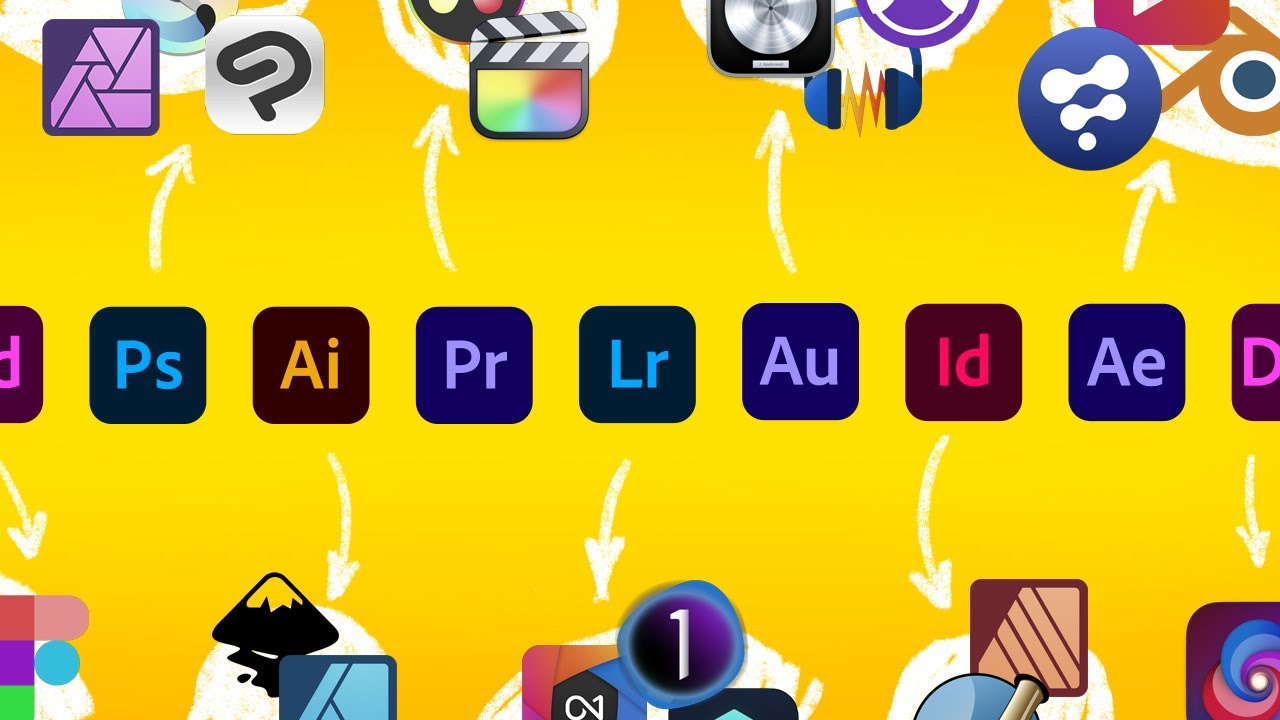
![I Replaced ALL my ADOBE APPS with these [free or cheaper] Alternatives!](https://img.youtube.com/vi/5EfqHg49kMk/maxresdefault.jpg)
![[🔴] Adobe Photoshop Crack 2024 | New Adobe Photoshop Crack | Free Download](https://img.youtube.com/vi/wNt1A96piEE/maxresdefault.jpg)