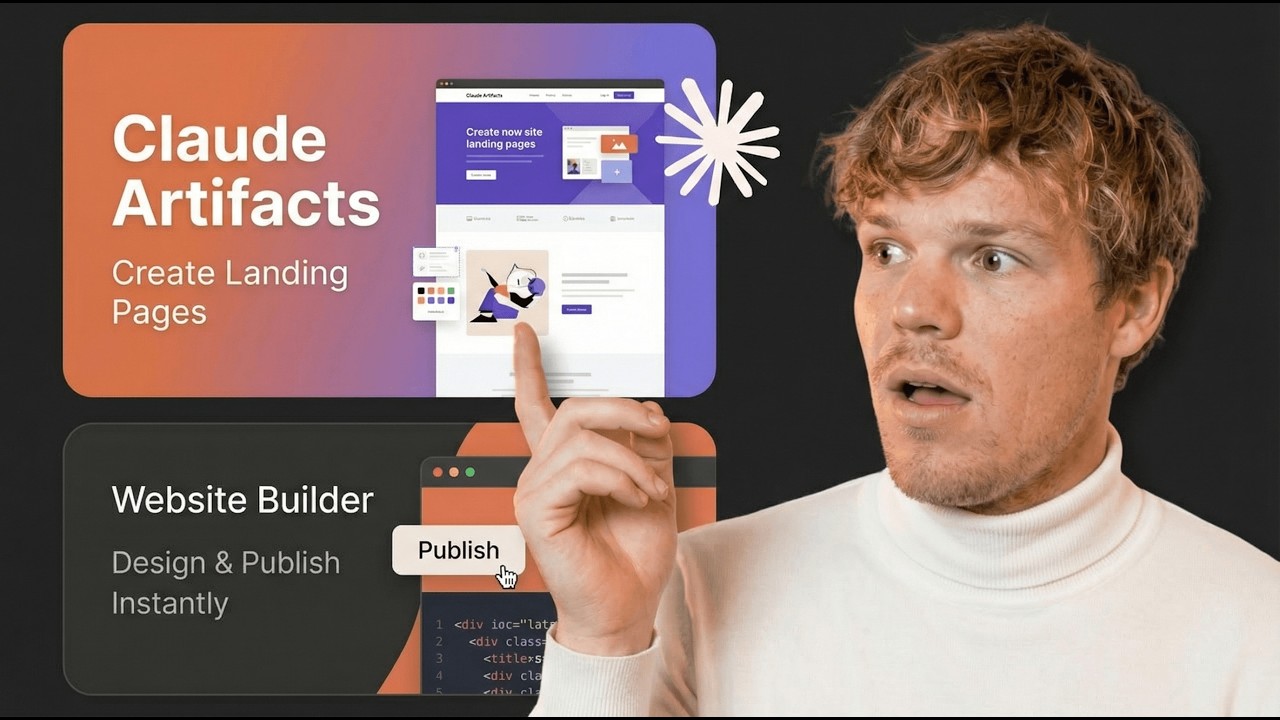
by the end of today's video you're going to have a complete understanding of how to start leveraging claw AI artifacts with this new feature we can do really cool stuff with a chat interface here we can get outputs such as a landing page that is interactive furthermore we can actually download this code as well we can also create video games with these artifacts and a ton of other stuff so by the end of this video you'll know everything you can do with this new feature released by Claude welcome back y'all let's go ahead and learn
everything we can do with this feature this is really cool stuff now I've already done a video on this or two videos on this or actually three one was showing you how to create a landing page with it one was showing you how to create a game with it and then the other one was kind of comparing the Chad gbt outputs and the CLA outputs in this video we're just going to have an understanding of the full capabilities of this new feature and I assume longterm there'll be even more capabilities for this feature but let's
go and jump in let's go ahead and see how we even enable it so we're going to come over here we're going to go and click this and hit feature preview make sure it is on furthermore I'm going to go and leave a link down to CLA AI in the description down below just click it you can go and sign up if you don't have an account yet to use this feature it is Dro please it's actually free and I wasn't aware of that at first I was told that by a comment in one of
my past videos so guess what you can do everything I'm about to show you in today's video for free super cool let's go and start this simple promp tier get comfortable with the user interface and how to interact with this feature I'm going to Simply put make me and eight bit drawing of a cat yes a cat this time I know last time I did a dog and a llama but we're doing a cat so what you'll notice is that right off the bat it's going to split it open right so we got our chat
here and we got the output of what we're looking to do here what you'll also notice is that it is amazing artist or kind of amazing artist to get comfortable with this user interface all you need to know is that this is where we're going to talk to Claude and this is how our outputs are going to look I'm going to go ahead and shrink down so for example just real quick let's make the cat orange make this cat orange this is the beauty of AI y'all that you can speak in layman terms and you
can do really cool stuff really complex stuff like code so now we got an orange cat Cat in the Hat that was a really good movie I don't know what year that came out but that was really funny movie like the OG cat and the hat perfect now that we understand that this is how we chat with it let's understand how we actually start editing and playing around with the artifact itself Corbin why do they call them artifacts I have no clue maybe someone in the comments will know so one thing we can do is
if you're doing a code based artifact we can actually click code here and see all the relevant code don't worry not every single thing we can do with artifacts is purely codebase there's a ton of other stuff I'm going to show you in today's video of other things we can do with this now to copy the code we can go Ahad hit just copy clipboard furthermore we can actually download the file and what's cool is they actual download loadable file itself is a SVG so we can use it elsewhere in our workflow and this is
a big cat now within the same chat we can actually create multiple types of artifacts so let's go and create another artifact we're going to go ahead and say design a simple HTML landing page for a coffee shop and this cat is the mascot what you're going to notice here is that these are actually going to work with each other they're going to kind of have an artifact here an artifact there and combine this will make more sense generating code so here is our output here we got the original original cat artifact that we created
together and now we have it integrated into a Lenny page to see both of these artifacts separate we can simply click this Arrow here and you'll notice is that they're already labeled for us zooming in a little bit so we can see it better you will see that the cat we drew together is the 8 bit style drawing and then the coffee shop landing page is right here as well now here's what's super cool we actually have the version level as well so for example we went from actually don't remember the original cat color to
an orange cat and then we obviously have one version of our current landing page there we go so now you got a basic idea of what artifacts are how it works and how it interacts let's go and check out some other features here that is pretty advantageous in this context and as I said before if you want to make a whole landing page when it comes to this make sure watch this at the end but check out that video right there so how do we optimize this and how do we leverage this feature to its
Max capability we're going to go to projects here when we're in projects what this allows us to do is really organize our chats and more importantly organize our artifacts and their use cases so right now we're going to do two things we're going to check out the example project it shows us and we're going to create a project together and get the full idea of what we can do let's check out this project now this is a pretty simple project the purpose of this project is to learn how to use claw but lucky for you
you're learning how to use claw through me so we don't need this project I'm going to delete it now okay but basically we learned a couple things from this example project first thing we learned we can add context here so what this does is we can add spreadsheets PDFs documents so that when we chat with our Claud here it's going to be more you know trained on that data so I'm going to go and click this and give you an example here so what you'll notice is that my face is in the way okay so
I'm going to go and zoom down what you'll notice is that these are just you know good ways of prompting and for me to prove to you that this can actually reference this file I'm going to Simply ask give me a general tip for Effective prompting prompting and one of the tips that it should give should be found in this file let's hit enter let's go and take this first example here and see if it shows up in that file comeing over here click in here and there we go be clear and specific clearly State
your task or questions at the beginning of your message be clear and specific State your task or question clear at the beginning of your message same deal same go now you know if you add a file here it will actually reference it that's a good thing because you don't want to feel like you add a whole spreadsheet it's like 30 pages long and it's not referencing it you're just like this is this was a waste of time don't worry it actually will look at the data now let's go ahead and create a project together and
really understand why we create projects so I'm going to create a project here so as a quick memo here from Claude themselves project help you organize your work and leverage knowledge across multiple conversations this is important as right now other chat Bots like chat gbt you don't only have the ability to create what I would like to call these as folders so for example let's just call this claw tutorial and then we're going to do some chats here to show you the full capabilities of these artifacts we do CLA tutorial and add a little description
and be like fun video I hope this was a fun video some of yall asleep right now wake up okay this is where you going add the PDF simply drag it in there now what is super cool here is we can also add custom instructions if you know me I love custom instructions I'm actually going to leave a video here that I show you how to create custom instructions with chat gbt but that same logic that I show here show there can be applied here on top of that that I actually give you access to
a free gbt in that that allows you to create your own custom instructions but have ai make them for you so you don't have to actually laser it perfectly but just to tell you what custom instructions does basically gives it context of how to respond to your answers more effectively so just to give you a very very simple example I could just simply say at the beginning of each message say good morning Corbin that seems dumb that doesn't seem like like who cares why would I need it this is good depending on your use case
for me personally when I code with a AI model like this what I'll do is I'll tell it the software that I'm using I'm using vs code on Mac OS I'm coding in Python I'm coding in the react j6 like that's where it's important you want to give all this prerequisite stuff that can get very annoying when you're trying to achieve an output but just to prove this I'm going to say hello and this should say good morning to me hello Claude good morning so now that we've created that chat you'll notice it's right above
me which means that now we've created almost like a folder for chats coming over to this article which is pretty awesome when it comes to helping you out with artifacts I'll leave it in the description down below let me just go ahead and fire off some of the capabilities here and then we're going to do them together as well right off the bat code Snippets you can do programming languages python JavaScript Java C++ like whatever floats your boat we can do documents we're can markdown files plain text documents we can do websites and we're looking
at simple type of websites and one thing I want to point out as well when it comes to coding and what I've been told by the community people that have been reaching out to me basically tell me that the coding feature is cool but it does have its limitations I mean you can't really code out you're not going to be able to create Facebook y'all I'm sorry you're not going to be able to recreate Facebook there's limitations to how much code it can output but it is a great starting foot like anything to give you
a direction on how to code out a feature we can also create svgs that you saw together with that 8bit cat we can also do mermaid diagrams react components data visualizations mathematical equations and formulas algorithms and project structures let's try a couple of these we shall begin with our first question here create a python function that calculates the Fibonacci sequence and there we go we got our python function chat on the left code on the right and we created ourselves a little artifact here that we can reference later on another question we shall go create
a mermaid sequence diagram for a user authentication process boom notice how it is referencing good morning to me but also look how cool this is like this is extremely cool so we got the entire authentication process here right there to go we can download it we can copy it we can even share it to share we would go into the teams plan with Claude I should probably make a video on that let me know if you want me to make a video on that that allows you to kind of like communicate and work hand onand
with other people on the same artifact now what you'll also notice is a new little button here which allows us to actually add the artifact to our project so if I click that and then I come back to our project like in the little homepage here it's saved to the side but it also has like a knowledge cap EG the amount of knowledge that c can look at for context when giving an answer or better term for knowledge maybe in this context is data now there's a lot more we can do with artifacts but this
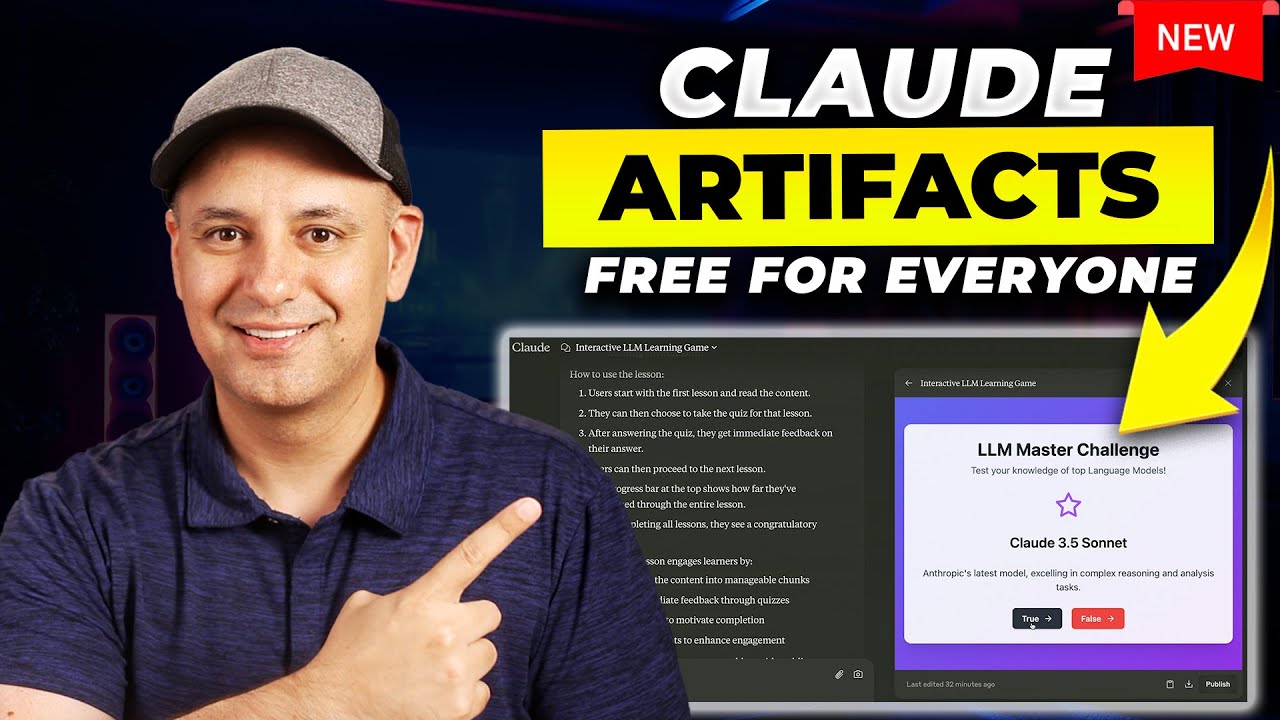
tutorial gives you a general overview of how to approach them now here's the best part don't worry they're free so you can go ahead and start actually leveraging this kind of tech free re a charge which is kind of insane if you think about it like this is like a huge amount of value for free to be fair they're probably trying to soak up a lot of the market right now cuz there's High competition when it comes to all these AI models that are releasing now if you want to see other use cases that I
personally did with these artifacts I created a video game and I created a landing page you can go to check out my channel here the like the last two videos I did and I'll see you in the next video these are two random videos that are based off the way you've been engaging of YouTube so do you like these videos do you not if you don't like them that YouTube's outgo is messing up again and I'll see you in the next video