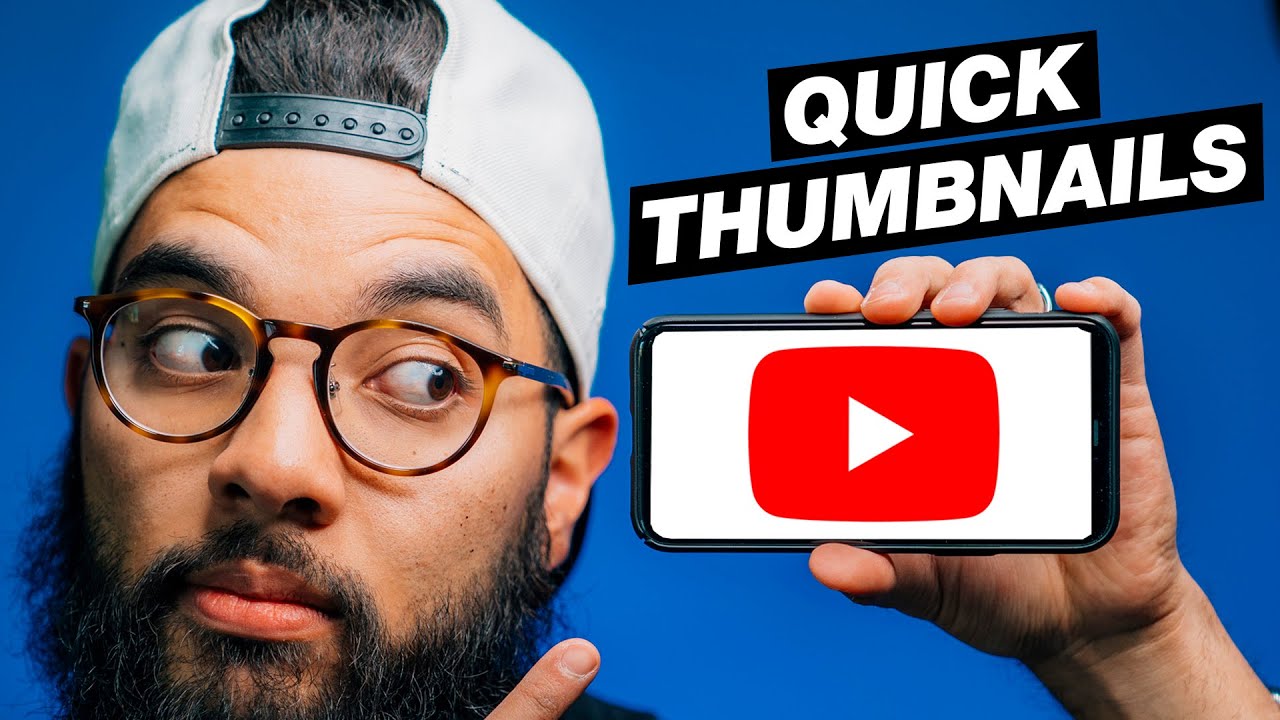
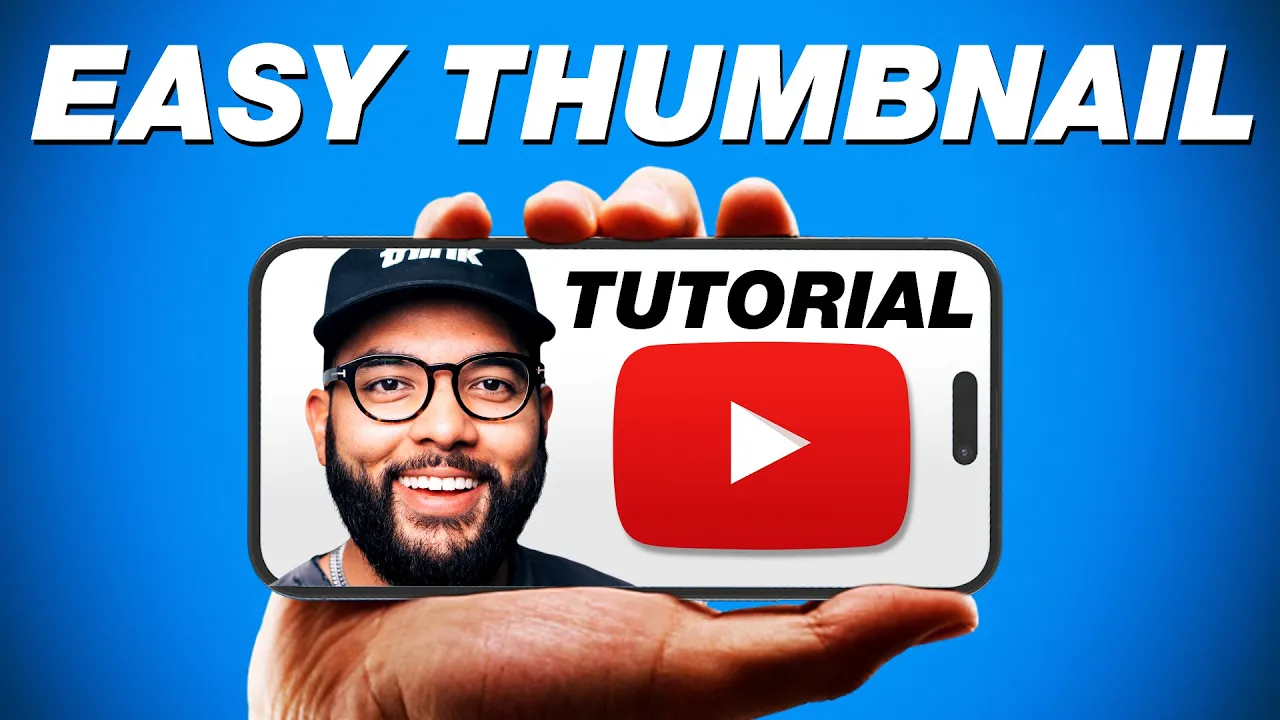
so you're ready to hit publish on a video but you forgot to do a thumbnail well that's okay because in this video I'm going to show you how to make an awesome thumbnail in under 3 minutes all just using some basic stuff and my smartphone you got to just press record here's what you essentially need you're going to want a clean backdrop now you don't need a paper backdrop paper for photography just a plain wall something that can easily remove you from the background you're going to want a good light source whether you using a
ring light or a panel light I have a cob light here maybe you have a window that's fine too and then you're going to want a smartphone tripod which I'll post links down to everything in the description below let's get going I got 3 minutes okay so I'm going to start the timer over here and I'm going I'm going so the first thing I'm going to do is actually go put on the timer on my iPhone uh because it's just solo Doo right now hit go I'm going to go one more just in case all
right that should be good so I'm going to check it out boom all right so I'm going to um hop over here now some things you want to keep in mind so the the first thing is that you need an Instagram account because this is how I actually make the thumbnail is like actually posting a story so this is what I'm going to do I'm going to go on Google and I'm going to download my uh background and I'm just using an orange gradient background so I'm just going to search that in Google save it
and then we're going to now hop into Instagram right over here I'm going to swipe up add that orange background and now it's just so easy you literally like tweak your fingers and you're good uh and here's what's cool on iPhones you can actually select just yourself and remove yourself from the back background just click and hold and it copies and then you can literally paste it into YouTube this is amazing and so I'm just going to put myself in a good nice position I know it's kind of sideways but bear with me and then
I'm actually going to get a transparent uh logo from YouTube If you just search whatever logo you're going for and just uh hit PNG I'm going to copy that image and then I'm going to go back into the Instagram and then I'm going to paste it and there we have we at the YouTube how much time I got left oh we got a minute to I'm chilling we good square that up you always want your face to take up a good portion then I'm going to write some text and I'm going to put YouTube tips
you know you could change your font I like this font kind of matches ours and then I'm just going to tweak that guy like so if I got some time I'll fix it I got 30 seconds so I'm going to fix it let's go let's go let's go you got this Omar hey YouTube tips and there you have a thumbnail and once you're ready to download it hit the three buttons hit save and then you can upload that image onto your YouTube video and you got a thumbnail in under 3 minutes I hope you got
value in this video and if you did hit that like button and if you are you know new to uploading videos to YouTube then you would totally benefit from our 1hour free YouTube Master Class found at think masterclass.com where you'll learn how you can actually take YouTube to be your part-time or even full-time income be sure to check out that and we'll post links to it down in the description below
![Film YouTube Videos On Your Smartphone By Yourself [6 Easy Steps]](https://img.youtube.com/vi/QICqk4W047M/maxresdefault.jpg)