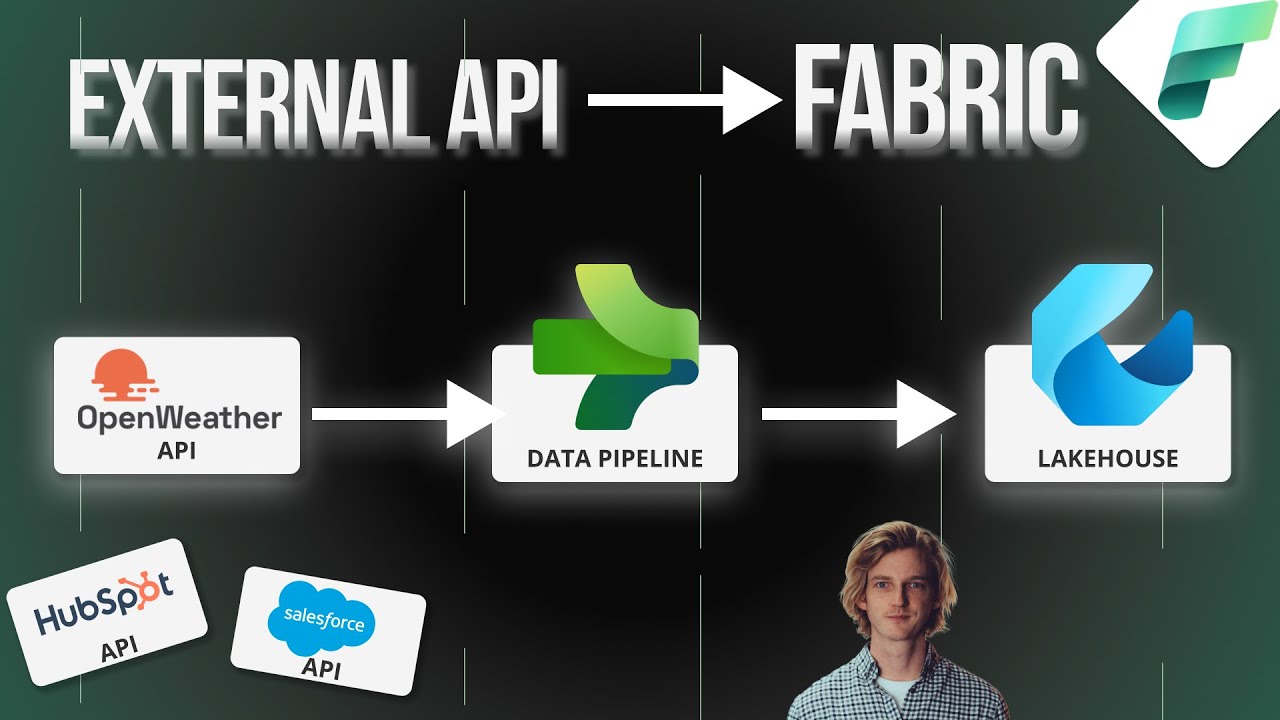
hey everyone welcome back to the channel and this is going to be video five in our DP 600 exam preparation course and in this video the focus is going to be on getting data into fabric now this is the first part of the second section in the exam which is all around preparing and serving data and it's worth 40 to 45% of the exam so there's going to be a lot of questions in this so let's get into it in the video we're going to be covering ingesting data using data pipeline data flow notebooks copying data which is basically the same thing but they've included it twice in the study guide choosing an appropriate method for copying data so not just understanding what the tools available to us but making decisions about the best method given a particular problem or a particular scenario and also creating and managing shortcuts now you'll notice that these are slightly deviation from the study guide what I've done is I've had a look at the whole of section two and I've changed some of the order of things don't worry we'll be going through all of the skills in the study guide but we're just going to be going through them in a slightly different order so these are the four that we're going to focus on today now I have released a video in the last month this one here data pipelines versus data flow shortcuts notebooks and this is a more comprehensive video so I definitely recommend watching this either before or after this video so as such for this video we won't be starting from zero more revising what we went through in the last video updating it a little bit because there have been some changes revising some of the Core Concepts and the distinctions between these tools that you need to know for the exam as ever there will be five sample questions at the end of this video and we've got the school Community with quite extensive notes and links to further resources if you want to go into a bit more detail about any of the topics that we cover in this lesson so let's start with a bit of a framing of all the different options that we have available to us when we're talking about ingesting data and getting data into fabric so one group of tools is the data ingestion the El or the ETL tools right so extract transform and load these are going to be copying data from external systems bringing them into Fabric and saving them in some sort of data store in fabric so we've got the data flow dat pipeline the notebook and the event stream now the event stream I don't think is actually covered in the dp600 exam so we're not going to be talking about that much today we also have shortcuts so that's another method that we need to be aware of that we're going to go through in this video and that involves bringing data in from Amazon S3 ADLs Gen 2 the data verse and also Google Cloud Storage as well we've also got internal shortcut so connecting our different data sets within fabric so creating references to other Lakehouse tables from a lake house for example then at the bottom we've got a new feature that's in preview at the moment which is database mirroring so you can create a mirror of your database within fabric from either snowflake Cosmos DB or as a SQL at the moment and again I don't think this is actually part of the exam study guide currently so we're not going to be talking about it in this section of the study guide if you don't want to learn a bit more about Wasing I did mention it in that video that I mentioned previously so in this video we're just going to be going through the data flow the data pipeline the notebook and shortcuts in a bit more detail because these are the things that you need to study for the exam starting with the data flow so as you know the data flow comes with about 150 connectors to external systems and you can bring that data in using power query like that no low code interface and you can do data transformation on that data before writing it to one of the fabric data stores so when should you use it and maybe when should you not use it well if you want to use any of those 150 connectors then it's definitely good to use data flows it's a no and low code solution so it's quite maintainable if you have people who perhaps don't have cql or python skills in your organization this is a good method and as I mentioned we can do extract transform and loading all in one tool now the data flow is one of the tools that we can use to access on premise data via the on premise data Gateway and it's also quite useful when you want to ingest more than one data set and maybe combine them in the same data flow although if you're following a kind of Medallion architecture maybe that's not what you want to do but it's just an option that is possible with the data flow it's also the only tool that we can use to upload raw local files so maybe you have a CSV file you know this file won't ever have to really be updated you just want to get some data into fabric you can do that in the data flow so maybe when you shouldn't be using this well traditionally they've been struggling with large data sets but there's been a number of features released to try and speed that up so recently they released fast copy so that's one feature that they released to try and speed up data flows now the data flow uses the same backend infrastructure that the data pipeline uses in the copy data activity so the performance between these two should now be a lot more similar another aspect with power query is it's quite difficult to implement data validation right so because all of our logic is being locked up in those power query routines it's difficult to kind of validate those steps as you're going through them so that's maybe one reason why you might want to go for the elt routine rather than the ETL extract load transform rather than extract transform load now it's also the only tool out of the data flow the data Pipeline and the notebook where you can't pass in external parameters so it's difficult to build kind of metadata driven architecture with the data flow at the moment now there is a kind of way around this where you can create another query within your power query engine of the the data set or the the metadata that you might want to use to parameterize a solution so there is kind of a workaround but there's no native functionality for passing parameters into a data flow from a data pipeline for example next up we're going to be talking about ingesting data with a data Pipeline and the data pipeline is primarily an orchestration tool right but it can also be used to get data into fabric using the copy data activity and also some other activities as well you can use for this but the copy data activity is the main one now one of the main pros of a data pipeline is that well it performs well on large data sets and now as I mentioned before the data flow now has fast copy so the for performance should be comparable between the two it has many connections to cloud data sources especially in Azure so it's good for using if you've got data in Azure for example we need some sort of control flow logic so maybe looping through different tables for example there's a lot of functionality for building metadata driven or parameterized data ingestion methods so that's something to bear in mind with the data Pipeline and as well as the copy data activity you can also use it to trigger a wide variety of other actions in fabric for example a stored procedure and a store procedure can also be used for ingesting data into fabric for example the copy into statement in tal can be used to ingest a CSV file into a data warehouse directly for example now some of the cons in the data pipeline where it can't do the transform piece natively so there's no real data transformation activities but what you can do is embed notebooks and data flows into a data pipeline if you want to do that transformation has no ability to upload local files so that's not possible with the data pipeline at the moment you do need to be careful with any sort of crossw works base data pipeline usage now we did submit an idea on ideas. fabric. microsoft.
com and is actually going to be planned now so that's good news so they've planned this feature we don't know when it's going to be released yet but they are working on support for crossw workpace data pipelines and what we mean by that is maybe you want to bring data in from a data source and you want to write it to a destination that's in a different workspace to the data pipeline so that currently isn't possible but they're working on that feature as we speak next up we've got ingesting data with a notebook and a notebook is just a general purpose coding notebook which can be used to well for a wide variety of things but one of the things is to bring data into fabric now we can do this via either connecting to apis using something like the requests library in python or something similar or by using client python libraries so for example if you have a third party SAS product like HubSpot a lot of the big ones have python libraries that you can use to bring data in as well as a lot of the Azure tooling so aure data Lakes for example have a python client that you can use to bring data in that's another option with the notebook so some of the pros here is again it's really good for extraction from apis because you know if you know how to code with python you can do quite customized logic around things like authentication pagination and that becomes really simple in a notebook if you want to be using any of those client libraries so anything from Azure is also really good or HubSpot as we mentioned previously now it's good for code reuse so a notebook can be parameterized and then used in lots of different situations you can also embed data validation and data quality testing into the incoming data so we done quite a lot on this channel around data quality and validating incoming data so that becomes a lot easier in a notebook and in terms of the performance well well a few people have been testing the different performance of these different methods and the notebook always comes out on top really in terms of speed and therefore also capacity usage so if you're really sensitive around the amount of capacity uh units that you're using then notebook is going to be the most efficient and I'll leave a link to a bit of an analysis done on the Lucid bi blog and it goes through some of the investigation work that they've been doing there it's a really good blog if you want to learn more about that now some of the cons well when you don't have have a python capability in your organization that might sound a bit of an obvious one but if you don't have a team to write and then support these ETL notebooks then it's not going to be a good choice for you and secondly one of the limitations with the notebook is you can't actually currently write into a data warehouse so if that's your destination then you're going to be wanting to using other tools for data ingestion not the notebook okay so the other method that we can use to bring data into Fabric or at least make data accessible from within fabric is the shortcut and we've talked quite a lot about shortcuts on this channel so far so what we're going to be doing is just a bit of a review of what's possible with a shortcut and some of the things that you need to bear in mind for the exam so the first thing is kind of a bit of an overview really a shortcut enables you to create a live link to data stored in another part of fabric which is an internal shortcut or in the following external storage locations so ADLs Gen 2 Azure data Lake storage Amazon S3 other services that use Amazon S3 for storage for example Cloud flare buckets also use Amazon S3 and that's quite a big section of the market there's a lot of tools that use Amazon S3 for their storage and that is now opened up for shortcuts Google Cloud Storage is another one and also tables in the data buse now a shortcut can be set up for individual files but also for a folder so if you set up a shortcut to a folder it's basically going to bring in all of the files that are in that folder and sync them now one thing to be careful of is the cross region egress fees so if your fabric capacity is in UK South Region for example but your ADLs storage account is in West us then you're going to be charged cross region ESS fees by Azure basically and that's 1 cent per gigabyte of data that's transferred now you can also create shortcuts now via the fabric rest API as well so if you want to do some sort of programmatic creation of shortcuts maybe you want to do hundreds of tables shortcutting in one go then that's an option for you there now something that might come up in the exam is around permissions for shortcuts so what I've done is I've just copied the documentation piece here and I'll link to this in the school Community as always so what this table is showing is the shortcut related permissions for each workspace role so starting at the top there we've got creating a shortcut well to be able to create a shortcut the user needs write permission in the place that they're creating shortcut and also read permission of the file or the thing that they're shortcutting to okay so these are the two permissions that you need side by side to create a new shortcut secondly if you just want to read the file contents of a shortcut well you're going to need read permissions in both the place where the shortcut lives but also where the reference file is living as well so you need at least read permission in both of these locations if you want to write new files or new data to a shortcut Target location you're going to need write permissions for both of those locations both where you're writing the shortcut data to and where that shortcut data is being read into as well so let's just talk now about deciding when to use which method because and we did touch on this in the first lesson in this series we talked about some of the deciding factors when we're planning out our fabric implementation right so talking about the storage where is it stored and also what skills exist in the team and that's a really good start but there's also some other factors that we need to bear in mind when we're thinking about choosing a data ingestion method so if you have a requirement for real time or near real time data you're going to be wanted to prefer the options like the shortcut if it's a file or folders or database mirroring if it's in a table in any of the three database types that are supported by database mirroring because these are live links to those locations so when you query it it's going to have near realtime data coming back we talked about these skills in the team so if you've got predominantly no and low code users then the data flow and the data pipeline if You' got promly SQL based then you can use the data Pipeline and the stored procedure activity or script activity and we'll look at some of that in the next lesson we'll talking more about store procedures and that kind of thing but it is possible to use for example the copy into statement for ingesting data from files like parket files or from CSV files into a data warehouse and if you got python or Scala skills then you can be using notebooks the next thing is around cross workspace limitations as we mentioned before the data pipeline must be in the same workspace as your destination store when we're talking about data ingestion right so it needs to be in the same Works Space and the other two methods the data flow and the notebook they don't have those limitations just to be clear on that next talk about the scalability and the size of your data and cost and capacity usage and all these things are pretty tightly linked right so in general the notebook from quite a few people's analyses that I've seen is the most efficient method I'm not sure if you'll be tested on this in the exam but just something to bear in mind for when you're actually designing Solutions okay so now let's test some of our knowledge in this part of the exam when we're talking about getting data into fabric question one you're trying to create a shortcut to a folder of CSV files in Azure data L Storage Gen 2 which of the following is a valid connection string you can connect to A B C or D now pause the video here have a bit of a think and I'll reveal the answer to you shortly so the answer here is D so in Azure there's a number of different end points that we can connect to for a storage account and the one that we need for a shortcut is the DFS the distributed file system path which is D the database. windows.