AI is getting exponentially better every single day and it doesn't matter whether you're doing design art sales marketing even operations all aspects of work are going to be affected with AI so that's why it's so important to use it and get adopted to it before it's too late and especially when it comes to sales right instead of someone using chat or using email to reply to someone to convince them to buy a service or product AI will be able to do that that's why in this video I'm going to show you how you can stay
one step ahead of your competition and use AI to your advantage and by the way this video was made possible by our sponsor magical so back when I was a sales rep at a tech startup a y combinator back star up in Silicon Valley I actually spent a lot of my days writing cold emails right I would literally spend hours and hours looking for the right companies and contacts on LinkedIn putting them into an Excel sheet and all these things then I wouldn't spend a lot of time writing the copying and adjusting everything for specific
Target demographics specific Industries and I want that keep changing it again and again every time depending on who I was targeting so a lot of my days actually weren't really spent selling like on the phone it would be spent on the computer trying to actually get a meeting and then I would be able to sell now you know times have changed years have come and AI is here let me show you how AI if I had that back in the day would have made things so much more easier so the first thing we're going to
talk about is the data entry function and this is going to save you so much time when it comes to finding the right leads that you actually want to reach out to and getting all their information into a neat Excel which you can then later put into any CRM so I got 12 people plus right I want like all their names and information but I don't want to do it manually I just want all the data on Excel sheet or something like that basically I press magical what happens is it's like okay we see all
this stuff we're gonna take all this stuff and we're going to put it into Excel so transfer two I could do on the Excel that already exists or I could do a new spreadsheet and then from there I just wait a little bit and then all the data is transferred but I haven't even looked at the tabs right I just kind of press button to open a new tab to open that profile it's a saved all their full name full name first name last name company so you can basically export this anywhere you want to
a CRM wherever the case is and then it will make your prospecting life so much easier right and so anytime you want to make a list of people this is one of the fastest way to do it okay so essentially if you want to use magical it's going to be free it's a Chrome extension so if you go on get magical.com or use the link in description go ahead and go on this page and you just add it to Chrome and then what's going to happen it's going to automatically create an account and then you
can either sign in with your gmail which you can which makes it easier for the Gmail Integrations or you can sign up with email whatever works for you so I already have my account all set up so it's going to go to go to workspace the first tool that we're going to use is going to be called automated messaging all you have to do is press create you want to just call this something like code email private school okay so in this example I'm going to say I am selling digital marketing services for private schools
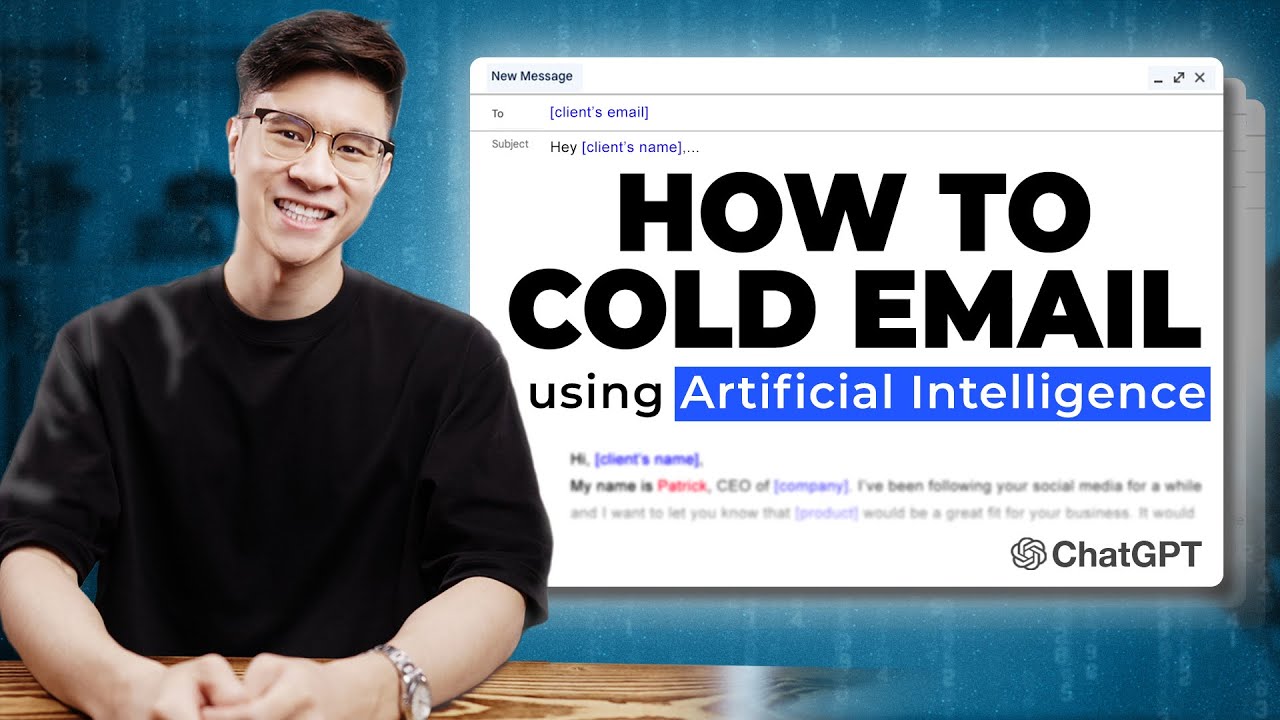
in New York helping them find more students to enroll at their school so I'm going to say write a cold email to private school owners generate so once you press generate all you have to do is wait a couple seconds for it to write the code email for you so it gives you a subject line digital marketing solutions for your private school then it goes straight into a problem as you may already know digital marketing is a powerful tool that can help your school attract new students and again I would change the wording a little
bit and make it more natural and more style but it did tackle the pain okay which is you want newer students digital marketing is the way and the interesting part about templates is that once you actually create a template you can actually save it onto your magical account when you go into your Gmail and you want to use that template all you have to do is type in two dashes and then you're gonna have your templates right here so this is the one I created earlier as you can see the templates already saved here I
can change it how I like and then all I have to do is insert it in and bang we have the entire template in our Gmail so that's going to save you so much time you don't really have to keep track of all your templates and different places and copy and paste you can literally just type in two dashes and put it in there and put all the different variables that you would like now real quick about our sponsor magical right again it's a free Chrome extensions used over by 500 000 people it can save
me even like seven hours a week saving me time writing the cold emails and writing the copy that I do for my businesses it works on literally over 10 million sites what you want to do is you want to get magical AI to do all the work and the things that you don't like doing like creating messages from scratch updating forms instantly which we'll talk about later and automating any annoying task anytime anywhere so magical is a free Chrome extension that you can set up in seconds so if you want to try magical check the
link in the description it's free the next thing I want to show you is how you can actually use AI to quickly reply to emails right so we talk about how to code email how to write copy that initial thing that get the customer in but what happens let's say hey they respond to your code email how do you respond and I remember back when I was an account executive in Tech right every day when I wake up and I go to the office I look at my phone it's like email email it's just a
bunch of emails people responding to me and I have to follow up with them to try to schedule a meeting or negotiate or whatever the case is right I'm going to give you a test example right so let's say I got a email from Kenneth over here so let's say he wrote this email to me I'm like oh I I need digital marketing services so I need to respond so instead of just you know pressing reply and being like hey connect it's really great to connect with you here I would love to learn more about
okay so it takes quite a bit of time to do that especially if you get a lot of emails per day so let's say I am interested and you see like this extension by magical right here you can say no I'm not interested yes I'm interested or custom you can write in a prompt and write something for you so if I say I'm interested magical is writing then it's going to automate everything dear Kenneth now alternatively if I said no probably change deer to hey and then thank you for reaching out I'm not interested in
your product services so instead of saying no to somebody like taking a long time to do that it could just be like press no I'm good custom would be like I'm interested can you send me three time slots that work for you to talk more okay thank you for reaching out I'm interested please let me know three time slots that work for you to schedule your college so you see it's really saving you a ton of time and the really amazing thing about the quick reply function is that the AI is actually going to read
the context of the message right so it's going to read what message the other person sent to you and based on that message it's going to use AI to craft a message especially tailored to answer this person right it's looking at what the person is saying in their email and to make sure that whatever it is that you're writing is of relevance and this is going to be very powerful when it comes to actually writing something that people want to read increasing your conversion rates because it seems more personal you're referencing different things that they
have said in the email so it actually feels like a regular human being right is actually writing the email even though AI is doing the majority of the work so the interesting thing is that this works on LinkedIn right so this is the same Chrome extension you installed it one time it works on Gmail it's going to work on LinkedIn so let's say Kenneth over here sent me a message pretty much the same thing right let's say I'm interested so I'm going to say yes it literally just wrote me a whole thing hey can I
thank you for reaching out I'm interested in the nft project whatever whatever we just made up an example set it's really that simple and it's free definitely a Time Saver and it's kind of funny because if you think about it maybe if the person who's messaging you maybe they used AI to write the email they send it to you and then you use AI to respond back to them and then it's like AI is just talking to AI so it's actually a very interesting direction that the world is headed in general right so as you
can see overall when you were looking at AI in general the first use case I see with AI is really saving you time so instead of just doing manual labor tests the same thing over and over copying and pasting moving this data to that data AI is just solves that problem makes it so much easier makes you so much more effective so much more productive so you can actually do the thing that you really want to do instead of being stuck doing the laborious task so if you enjoyed this video make sure to give it
a like subscribe turn on notifications and if you want to check out magigo check the link in description and I will see you in the next one