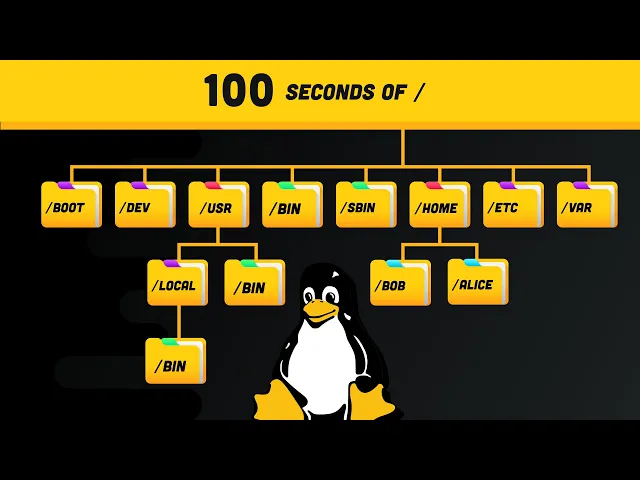
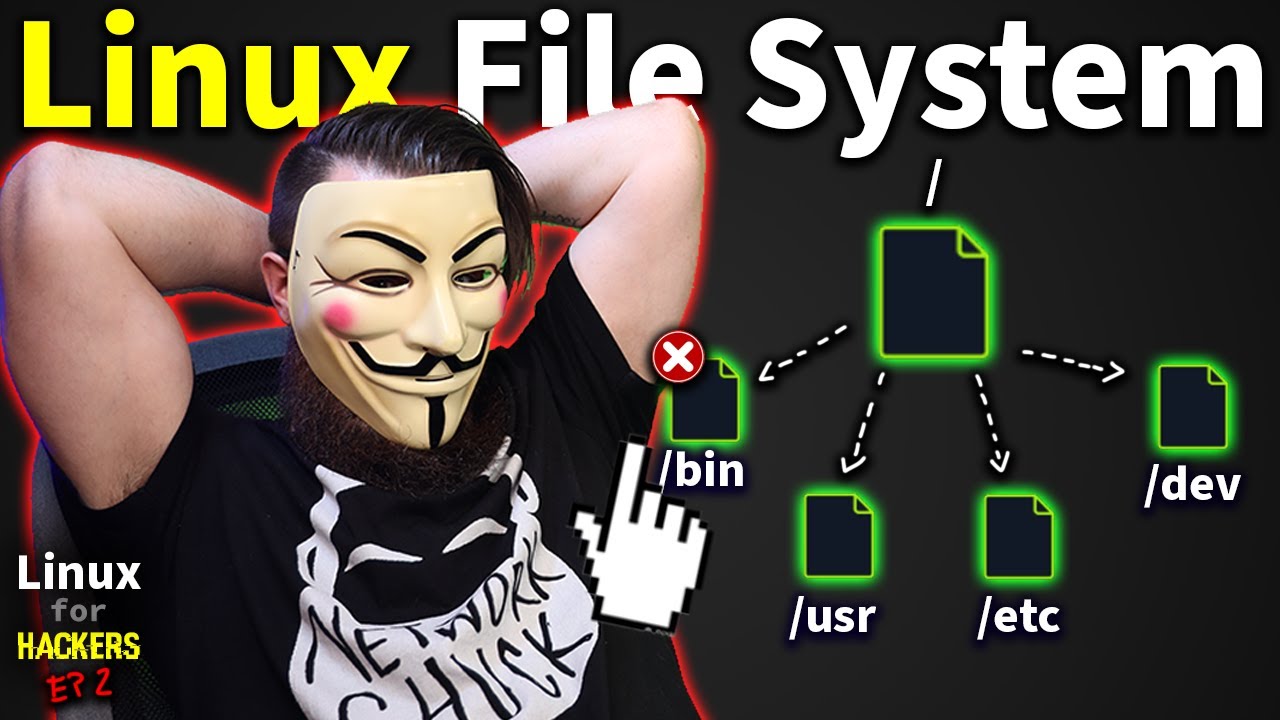
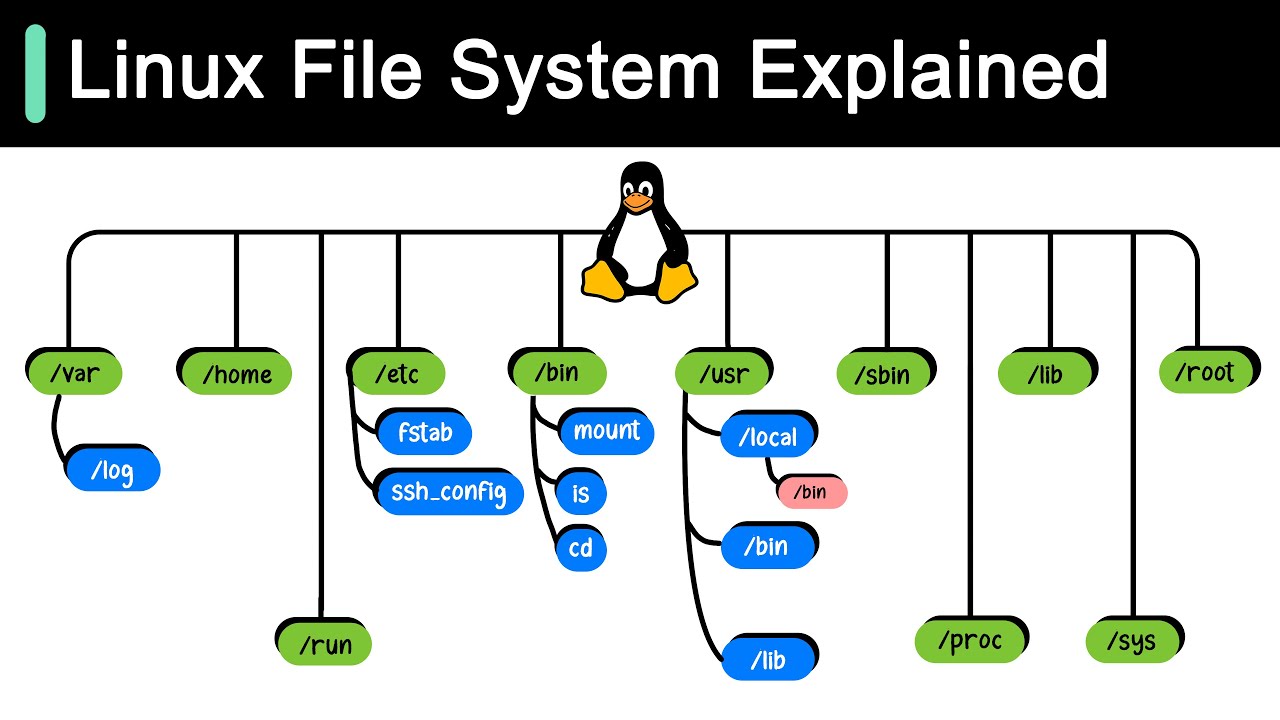
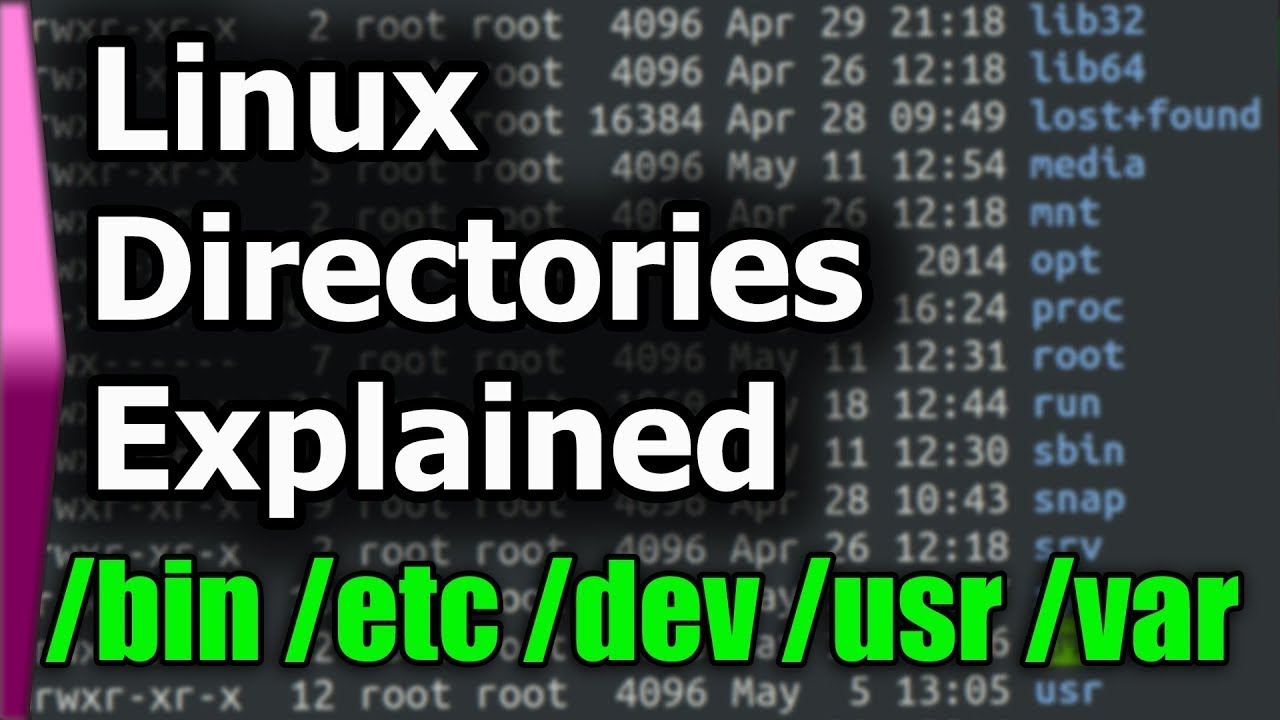
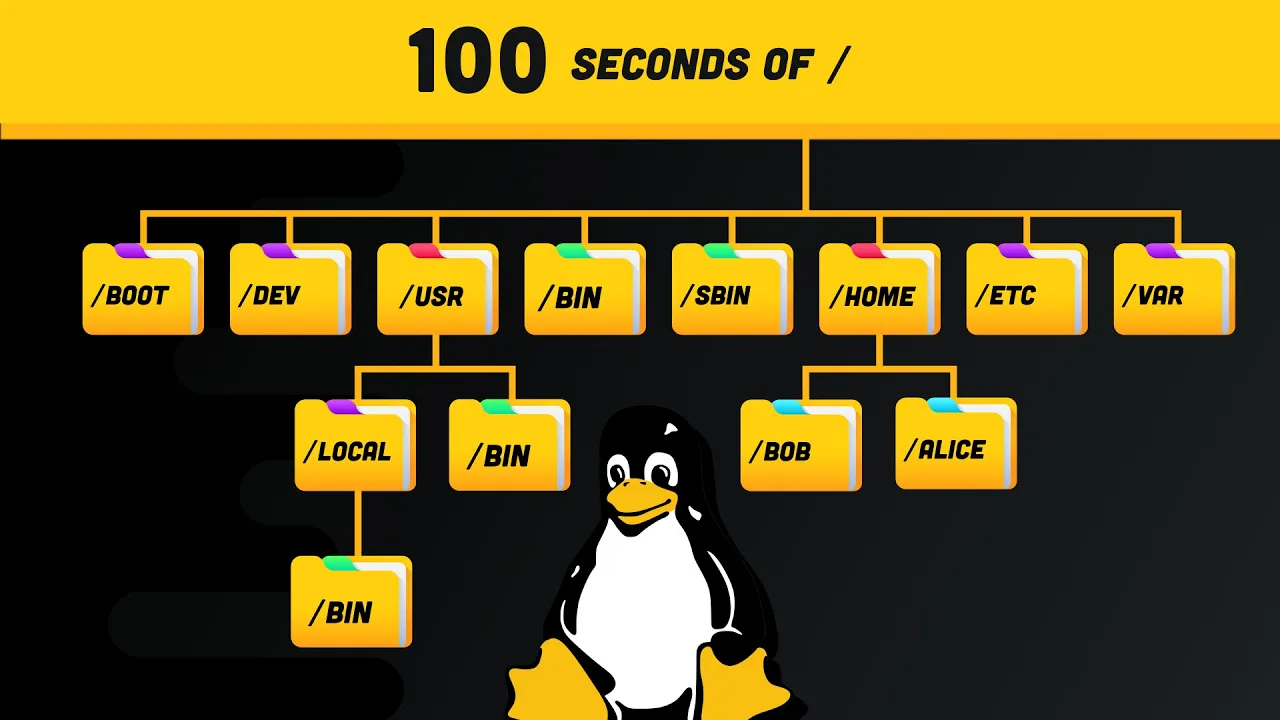
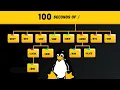
the linux file system it's a cryptic labyrinth of directories defined by the file system hierarchy standard navigate through it with the change directory command cd forward slash drops you into the root then with the ls command we can list out the contents of this directory first we have the bin directory which contains binaries or executables that are essential to the entire operating system you can run these binaries from the command line at any time things like gzip curl and even the ls command that we just ran but confusingly there's also an s-bin directory it contains
system binaries that should only be executed by the root user like mount or delete user many of these binaries may share common libraries which are stored in the lib directory now we also have a usr user directory with its own bin and s-bin directories the binaries or applications here are non-essential to the operating system itself and intended for the end user you'll also notice a local directory under user it contains any binaries that you compile manually to provide a safe place that won't conflict with any software installed by a system package manager all these binaries
get mapped together with the path environment variable and that's why you can execute them from any directory in the terminal if you ever want to know where a binary lives run which followed by the binary name to view its full path in the file system now at some point you may want to customize the behavior of the software on your system the etc directory stands for etc or editable text configuration many of these files end in conf and they're typically just text-based config files that you can modify in your editor as an operating system linux
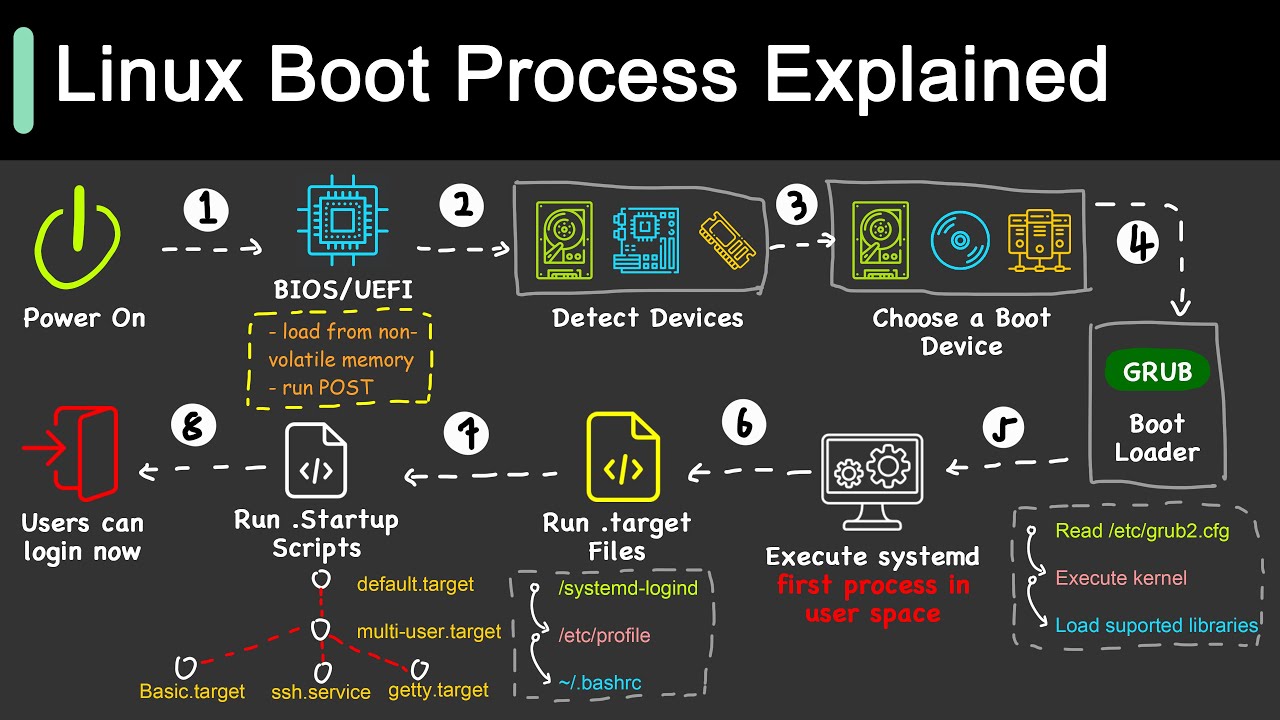
can support multiple users in the home directory you'll find a folder named after each user registered on the system it contains the files configuration and software for that user and you need to be logged in as that user or as a root user to modify it notice how the file path is a squiggly that's your normal starting location when you open up a terminal session now let's go back to the root there are a few more directories here that we haven't talked about yet like boot it contains the files needed to boot the system like
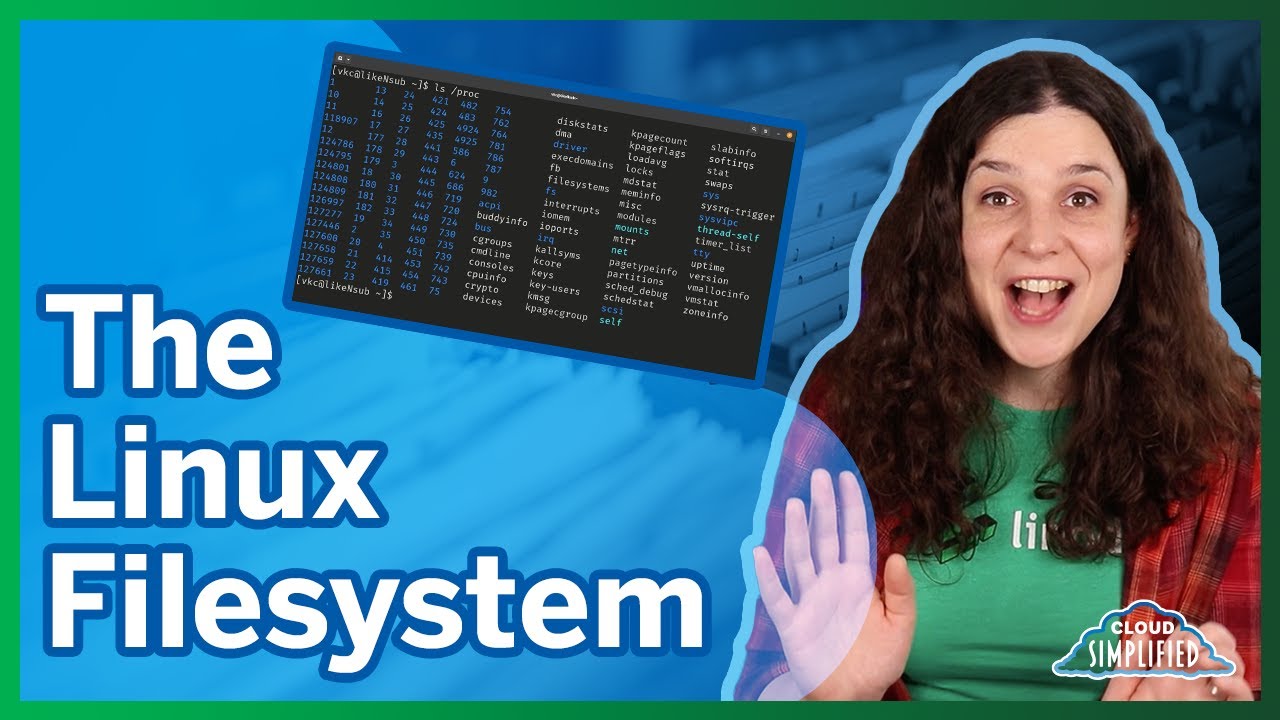
the linux kernel itself then we have dev which stands for device files here you can interface with hardware or drivers as if they were regular files you might create disk partitions here or interface with your floppy drive the op directory contains optional or add-on software and you'll rarely interact with it var contains variable files that will change as the operating system is being used things like logs and cache files temp is for temporary files that won't be persisted between reboots and finally we have the weirdest one of all the proc directory is an illusionary file
system that doesn't actually exist on the disk but is created in memory on the fly by the linux kernel to keep track of running processes this has been the linux file system in 100 seconds if you want to see more short videos like this hit the like button and let me know what you want to see next in the comments thanks for watching and i will see you in the next one