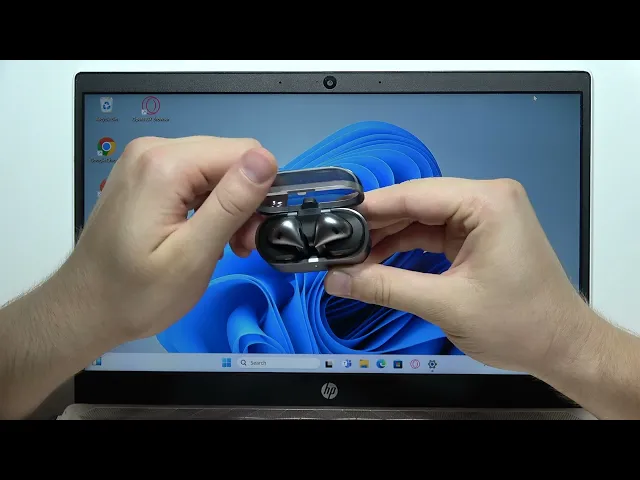
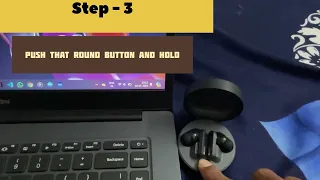
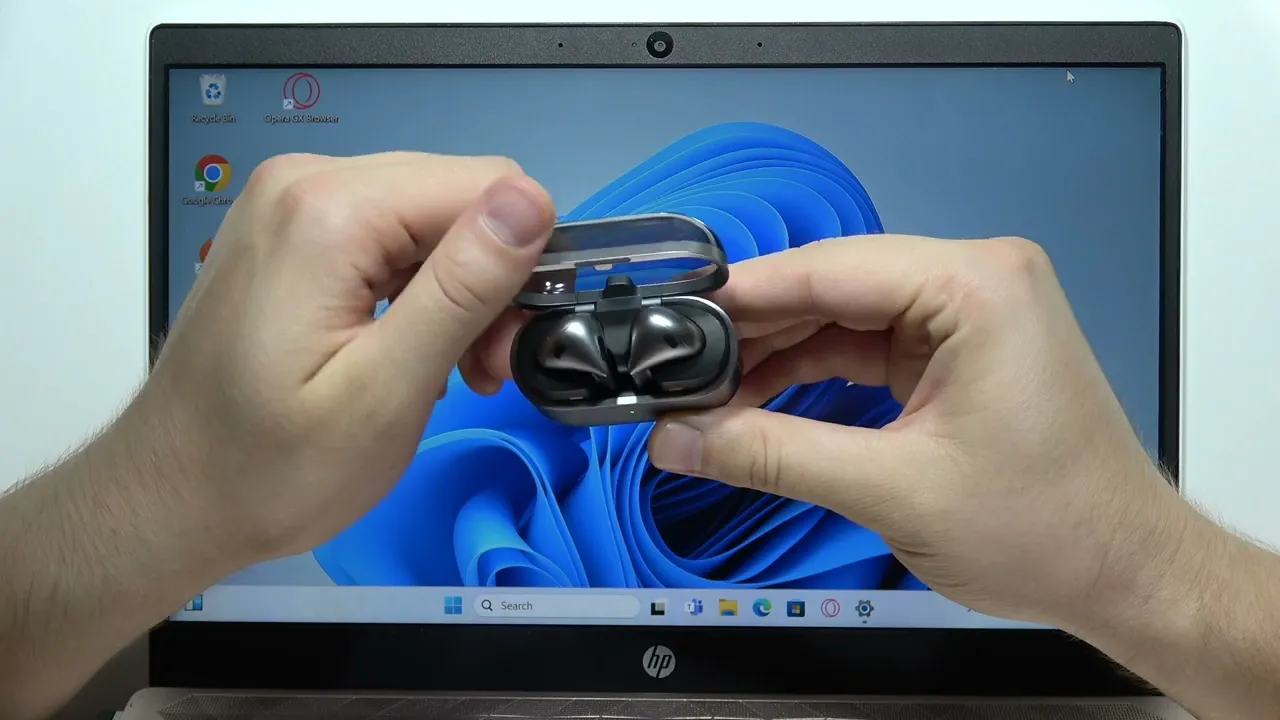
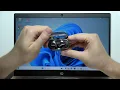
hey to pair Samsung Galaxy bats free into any Windows PC first of all you will have to input both earbuds inside the charging case open this cover click and hold this button that is located next to the USBC port and when the indicator starts blinking just like this you will have to release this button put it close to your device now you will have to open the settings then you will have to navigate into the bluetoo to and devices you will have to turn on bluetoo by clicking on this switcher select add device and now
select Bluetooth device then you will have to wait until your earbuds appears on the list so select Galaxy bats free and now you are successfully connected so we can click done and as you can see it's finished so that's all for this video right now please subscribe