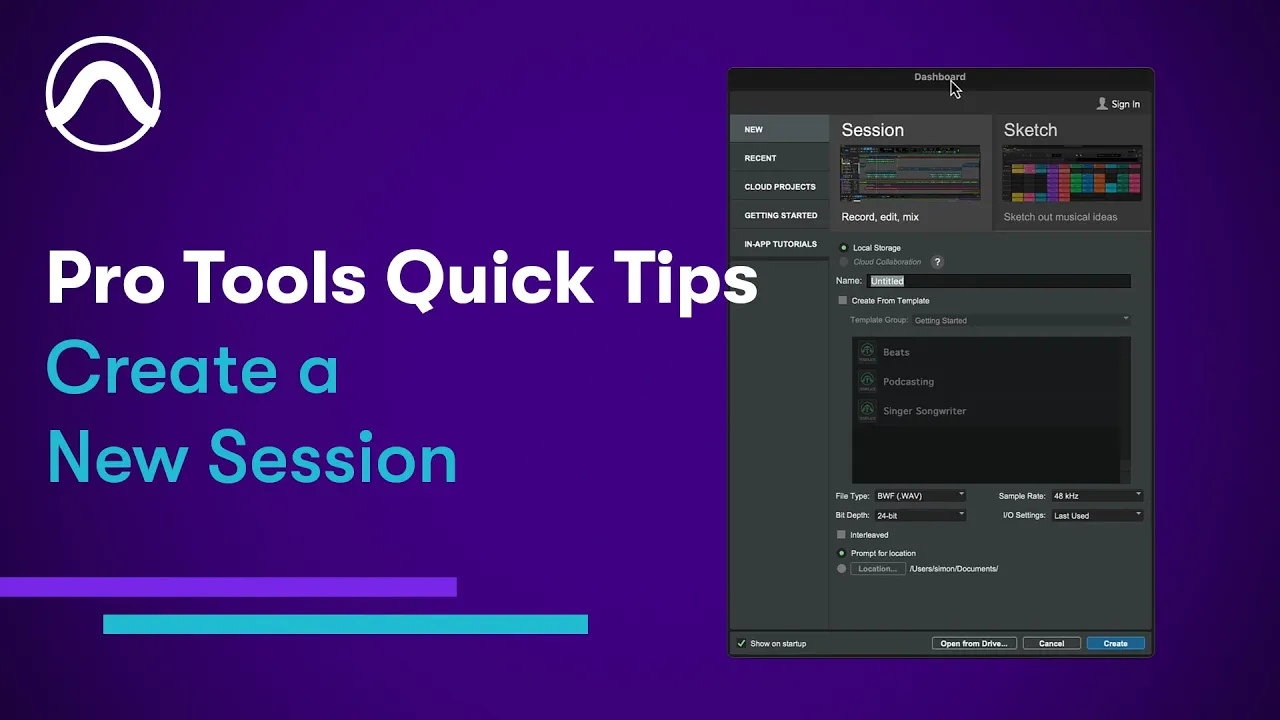
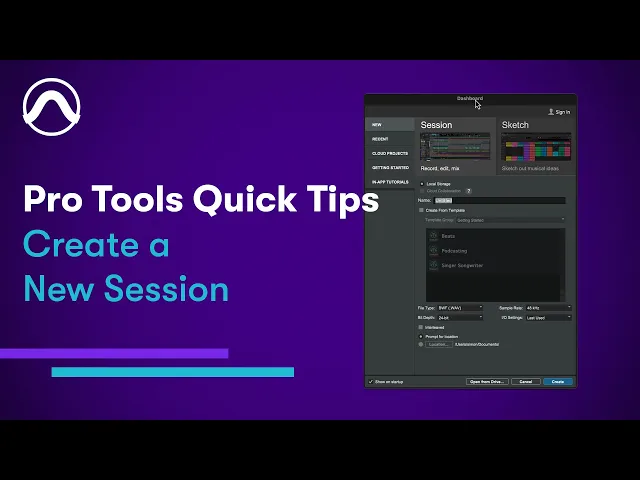
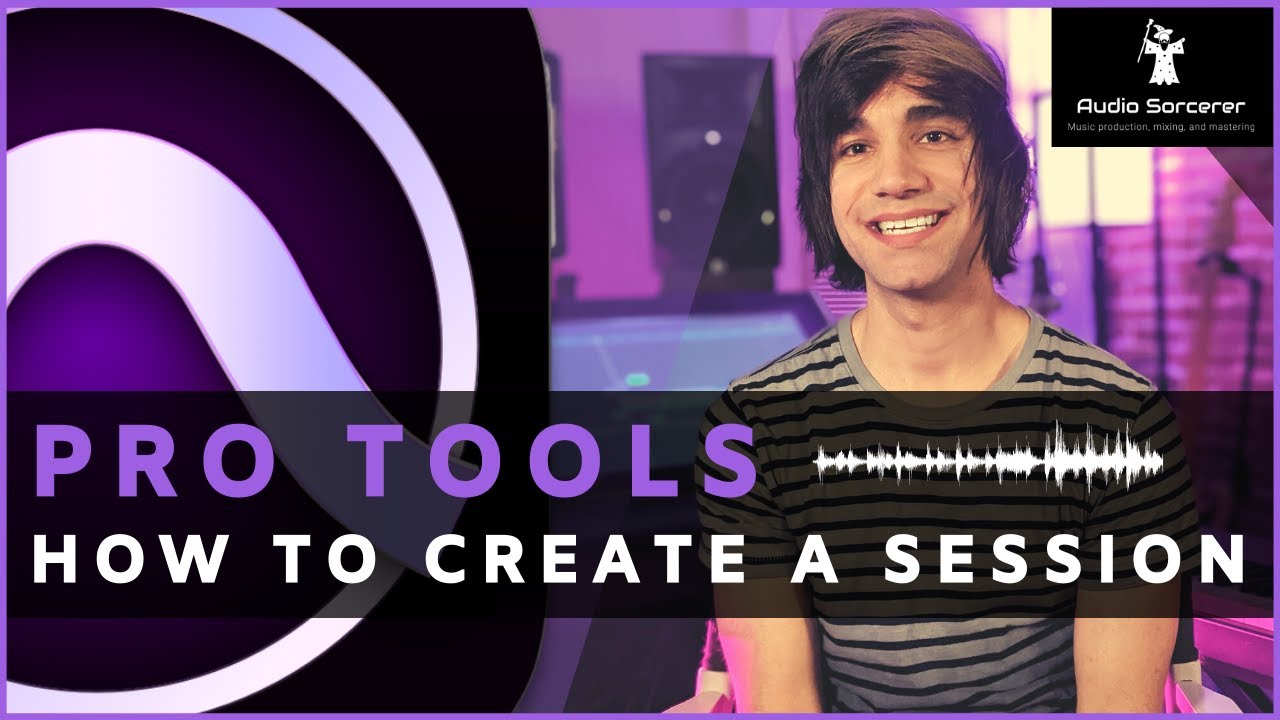
when you launch Protools the dashboard will open by default it also opens whenever you choose new or dashboard from the file menu the dashboard has several tabs where you can start a new session or sketch open a recent session or sketch create a cloud-based project access getting started resources and open the inapp tutorials to start a new blank session click the new tab and give your session a name set the session properties here in most cases you would set the file type to wave sample rate to 48k and bit depth to 32 you can also
choose a preset I/O configuration and set the default location where sessions will be saved if you leave this set to prompt you'll be asked to set a save location after you click create protal session templates are a way to quickly create a session with preconfigured track and routing for specific workflows to start from a template enable the checkbox and choose a template from one of the categories

![Using Playlists in Pro Tools [Quick Keys, Shortcuts, and Workflows]](https://img.youtube.com/vi/hPtiiP_vMRk/maxresdefault.jpg)