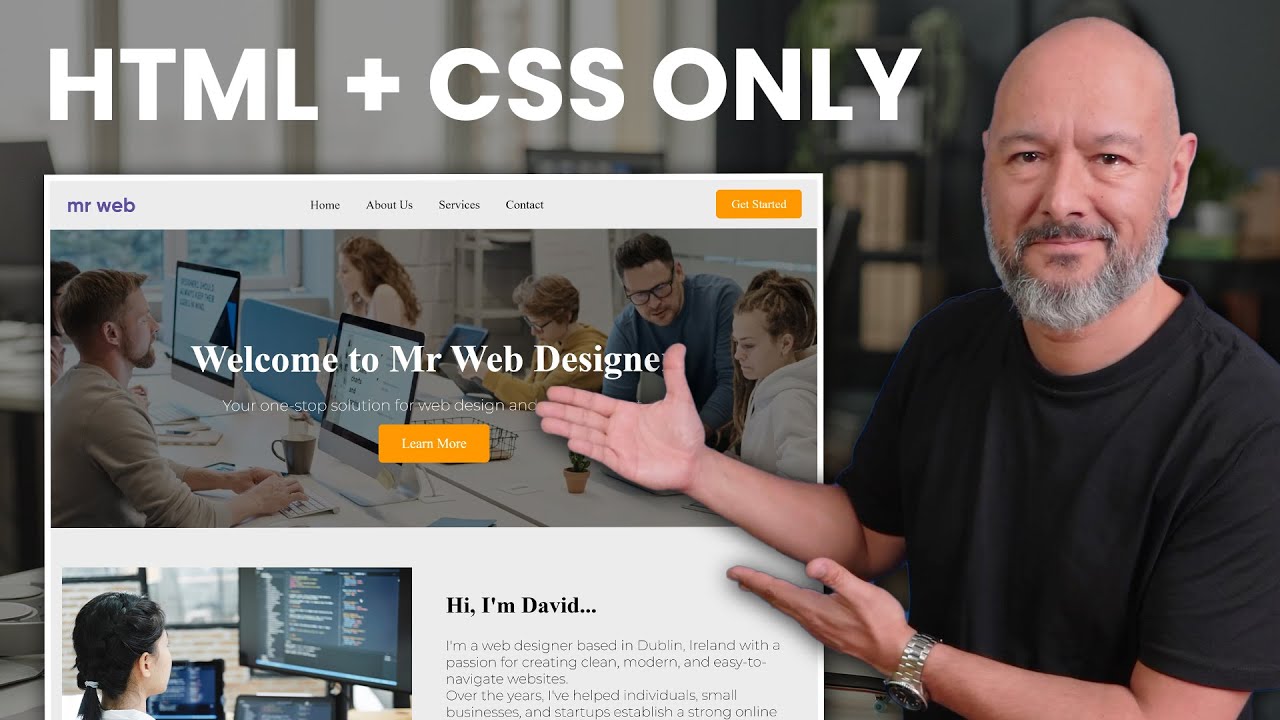
very good so first let me tell you exactly what to expect from this video okay so first I'm going to show you why HTML ncss is still one of the easiest most underrated ways to make money in 2025 even if you just started learning and then I'll show you where you can find hundreds of readymade HTML and CSS template that you can use right away and then I'll show you how you can customize those templates using visual studio which is a very clean simple process and finally the part that no one ever shows I'm going to give you the exact conversation you can have between you and your prospective client to land your first deal oh hello is this John yes who's this oh hi John it's David here i r a small local web design business and I'm just goinging to see if your business has a website sorted all right so here's something you don't often hear these days building a website using only HTML and CSS is still in 2025 one of the fastest and easiest ways to stand out and as a result make money as well now you might be thinking are you sure now in 2025 that is still valid absolutely that's the point because most developers most designers are obsessed with technology AI technology uh framework programming language WordPress plugins you name it but here's the thing you can simplify the whole process package that as a simplified solution to your customers and this is where you make the money you are not missing out by using only HTML and CSS okay so let me reiterate that clearly so you don't need react you don't need JavaScript you don't need Frameworks you don't even need WordPress you don't need any of this all you need is to solve a problem technology is a little bit overbearing these days you know so business owners are looking for a simple solution a simple website that can be online and that is completely hasslefree and by using only HTML and CSS you also get access to all these different advantages so I have my notes here in front of me just to make sure I don't forget anything so the first one obviously when you build a website using HTML and CSS it's not database driven so if there's no database well clearly it's impossible almost impossible for your website to get hacked Chan of getting hacked almost nil also uh it's not a WordPress website so if you're not using Wordpress you don't have a Content management system where you don't need to constantly update the core files you don't need to update your themes your plugins and all of this make sure that your server is using the right PHP version etc etc you don't have issues either with compatibility or any of these so as a result it's going to cost less in maintenance for your client as well so most web agencies charge normally maybe I don't know $50 to $100 per month on average so immediately from the GetGo your customer is saving at least $6 to $1,200 in maintenance fee and then also because you're not building your website using local horse you don't need to mimic a server using examp or all them tools and then once you migrate the website from local horse to the live site which always causes Havoc you know your website might break down the UR are not correct there's always issues with that obviously when is just HTML and CSS you avoid all these problems it's literally hassle-free for you on your side as a designer and also a HTML ncss only website is blazing fast compared to a database driven content management system so that means that your website will rank higher and you'll get good points with Google obviously you know so now you're probably wondering yeah but okay Dave that's great that's nice all this but where do I even get started well let me show you where you can get free templates hundreds of beautiful template that you can use and all you have to do basically is to customize it so it doesn't matter if you're a complete beginner you've never touched a HTML on CSS before I'm going to show you the ropes in just a moment and there you go guys it's called HTML5 up. net and as always I'll leave all the links in the description below now this is one of my favorite now clearly there are other websites available but this one is very special because all the templates here are really really really professional looking as you can see all of them are fully responsive built on intelligent HTML 5 plus CSS 3 and they're customizable obviously you know and they're completely free that's the best part you know as just scroll down as you can see you have a few of them already here on display so you have paradigm shift and as you can see by the numbers of downloads they're very popular as well you know you have this one here look at this they all look super super professional they're almost ready to go you know now you can twg this around make it your own obviously customize them based on your customers requirements so you can SE any of these if you want to see what it looks like just click on this you know click on live demo it will open up in a new tab and there you have it as you can see it opens up very quickly you know so fractal just a simple single page responsive and there you go this is the content you know now if you want to try another one go back here and let's try maybe I don't know this one here okay spectral and they're fully responsive as well so if you click on tablet here see what it looks like on a tablet on tablet in portrait mode and also mobile phone and as always uh fully professional fully responsive and super fast loading as well so all you have to do is basically download any of those so select any of them and then you can customize them in visual studio so let's download one together here as an example so let's go ahead maybe with this one okay so free download and then save this on your hard drive and then all you have to do is to open your index. html file using visual studio and this is basically the code here and then open the file in your web browser Google Chrome for instance you know just to have the quick preview see what it looks like you know and as you walk on it and save the changes you can then refresh your web browser and see the results you know so this is what it should look like normally there's a picture in the background an image here and all that and I feel free to customize it exactly the way you want you know so if you go back here as you can see there's no image at the minute it's just that so if you want to find it here very easy you know as you can see this is the HTML code so I have HTML then the head then the body and then the body starts from here and everything inside is on your page basically okay and right here as you can see you have who am I and then the paragraph underneath and that's basically the content here as you can see who am I so if you were to change this well basically we reflect back here in the front end and your image here is right there as you can see span image fit and all that so if you go by the side you can see this is where you can insert the image uh that you want to display here you know and then you can go from one section to the other here by the side and again uh Visual Studio is one of the best ones to use you know now obviously I can also so use notepad++ if you want to you know all the same it doesn't matter so that's basically how you would customize your front end and the code here now if it's your first time working with HTML let me show you how easily it is to work with HTML I'm going to put here I'm David for instance okay I change this contrl s to save now I go to my web browser and refresh and there you go I'm Da it okay and there's a typo here so contrl s and then refresh and there you guys you can see I'm David okay so that's basically it and here you can change the content so hello my name is David crl S go back here and refresh and off you go as you can see this is the content and the start of my sentence and you can do the same with images so like we said images is right here so image SRC equals image and then here you insert basically the folder where you'll find the image okay as you can see there's no image at the moment going to that folder where you saved your HTML file and then the sub folder images and then insert your picture so I've done that and let's change the file name so I named it david.
jpeg just like this okay and again crl s and then go here and refresh and there you goes you can see the image is going to display absolutely perfectly because this is already part of the CSS code as you can see it says class is fit and now you can find this reference in the CSS code if you wanted to edit that as well you know so if you go to file open open file and then you go into assets CSS and then main. CSS and then you can open this and there you go so this is the content of the CSS code and then if you look for fit and it's going to bring it to this section do image. fit and if you go back here as you can see it's image bit and this is primary now as you can see for this the width is set to 100% and inside the container to 100% as well you can change this obviously no if you want to change this to 75% and then save it contrl s and then refresh as you can see now it's only taking 75% of the width and then you can make any changes to your CSS code as you as you want obviously you know excellent so now that you've designed your website you're super happy with the result now obvious see your website has to go live so you need to host that somewhere on the server and you need also to attach a domain name to it so which hosting provider should you choose well personally we've been using hostinger for many years and we are still using hostinger for all our clients and personal projects so this is an absolutely amazing choice because not only are they affordable they're super reliable but also super easy to use the user experience is absolutely great all you need to do is to grab your files drop them on the server and you'll be live in no time now on top of this we have a discount code that we've negotiated with hostinger that gives you access to up to 85% discount let me show you now and for this open your favorite web browser and in the web address type in Mrweb.
tor HTML CSS and then press enter or simply click on the link in the description below where it says Mrwebtv HTML CSS and this will bring you to this dedicated landing page that we have with hosting or and we've negotiated special terms for our audience and you can save up to 75% off any of the hosting plans and you also get two months free so if you click on claim deal you'll have the choice among three different options here premium business and Cloud startup but for us just for HTML and CSS we don't need anything fancy so we can s this one here now the good thing with hostinger is that you get a lot of free bees as well you get a free domain name valued at $9. 99 you get free weekly backup you get free SSL certificate unlimited SSL certificate by the way you know if you want to host multiple websites on your server feel free to use this plan at just $2. 99 you know and then also free website migration Free People template but this doesn't apply to us this is for WordPress users obviously you know so just go ahead with this choose plan and now from here you need to sect your billing cycle so let me zoom in a little bit so as you can see you can log this price in of $2.
99 per month for 48 months now you can s a shorter period maybe 24 months same price as well or maybe 12 months again 299 as well obviously if you lock this in for 48 months this is where he saved the most money $432 worth of saving so that's quite a lot to be honest you know now on top of this I have a coupon code so here type Mrweb all in capital letters and apply for an extra 10% discount on top as you can see now that's 85% in total costing you only $129 for the full 4 years and then from here all you have to do is Click continue and proceed to check out and then you'll be redirected to this simplified onboarding process now normally this is for WordPress users so again that doesn't apply to us okay so click on the whole posting a logo to go back to the dashboard and then confirm very good so the first thing you need to do is to claim your free domain okay so click on this here claim domain and then type the domain name you'd like to register so Mrweb HTML CSS as an example check availability and to register your domain all you have to do is Click domain and follow the steps and once your domain is registered you can go to domains and then domain portfolio and then click on the domain name that you want to use so mrweb amazon. com as an example here okay so click on this very good and now you go to manage your website and now we can upload our files okay so by the side your files here click on this file manager and then access files from mrweb amazon. com click on this accent and then go to your public HTML folder and now we can download the files from our website okay so from here just upload and then select file so save it as an archive so open very good so you can see Mrweb.
zip and now we can extract is here so right click on it and then extract and it's going to ask you for the destination folder so just type a simple dot here Dot and then extract very good as you can see all our files are here and now if we go to our browser and open our website it should display properly let's put this to the test and we're going to type here mrweb amazon. com and then enter there you go as you can see our website is displaying exactly the way we had it I'm David da d da d da and as you can see everything is working fine no problem whatsoever so now I'm going to show you how you can pitch that to your prospective clients so for this let's go to the launch Corner we'll be more comfortable there okay guys so here's the pitch and feel free to steal this so as you have that conversation with the business owner there's a few points you absolutely need to put across so let me emphasize this okay so the first one you need to mention is that you build fast loading websites that don't require any maintenance or any update whatsoever also there is no login required there's no username password access to the back end or any of this it's completely hasslefree it's full custom built as well because you're using HTML and CSS so unlike when people design website using WordPress they buy a theme multiple people hundreds of people can use the exact same theme Here is fully bespoke fully customized to their own requirements you can also offer to choose among a few designs if they wanted to don't call them templates you call them designs obvious you know and also and this is the most important one it's a onetime fee so no surprises no Tech headache no chasing after customer support it's completely Hustle free for just a oneof fee that's it okay so now let me show you how this conversation could go oh hello is this John yes who's this oh hi John it's David here i r a small local web design business and I'm just calling to see if your business has a website sorted we're on Facebook actually and that's good enough for us okay that's totally fair a lot of business start there you know now the reason I'm calling is because I build really simple lowcost websites no WordPress no plug-in no monthly fees just something fast and professional some people can find you when the search yeah we looked into that a while back too expensive and honestly a bit of a pain you know now I see where you're coming from you know that makes full sense most agencies nowadays charge at least $2,000 you know just to build a website and then at least another $50 US every month just for maintenance fees yeah exactly no thanks well you see what I do is different I build pure HTML and CSS websites so that means no back end no log in nothing to maintain they're super fast mobile friendly and once it's life while that's it you own it all right so what's the catch no catch actually it's a onetime setup and then I handle the design layout branding hosting well literally everything you just send me your business info and I'll get it done so how much are we talking about here well usually between $500 and $750 depending on how much content you need and that includes the mobile setup and getting it live wow that's a hell of a lot cheaper than what we were quoted before yeah because I'm not selling you a huge content management system with a dashboard that you'll never use I built what you actually need a fast professional website that looks great on phones helps people find you on Google and also doesn't break or need any updates and you sort the whole thing too of course I use a reliable provider and I set it up for you you don't need to touch a thing all right so can you send me something to look at absolutely what your best email well send it to John at mybusiness name.