The team here at Hugging Face is super excited to announce the public release of Spaces - the quickest and easiest way to build, deploy, and share Machine Learning demo apps. Machine learning projects come in all sorts of different flavors. We built Spaces because we wanted to provide a more flexible solution for folks to share their projects.
With Spaces, you can take any existing code you might have, build an app around it in minutes, and share it instantly on our site - all for free. Lets see just how easy it is. .
. To create a new space, first make sure you're logged into your Hugging Face account. Then, simply click on your user icon in the top corner and click "New Space".
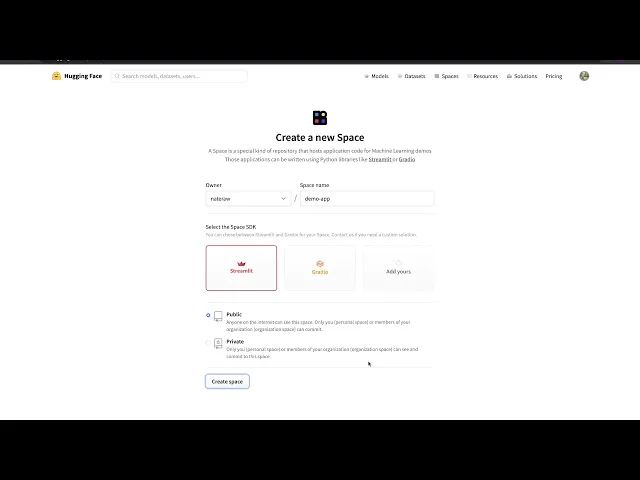
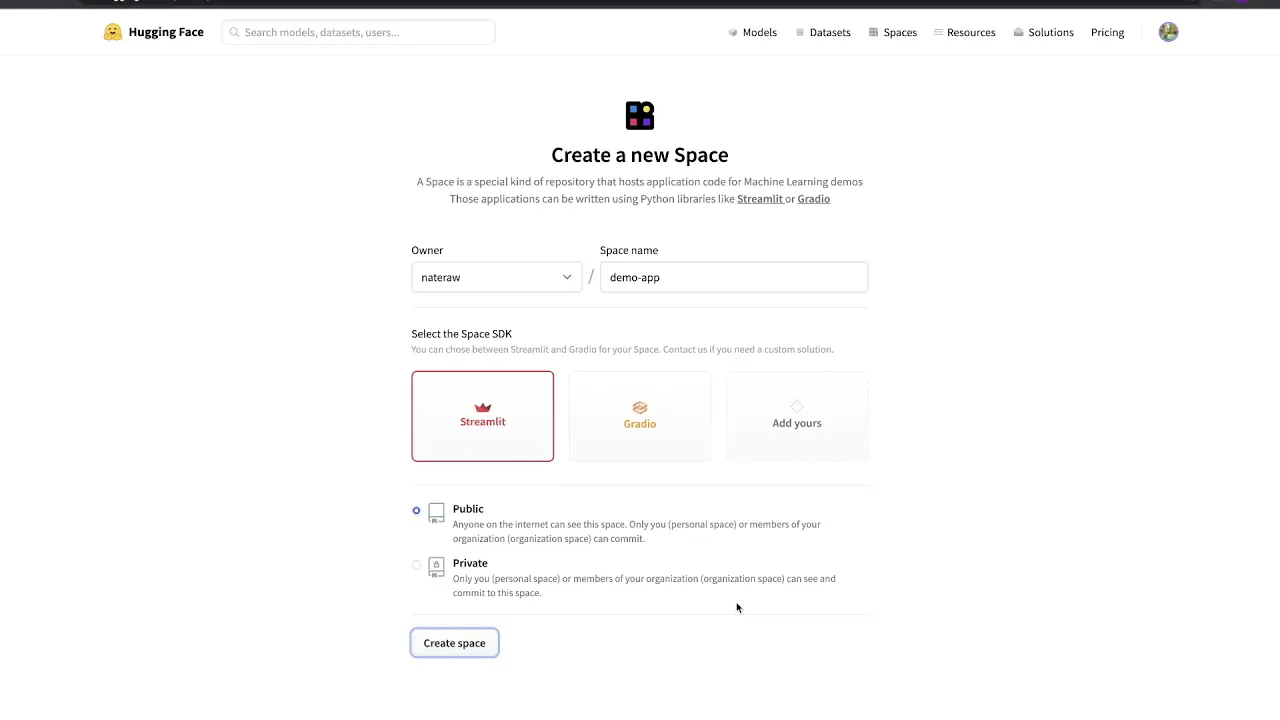
Here is where we can name our project and choose one of the supported Open Source libraries we'd like to build our app with. Right now you can select either Streamlit or Gradio. We'll name our app "demo-app", and choose Streamlit for the sake of this demo.
Once we're ready, we can click "Create Space" to create a new project. The project is actually a git repo, so we *could* clone it locally to edit the files if we wanted to. We also have the option to just add and edit files in the browser, so that's what we'll do for now.
Let's add a `requirements. txt` file to our repo, which is how we can define our app's Python Dependencies. To do that, we'll navigate to the "Files and Versions" tab, and "create a new file" using the dropdown on the right.
We'll name the file `requirements. txt` and add a couple dependencies - in this case PyTorch and Hugging Face's `transformers`. When we're done, we'll hit "commit new file" to add it to our spaces' repo.
To create the app itself, we'll add another new file named `app. py`. In this file, we'll quickly define a simple Streamlit app that uses the default sentiment analysis `pipeline` from `transformers` to predict how positive or negative a given input text is.
Just like before, when we're done we'll hit "commit new file" to add the application file to the repo. In just a few lines of code, we're finished, and can view our running app from the "App" tab. If we choose to make our Space public, we can easily share our app with anyone around the world by sharing the link to the space.
In this video, we saw just how easy it is to build, deploy, and share Machine Learning demo apps with Hugging Face Spaces. Now it's time for you to get out there and share your own awesome demo with the world! !
For more information on Hugging Face Spaces, you can check out the docs or explore spaces shared by the community. Until next time, thanks for watching!