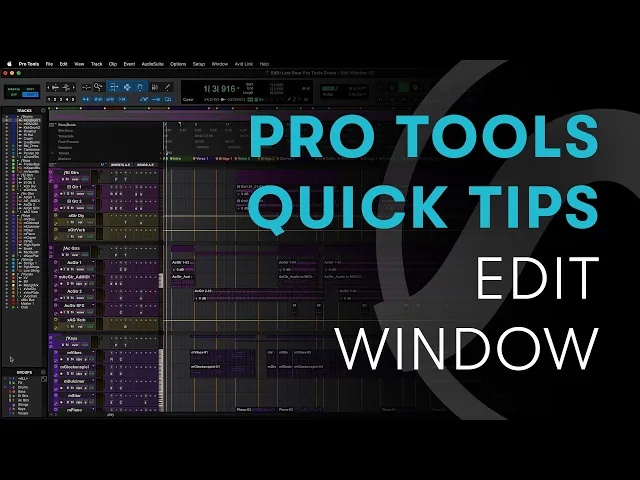
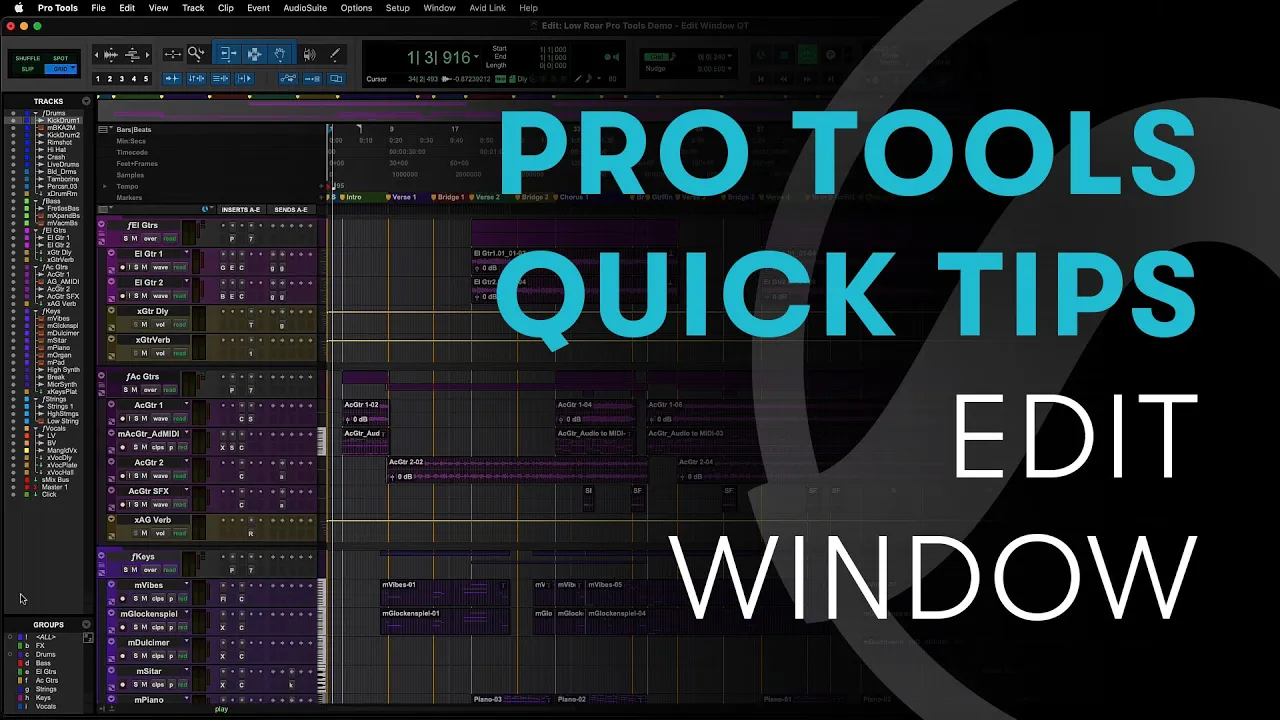
pro tools edit window is where you create record edit and arrange your session by default along the top of the edit window from left to right you will find the edit modes the zoom cluster edit tools along with some editing options counters grid and nudge values transport midi controls and output meters on the far right if you click the drop down arrow you'll see options that let you show and hide these tools along with other elements of the edit window so that you can customize it to your needs if you want to move any of
the elements around then hold command if you're on mac or control on windows and click and drag underneath this toolbar there is a universe view to give you an overview of your whole session below the universe are the rulers clicking on the dropdown on the left lets you choose which ones you are viewing option clicking on mac or alt clicking on windows is a quick way to hide unwanted rulers and you can drag them to a different position by holding command on mac or control on windows on the left of the edit window is the
tracks list and to the right is the clips list most importantly in the middle you have all of the tracks in your session this is where you do all of your creation editing and arranging clicking on the drop down at the top of the tracks lets you show and hide track elements such as inserts sends io and real-time properties