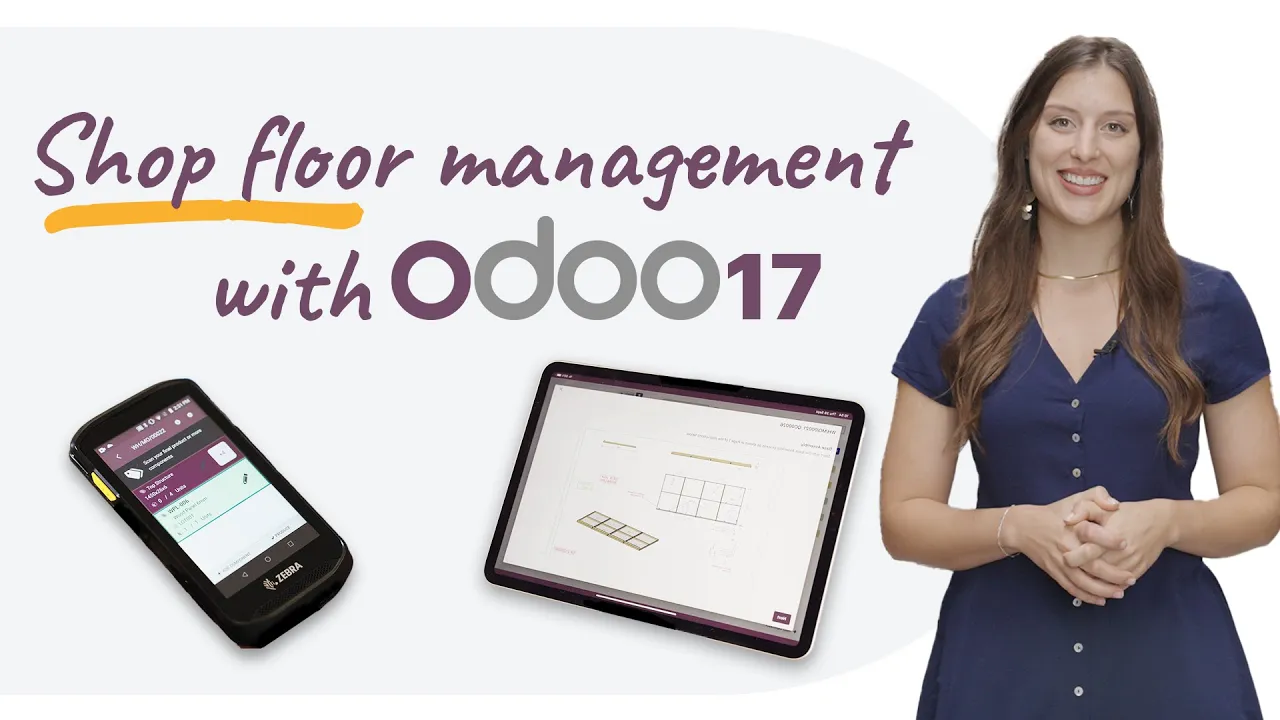
Welcome to Pluo! Where stands for exhibitions, museums and points of sale are designed and manufactured on site. I'm Amy Caroline, and in this video we'll see how Odoo’s Manufacturing Execution System will help them simplify their manufacturing operations.
So let's jump in! All right, here we are back at my desk. As a production manager, I use the list of Manufacturing Orders to be able to easily see which components were missing.
And I do that using the Component Status column. So here I see we're missing some items for the “Stand Assembly OXP23”. This is a really big project, so let's take a closer look.
I'm going to go to the Manufacturing Order Overview where I can easily see any issues across operations. So here I see I need to replenish my product paint. So let's go ahead and do that.
Now I can click on this icon to be able to compare my vendors. So in this case Azure Interior is a bit more expensive, but they will be able to get me the product sooner. So I'm going to set them as my supplier.
When I confirm this, a request for quotation is created and ready for my colleagues at the purchase department. I can also access it from here if I would like to. Now we also need to replenish a custom item that we manufacture here.
So let's go ahead and click on Replenish. I'm going to create this manufacturing order for CNC cutting to ensure on-time production. Now allow me to introduce you to our cutting machine operator.
Hi, Mathieu! To produce the custom parts we need, Mathieu first records the wood panel lot number directly with his barcode scanner. And then launches the CNC production.
Beautiful! Once the CNC production is complete, Mathieu taps the screen to record the four sheets that were produced. Now that we have all the parts, we can start the stand assembly process.
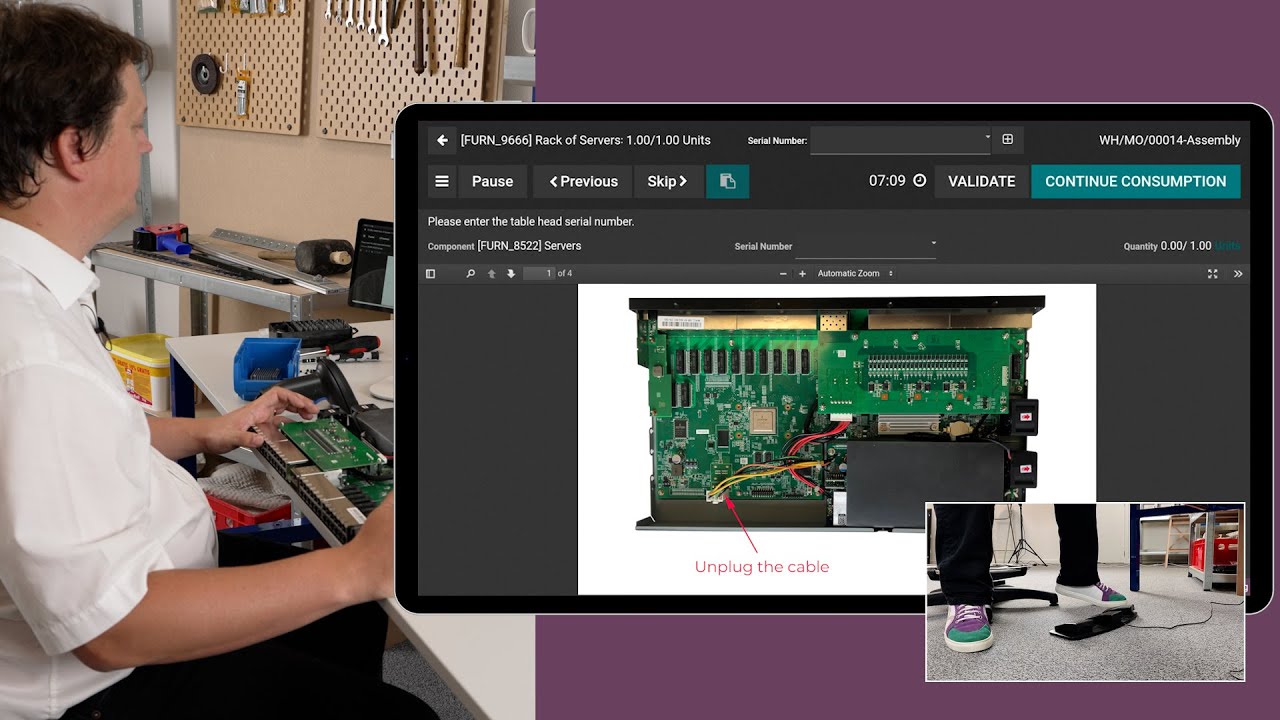
The new Shop Floor application is great for managing work orders on-site. Mathieu now switches to his work center to review the next work orders, then starts recording the production. For the assembly process, Mathieu simply follows the steps one by one on the screen, and if he needs more information, he can open the worksheet with detailed instructions.
Now that the production is complete, Mathieu can go on a well-deserved coffee break before moving on to the next step. All right, time to get back to work! For this step, the team requests a quality check.
Since the Shop Floor app is fully integrated with the Quality app, the operator can record the result directly on the tablet. Finally, the operator takes a picture of the finished product, which is always useful for pre-approval by the customers. And that's it.
He can now close the work order. That was simple! But the app has all you need to run your shop floor like a pro.
You can trigger a maintenance request, scrap materials, send feedback to manufacturing engineers, dispatch work orders to other stations and so on. With the Shop Floor application, it’s super easy to keep track of the progress of your manufacturing orders. And if a client requests a last minute change, no worries.
In fact, in our case, our customer would like to change the paint color of their stand. So let's go ahead and add a new paint job to the manufacturing order. We're going to call this “Paint Job”.
For the work center, I'm going to select “Painting Line 1”, and I'm going to assign this to John. And just like that, he's notified that he has a new job at his station. And we're done!
Good job, guys! With this range of new functionalities, Odoo’s Manufacturing Execution System can help you improve and simplify your manufacturing operations. So sign up for a free database and try it today.