hi guys seran here from 3D sellers in this video I'm going to teach you how to correctly set up an ebay account in less than 10 minutes I know there are thousands of videos out there and they are pretty much confusing and every time I watched YouTube videos about how to set up an ebay account I ended up more confused than I was in the beginning this is why the purpose of this video is to make everything clean and simple so that after you watch it you know exactly what to do let's get started all
right so the first thing that you need to do to create an eBay account is to go to their homepage and click on this right here this will take you to this creation page in order to create an eBay account you're obviously going to need an email and a password or if you want to keep things more secure you can use Google Facebook or even Apple to log in so the first thing you need to do is to come up with an email and no using your personal email is not a very good idea because
you're going to run this account as a business you don't want to get your personal email involved in this you want a business email so what I would recommend you to do is to create a brand new email just for this just a small reminder everything I'm doing for this video it's on my laptop on a MacBook more specifically it doesn't really matter but I just want to let you know that if you're using a mobile phone or a tablet things might look a bit different that is why I highly advise you to use a
laptop for the purpose of following this video all right so right here in the account creation process you can select personal or business you can select personal that's not a problem when you're just getting started out just to feel how things are going on for you and of course down the road we're probably going to have to switch for the business one all you need to do is put in your first name last name email and a password next up you need to provide your contact information give them your address all right once you enter
your contact information you're going to get this screen right here now I advise everyone who tries selling on eBay to go with the seller Hub the seller Hub is the easiest platforms to understand when you are a seller especially if you're a beginner seller because they make everything seem so easy and self-explanatory so if you want so you can just go on Google and write eBay seller Hub but after you created your account you should see something like this and you can click on the button that says start using seller Hub so let's go ahead
and click on that now of course there are going to be a lot of tutorials that are setting up their accounts in a different way and they're not starting with a seller Hub I just find this easier for beginners that is why I'm always starting out with a seller Hub account and on top of that you know even eBay tries to convince you to use a seller Hub and if you scroll down on their selling page you're going to realize that they're are a lot of advantages first of all one destination your selling activities all
in one place next up great new Tools Plus all of your favorites improve to get more done you're going to get access to more data your business performance front and center and you're going to have some highlights here you can scroll down and see what's up with them they have a lot of advantages and eBay is trying to push the seller Hub towards you I think it's a very good idea all right and this is how your seller Hub should look like you should be all set from this point on but I'm just going to
walk you through and explain to you with every sing single thing from here does it's pretty simple this is going to be your main page the overview in the overview you're going to see some tasks if you have pending tasks listings how many listings you have how many drafts how many are ending today how many are unsold if you scroll down you're going to have the advertising part which you can control the advertising part then you have sales you can see how many sales you did today last 7 days last 31 days and then you
have orders if you scroll more you're going to have traffic you're going to see what's your clickthrough rate what is the listing page view these are all very important metrics because they will make you understand a lot of things about your traffic for example if your clickthrough rate is not good it means that the picture that you're using as a main picture for the product listing is not good enough for making people to want to click on it so the action that you want to take is to find a better picture a more attractive one
that will make people actually click on it and be curious about what you're trying to sell all right so in order to set up our account the first thing we need to do is to click on messages right here as you can see I have two messages they are invitations and messages from eBay usually now once you get here on this page all I want you to do is click on account right here this is very important information and we're going to walk through some of it all right so let's first click on personal information
now before you change anything you need to sign in again and you need to put in your password again just to prove that it's you who's making this change and right here you're going to have some information about your account such as the username account type contact information and personal information as you can see you have an edit button in front of everyone so you can edit it and actually change it all right next up you going to have your email address and phone number which are not verified as it says right here now you're
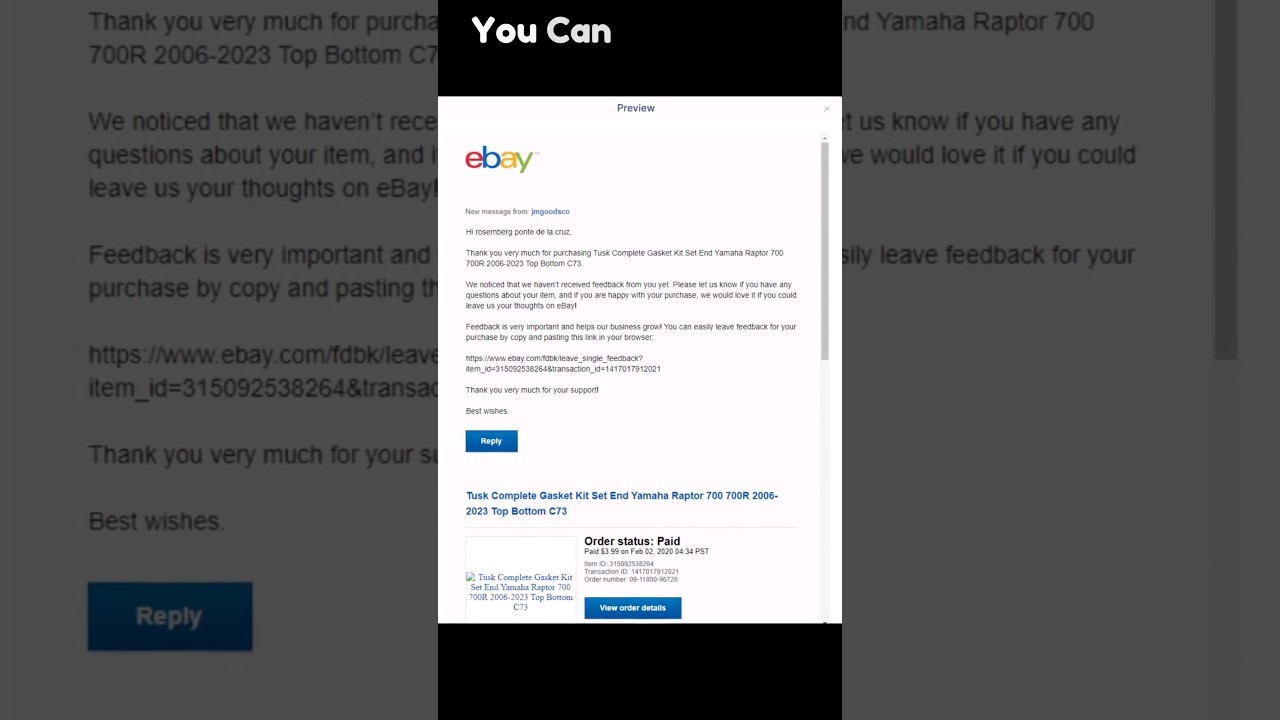
going to need to verify those because you are a serious business owner you want to verify your contact information so you're going to have some buttons that says verify you can click on the verify button that's right here in the email section and you're going to receive an email just like this one that will give you a code you can input that code in here and verify your email you can do the exact same thing with your phone number verify it you're going to get a code put the code in here and you're going to
verify your phone number as as well this will basically verify our account so eBay knows that if they want to contact me they can use this information right here because it's verified so now I have verified all of my personal information the next step we need to take is to take care of our security you can find that under the personal information part and it says sign in and security so go ahead and click that you can set up a password you can select some secret questions and as you can see right here on the
top of the list there are pass Keys now I am actually using pass keys because they are based on Biometrics things such as the fingerprint or the face scanner and it will basically log me in based on my fingerprint and that is very very safe because I'm the only person who has my fingerprint next up you can opt in for the secret questions as well if you click that you're going to get a list of questions you can use those questions and if you lose your password if something happens eBay is going to ask you
these secret questions so if you know the answer to them you can use that as a safety measure also you can set up a two-step verification what's very nice about it is that you can take control of your very own account now if you're going to be selling it's important for us to set up our 2fa of course it's important for us to be as safe as possible this is why I'm adding so many layers and I'm always trying to be as safe as possible because I'm a seller and you don't want to lose the
account you don't want anyone to hack into your account so what two- Factor authentification is is that anytime when you're trying to log in on eBay it's going to send you either a text either a notification on your eBay app and this is how you know that someone is trying to sign in your account now if you are doing it you're going to get the message and you know that it's you but if someone else is trying to do it then there's a very big red flag for you you know that someone is trying to
hack into your account now I get this question a lot people are asking me hey can I use my real home address or should I use a PO Box address now believe me I've been an eBay seller for a long time now and I've always used my home address I never not even one single time had a single issue so if you want to you can use your home address but if you do have access to a PO Box I would highly recommend you to use that because it's definitely safer and it's more Anonymous so
if you're going to be selling and if you want to do it seriously I would recommend you to start setting up a PO Box now next up let's go to the feedback section it's something very important that I want to show you if you look on the right hand side you have this button right here that says visible to everyone if you turn this off you're not going to be able to sell you are not going to be able to list anything you know this is a pretty interesting thing because people just want to hide
the comments but they don't read what it says right here it says right here are you sure hiding your feedback comments will PR prevent other members from viewing these comments on your profile you will also not be able to list any items for sale and later on you're going to have this problem you cannot make any kind of listings at all and you don't know where the problem is coming from this is where the problem is coming from this cannot be hidden so don't turn it off now next up let's go to payment this is
where the fund starts because this is related to money we're going to get paid by using the contents of this button so right here in the payments information you have a video where I talked about how to link your pay ER account go ahead and check that video out if you want to know how to link your Pioneer account to your eBay now one thing you see right here is that you don't have a place to enter your bank information that is because you have not sold anything yet and you're going to be able to
input your bank information after you are selling something so some of the things that you have to set up you're going to set up at that time permissions now right here if you have other people working for you you can give them access next up you have activity log this is important because if you want to know what happened with your account if you have multiple people that can log into your account you can check their activity and you can even check your activity you might forget something you might forget an item that you listed
you might forget that you went and saw an item this is going to show you every single step that has been made with your account so it's a pretty useful tool so guys as you've seen in this video it's pretty easy to set up your brand new own eBay account and on top of that it shouldn't take more than 10 minutes I would say so hopefully this video has made it very simple for you to set up your very own eBay account thanks for watching guys make sure to like this video And subscribe to our
Channel if you want want to see more videos just like this one thanks again have an amazing day bye-bye [Music]