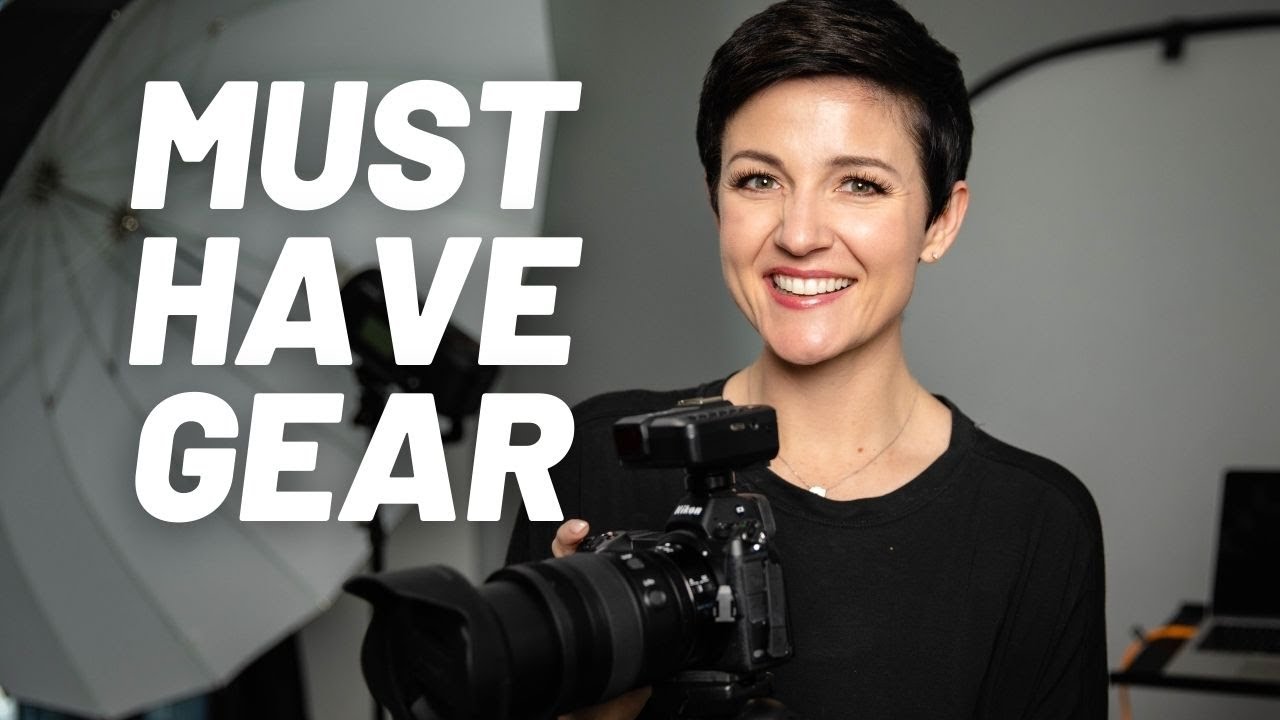
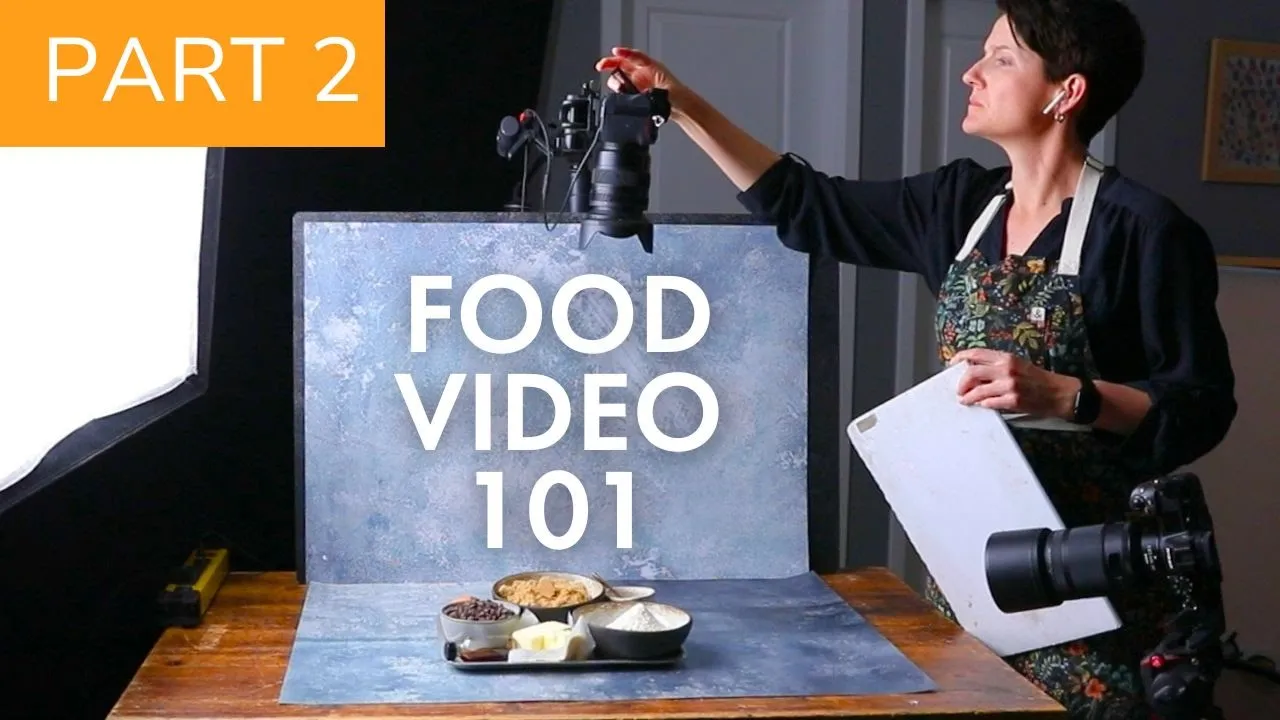
what's the best camera for creating food videos let's get into it what's sh and bacon I'm Joanie Simon food photographer Video Creator welcome to my studio this is part two in a nine-part series on the foundations of creating professional videos so buckle up whether you're a food photographer who wants to add video to your list of skills or a content creator looking to take things up a level this mini course covers all of the essential Concepts you need for building your knowledge this also serves as the introductory unit for my food motion course which is a comprehensive experience for food photographers who want to learn to create captivating videos so I've got more details about that link down below so let's talk gear absolute musthaves not the nice to haves or stuff on your wish list but the absolute mus haves if you're going to create videos and bear in mind I have a studio full of all sorts of fun stuff but I've been creating videos for a lot of years my gear and business did not start out this way so whether you're for yourself or your clients you can start just like I did with a few important Basics so in this video we're going to talk about the most essential of all the essential the camera and for the purposes of this course we're going to focus on DSLR or mirrorless cameras if you're going to be shooting with a phone well that is definitely a different mini course altogether which you can find details about that link down below so if you are a DSLR or mirrorless user or your phone user looking to get a DSLR or mirror less camera for your video work there are tons of great cameras out there that can do the job because there is no such thing as a perfect camera but there is one feature that I consider to be a minimum requirement and then there's a few that are nice to have so first let's talk about the minimums there's really just one of course it needs to be able to capture video which most DSLR mirrorless cameras made within the last 10 years can do but make sure to look for its ability to capture in full HD resolution 1520 by 1080 at minimum like we talked about in the previous lesson if you go to the camera on the manufacturer or Retailer's website and look under resolution it should have at least a 1920x 1080p then you're great because you can absolutely make great quality videos with that I promise now you might be saying but wait don't I need 4K well hang in there I'll tell you why that's not necessarily imperative but before we do that let's talk budget because there are tons of features that are nice to have but none of them are going to matter if you end up going broke because you overs spent on a camera so I want you to really get real with yourself because do you already have a camera with video capabilities that shoots 1920x 1080p resolution if you do start with that especially if you're just getting started because you don't know what features are going to be most important to you yet I want you to learn the basics and get started with what you have and then as you grow your video skills you're going to discover the limitations of the camera that you have and that's going to better and inform the choices you make when you buy your next camera so save your money learn first buy later or if you have set aside budget and you want to get something with video specifically in mind then take a moment right now and be honest with yourself what do you actually want to spend less than $500 less than 1,000 less than 2,000 everyone's budget's going to be unique and so what would be a number that would be reasonable for you to invest in this now a question I love to ask myself at this stage which is really hard but particularly if this is something you're excited to learn but you're not entirely sure you're going to stick with longterm yet is asking myself what would I be willing to spend if I knew a year from now I lost interest in this that's a tough question but it's a good question now also keep in mind that refurbished cameras from quality retailers are an outstanding way to keep in line with your budget I have bought tons of quality bodies from B&H used gear Department over the years I actually shot my entire Picture Perfect food on a used Nikon DSLR camera now my only suggestion is to make sure that you are buying if you're buying used to buy from a quality retailer who can provide a good warranty and return policy in case there's any issues you might not get so lucky if you go with some Rando on eBay and so please promise me you're going to stick to your budget okay and so now with that budget number in mind let's talk about the nice to haves so the very first thing is 4K like I said it's not essential though because the vast majority of videos that we're publishing particularly online are 1080p like on Instagram and Tik Tok you can see that they recommend posting 1080p resolution for the best quality on there now YouTube does support 4K but most people are not actually viewing the videos in 4k because they don't have a 4k monitor because that's the thing to keep in mind the viewing experience is based not on what the video is captured in but what it's being displayed on so if you have a 4K video but a 1080p screen you're going to be seeing that video in 1080P and also thinking about the purpose of the video would you gain more from this video series had I shot it in 4k versus having shot it in 1080P for the most part by sharing videos in 4k you're not enhancing the experience for most people and 90% of the clients that I capture video for want the final video delivered in 1080P so now that I've told you that then why would you need 4K well here's where it comes in handy especially if you're shooting one video that you want use across multiple different platforms because of the ability to crop and post while maintaining HD resolution so what do I mean by that let me show you so let's say you have a video that you want to share on YouTube that's a horizontal orientation in the 16 to9 aspect ratio but then you want clips of that video to share on Tik Tok and reals that's vertical 9 by 16 aspect ratio inside of our editing software you can crop a video just like you do do with photos so if the footage you have Is 1920 by 1080 and you crop it vertically to an aspect ratio of 9 by 16 you're then cutting off the edges just like if you took a piece of paper and cut its edges it's physically a smaller piece of paper so that footage is now all smaller you're chopping off a bunch of pixels on both sides so what started is a 1920x 1080 full HD resolution video is now 608 by 1080 Landing it resolution wise somewhere between 480 SD and 720P HD quality not the best now is that terrible no again goes back to the purpose of your video but let's run the math again but this time with 4K footage if you shot the horizontal version in 4k that's 3840 by 2160 and if you crop that to 9 to6 for your vertical video that ends up being 12:15 by 2160 pixels that's still plenty enough pixels left even after the crop to export that vertical version of the video in full HD 1920 x 1080p quality and in a similar way you can crop in on 4K footage and editing and still have plenty of pixels in your final video for 1080p resolution so all that to say if multi-purposes is a priority to you 4K might be helpful to have so the next in line for nice to have is a variety of frame rate options we talked in the last video about how frame rate impacts the look of your videos and so for most folks having 24 frames per second 30 frames per second I would say is essential but like you saw in the last video 60 frames per second 120 frames per second do offer some really cool options for slow-mo and creativity so if you look up a camera for its video specs we can see that it offers 4K at 23. 98 25 frames per second 1080p at 23. 98 25 20 like all these numbers oh my goodness we also see those 720 4 25 29 50 59 frames per second now just as context some of those numbers like 23.
98 that's roughly 24 and 59. 94 that's roughly 60 and for our purposes you can round up now real quick I know we just covered resolution and frame rate but do you have a rough sense of what those numbers and letters that I just rattled off all meant hopefully you did and hopefully that feels really empowering I oddly get a thrill reading over a spec sheet and going ah I know what those things mean but now notice what's interesting on this camera like all cameras is that the frame rate options can be limited at different resolutions like at 4K you only have the option of 24 frames per second on this camera but you have a wider array of options of frame rates at 1080P and 720p and this is something to really be aware of because little story time here one of my very first video clients a large ice cream brand the agency I was working with I was delivering Clips to them and they were then going to edit the videos for the client and they had told me in the brief that they wanted the footage at 60 frames per second if possible they said it wasn't high priority but if it was possible they would love that I said no problem at all my camera does 60 frames per second well what I didn't realize is that the camera I was shooting with at the time the 60 frames per second option was only available for shooting in 720p not full HD and and I didn't realize this I wasn't paying attention I sent over the footage and they came back and said do you have higher resolution footage we need at least 1080P and so that's how I discovered this limitation and ultimately why then I reshot the entire video then at 30 frames per second to get that minimum resolution of 1080p for their needs all that to say it's important to know that just because a camera says it can shoot 4K and 120 frames per second doesn't mean it can do both things at the same time so you want to dig into the specs just to understand the capabilities now the one thing that I do keep in mind with these higher frame rate capabilities is that that means the camera is going to be more and more expensive so do not forget your budget you don't need 60 frames per second but it can be nice to have now if you find yourself debating on whether to go with a camera with a higher resolution or higher frame rate capabilities I would personally choose the higher frame rate assuming that you're at least able to shoot 1080p on this camera because ultimately itely a higher frame rate is going to give me more creative options in terms of the look of the video but again if multi-purpose is the name of the game for you then go for the higher resolution now when we're talking about cameras one thing that a lot of folks like to bring up is autofocus capabilities and here's why I personally don't get as worked up about autofocus because most modern DSLR and mirrorless cameras have good enough autofocus for filming food our work is on a smaller scale it's calculated it's planned for the most part and like you'll see in my setup to come it really helps to work from a tripod which gives you a lot of control now I can see W wedding videographers anyone filming Sports other people oriented content where people are moving things are changing rapidly then I would depend more on a super Speedy autofocus but for food it's just not as imperative the DSLR cameras that I used when I first started making videos back in 2015 were not topof thee line not highly ranked for their autofocus capabilities certainly not in comparison to what today's cameras can do but they were speedy enough for food and so that said if you are filming people and more specifically filming yourself like I film myself one thing I do love is face or eye detection autofocus so when this feature is turned on the camera locks onto either faces or onto eyes and so if I move forward and if I move backward or I move around the frame the focus is going to follow me and again this is not imperative because I filmed YouTube videos filmed myself and other subjects for years without this feat teach there are plenty of workarounds but it can make filming your videos easier if this is something you're doing regularly now the only other thing I want to touch on related to cameras and Camera choices is the brands and I'm here to say that they are all great I promise I have filmed professional videos on Nikon Canon Sony cameras and they all do the job just great you really cannot go wrong with any of these Brands because I do remember what it's like though to be looking at the internet's worth of cameras out there trying to narrow things down from hundreds maybe thousands of camera options out there I do have recommendations for some different options from different brands at different price points all down below so hopefully that list will give you a solid jumping off point for doing your research and then another recommendation on those lines I love to make is to consult your favorite camera retailer and if possible go into a camera shop and hold the different cameras see what they feel like in your hands or if you can rent a camera from places like lensrentals.