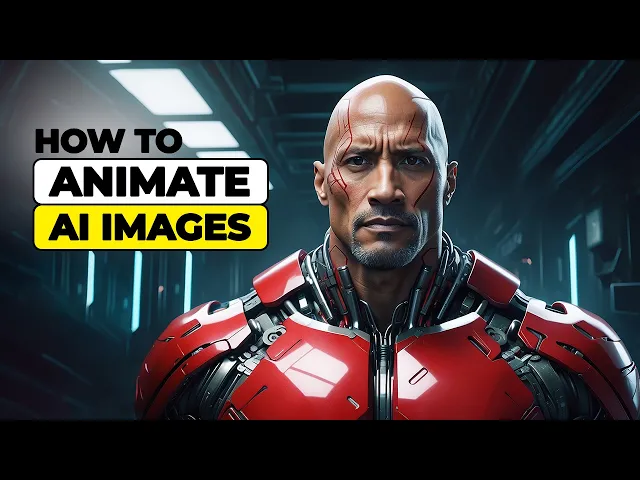
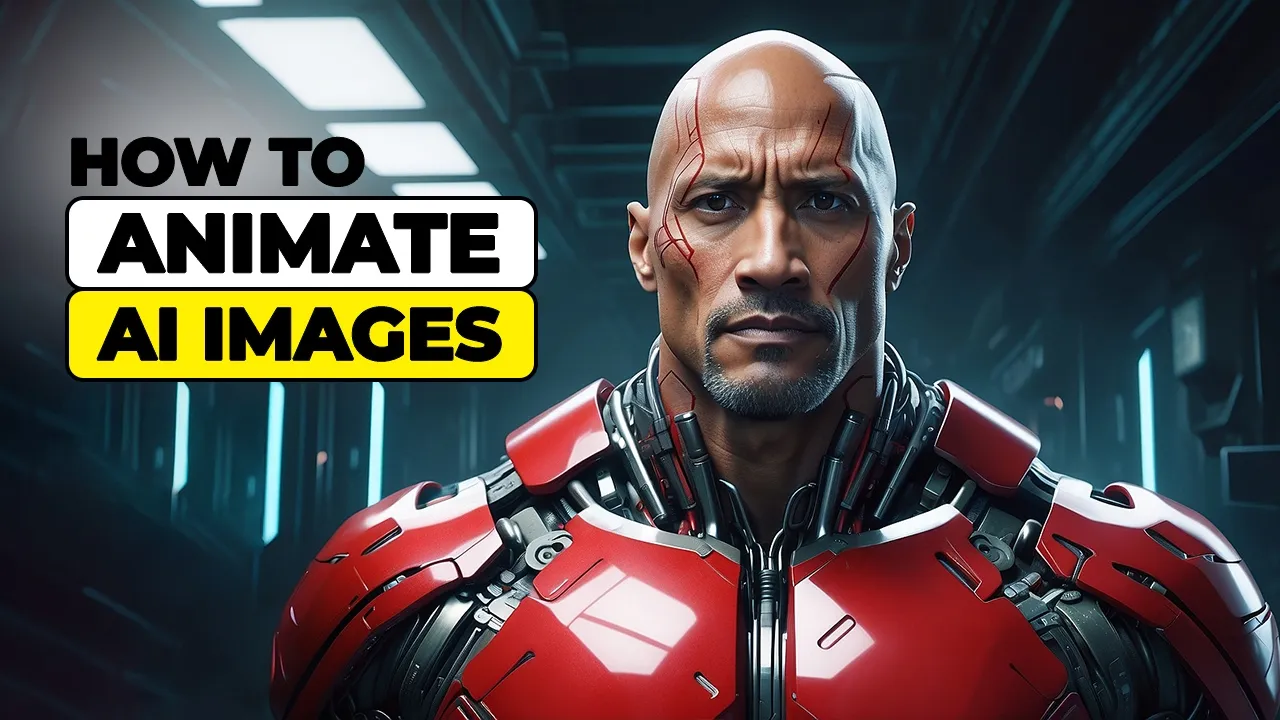
hi everyone my name is Iman and this is the Iman Global YouTube channel welcome back to another AI tutorial please support my YouTube channel don't forget to like And subscribe let's get started in my previous YouTube tutorials I've shown you how to bring your ideas to Life by creating mind-blowing images using AI power text image tools now now it's time to take your AI art to the next level are you ready to turn your AI masterpieces into stunning animations in this video I'm going to teach you how to animate the AI images you've created turning
them into Dynamic eye-catching animations stay with me until the end because I'll be revealing the secrets to mastering AI animation you won't want to miss it let's visit the clling AI website to create an account and log in click on the sign and button located in the top right corner of the website if you don't have an account yet click on the sign up for free link I've already created an account so I'll click on sign in enter your email and password in this window then click on the sign in button a window called security
verification will pop up in this image a piece of the puzzle is missing and the slider on the left is attached to the missing piece to complete the puzzle drag the slider and the puzzle piece to the empty spot once the puzzle is completed the security verification will be marked as done and you will be logged into the clling AI I website upon creating an account you will receive 66 tokens for free which you can use to access the website Services these tokens are recharged every 24 hours now we want to animate the images generated
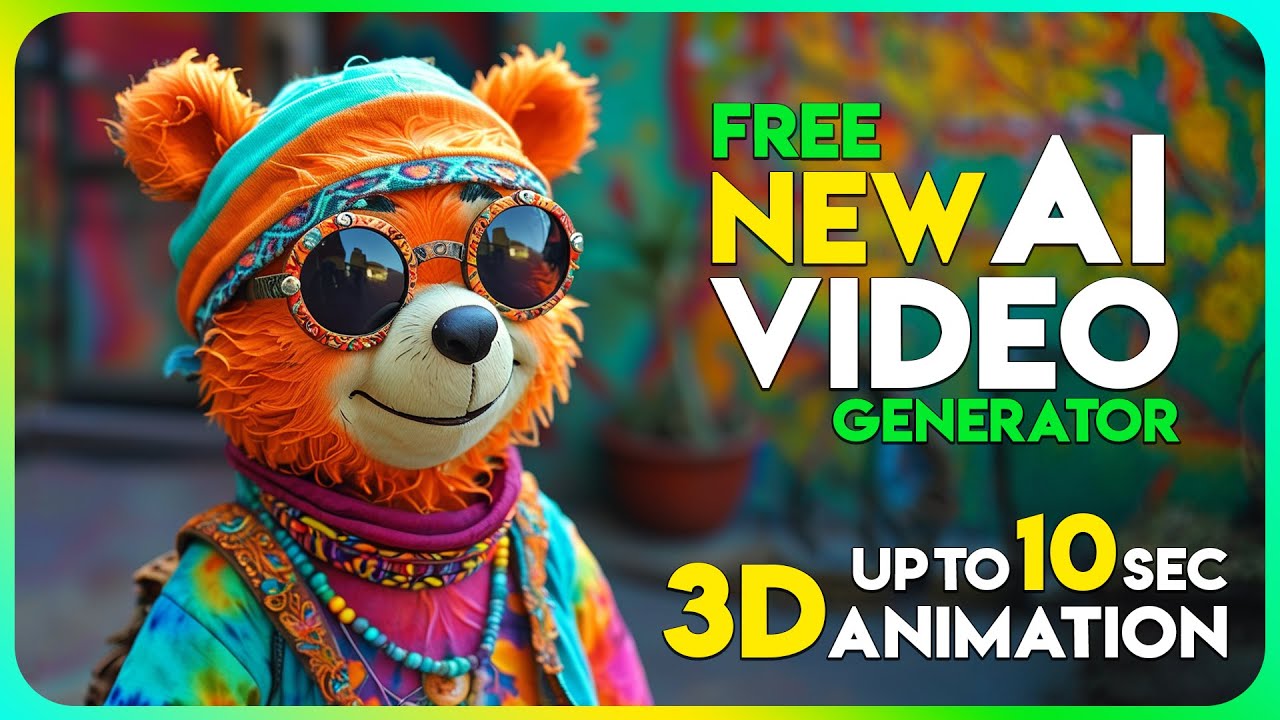
by Ai and turn them into a video or animation to do this I'll click on the AI videos item in the right panel I can see a list of Works previously generated by this AI on the left panel there are two tabs text to video and image to video I'll click click on the image to video tab here we have a panel called image impr prompt in this panel with the select from history option we can choose images that we have already generated using this Ai and proceed with animating them with the click drop paste
option we can even upload personal images or those generated by other AIS and animate them I'll click on the click drop paste option in the window that opens I'll select the desired image and upload it once uploaded the image thumbnail will be displayed in the image and prompt pan panel along with an icon next to it for deleting the image after that in the prompt section we can type out our ideas for animating the image in text form at the top left corner of the website there is a drop down menu for selecting the version
of clling AI currently versions 1 and 1.5 of this AI are available and from what I've noticed version 1.5 is only available with paid plans and if you select version 1.5 in the free plan the options become inactive for animating images and clinging AI there are currently two options one is entering a prompt and the other is using the motion brush in the prompt panel we can type our ideas for animating the image and clling AI will animate the image based on our input remember you're dealing with an AI and its power is at your
disposal the more detailed and thoughtful your ideas and text explanations are the better clling AI will understand what needs to be done you need to provide comprehensive information to get optimal results from this AI I've already ritten my idea so I'll just paste it here as you can see I uploaded an image of Dwayne Johnson and in the prompt text I emphasized his smiling and camera movement I'm hoping the result reflects what's in the prompt the motion brush feature can also help with animating images which I'll cover in future tutorials but briefly it works by
letting you select the item you want to move with a brush the brush size can be adjusted there's also an eraser tool to remove brushed areas at after brushing the items you can Define the movement path by selecting the track option in this particular case an image the motion brush option won't be useful and I'll cover it in future tutorials a bit further down in the setting panel there's a slider that lets us choose between creativity and relevance but in this case I won't change it in the mode section the standard mode is offered in
the free plan which leads to faster generation speed while professional mode gives better visual quality but is only only available in the Premium plan which you need to purchase to use in the length section you can set the video length between 5 and 10 seconds and once again the 10sec option is only available in the Premium plan in the number of Generation section you can specify how many videos will be generated in each round for the image to video section there is also a camera movement option but it's inactive in the free plan I'll click
on the generate option 10 tokens will be deducted from my balance my request is now in the queue after a short while if there are no bugs or issues my image will be turned into a video and displayed now I'll play the video upon reviewing the video it's clear that the animation was done exactly according to my prompt if you remember I mentioned Wayne Johnson smiling in the prompt and that's exactly what clling AI did for me in the bottom right corner of the video frame I'll hover over the three do icon where you'll find
the delete option to remove the image below the video frame there's a download button to download the video to your device for free a reminder in the free account the videos will have a watermark to download videos without a watermark you need to purchase the Premium plan if you're not happy with the result of the generate keep testing with different prompts and settings with enough attempts you'll eventually get an excellent video generate if you learn something new from this tutorial please smash the like button show your support and share this video with your friends this
tutorial is just a small drop in an endless ocean of tutorials being uploaded to this channel if you're into AI you've come to the right place subscribe right now and hit the notification Bell so you won't miss my future tutorials let me repeat this AI is the future so embrace it today I'll see you in the next tutorial