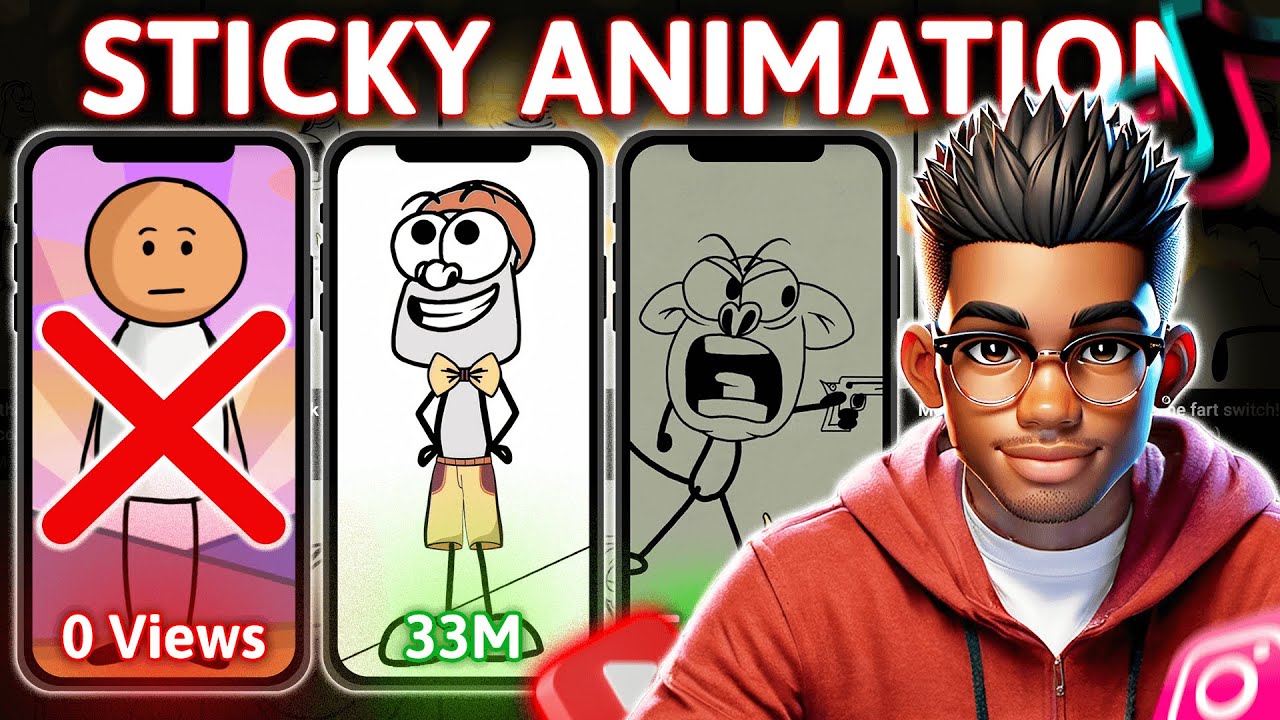
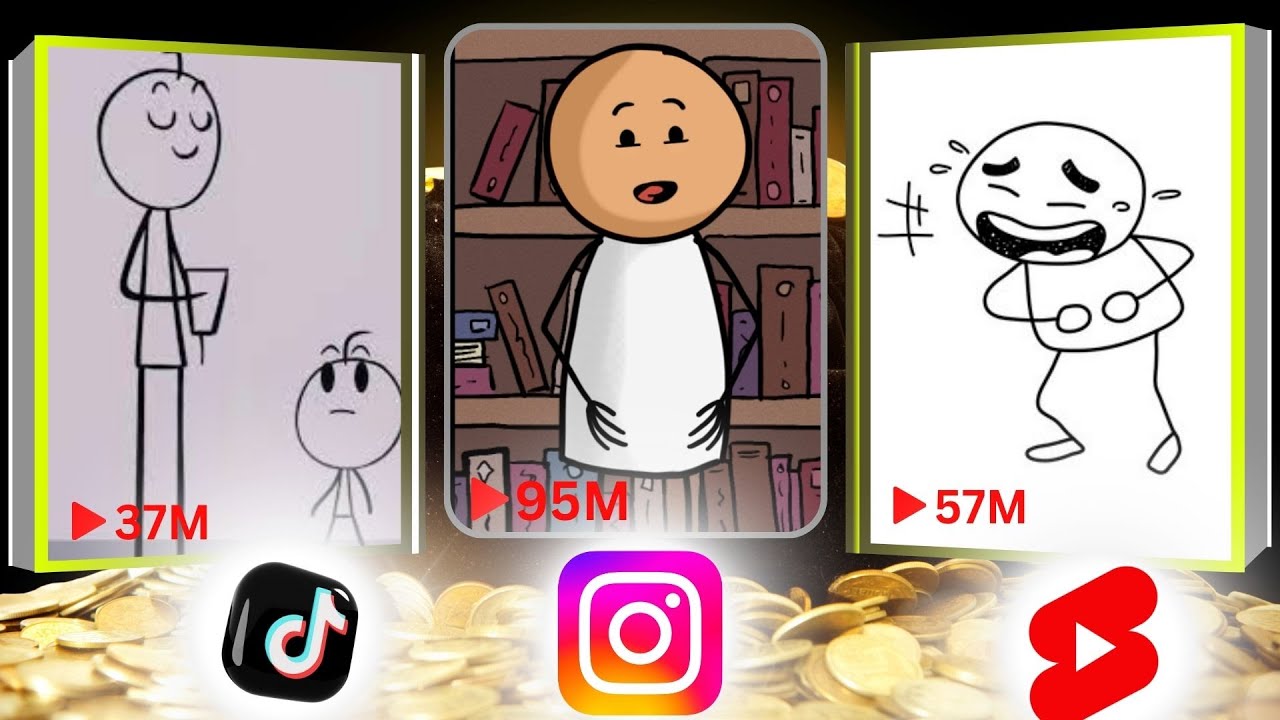
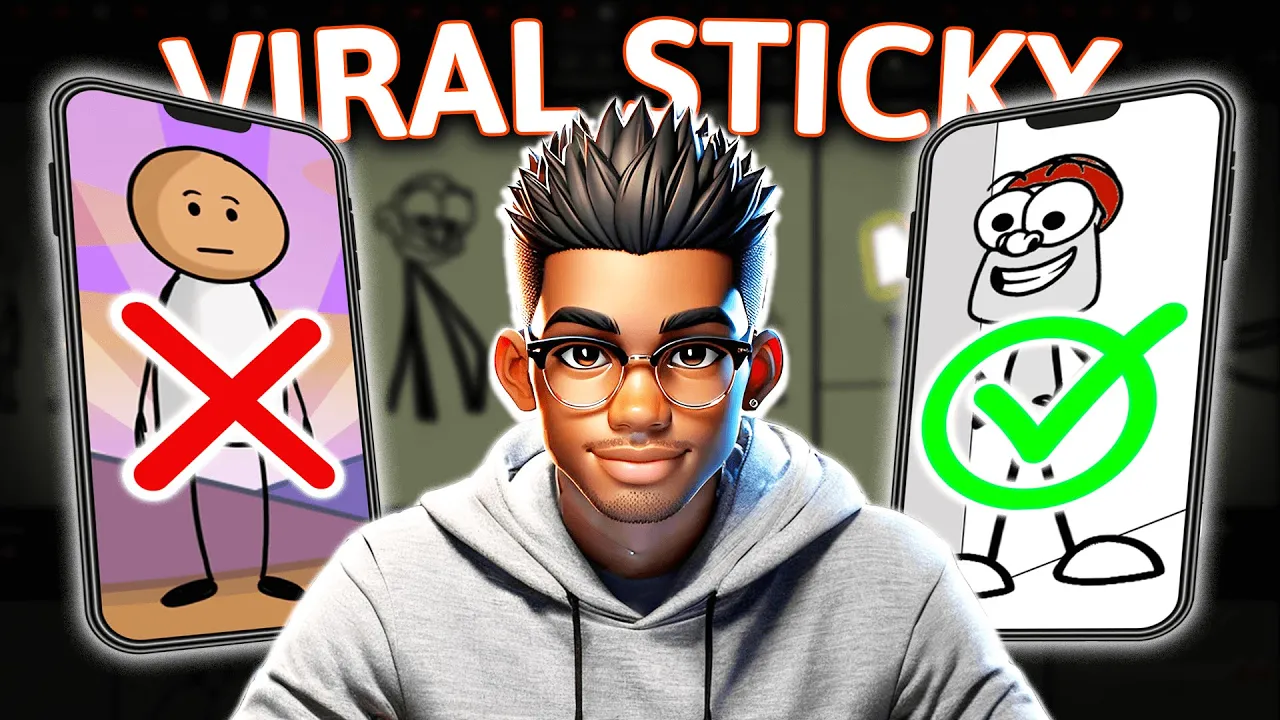
all right guys let's take a look at how you can create a simple stick figure animation like this one ever wanted to create those viral stick figure animations but have zero drawing skills well buckle up because I'm about to show you how to do it no art degree required and if you're anything like me you've probably watched a ton of these videos eagerly thinking this is it I'm about to become the Picasso of stick figures then bam they all end up using Adobe Express and let's be real the results are uh less than impressive not
to mention those videos get fewer views than a potato appealing tutorial but fear not I've spent several coffee fueled nights cracking the code for us non-artists and guess what it's not rocket science in fact my first attempt wasn't half bad and I can confidently say it was made without shedding a single tear and here's the kicker you don't have to dip into your savings to make these animations you don't even need to know how to draw by the end of this video you'll have everything you need to create viral stick animations so stick around pun
totally intended and don't forget to smash those like And subscribe buttons If you find this helpful just a heads up though this isn't some magical oneclick process it's going to take a little effort so let's dive in first things first you need an idea now sure you could ask chat GPT for a script but trust me the gold mine of humor in these animations comes from your own brain watch a few viral animations to get the juic is Flowing some of these creators are literally making videos about a stick figure tripping over its own foot
and people can't get enough once your genius idea strikes it's time to script it out don't overthink it keep it fun short and Punchy after that head over to a text to speech tool for the voice over I personally recommend 11 Labs their voices are very realistic and they give you 10,000 free characters monthly just slap that script in there pick a voice you like maybe one that sounds a little dramatic for comedic effect and boom voice over done now comes the fun part creating the animation itself Don't Panic if your drawing skills peaked in
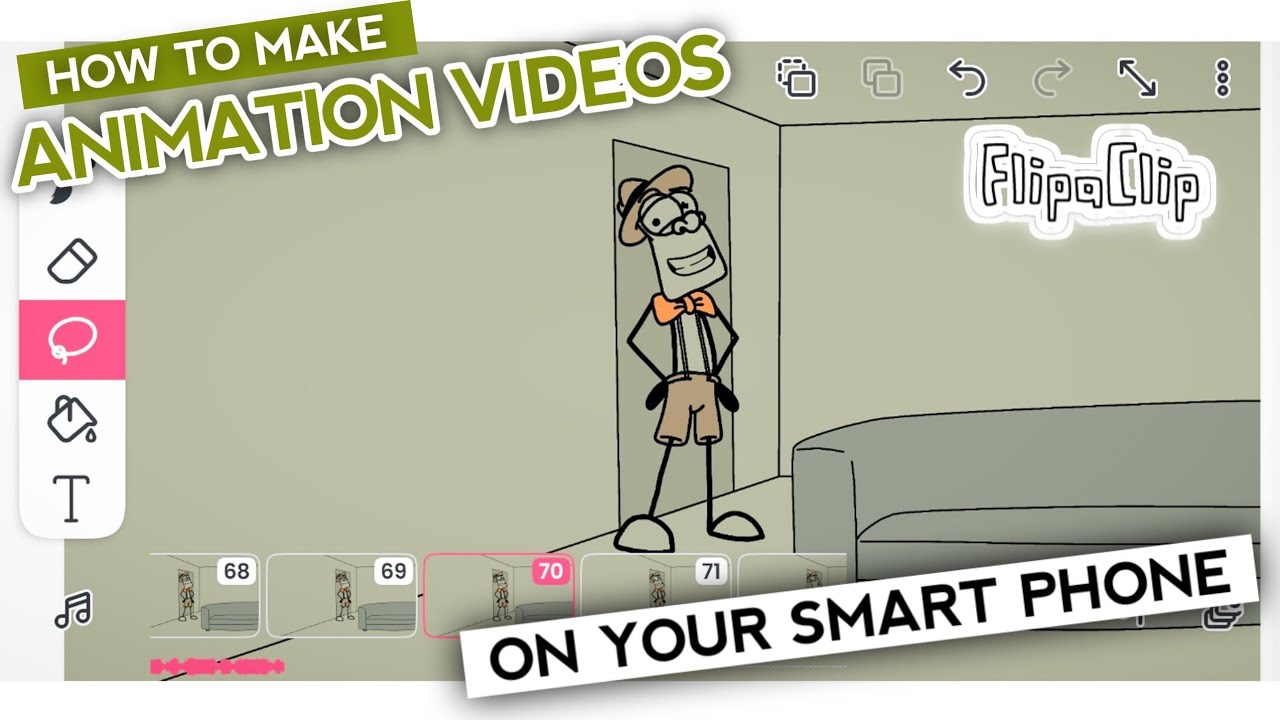
kindergarten I'm in the same boat so I'll be showing you a few tricks we're going to use an app called CA it's open source and you can run it on your phone tablet or PC next we need to set the scene for this demo I'll create some something super simple a living room with a couch and maybe a fridge here's the thing I don't know how to draw a couch but here's the hack instead of sketching from scratch we're going to find a basic line drawing online head over to your favorite free Vector website and
search for sofa line drawing the key is finding images that are simple enough for our stick figure Vibe some images are paid so don't forget to filter by free ones pick something you like and download it all right you've got your vector file but we need a PNG format so let's head over to photo it's like a free version of Photoshop go go ahead import your vector file notice how it doesn't have a background layer that's perfect no need to mess with anything here just export it as a PNG and boom we've got our sofa
ready to go next up let's grab our fridge same process search download and as you'll see this one has a colored background we're not about that life so we're importing this into photo as well now here's the fun part turn off that pesky background layer and while you're at it feel free to play around with the colors want to make the shadow a funky color or remove it completely go wild once everything's looking good export your fridge as a PNG and you're ready to move on now time to fire up Crea we're creating a new
document with a resolution of 1920x 1080 a nice standard size for animations first things first let's set up the room don't worry it's way easier than it sounds grab the rectangle tool and set the size to something reasonable draw out your rectangle then switch tools to draw two simple lines for the walls finally we'll use the polygon tool to add a door on one side see easy peasy but wait we're not done yet time to add some color select the paint bucket tool choose your favorite shade and click to fill in the areas once that's
looking good we can bring in our sofa and fridge drag and drop the sofa in resize it to fit the room and feel free to change up the color if you're feeling creative do the same for the fridge before you know it the scene's already starting to look pretty good now comes the fun part creating our character look I'll be honest my stick fig drawing skills leave a lot to be desired so we're taking a shortcut head over to VY where you'll find tons of stick figure options for this demo we're going to use a
slightly modified version of one of Rico animations characters don't worry I'll drop all the assets including these images in the resource channel of my Discord server the links in the description and also on my channel page want to give your stick figure a bit of flare you can totally add some clothes just grab a simple outfit from our trusty image sources drop it onto the character and adjust it to fit we'll use the brush tool to blend the legs into the pants it's already looking good want to go the extra mile you can add a
bow tie maybe throw in some funky colors and make it your own for this demo though we're going to keep things simple no clothes I'll add a splash of color to the stick figure and remove the arms and legs don't worry we'll add them back later when we're ready to animate but for now removing them will save us a lot of erasing and redrawing when we're repositioning the character now it's time for the big moment animating switch over to the animation window in cre once you're there rightclick and add a new frame all right quick
disc claimer I'm no animation expert in fact this is my very first attempt at creating these kinds of animations so don't be afraid to play around with the features in the app experimentation is key if I can do this trust me you can too now when it comes to creating a new frame for your character it's as simple as duplicating the previous one and shifting things around a bit watch as I switch between these frames you'll see the subtle differences that bring our little stick figure to life Pro tip turn on the onion skin feature
sounds fancy but all it does is show you the previous and upcoming frames making it way easier to draw the next part but since I'm no van GA I'll be using some clever tricks to get the job done I want the character to look like he's entering from behind the wall his full body won't be showing yet so I'll move the character's frame forward to save myself some time and headaches I've already made images of the feet and legs I'll grab the foot first drag it into the scene and position it so it looks like
the character is just entering for the first frame I'll duplicate it erase part of it and voila it now looks like our character is stepping into the room room from outside in the next frame we'll move that foot forward just a bit bring in the leg image and adjust the position but here's a trick since we don't want the leg visible in the first frame we'll simply erase it as you can see the leg's a little long here so we'll duplicate the frame and clean it up then we'll do the same with the arm bringing
it in so it pops into view easy right now for the head we want it to gradually appear as if our character is peeking in I'll go to the character layer drag the frame back to where we want the head revealed to start and slowly duplicate and reposition it to make it look like the head is creeping in using the onion skin will help you position things more smoothly once that's done we'll start moving the hands as well we don't stop there let's shift the eyes a little too I'll erase the old eyes and draw
new ones with the brush tool just make sure you've got the right size and color then click where you want the eyes to go as you can see you don't need to be a master artist to create something cool we're just repositioning and erasing things here and there as we move forward we'll continue adjusting the character's body arms and legs and to make it look like our character is bending their knee simple just shorten the leg reposition it and use the brush tool to connect the dots easy as that all right time to speed things
up a bit as we finish up the movement now let's tackle the next challenge how to make our stick figure speak I tried creating some lip movement myself and honestly the result wasn't half bad but we need something a bit more presentable so I went ahead and created a few different versions of the character with various lip movement Styles let's import the first one we only need the mouth here so let's clean up the rest once that's done we'll reposition the mouth and align it with the character since we only want this particular lip movement
to last a few frames we'll adjust the duration here now we'll repeat the process with the other lip movement Styles I created and check it out the result actually looks pretty decent for a first attempt at animating lip movement this could almost pass as a good animation so if you're sitting there thinking you can't do this trust me if I can do it anyone can now if you want to add a voiceover to your animation it's super easy just hit this button upload your file and boom instant voiceover all right guys let's take a look
at how you can create a simple stick figure an however there's one tiny issue with this tool there's not a lot of flexibility when it comes to editing or repositioning the voice over within the animation itself my recommendation use this tool to do the animation and then jump over to something like cap cut to add and fine-tune your voice over if you need to change the length of your animation you can tweak the frames per second and the duration right here once you're happy with everything it's time to render the animation just go over here
and hit render animation choose export as video and select your preferred file format hit this button and voila your animation is ready now if you're curious about how I built this faceless Channel make sure to check out this video where I go over everything you need to create a monetizable faceless Channel