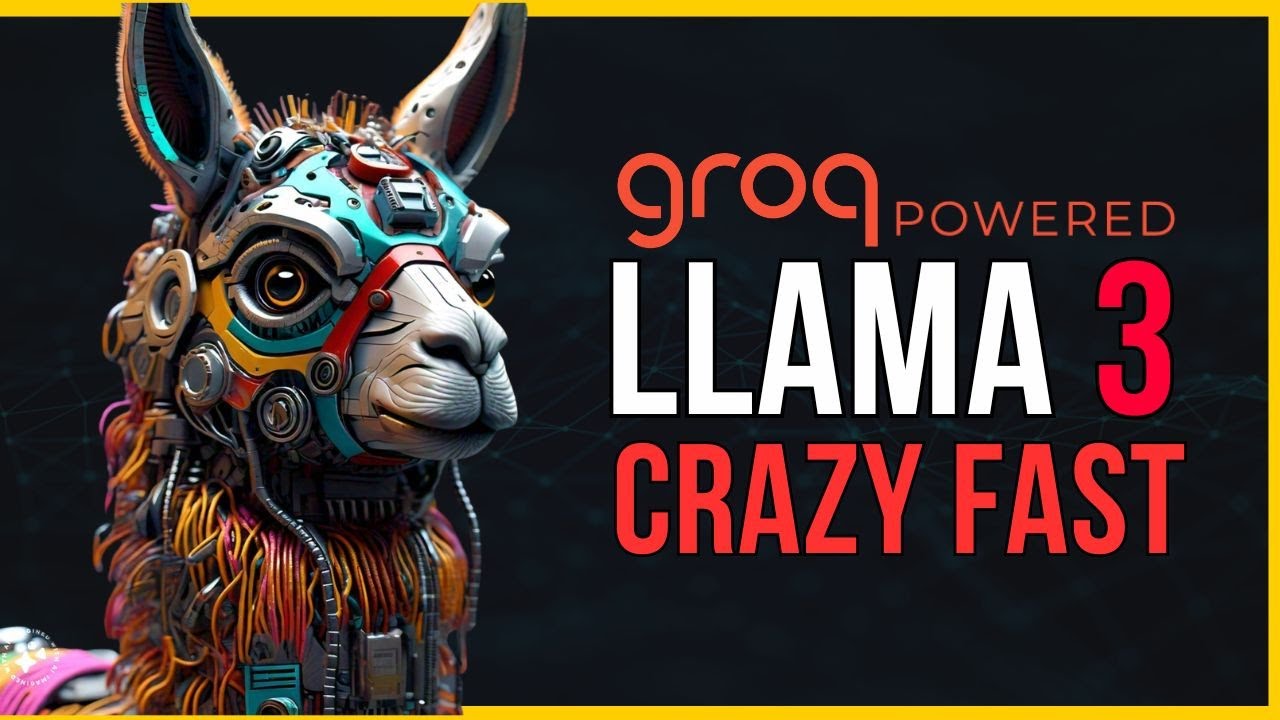
hello guys welcome back in this video let's talk about Grog Grog recently introduced this lava version 1.57 B on the Grog Cloud so in this video what we will be doing is I'll first walk you through this blog post and then I will show you how you can use this particular model in the Grog Cloud itself and how you can integrate the Grog API into the open wave UI so that you can use all the models from the gro cloud in the open wave UI itself let's get started okay this is the block post as
you can see here this is introducing the lava version 1.57 B on the gro Cloud so what is lava first you need to understand that right so lava is the large language and vision assistant so we can provide images and it provides the what is in the image and so on right you can just go through this blog post here and by the way it is based on the open AI clip and a fine-tune version of metas Lama 27 billion so you can just go through this what can we do okay ual question answer caption
Generations OCR and multimodal dialogues and so on right so there are unlocking the new use cases what kind of use cases that you can do from it and then also the in the industry specific in the education Retail Finance Factory line industry specific benefits so you can just go through here get some idea how you can integrate this into your uh existing application right so now let's go through the Grog console itself I'll provide the link in the description first you need to of course create the account here and if you go to the playground
and by the way if you are completely new to the Grog I have already created some videos about Grog before if you just want to know on the high level what is grog Grog is the first AI inference provider just to show you how it works if I say hi here you can see how fast the answer is already being provided you can just Hoover on top of it and you will see all the input tokens and output tokens and so on right so now let's go to the Grog playground and from here as you
can see here this this is the lava version 1.5 right so what we can do here is it says okay drop image here or use the local file right you can just take some of the images I can just go here and maybe I can take open this is just the image I am providing here and I can just ask here okay can you provide some information about this image and submit it will go through this particular image and then it will provide the answer for us okay this image features a computer screen with a
chat app icon likely a messenging app the app is displayed in a large bold font making the main focus of the image the screen is filled with various icons and buttons okay some of the things is mentioning here this is just the demo example but for you you can use the main use cases and see how it works for you right so this is how you can integrate this in the Google Grog Cloud I'm saying Google all the time Grog Cloud itself so you can use the benefit and if you just hover on top of
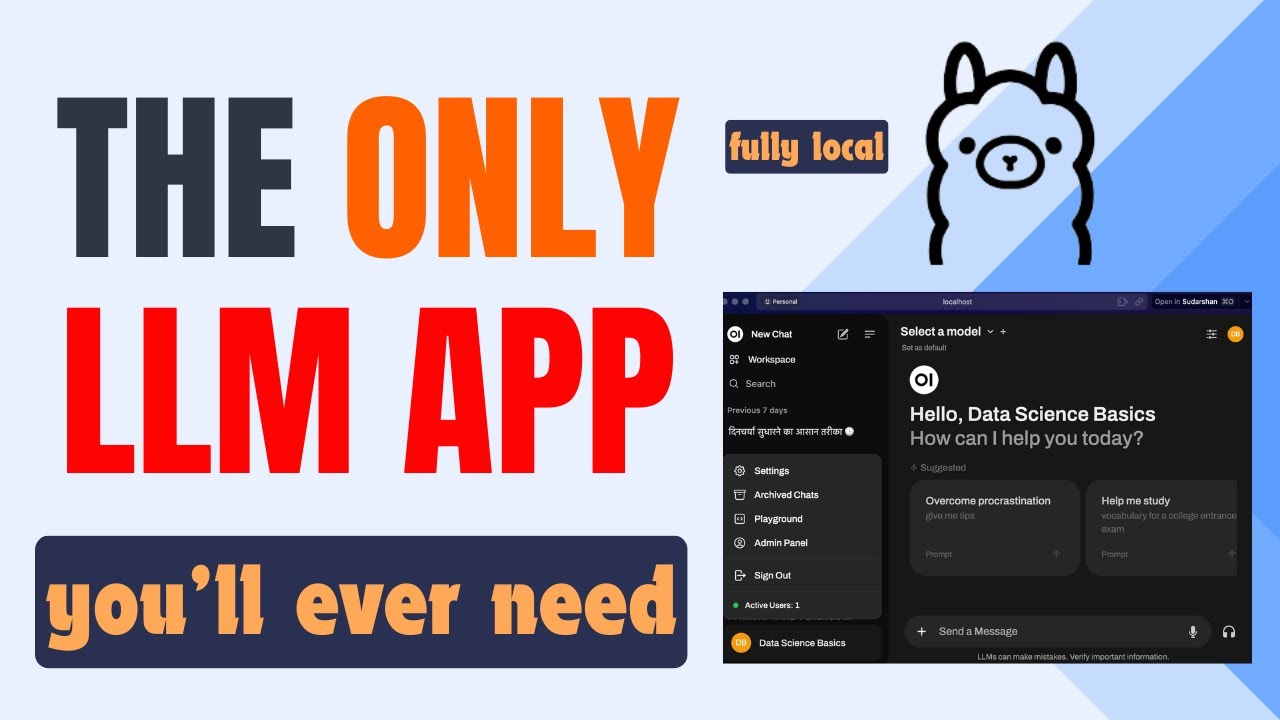
this you can see what is this uh information the speed insights and all the different things that is being provided here so that is how you can use in the playground itself but the main thing is how to integrate this into the open wave UI right last video was about this open wave UI I'll show you here so yeah this is the open wave UI if I go to the videos it's like one hour and 6 minutes this is the first time I'm creating this kind of long videos but many of you are finding it
helpful I recommend you to watch that particular video if you want to know more information about the open web UI but I will start from where I left because when I ended the video I said that you can on and off the app with this doer itself now I have already run it here but what I could have done is just stop this and then on that's all how you can stop and on this for this video I'm not going to use the AMA models but I will be just using the Grog one to show
you now it is starting I can just go here you can see it is opened here and you can have all the history conversations already here you can just go here and choose the models right now there is no models because I have not started the AMA server and this one is just the model that I created so it is shown here but it also does not work here because it is integrated behind the scene with AMA and if I say hi it will not work because there is no model associated with it but then
I'm going to integrate with the groc cloud how to do that just go to this icon your name may be there and if you go to this admin panel go to the settings go to the connections and here I have already connected before to test with the Grog Cloud so this is the endpoint that you need to provide and the AP I key here right so from where I get this endpoint right that is the good question if I go here if I go to the playground itself there is this documentation just go to any
of the example here maybe with the quick start also and by the way there is also the information about the vision mentioned here you can just go here and see what is the capability of it what is the limitations right there are some limitations also and how to use the vision and so on but for me I will go here and see in the call there is this inpoint if you see here we can just take this inpoint until this/ V1 so we can just copy this one and go to this open wave UI and
then just paste it here that's it about the API key now you can go to the website itself let me make this bigger go to the API keys and create a new API key I'll say here open wave UI submit and it is being created I will just go back here and then here I will just paste it crl V and I will save it successfully right now I can go to the new chart before there was no model being shown except the translate which I created myself but now you can see all the different
models are being populating here from where did this model appear they are all from this Grog Cloud so but for example if you don't want to use lava you can just want to use the Llama model just click the Llama model and then just say hi and you can see how fast it responds you can say can you write me a song in llm it will go here and say okay I'm happy to generate a song for you this this this mode and all the different things so you can the idea here is not the
prompt and answer but how fast it provides the response also right for us we are now uh going to go through the lava so if I go down here there this lava version 1.5 the same one that we used before and here you can just upload or you can just copy some images for example now let's use different example here if I go here I say done I will open this and maybe if I go to the about or I I'll go here about Grog I'll just take this example copy image and I will go
to the chat open wave UI I will just paste it here control+ V I will say here okay can you explain me about this image right so you can see this is the image every old matters and something like this each art piece a Ser series of letters and numbers are written together in a scrambled form resembling many fingers you can see it just goes through this image and it provides the answer for us so now you can use this for any images so that is how the uh lava model works so yeah that's all
I want to show you in this video quick uh demo how you can use the newly integrated lava uh model in the you can try it from the console itself as well as from the open wave UI and by the way if you want to use this with the other Lama index or Lang chain or some other providers you can see there is this Integrations also being shown here you can just go there and then try which one you want to use in your applications okay that's all I want to show you in this video
thank you for watching and see you in the next one