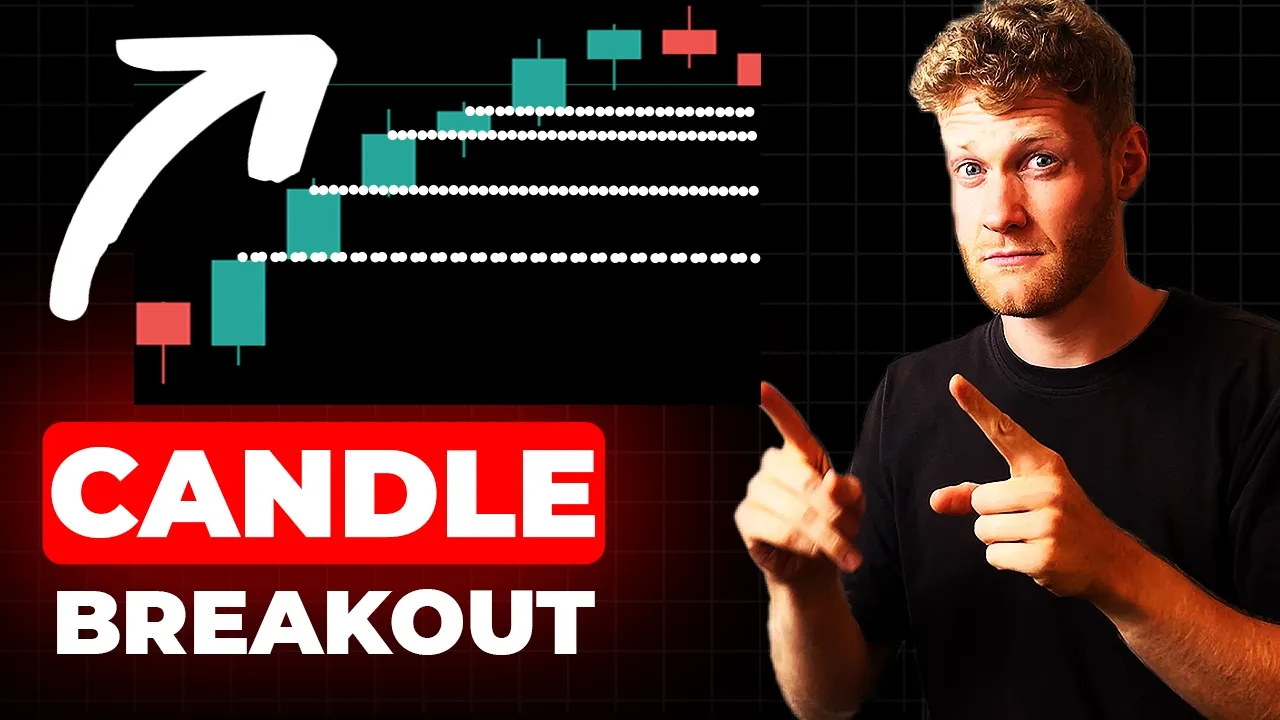
hey this welcome back for another video on this channel today I want to show you how to code a strategy which is a previous candle breakout strategy so I will demonstrate it quickly here in the strategy Testa so you can see how it works so yeah the first trade here is a very untypical scenario but um we we want to trade whenever the last candle closed above or below the previous candle in this case a green candle closed below the previous candle which is not really typical but we will also see how it works normally and here we can see then this position is then open with a TP and a stop-loss distance we we risk a set amount of money and um then we do also have a aggressive trading stop loss once the position goes into profit so you can see here for this second buy position that was just opened there is now a trading stop loss securing the profits and yeah here it actually hit the take profit also the inputs that we will have a look at here that we will Implement is this video is presented by BM trading learn to code your own expert advisors Link in the description we will have a time frame so we can Define on which time frame we want to trade we have a set amount of uh money that we want to risk for every trade so we will Implement a function that calculates a variable lot size then we do have the stop loss distance the DP distance the TSL trigger points and the actual TSL points so very simple program it's less than uh I think 90 lines of code so if you want to follow along you're more than welcome to learn a little bit about metor 5 programming in this video so let's now start with the programming part so first thing we want to do is open the integrated development environment which is IDE you can also go to tools and click on me language editor then in the upper left corner click on new select expert advisor click on next choose a name uh I would just go with uh previous candle breakout um YT for YouTube and then click on next next and finish and this is a brand new expert advisor not this one but this one that I just created we have a bunch of these um comments that we can delete and some properties that also do not have an impact on the actual program so we can just rearrange and refactor the code a bit so it looks like this I personally like to rearrange my curly brackets also because that's the style that I like to use for my coding so what do we want to do if we want to trade the breakout um from the previous candle then of course we have to make sure that we do get um yeah the value of the previous candle so for example if this current candle opens then we want to check the last candle and the the candle before so we need a total of two Candles there are different ways to do this and in the onti function we will now Implement One Way um so one way that it did not show too often here on YouTube is probably using the mql r rate structure it is a structure that holds a bunch of variables so if I create a uh structure of type mql rates it will have all of these variables all of these variables are first of all empty but then I can use some buil-in functions for example this copy rates function to fill the structure so what I can do is I can call Copy rates can call it for any symbol I like I just choose the chart symbol of my expert advisor by providing underscore symbol this system variable then I can use any time frame and here I usually like to make this a input variable so at the very top of your program you can call uh you can create a input variable which is of type inam time frames and then you can give it a name I usually like uh time frame as a name and then here we can now use this time frame variable so we have to define the chart with the symbol and the time frame and then we need to find the starting position as I said before we want to go with the last candle and then we have a count of two because we need the values for two candles so the starting position is one and the count is two and then last but not least we have to provide a an an array of type mql rates and this will be our rates array that I just created here so what this does is if I now go ahead and for example or in a in a chart comment if I say rates at index zero I want to have the open and rates at index zero I want to have the close and maybe also I want to have rates uh at index One open and rates at index one close and this is something I always recommend to everyone like once you start working with a new function for example or you just want to figure out what your program does in general just use a or just create a uh chart command or use the print uh function to print out the information that your expert advisor is processing so now if I use this command function for example I can activate the program on any chart or also make sure to compile before you do this so I can uh find my program now here uh in the expert expert advisors so here somewhere we have previous candle breakout if I drag and drop it on any chart uh you will see with the next tick in the upper left corner we see chart comment and this should be the open and close price of the last two bars so this is bar index one and this is bar index zero in our rates array now so we have we or we put two values in this rates array so our rates array should have a length or size of two which means that we do have index zero and index one so yeah if we have a look here at the data window we can have a look at the open and the close and this should be at index One open and close and it is um yeah it is correct and this should be at index zero in this array with open and close also correct if you want to turn this array around you can say uh array set as serious um and set the flag to true and then the values are turned around so now this is index zero and uh this should be index one so yeah I think there was no tick before but now there's a tick and you can see the values are now pretty much just turned turned around H yeah so that's how you can get the the rates for all of the candles in the chart actually and there are different ways to get the open the high and the low etc etc but I will now use this way here so what we can do now now like the rest is very easy like since we have the values now we can easily check if at the last bar the close price if it was above the high of the previous bar and in this case we want to open a buy position or if this is not the case then we want to check if maybe the close bar of the last bar was below the low of the previous bar and if this is true then we want to open a cell also we want to make sure that all of this only happens once per bar and we can easily check if we are inside of a new bar right now Now by using a uh Tim stamp a time stamp is just like any daytime variable in this case which I named time stamp but you could call this uh your doc Peter for example it doesn't really matter and then we want to check if this time stamp variable if it holds a different value than the um the time of the last bar so time of the last bar we can easily get this using our rates array at index zero and I want to check if well let me turn this around not that it makes a difference but that's how I like to write it um so yeah we check if these values are different and if they are different we want to update the time stamp variable and move everything here a little bit to the right and wrap it inside of this if statement what this does is it checks if there's a new bar and only once per bar we then calculate or we then do uh check these uh if statement conditions and open buy or sell position positions so what we can do now is here at the top we want to include the trade trade. mq file and now we then have access to our C trade class um which we can use here now so let's create a object and then we want to call the buy function here and let's say we want to open one lot and buy position and here we want to say we want to sell one sale position so now we can compile this and go back to our metat Trader so then we want to open the strategy tester so go to view strategy tester open the strategy tester you can also click control r on your keyboard click on visualize select the program that we just created for me it's previous candle breakout YouTube then choose any symbol any time frame kind of makes sense to use the time frame that your program is currently running in for the time frame input variable and then just choose any period you want to test but make sure that the visual mode is activated if you then click on start it will simulate the program on historical data and here we should now see that at the beginning of a new bar uh we sometimes open a position but only if the close happened above or below the previous candle high or low so here was the case we closed above the previous candle high and we open a buy position so fast forward you can see we get a bunch of positions which is not really ideal but we know that the program so far is working just fine so what we want to do is want to provide some TP some s some trailing stop to make this a fully functional program so first what I Al also like to do is I like to create a input for the Lots or the risk in this case so let's say the risk uh in money should be500 Euro or US dollar whatever your currencies then to define the risk we also need a stop loss so what we want to do here is we want to say SL points uh could be something like I 50 we want to have TP points could be something like 50 we want to have later on we want to have a TSA uh trigger points 20 one have TSA points 10 so these are some of the inputs that we will now use and maybe let me put the time frame at the top here so let's let's start with calculating the entry SL and TP price because we will need the entry and the SL for the calculation of the Lots then so first of all when we want to open a buy Market position we usually use the ask price for this so let me get the ask price or let me call this entry price and we just use symbol info double for the current chart symbol and as the second parameter we can use simar underscore ask this will give us the current ask price for all uh for for the symbol that we provide here which is in this case the chart symbol then we want to calculate the stop loss which will be entry minus SL points multiplied with the point value for this specific Sy point value here in this case for example for us Japanese n would be 0. 001 if we have a symbol like OS dollar would be 0.
0000001 so it's always like the smallest price change of the last digit after the decimal point then we calculate the TP and like this process very very simple just basic math so I don't think I have to have to explain a lot so since we now created these three variables we can provide them here for a by function so want to open at the for the current chart symbol want to add the entry price the SL and the T p and we could provide a comment for this order but not not really necessary then let me copy this and let's let's exchange just some of these things like the calculation of uh SL and TP of course are different for sale positions also we want to open at the bid price but the rest is pretty much the same like here we also want to say want to open for the current chart symbol we want to provide the entry SL ntp taken from these uh three variables here so that's basically how we can add ASL and a TP now the most important and interesting thing is how do we calculate the lot size and this is now very interesting because um let's create let's create a function for this uh which we can call calculate lots and we do need the SL points for this oh which is a double points so what we want to do is we want to provide the stop loss distance much as a parameter for this function so let's say uh if we have a distance of 100 points for the stop loss the risk of course is or the lot size is different different than a stop loss distance of 200 points because if we have a stoploss distance which is twice as big as the other distance pretty much the Lots can only be half as much or we can only trade half as much many Lots um so yeah so we will need the SL points here and then we will need some more information for symbol so first of all want to have the ti value so we can use symbol info double uh symbol symbol trade TI value this will give us the tick value we also want to have the tick size symbol info double symbol symbol uh trade tick size like this and yeah so the tick value will be the tick value for one lot so if you trade one lot in any simple pretty much so in USD Japanese and for example and you oh wait and you then and the price changes by one tick you you would win or lose whatever this tick value is also the tick size defines the yeah the ti size so usually for currencies it's just 0. 001 or 0. 00001 but it could be different if you trate future cfds for example they sometimes tick like in 0.
25 steps or in 0. 5 steps I mean depends on the on the on the symbol but if you want to keep it flexible to work with a tick value and tick size so what we want to do next is we want to check how many ticks we are actually uh pretty much processing here so what we do is we take our SL points and divide divided uh by the ti size because this will give us the ti pretty much so we want to have the tick um that we risk here and it is SL points divided by tick size pretty much and we kind of want to make this a integer value so we do not have any like rounding issues and stuff so once we have the tis calculated that we are planning to to risk here so to say we also have to calculate the actual risk so the actual risk will then be ticks multiplied with tick value so that's the actual risk for one lot so what we want to do now is we want to take all our risk here from the inputs like how much we actually want to risk and divide it by the risk for one lot so this will give us the actual uh lot size that we then want to trade so risk money divided by risk like for example if we want to risk like let's say 500 and the risk for one lot would be € 100 then this would return five if we want to risk 500 EUR and if the risk for one uh lot would be uh 1,000 the resale would be 0. 5 because then we cannot really trade a whole lot size so this might lead to rounding issues so what we want to do is we kind of want to fix this and say lots is equal to lot um yeah let's get the the the lot step here lot step which is like the minimum lot uh increment that this symbol has which is also a symbol info double parameter here symble uh volume step and then to make sure that there are no rounding issues we can just say lots uh divided by lot step uh uh yeah like this make this a integer so we don't have rounding issues multiplied with lot step this should make sure that there are no problems and then we can return this lot size so this is how you can write a very simple function that calculates the lot size for you and I think you can use this in pretty much any program so to to to fully understand what this does is as I said before it's always a good habit that if you write something that you do not write too often or you just want to make sure that there are no issues and stuff just use print statements it's really so simple because it makes you see and it just visualizes what your program does like for example like every calculation that you did just print out the values and you can also say like for example this these are the ticks this is the risk like this so you know what's going on and then you can say uh TI value and uh which TI size uh T size and lot step lot step and that's actually exactly how you should do it because that's how you learn what your program does and so that's why it is so important and then Lots like we printed before the uh final calculation and then Lots after the final calculation so now you can see with these print statements I pretty much have all of the information that I could possibly need to understand the calculate Lots function now we just have to use it so here for example before we open a buy position we want to calculate the Lots using our calculat Lots function and then we say entry minus SL because this will give us the distance or the SL points from the entry to the SL and then same thing just uh just to turn around the calculation because here it's SL minus entry because the SL for short positions or sell positions is higher than the entry and yeah then we can calculate the Lots like this and here we now can uh provide the lots that we just calculated as the first parameter for our buy and sell function so after compiling this we can run the program again in the strategy tester and that's what you what you should do to to figure out uh what the program is doing so just run the same test again pretty much and wait for the first order and then we should see all of this uh information here in the in the journal whoops Sala so you can see like whenever we open a position we get the information like tick value is one TI size is 0.
00001 uh lot step is 0. 01 this is correct I would say for hos dollar here then we have uh 49 tick um risk which is does it make sense if we have a SL points of 50 maybe this is a rounding issue so to figure this out we can also print the SL points here so let me start the same test again but now we also have the SL points in this print statement now let's wait for the first order here and there it is so we should see the information here again so you can see yeah that's exactly uh like why we do all of these like rounding um mechanisms to make sure that there's no rounding problem because here you can see the um the SL points are 0. 0049 99999 uh which is not really correct so to say but sometimes this happens if you work with double values in computers so what we can do is um I think we could round it like mathematically and this should make sure that there's no issue so I think normalized double should do the trick round it to the Precision of digits and if you then also include this in the print statement and compile we can also see what this does so if we do another test um yeah this should look better now now we should see 50 points for the SL distance so here we can see um yeah like this is the normal double value but if we use normalized double we get the actual correct rounded value and now we have 50 ticks uh for the risk pretty much and then the risk for for one lot is also 50 yeah this a little bit too simple here because the tick value is one for EUR dollar I think I use should use USD Japanese Yen for testing so we see some actual values and then yeah the calculation is also very simple because we have 10 Lots so what we want to do is maybe let's say [Music] um maybe let's say we want to test uh USD japanes instead USD japanes n so you can see that this actually works so if I test USD Japanese n instead and if we fast forward until we see the first trade which happens here we can now have a look at the values again and it says um yeah now the the the tick value is 0.
63 something tick size is uh 0.





![Chris Langan - The Interview THEY Didn't Want You To See - CTMU [Full Version; Timestamps]](https://i.ytimg.com/vi_webp/9miVG2xT5jY/mqdefault.webp)