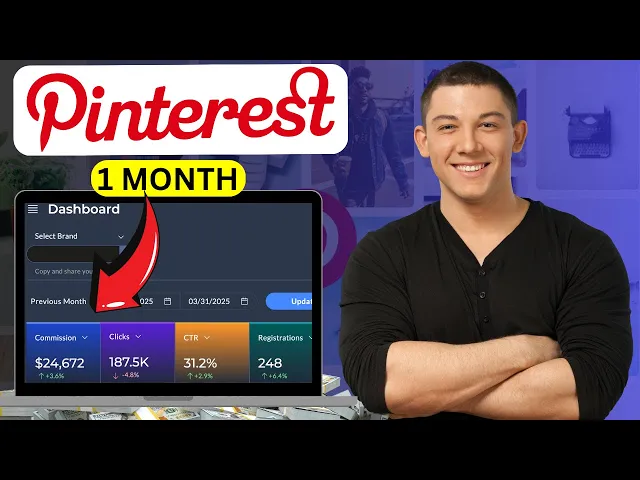
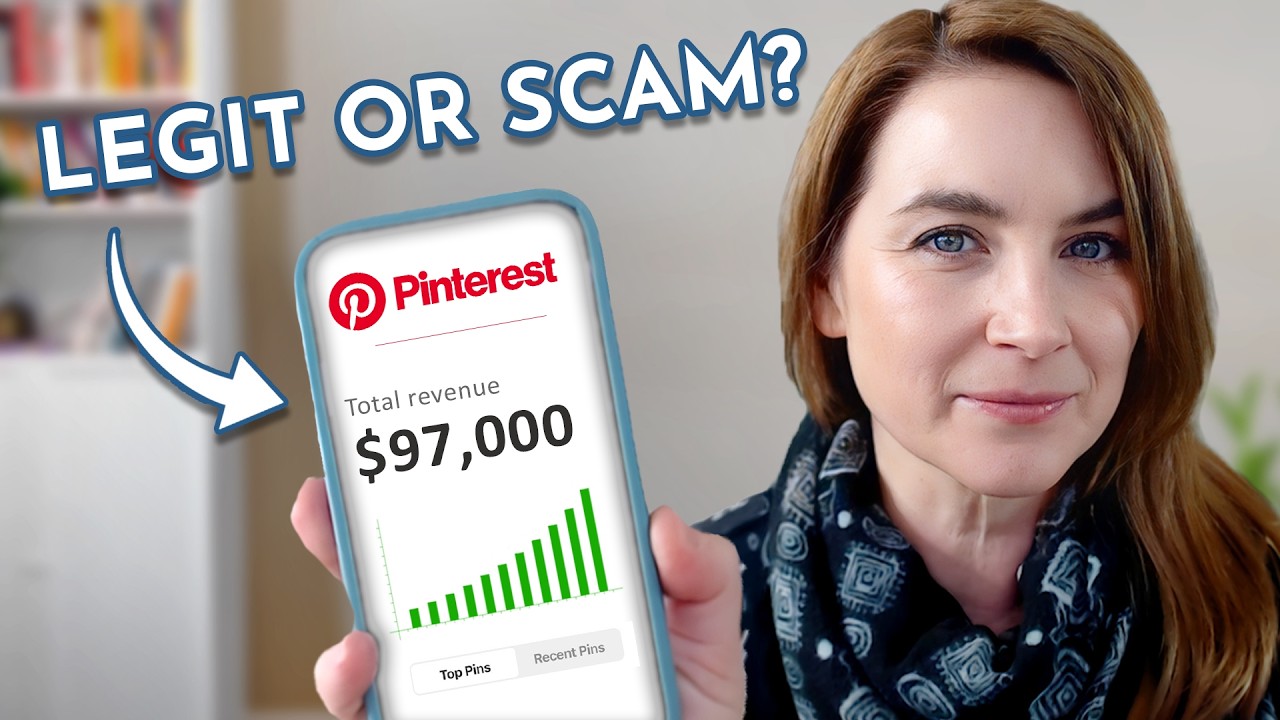
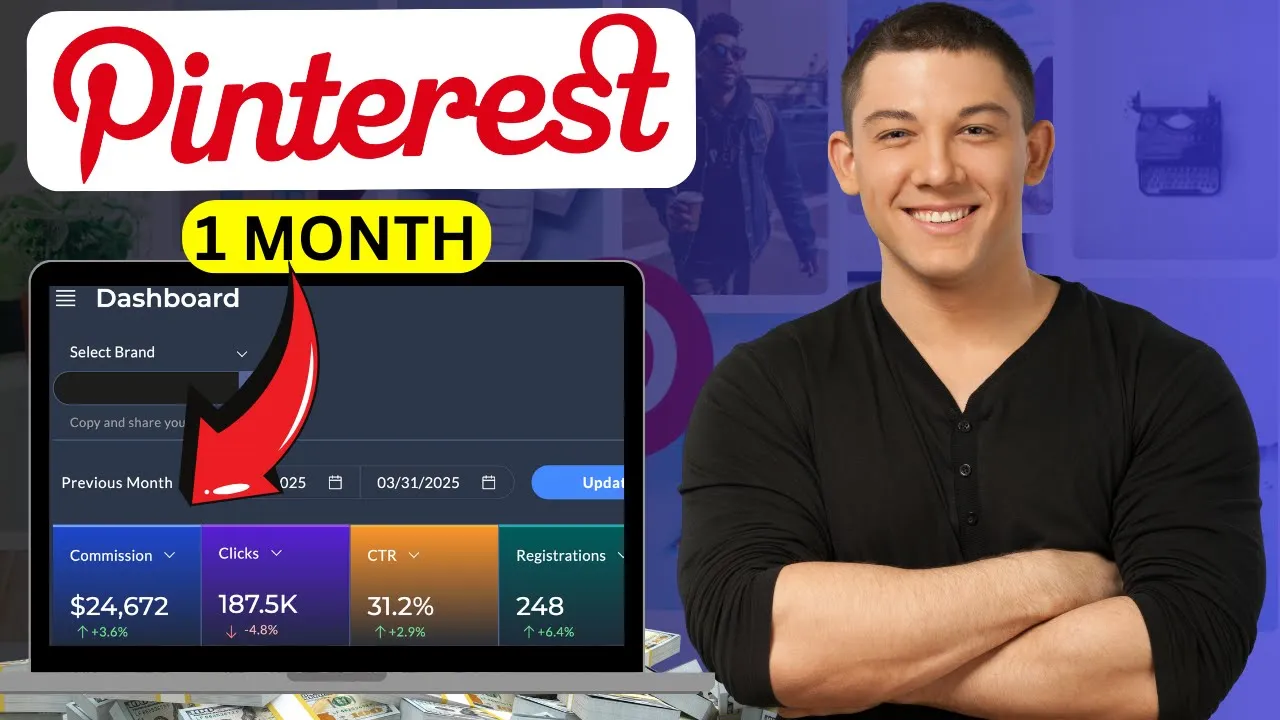
Last month, I made $24,672 in commissions with Pinterest affiliate marketing using 100% free traffic. No ads, no products, just simple strategy that brings in commissions on autopilot. This isn't luck.
It's a proven system that anyone can follow. And in this video, I'll show you exactly how I did it. So, what is exactly affiliate marketing?
It's one of the easiest way to make money online for beginners without creating your own products or dealing with customer service. How it works? You just need to promote other people's products using unique link.
And whenever someone buys using your link, you earn a commission. Simply as that. Okay, now you know what affiliate marketing is.
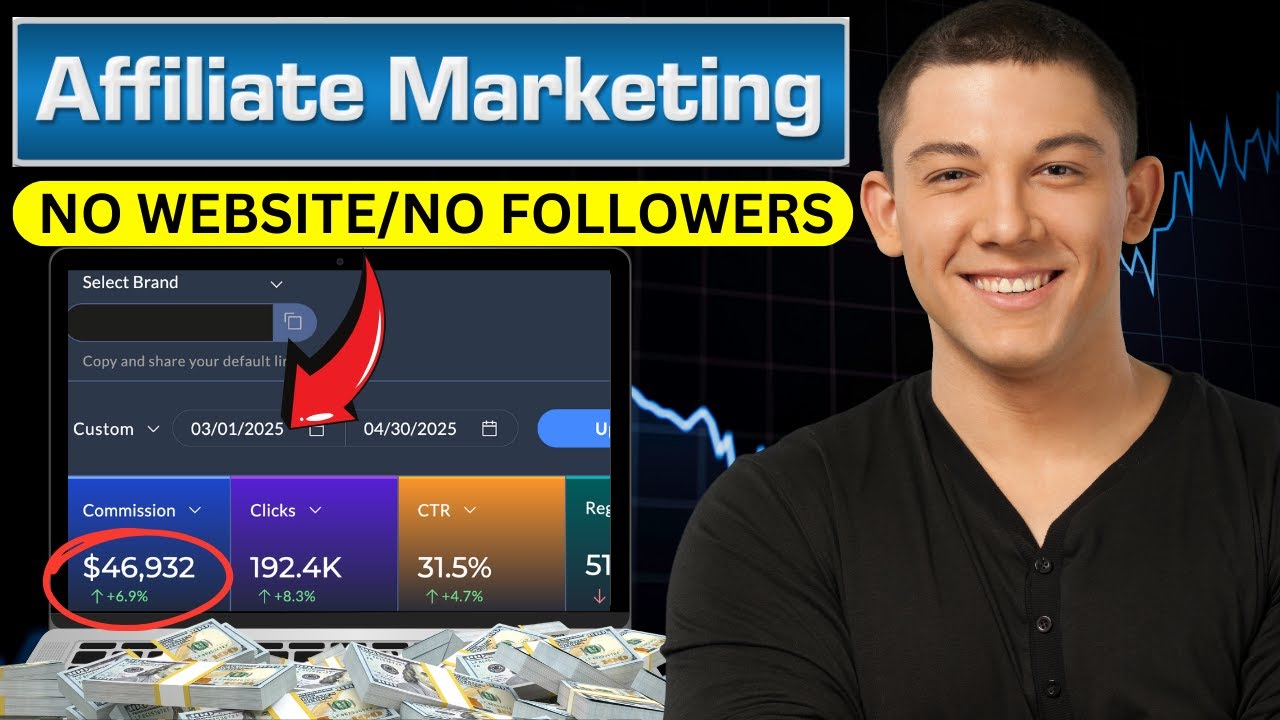
Let me show you exactly how I'm making over $20,000 per month using free traffic. And let's get started. This is my affiliate account dashboard and I have been doing this business for over five years and this commission was paid.
I already received this payment in my PayPal account. This is my payment. This is my invoice.
As you can see over here, it's paid $24,672. Okay. Anyway, for people who want to start making money with Pinterest affiliate marketing, step number one, you guys need to create an affiliate account like this one.
So, what you will do, it's super easy. Just go to Google and search for Fiverr. Click on the first link, sign up using your email address.
The sign up process is super easy and simple. After you finish, this will be your homepage and you should have an account like this one with Fiverr. So, you just need to come to this page and scroll down.
And of course, it's for free. Go to company, click over here on affiliates like this, and you will be in this Fiverr affiliates website. You guys can check this website.
You can get idea about how much you will earn for each service you will start promoting with Fiverr. They are really paying good commission from my experience. This is the best affiliate marketing business that you can start ever because they are really paying good commission.
The best part is you will keep earning 10% revenue share for each purchase the buyers make in the next 12 month which makes this business a really a profitable business. So to create your affiliate account just click here on join now like this and here you go. You will be directly in this sign up process page to Fiverr affiliates program.
What you will do next? You just need to put your first name, last name, email address, username, your password and account tape make it provide. Do you have main source of traffic?
If you guys have website you can say yes. If you don't have you can say no. And click on country and choose your country.
your location. It doesn't matter. You guys can start this business from anywhere from United States, United Kingdom, Canada, Australia, Germany, and so on.
Just search for your country from here and choose your language from here. If you have a Skype account, you can put your Skype account here. If you don't have, that's fine.
Just click on next. And that's it. This signup process is super easy and simple.
As you can see, after you finish, this will be your homepage. And you should have an account like this one with Fiverr affiliates. This will be your Fiverr affiliates account dashboard.
Okay. So after you finish your sign up process, this will be your Fiverr affiliates account dashboard and you should have an account like this one. You should see your commissions here, your clicks, CGR and so on.
What you need to do next is you need to create an account with Pinterest. So we will use Pinterest to promote our uh services. Okay with uh Fiverr.
So go to Google and search for Pinterest. Click on the first link. Sign up using your email address.
They will ask you do you want to create business account or personal account? Choose business account. It's better to use business account.
You can use also personal accounts but it's better to use business accounts from my experience. So and you should know guys that that Pinterest has 1 billion monthly visitors. You guys can get so much traffic from Pinterest if you do it correctly and if you are following those steps that I'm sharing with you.
Pinterest also is a search engine platform. It's like Google and YouTube. People are using it to search for services, topics, products and more.
Okay. And people are making so much money with Pinterest. Okay.
Anyway, after you finish your sign up process with Pinterest like this, you will go back to Google and you will search for Pinterest trend. search for this website. Click on the first link and you will be in this page over here.
So what we will do is we will use this website to see what's trending, which services are trending, which topics are trending, which products are trending, which topics people are searching for. We cannot just go and promote services that we like or that you think it's going to work. This business doesn't work like this.
You need to choose what's trending, what's what people are searching for, which topics are people people are searching for. Okay. So, let me show you exactly what you will do.
You will go back to this account. So, Pinterest trend you you have here United. You have countries.
You have different countries. You have United States, Canada, Italy, Spain, Germany. You can see what's trending inside this country.
What which topics people are searching for from different countries. Okay. So, for example, I'm going to choose United States.
I will keep using United States. I have this search bar over here as you can see. I will click on this one.
I will search for for example for YouTube. You just need to type here questions. Okay.
Tape keyword just keyword and Pinterest. This account Pinterest trend will give you the topics or the keyword that people are searching for on Pinterest right now. Okay.
You can see people search for YouTube YouTube banner YouTube shorts YouTube videos. Let's pick this one. YouTube banner.
I will click on this one. I will scroll down. You can see that the graph of this keyword it's just keep going up.
We have also this AI by Pinterest that predict the future which is really good. And this one is predicting that this keyword will still keep going up which is really good. Like this one is good one YouTube banner.
I will also click here on date and I will choose just past 3 month. And here you go. You see this keyword?
It's just keep going up. People are searching for people from United States. We have an audience from United States.
Search for YouTube banner on Pinterest. Okay, which is really good. So what I will do next?
I will go back to Fiverr. I will go back to this homepage on Fiverr to my account. I will search for YouTube YouTube banner.
Okay, YouTube banner like this. I will search for this service that people are searching for on Pinterest. Okay.
Keyword related to services. Sorry, services related to what's what people are searching for on Pinterest. YouTube banner.
I will scroll down. I want you to pay close attention in this step. Always make sure to choose a good sellers.
How you can choose good sellers? Choose like level one seller, level two sellers or top rated sellers or pro sellers. Those sellers will be good sellers that you can use to promote those services as a Fiverr affiliate marketer to earn commission.
Why you need to choose good sellers? Because people will click on this on your affiliate link. They will check the profile of those sellers.
If the sellers that you are choosing are good sellers, they are providing a good service for their customers. People will buy also this service from your affiliate link and you will earn a commission. So for example, I'm going to choose like I will design a professional YouTube banner like this one.
This one is good one. Top rated seller. I will choose this one guys.
Okay. I will click on his service like this. And here you go.
You will be directly in his Fiverr profile page as you can see. What we need to do next is we need to create our affiliate link that we will use to promote this service on Pinterest. So what we will do?
We will copy the profile link of the seller like this. We will go back to our Fiverr affiliate account. You will click here on your dashboard.
You have dashboard, marketing tools, report, payments. Click on marketing tools and click on default and dip links and you will be directly in this page. Okay.
Click over here on dip link and put this seller profile link here and click on save. And here you go. You just created your first Fiverr affiliate link.
What you need to do next is you need to promote this affiliate link on Pinterest. Okay? And by the way guys, I do have an affiliate marketing course for people who want to take this business seriously.
You guys can feel free to reach out to me in my email address and I will share with you guys everything. Okay? You will get access to me.
I will share with you how do how do I promote my affiliate links on different social media platform using free traffic. I'm using YouTube. I'm using Instagram, Tik Tok and more.
If you are interested, you want to take this business seriously, you want to start making money with affiliate marketing and change your life, you can make so much money with this business model. It's for free. It doesn't require any investments or any experience if you follow just what's inside my course with my support me and my team.
You will succeed and you can make so much money with this business. Feel free to reach out to me in my email address if you are interested and let's continue. Of course, this also the method that I'm sharing inside my YouTube channel, it's going to help you a lot to make your first commissions.
It's already helped a lot of people and they are reaching out to me in my email thanking me, asking me to share more new methods like this. And that's exactly what I'm doing. Okay.
Anyway, like I said, this will be your affiliate link as you can see guys over here. What you need to do next is you need to promote this affiliate link on Pinterest. Okay.
And you need to create a good canon that you will use to promote this affiliate link on Pinterest. Okay? And let me show you guys.
I already do a lot of research and and I already find people already already promoting those services on Pinterest like this account. As you can see, by the way, guys, with Pinterest, you don't need followers. Don't focus on followers.
Followers, they are not important. It doesn't matter if you have zero followers, 10 followers, five followers. It doesn't matter.
What you need to focus on is Pinterest SEO. Good content. Create good content that can convert traffic into sales into commissions.
Okay, this account is the proof. Okay, you can see just with 200 200 followers. This account is getting 1 million monthly views.
They are getting so much traffic because they are doing good SEO. Okay. So to create a good content that you will use to promote those services on Pinterest, you should start using Newura.
Okay, Numeura is an AI powered platform built specifically for Pinterest marketers. With Numeura, you can create, optimize, and publish high-erforming Pinterest content that actually drive traffic and sales. Whether you are promoting affiliate links, digital products or running an online store, Munura, use smart AI to generate scroll stopping pins.
Analyze what's working and schedule your post for maximum reach. If you are serious about growing on Pinterest and earning more with affiliate marketing, Nuna is a total game changer. Okay, you can check the link in the description.
Try it out and see the results for yourself. I will show you exactly how you can use it. You can go to Google and search for Nuna.
You can sign up using your email address and you can also link your Pinterest account with Nuna. Okay, it's easy. You just click on this icon over here and link your account.
Okay, after you finish, this will be your homepage and you should have an account like this one. Also, it's easy to use. It's friendly.
And what you will do next you should see here create new. So just click here on create new and you can select interest. You can choose interest from here.
So for example the YouTube banner service is about it's in the category of uh design. Okay. Interest design.
Okay. You can also choose trend tip. I'm going to choose for example growing.
It's growing. People are searching for this one. You have here trend.
Okay. You have more keyword that you can choose. So for example, graphic I'm going to choose graphic design like this one.
Okay. And I will click just click here on create. Okay.
And your Pinterest pin will be created just in few seconds. Okay. And your pin guys is ready.
So what you will do you just need after you you click on okay. You just need to click on this icon over here and you should see here new pin has been created. Okay.
You will get this notification over here and your pin is done. He will click on this pin like this. And let me show you.
And here you go. As you can see, we have our uh pin is done for a review. You guys can edit this pin.
I will show you exactly how you can edit this pin. Okay. You have a picture article.
You have here your uh title, description and more. Okay. So, what I will do?
So, for me, I will delete I will edit this. I will delete this title. And what I will do to create a good title, you guys also can use AI.
Okay. So what we will do to to make a good title, I will go back to this service to this service about YouTube banner. This one and I will copy this one.
Copy this title like this. Okay. And they will use charge GPT.
I will go back to charge. Go to Google. Search for Chad GPT.
It's for free. It's easy to use. And ask charge GPT.
Turn. Okay. Turn this title into Pinterest pin title and use good SEO to rank higher.
Okay, like this. And they will put this title here. I will click over here and they will get a good title.
Good title that I can use on Pinterest. Okay, you see here add here custom YouTube thumbnail and this is my title which is really good. You guys can use you should start using AI.
Okay, and I will go back to Muna. I will put my title here. Okay, like this.
This is my title and description. Add description. I will go back to AI to charge GPT and they will ask him make pin description.
Okay, from this title. Make pin description from this title. And here you go.
Chp will create an amazing description for you. You guys can see here. I will copy this one.
I will go back to funeral. I will put my description here. Okay, like this.
Okay, I will scroll down and here we go. I will click here on next. Just click on next.
And here we go. You see this? Let me show you.
I will also delete this this one. I will edit the title. I will put the title again.
I will go back to CH GPT. Okay. I will go back to this title.
I will copy this one. So I can use this one in my article. Okay.
I will go back to Nura. Put this title here. Okay.
Like this. She's really good. Introduction graphic design.
I will I will edit edit this. Okay. introduction.
I will go back to chat GPG. Okay. And I will ask I will copy this one.
Okay. This one from here you guys can give it time. You can create a good article, good description for your pins.
Okay, I'm showing you the method you can go and improve it. And here you go. See this?
So what I will do next? I will add here. Let me show you.
Get your YouTube banner here. Okay, get your YouTube banner here. So, what I will put here, I will put my affiliate link.
Okay, so what I will do next, I will go back to Fiverr to my Fiverr affiliate account and I will copy my affiliate link. Okay, this is my affiliate link as you can see over here. So for you guys, if you just started this business, you can't see this option, Fiverr stay old plan.
Because for me, like I said, I have been doing this business for over 5 years and they still have this option Fiverr stay old plan. For you, you should see this one, Fiverr Marketplace new plan or this one, Fiverr Pro new plan. I will copy this one.
This is your affiliate link. It's almost the same. I will copy this link.
I will go to Google and I need to search for short. I will make this affiliate link short link to make it more professional and branding. I will put my affiliate link here to make it short link.
Click on shorten like this. And here you go. This is your affiliate link.
Copy. Go back to Numera over here. I will go back to my Nuna account and I will put my affiliate link here.
Paste. Okay. Okay.
And here you go. Like this. So what I will do?
I will select. Okay guys, select this link and you have here link. You should see link.
Okay, click on link and put your link here. Okay, I will put my link here. Paste.
Okay, and they will click on save. And here you go. Your link will be done.
Okay, so the link is done which is really good now. So what you will do next? You just need to click on next.
Okay. And you can click on and here you go. You can review your article.
So, Numera give you article. They will give you also website. So, you don't need you have everything.
They will create the content for you. You can edit the content or you can make few change. You can edit the whole canon if you want.
You can make change. You can edit the pictures and so much more. You really should start using Numera.
That's going to help you a lot to make a good content that can turn traffic into sales. Convert traffic into sales. Okay.
So, here you go. Customer YouTube banner and they will scroll more. I have this intro.
I have my affiliate link. I have everything. I will click on save and publish.
Okay. So, you can click here choose profile. This is my profile.
Okay. And I can click on choose a board. I will choose this Fiverr affiliate this one.
Okay. And here you go. Publish at later date.
If you want to publish this one, this pin uh in any date you want, you can choose this one. You can select this one. Published at later date or you can if you want to publish it right now.
Click on publish. You can also create schedule. I will show you exactly how we can do it.
Pin published successfully. Okay, check it out here. Let's check our pin.
And here you go. Like I said guys, you can edit also. If you want to edit the picture, you can edit the picture.
You can click here. You can click on edit pin. And you can edit those uh picture or title or add any more change.
You see this? This is your title. This is your YouTube picture.
Sorry, this is your Pinterest pin picture. And this is your uh Pinterest pin description. You see this?
Which is really good. Okay. So if we click if we click here on visit site we will be directly in our newra website article you can see customer custom YouTube banner icon design.
If I scroll down this is the intro get YouTube banner here. If people click on this link they will be directly in this Fiverr affiliate website to this seller profile page. Click on continue buy this service from you and you earn a commission.
This is exactly how this business works. You can't put if you put affiliate links directly on Pinterest. Your account will never grow.
Okay? And your account can get suspended or abandoned from Pinterest. So, Nuna is the solution for you.
You should start using Numera to create pin, create schedule. If you want to create schedules, click click here on planner. Just click on planner like this.
And here you go. Click on click on this icon AI pin schedule. Okay.
And here you go. Create new schedule. Schedule helps you generate pins consistently to your interest.
Okay. You put the name here. Enter your description.
You have here. You can select weekly or daily. If you want to publish them daily, okay, publish automatically.
If you want, you can select this one, guys. It's easy to use. It's friendly.
and it's going to help you a lot. That's exactly what I'm doing to promote. It's the same.
It's the exact method that I'm using to promote my affiliate links on Pinterest. Okay. And here you go.
And after you finish, you can click over here, scroll down, and click on create. And that's it. Okay, that's exactly guys how you can promote affiliate links on Pinterest.
And that's how you can exactly make money with Pinterest affiliate marketing. Okay, thank you. Thank you so much for watching.
If you have any question, just leave it in the comments. And by the way, I'm not using just Pinterest to promote my affiliate links. I'm using also YouTube.
YouTube is the best traffic source for me. I'm using uh Kora. I'm using Tik Tok, Instagram res, YouTube shorts, and more.
Feel free to reach out to me if you want to take this business seriously. Feel free to reach out to me in my email address in my description, and I will get back to you. Thank you so much for watching.