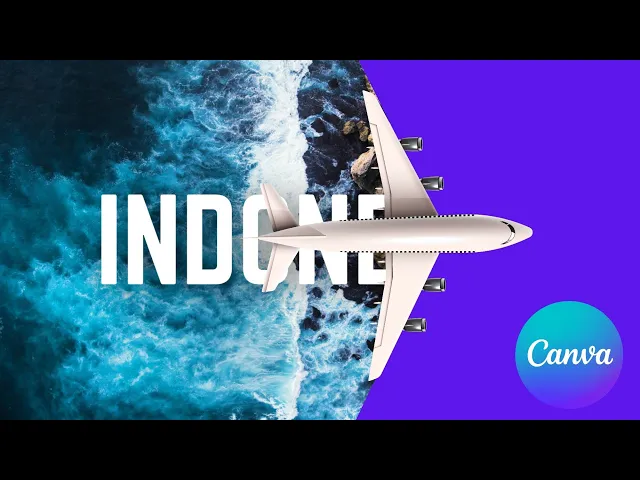
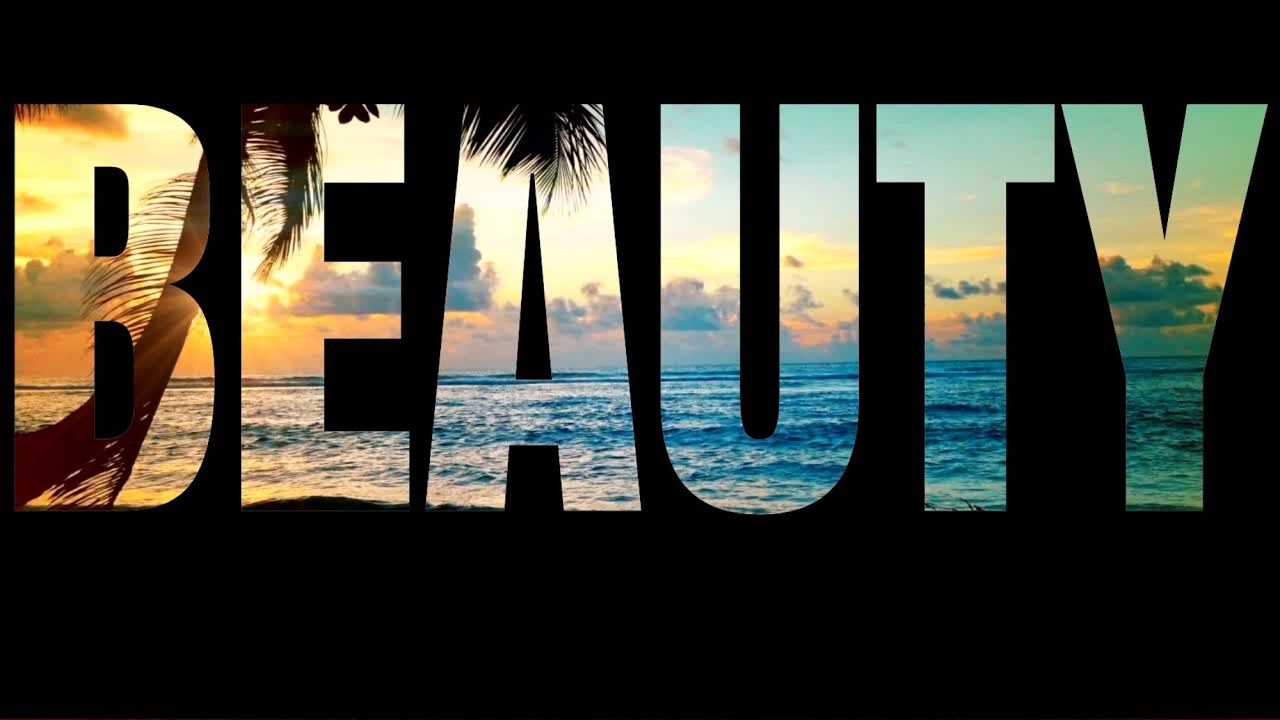
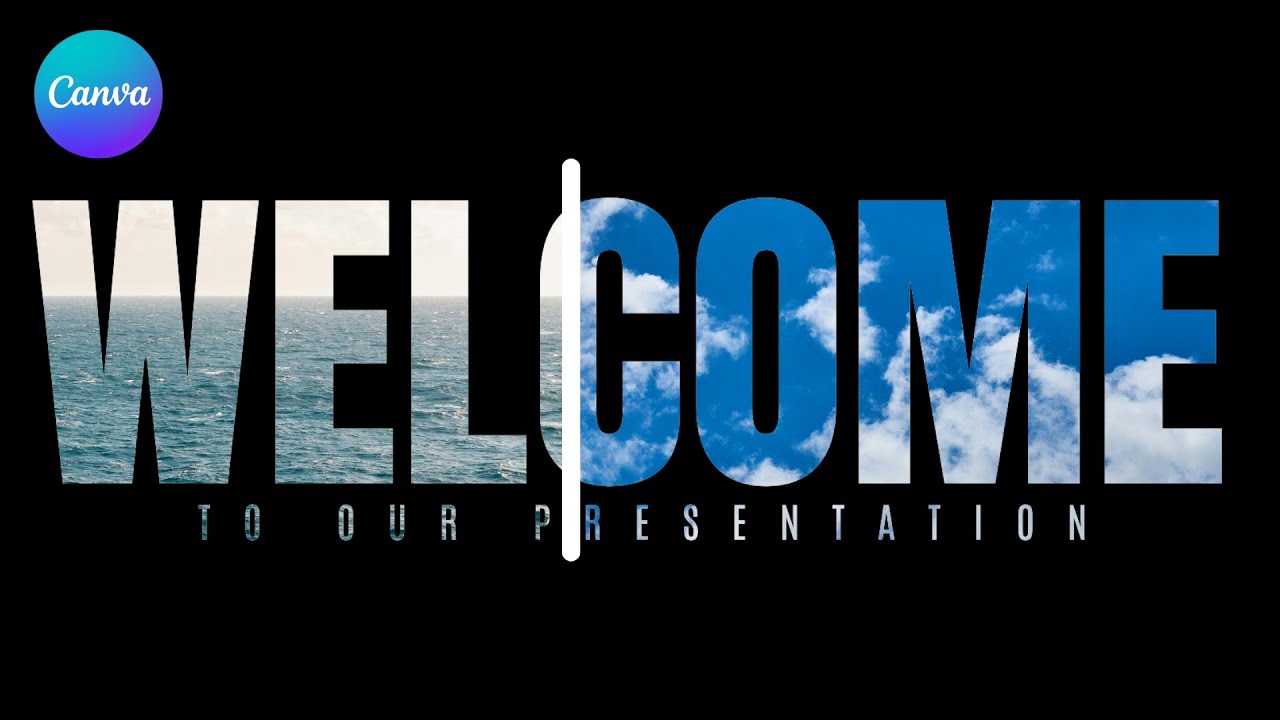
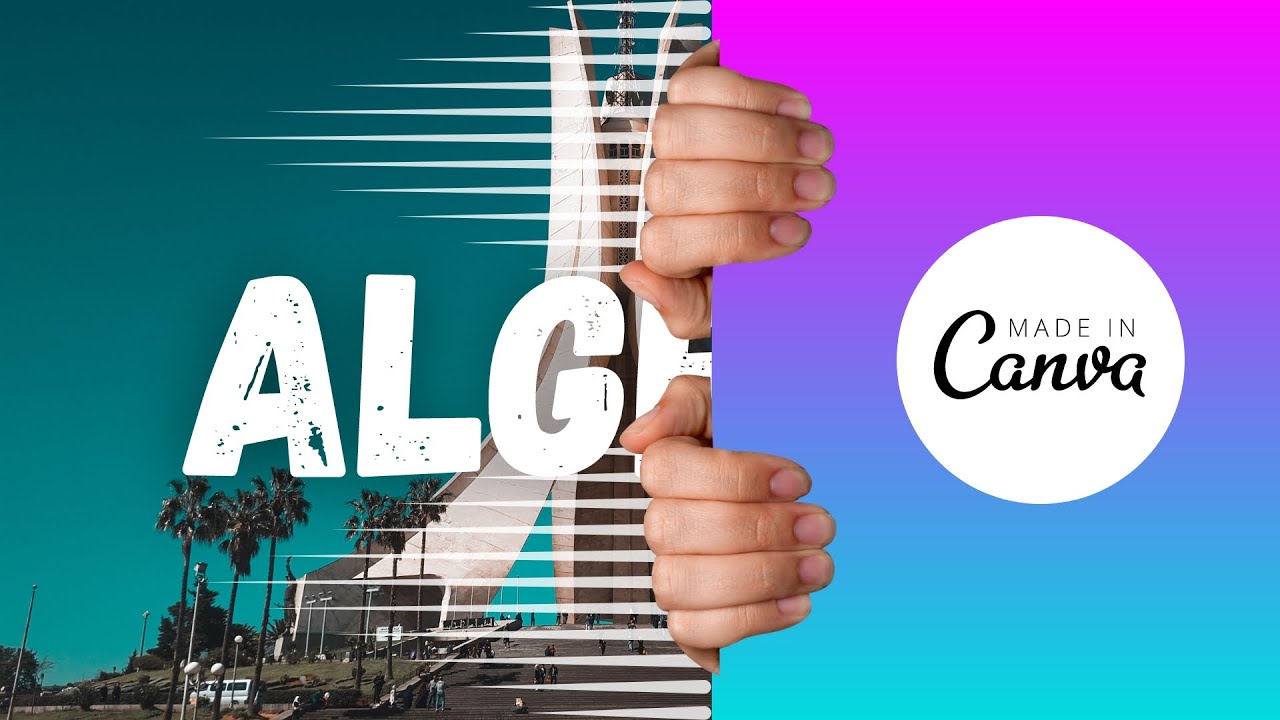
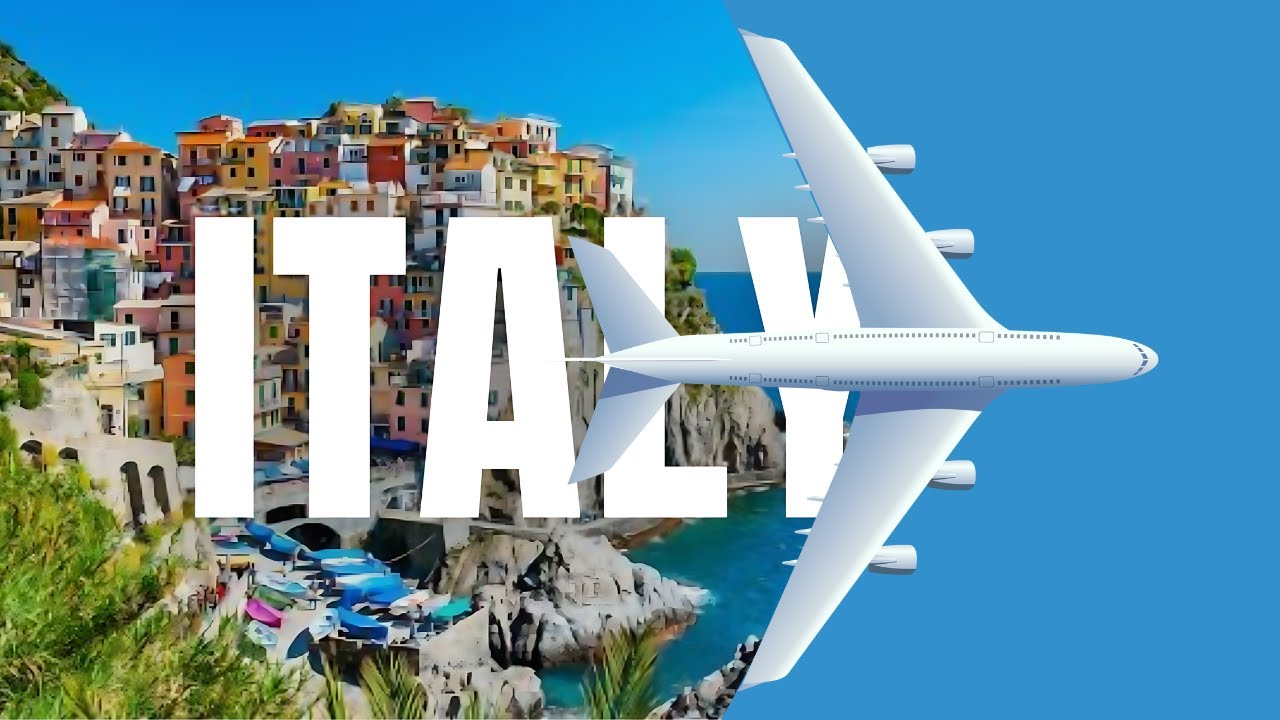
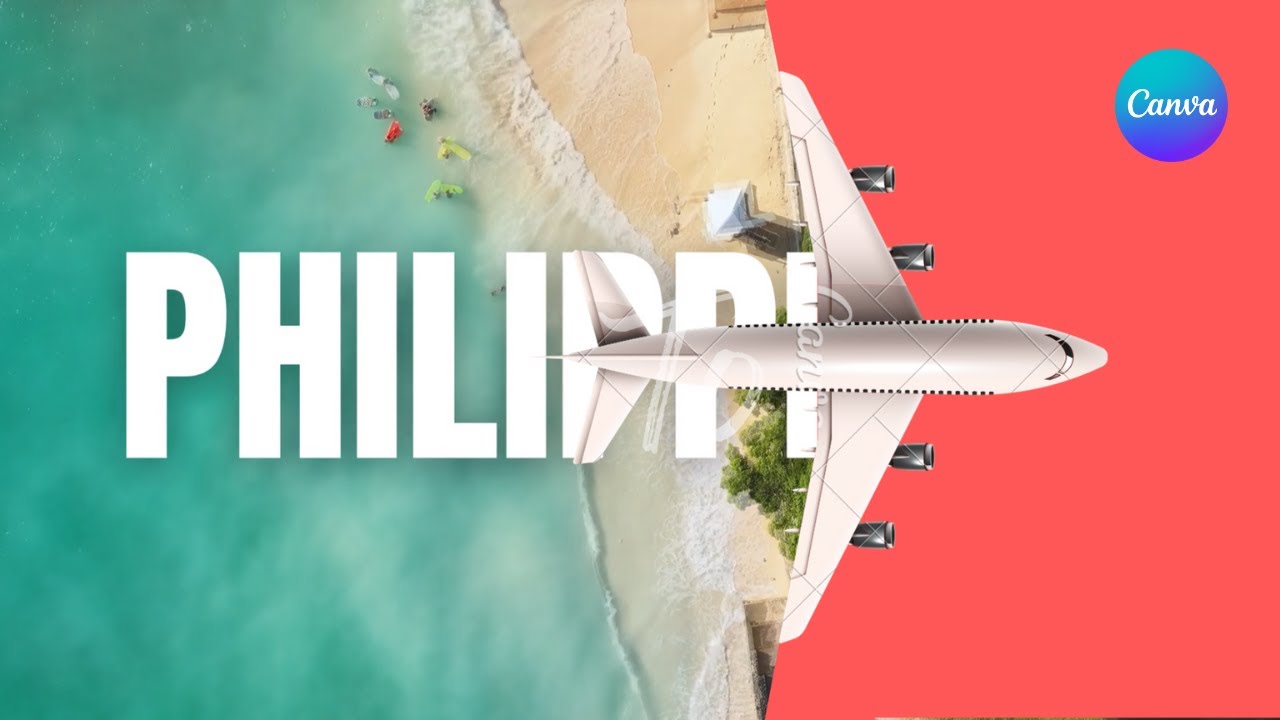
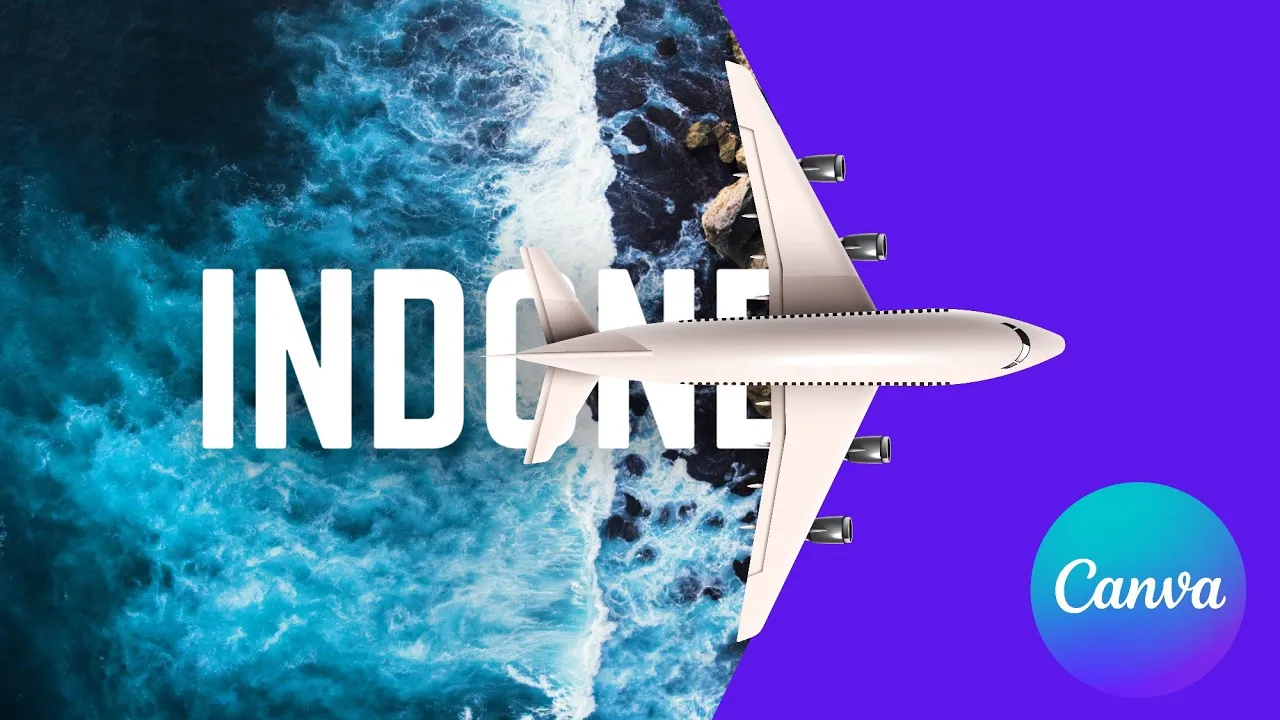
hi guys welcome to my channel let's make this video animation using canva the first thing we're going to do is we're going to select the background that we want so right here I'm adding my image then we're going to add the text that we want and I'm going to change my color to white then I'm going to select effects lift maximize it to 100 now I'm going to save this as a PNG we're going to re-upload it to canva after completing that we're going to add a shape after adding the shape I'm going to put
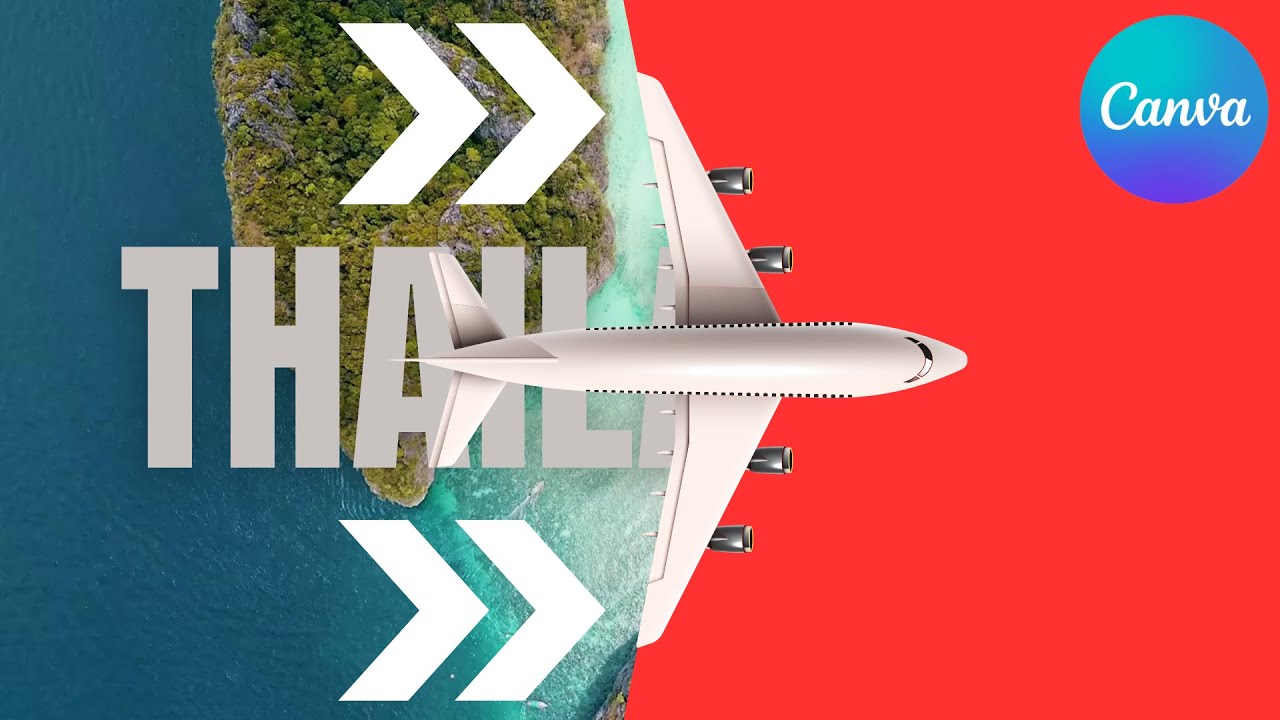
a plane now I'm going to add a neck shape to fill this spot right here see right here I'm filling this spot I'm going to do it to the next side now I'm going to bring the plane to front after completing that I'm going to group them then drag it to the left on group make this shape bigger but I'm going to duplicate the page select the first one add whatever text you want we're going to add the animation bones to the TPS now we're going to adjust the timing we're going to duplicate it we're
going to adjust the timing for this sticks now we're going to add a transition we're going to add a transition match and move we're going to go to the second pie we going to hold shift and then drag from the left to the right and here we have it subscribe to the channel for more