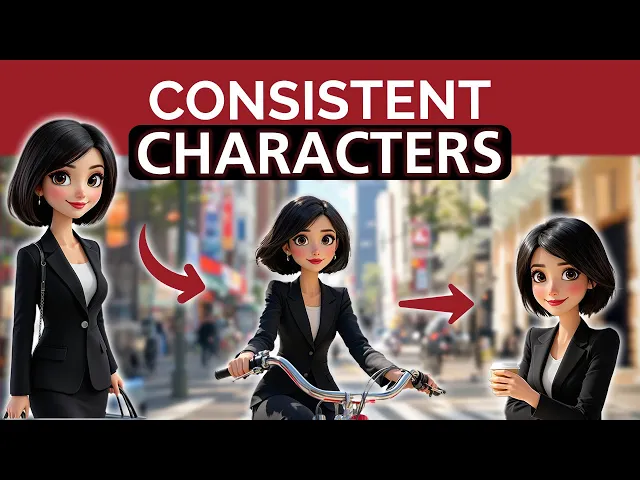
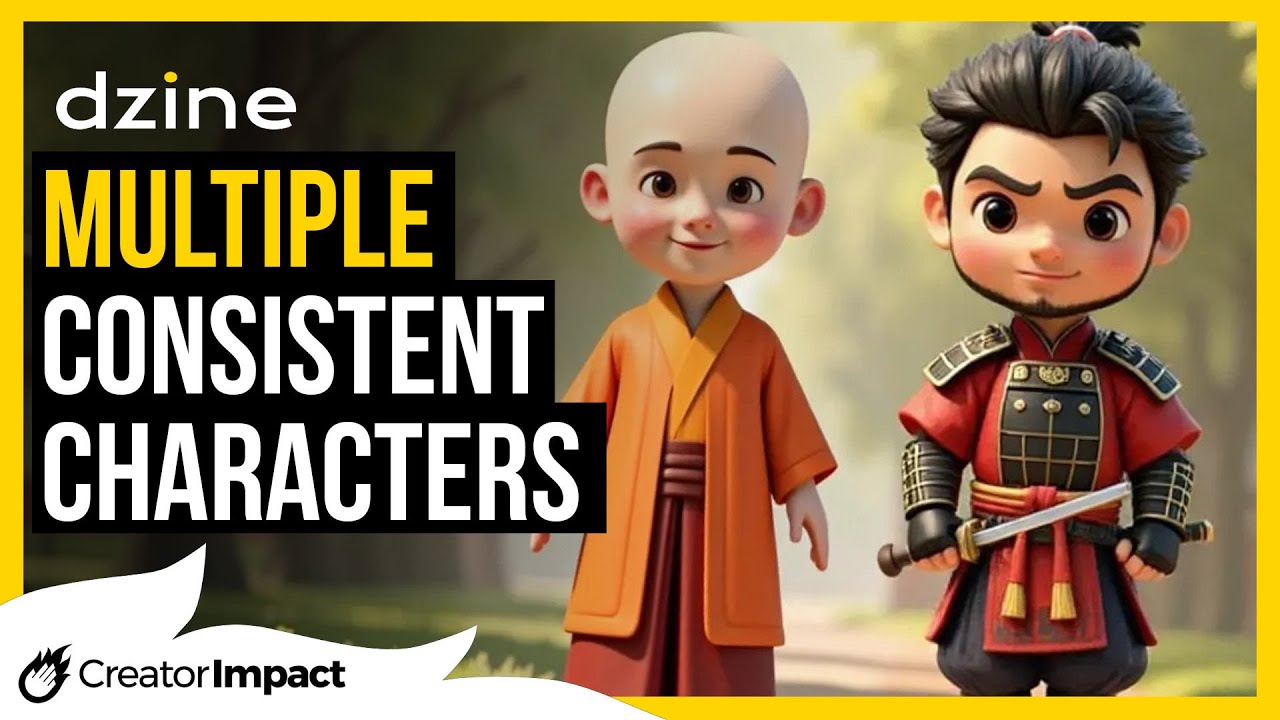
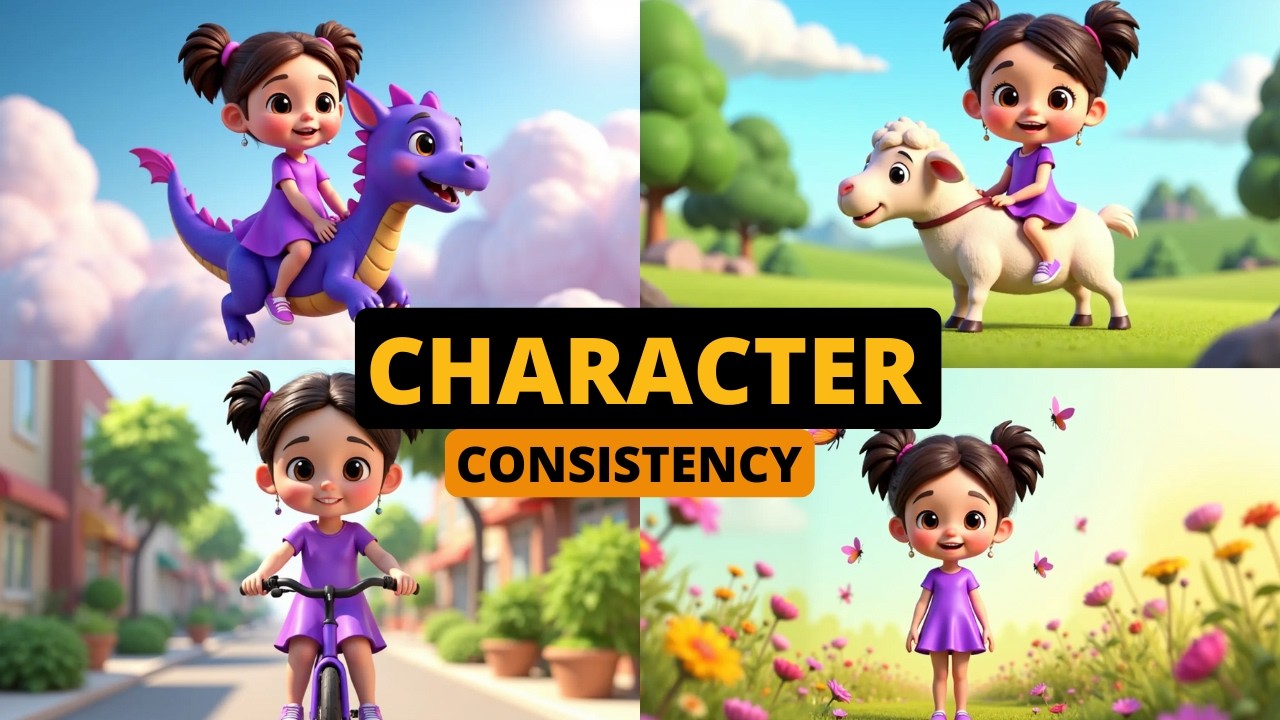
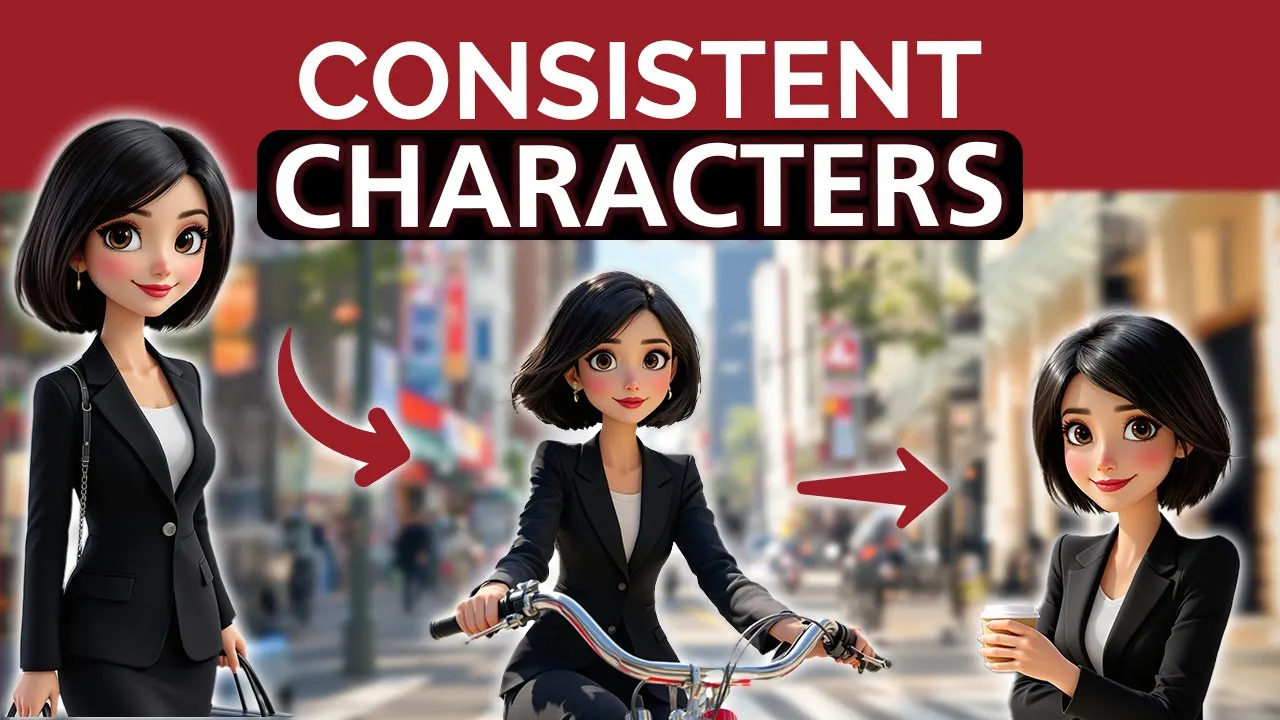
If you are into AI Image generation, you're likely familiar with the challenge of creating characters that maintain consistency across different images. In this video, I'll show you how to fix this by generating consistent characters in various environments and poses. Let's roll.
Some tools offer the option to use another image as a reference, yet, trying to create the same character in a different pose or setting has proven nearly impossible. That was until I discovered Consistent Character AI Consistent character AI is an AI tool that allows you to create depictions of figures with various expressions, actions, poses, and backgrounds while preserving their facial features, hair, and clothing. Here's how it works.
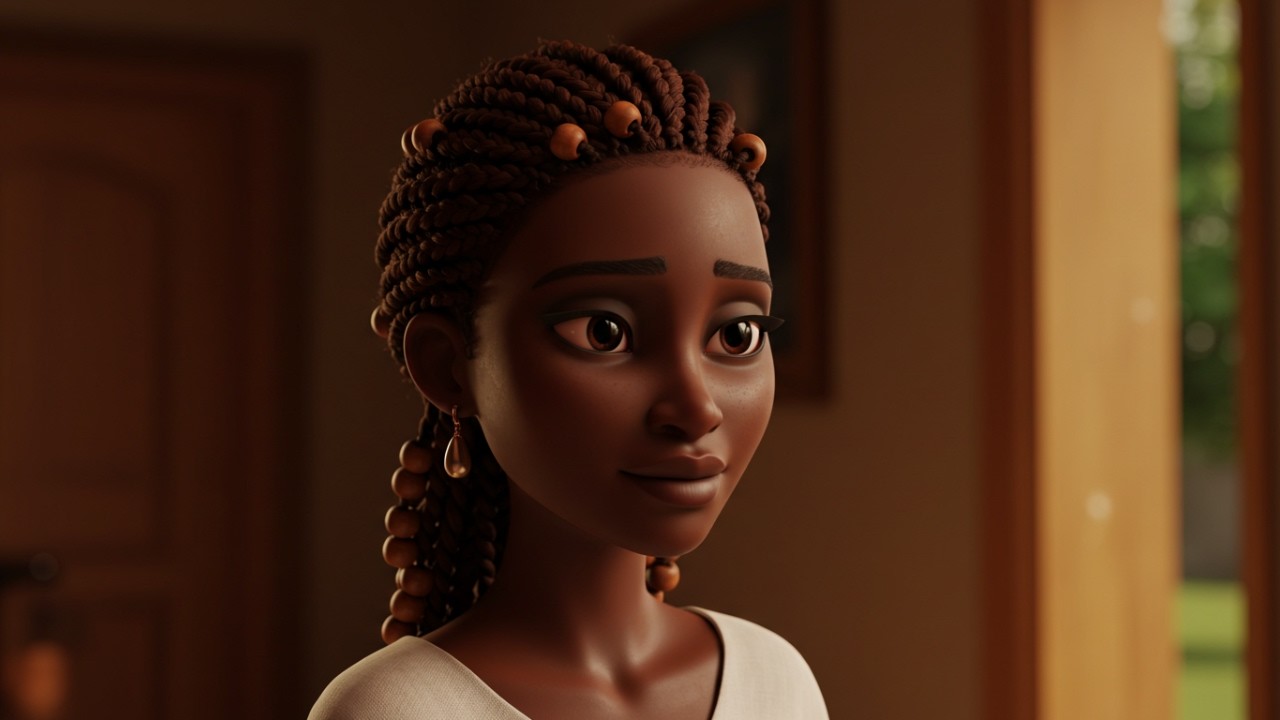
To generate an image from scratch click on the Character Turbo option. Start by describing your character, including the subject, its characteristics and its outfit. Then choose a style from the six available options such as Pixar, animate, or 3D.
For this example, let's select Pixar. Next, specify the character's expression and pose. For instance, let's have it smirking and waving.
If there are specific accessories you want, like a bag or scarf, mention them here. For this example, I'll leave it blank. I usually skip adding a background, since I prefer to extract the character easily as an PNG file.
However, if you want to, you can instruct the AI to place the character in a specific setting by describing your desired background. Okay, my generated character is ready. See?
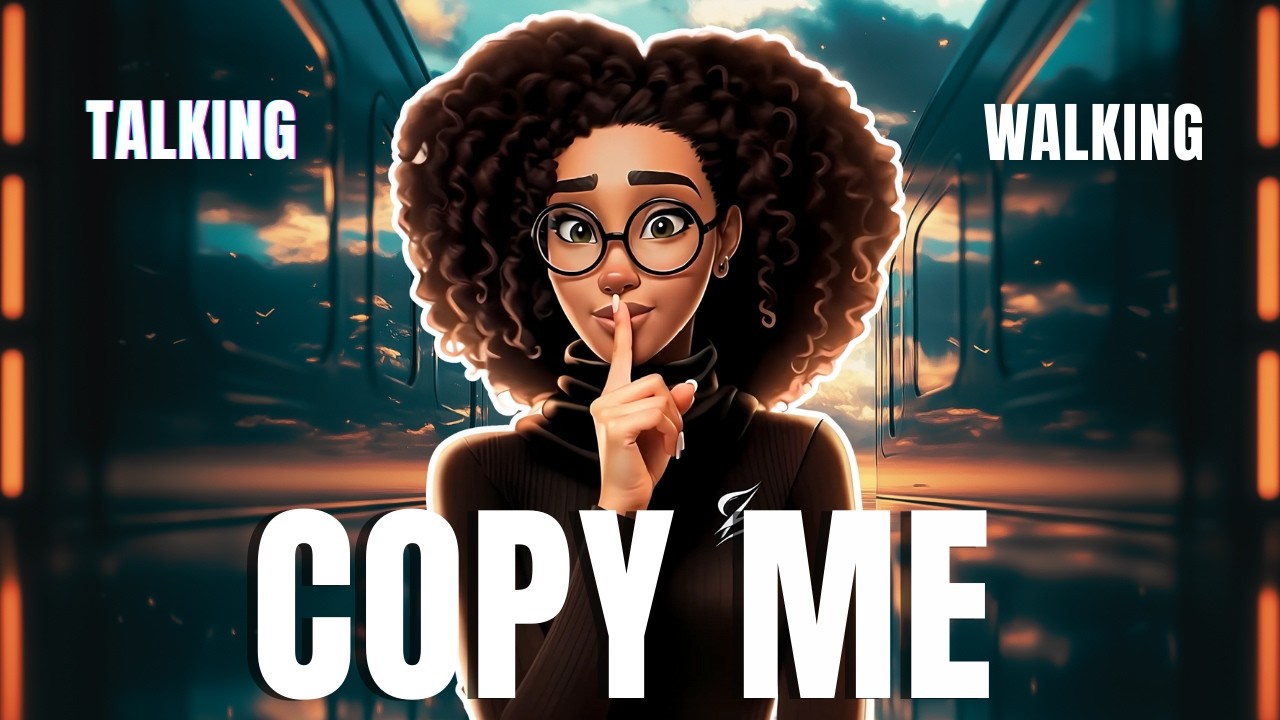
The result is pretty accurate as well as the text I requested, which is a big deal. Now let's assume that instead of, waving and smirking, you want it to have its arms wide open and talking. Keep the character description unchanged and ensure the 'Fixed Character' button is activated.
You should only adjust the expression, action and pose fields. When you are done hit the generate button and wait. Looks nice right?
Let's try something else. The output is not 100% accurate, as you can see, but overall it's pretty close to the original image generated. Remember, your prompt must include only the most critical details.
Overloading the prompt with too many specifics or visual metaphors will ultimately confuse the AI model. Now there is this as well. Consistent character allows you to create images using other images as a reference.
For instance, suppose you want to create a character that closely resembles a celebrity. Here's what you got to do. Start by clicking the Create Avatar option.
First, find an image of the celebrity or the person you wish to create a character from. Then fill in the required fields, select a style, Write the expression or action you prefer and define the background. And voila!
Here is the result. I suggest trying out the various styles that Consistent Character AI provides to see the different results you can achieve. On top of that, you can recreate the exact image you have using a different site.
Let's see. So click on the small star icon. A new field appears where you must upload the reference image.
When the uploading is over, the AI will automatically generate a prompt based on it. As you see, the prompt is super detailed. Modify the prompt as needed by simplifying it.
After that, select the style you wish and re upload the reference image for the AI to replicate it. Since you aim for an exact copy of an existing image, there is no need to fill in any of the fields below. Let's try a couple more.
Enjoy the generated output. Finally, there is the expression editor that you can use to experiment with head, eyes and smile settings to generate new images for your character. Check this.
Click on the expression editor. Let's use the image that we created earlier and have it look towards the right. You can adjust the header parameters, the eyes, and mouth.
Let's make it slightly open. And this is it. As with all image generators, every time you create something, you spend credits.
The number of credits you have at your disposal depends on the plan you have subscribed to. As you might have guessed, Consistent Character is restricted to character generation. Therefore, if you are looking for a fantastic image generator that allows you to create stunning visuals without being confined to just characters, be sure to check out the video displayed on your screen.
That's all for this video, folks. Till next time, see you!