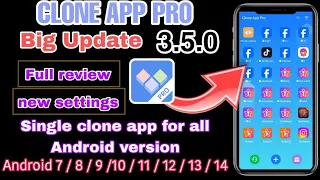
Clone app PRO 3. 5. 0 version update Clone app PRO version has been significantly updated version 3.
5. 0 is online please go to the official website to download the latest version Clone app pro version official download link: https://www. cloneapp.
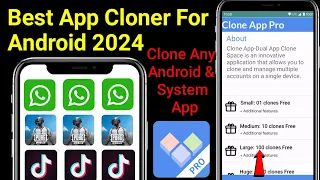
net The content of this update is as follows: 1 Added privacy space The privacy space function has been added You can clone your app in the privacy space without being discovered by others 2 Compatible with Google services Google Play services can continue to run in the Clone app pro version 3 Enhanced device protection The latest version of Clone app pro has changed the interface design and the main interface is more concise and easy to understand Click the "+" in the middle to open the application list and clone the application you need In the latest version of Clone app pro the clone settings will no longer pop up when creating a clone After the cloning is completed you need to long press the application clone and click Settings to change the clone settings In the lower right corner of the main interface of the Clone app pro version it is the official event page of Clone app You can get free VIP by participating in the event There are two official activities going on now: 1 Watch ads to get VIP In this activity you can redeem one day of VIP by watching 4 ads and 3 days of VIP by watching 9 ads You can watch up to 9 ads a day If the number of views is not redeemed for VIP on the same day the number of views will be cleared the next day Please remember to redeem it in time 2 Participate in the five-star praise activity to get VIP Search for cloned apps in the play store and find the cloned app Post a five-star praise for the cloned app and take a screenshot of your comment Please note that your comment and the icon of the cloned app must be in the same screenshot just like this screenshot If you don't do this our backend may not be able to recognize it and you may not be able to get VIP smoothly After you have completed your comment and taken a screenshot return to the five-star praise activity interface and upload your screenshot of the praise for review After the review is completed you will get a month of VIP If you have any questions please contact our official customer service Click the button in the lower left corner of the main interface to contact our official customer service You can also leave a comment under this video and please don't forget to like and follow me Thank you for watching! See you next time! !