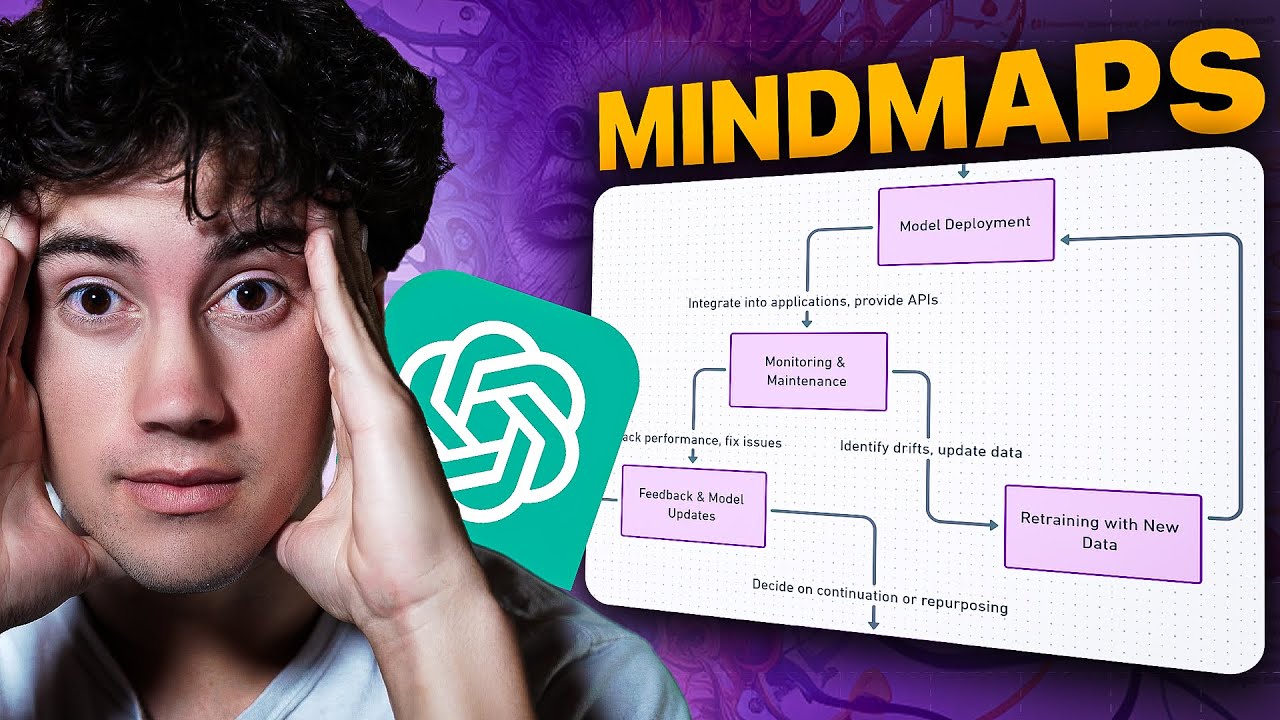
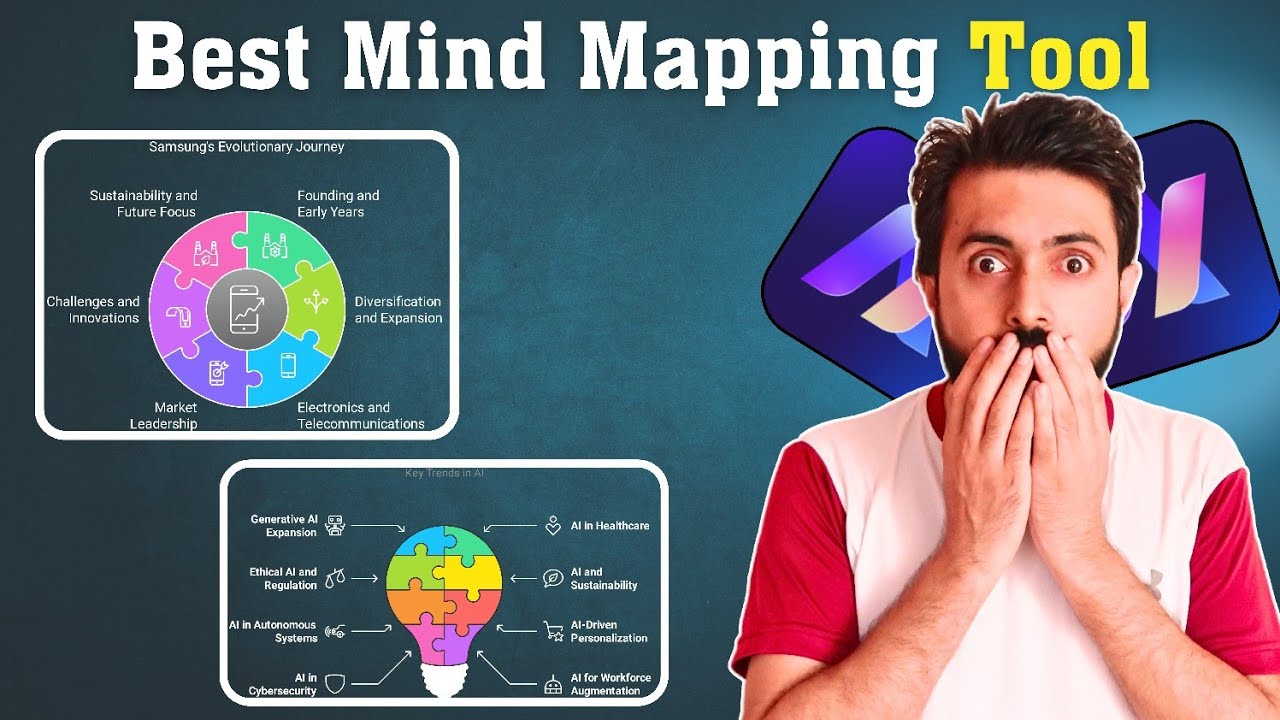
hey folks struggling to organize your ideas effectively mind mapping is a great solution but choosing the right tool can feel overwhelming that's why we're here to compare four powerful AI enhanced mind mapping tools Miro Ed raw mind Lucid chart and XM these platforms come loaded with smart features like AI powered Auto Arrangement realtime collaboration and intuitive design making it easier than ever to bring your ideas to life life in this guide we'll break down their strengths and help you find the perfect balance of functionality and ease of use ready to map your ideas smarter let's
dive in and explore which is best mind mapping tool this is perves danani and you are watching Guru Tech [Music] Solutions the first in our list is Meo go to Google and search Meo mind map and then click very first link the link is also provide in description of this video this is homepage of Meo mind map here at top there is home recent and star here are some features of Meo mind map like blank board flowchart mind map can ban framework quick retrospective brain writing and many more and here are many templates we can
use according to our need now for demo purpose I will click on create new and from here I will click on board it take time to process wait for while this is a canvas where we create mind map using Miro do here at top we can change title of our mind map for demo purpose I will type mind map as title at top right corner we can create mind map using AI we can use template in our mind map we can add sticky notes we can add text add shapes and lines we can create freehand
drawing frame comment for demo purpose I will click on generate with AI from type here our flowchart mind map ER diagram uml sequence uml class I will click on mind map here we can add text I will paste text here and then click on generate diagram it take time to generate diagram here our top is clear what type of Mind map we want in this mind map things are clear from add we can add more subtopics of Mind map I will add now I will type new ideas here our mind map is ready from add
we can add topics also we can change color or mind map line also we can add shape I will click on shapes and lines from given shape and line we can select one from here I will select one and make it on canvas now I will add one more shapes we can also adjust size of our shapes according to our need needs and also we can connect with the help of Arrow using Miro mind map we can create mind maps the second in our list is xmind go to Google and search xmind map and then
click very first link the link is also provide in description of this video with xmy map we can try it online or we can download app I will click on try online and click on it this is homepage of at right side here we can see recent shared and trash Al left side we can see new map for demo purpose click on it from here we can create mind map in blank map click on it here at Center here we can add Central topic of our mind and the and we can also add main topics
for demo purpose I will click on Central topic and I will type AI technology at bottom of canvas we can see many options I will click on generate with AI here we can see to main feature grow ideas and explain I will click on grow ideas on I will click on auto. it take time to generate wait for while he us final results of xmind map we can also manually add main topics I will add main topics I will type AI technology in school we can use these feature in our mind map here we can't
see meaning full mind map for our topics the third in our list is lucid chart go to to Google and search Lucid chart and then click very first link the link is also provide in description of this video this is homepage of lucid chart now I will click on sign up for free for here I will click on start free for demo purpose I will log in with my Google account now from dashboard here we can see agile process brainstorming system planning and research we can use Lucid AI for flowchart org chart business process mind
map concept map and many more for demo purpose I will click on mind map it take time to process wait for while this is main canvas where we create mind map from here we use template visual activities breakout boards we can import documents for our computer system we can use tools like pen expand laser pointer we can also add text we can use sticky notes organized frame and many more now I will click on organizers frame from here our different feature of lucid chart I will click on mind map now for demo purpose in mind
map topic I will type AI technology and then click on collaborative AI from here I will click on expand with ideas it take time to generate mind map here us final results now I want to add something more I will click on machine learning algorithms and click on collaborative e and then click on expand with ideas it take time here are ideas about machine learning algorithms now I want to expand more I will click on computer vision and then click on collaboration Ai and then click on expand with ideas here are ideas about computer vision
and also we can manually make mind map click on shapes and select one shape and we can adjust its size according to our need then click on shape and add one more shapes in canvas after that we can connect with each other with help of Arrow we can add one more shapes and adjust size of this shapes and also we can add text for demo I will type information technology in the mind map which we can made by manually the fourth in our list is ew mind go to Google and search edraw mind and and
then click very first link the link is also provide in description of this video this is homepage we can download for free click on download for free after downloading complete install app and then open this is main dashboard of e draw mind form here we can create new mind map this is main canvas of e draw mind we can create mind map with this amazing AI tool we can create outline of our mind map we can create handband of our mind and we can generate slides of our mind map wow amazing this tool has more
features we can create topics we can create subtopics floating topics multi toopics and relationship now I will enter my main idea for demo purpose I will type AI technology and then click on generate from here we can select one of above here we can generate subtopics one click mind map e draww mind map give us five question about our main ideas and also e draw mind gives us five ideas now I will click on one click mind map the E draw mind will generate mind map about our queries wait for a while here is final
results wow amazing using this amazing tool we can generate mind map in full understandable foam everyone can understand this mind map in miror Lucid chart and XM have not feature like this we can add priority in our mind map I will add numbering in mind to clear and easy to understandable for everyone amazing this tool make life easy this feature is missing in all previously mind mapping tools now I will click on map for here we can change layout of our mind map now for demo I will change layout of subtopics here you can change
mind map in tree map timeline org map fishbone and may other map I will select tree map and boom this tree map is appear in our future of AI wow amazing it's looking cool now I want to change layout of all over mind map select main idea and then click on map from here I will select one mind map from instantly it appears in screen now I want to change layout again click on map and then select one layout according to our need boom it's looking nice or idea is clear about AI technology by look
our mind map now I will click on benefits of AI and then click in generate and then click on give me a five question wait for while it take time here is final results of e draw mind create five question about benefits of AI wow amazing it's make life easy now I will click on Main Idea AI technology and click on generate then click on give me five ideas e draw mind create five ideas about AI technology these all feature are missing in previously mind mapping tools now the most important features of e draw mind
I want to generate outline of this mind map click on outline here e draw mind create outline for us amazing everything is clear and everything this is in priority base wow now I want to generate can ban click on can ban here e draw mind create beautiful can ban for us we can also add new cards in our can ban now I want to generate slide using this amazing tool click on slide and then click on convert current file to slides to generate slide of our mind map edraw mind map take to generate outline for
our presentation here our out line are created on I will click on select template and here are many template you can choose according to your I will select one tempate and then click in generate edraw mind will generate presentation of our main ideas this amazing slide feature is in only edraw mind these feature are missing in all mind mapping tools including Miro XM Lucid chart and many more here our presentation is ready wow amazing it's looking nice e draw mind a game changer in AI mind mapping tools after testing four different AI tools we found
e draw mind to stand out as a unique and Powerful solution unlike the other three tools we evaluated Meo xmind and Lucid chart e draw mind offers essential features that they lack it provides unmatched flexibility allowing users to customize mind maps to suit their spefic specific needs additionally it transforms generated mind maps into visually impressive formats like can band boards PowerPoint presentations and more we are thoroughly impressed with ew Minds performance and encourage our audience to give it a try its robust features and userfriendly functionality make it a highly reliable tool worth exploring we hope
you liked content if so let us know your thoughts in comment section don't forget to subscribe my channel for more updates on AI tools and trends [Music]