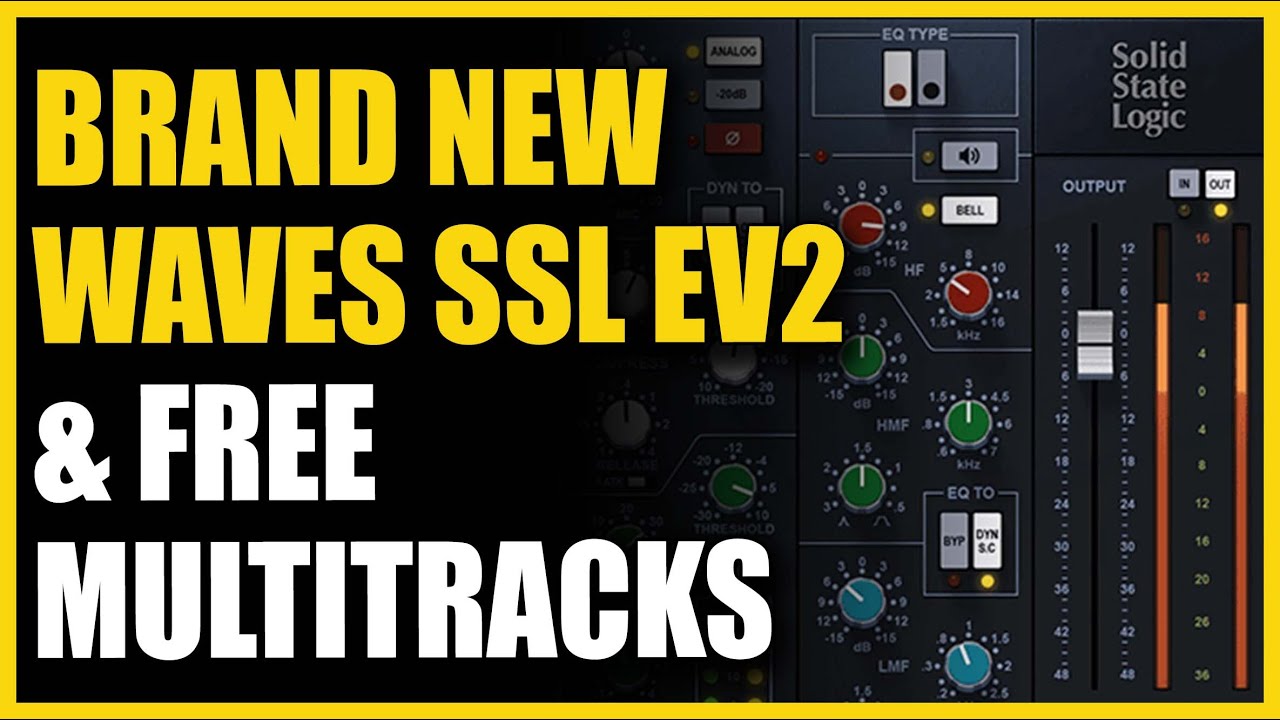
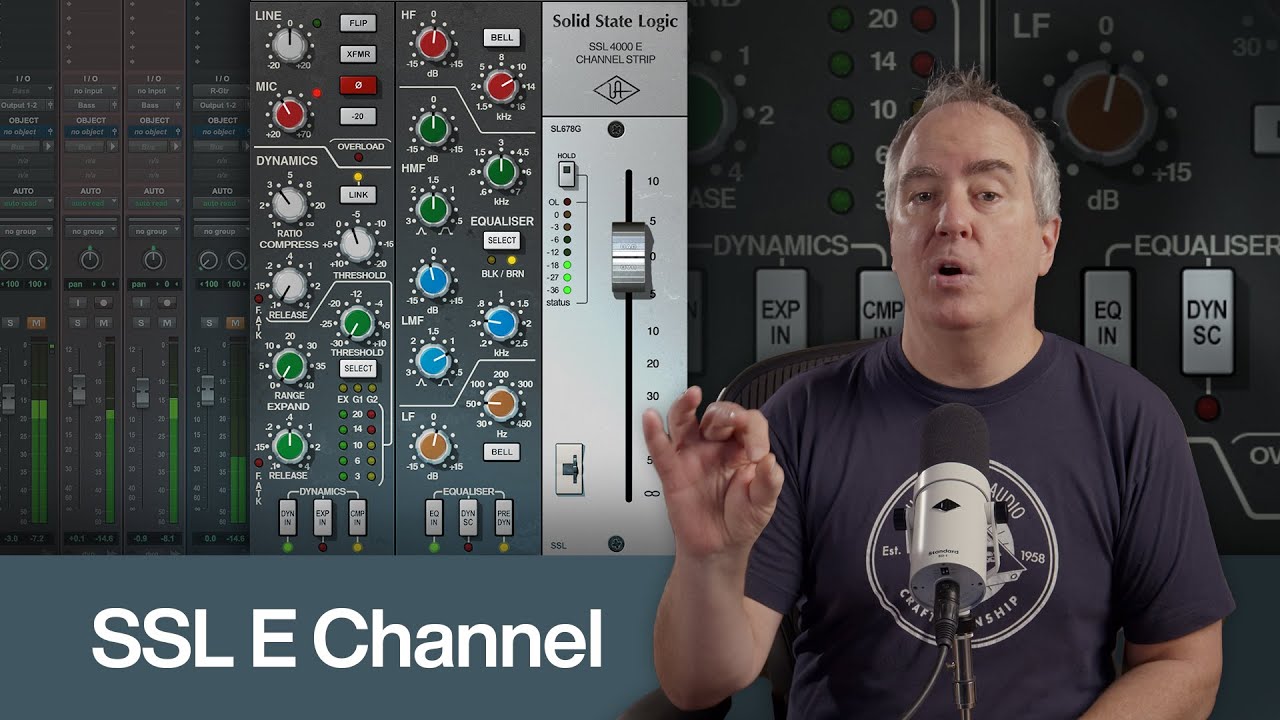
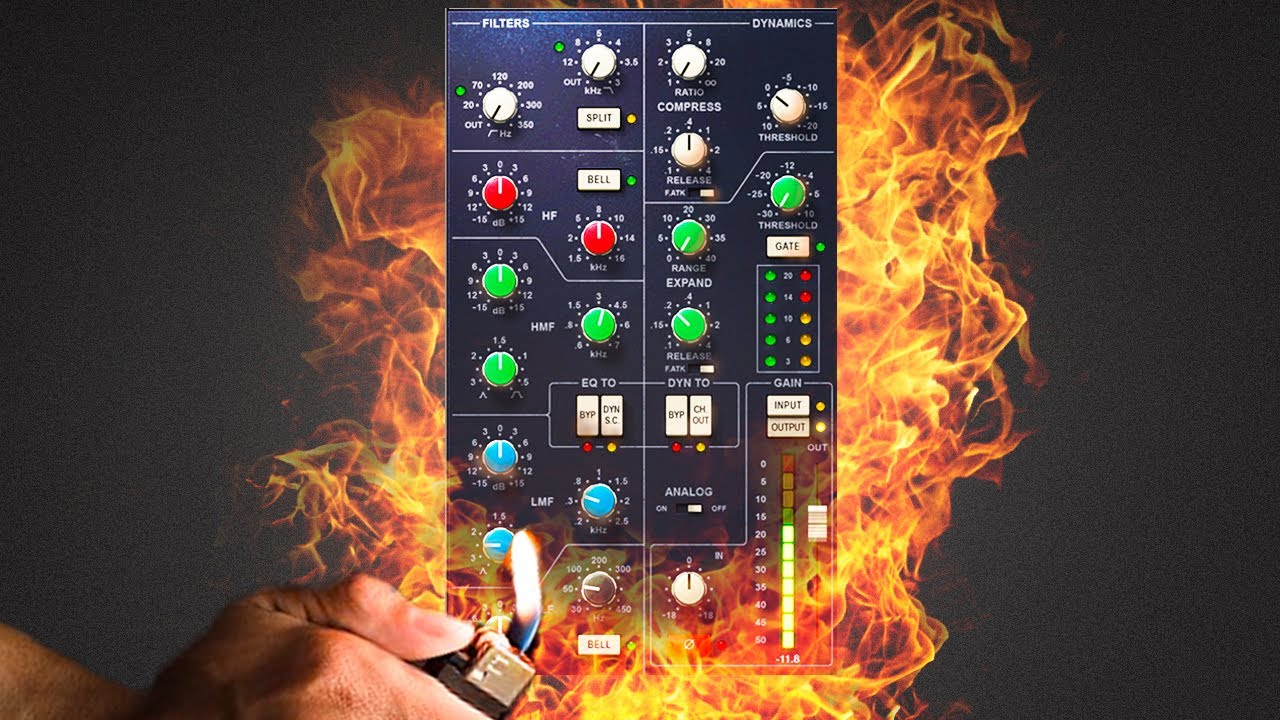
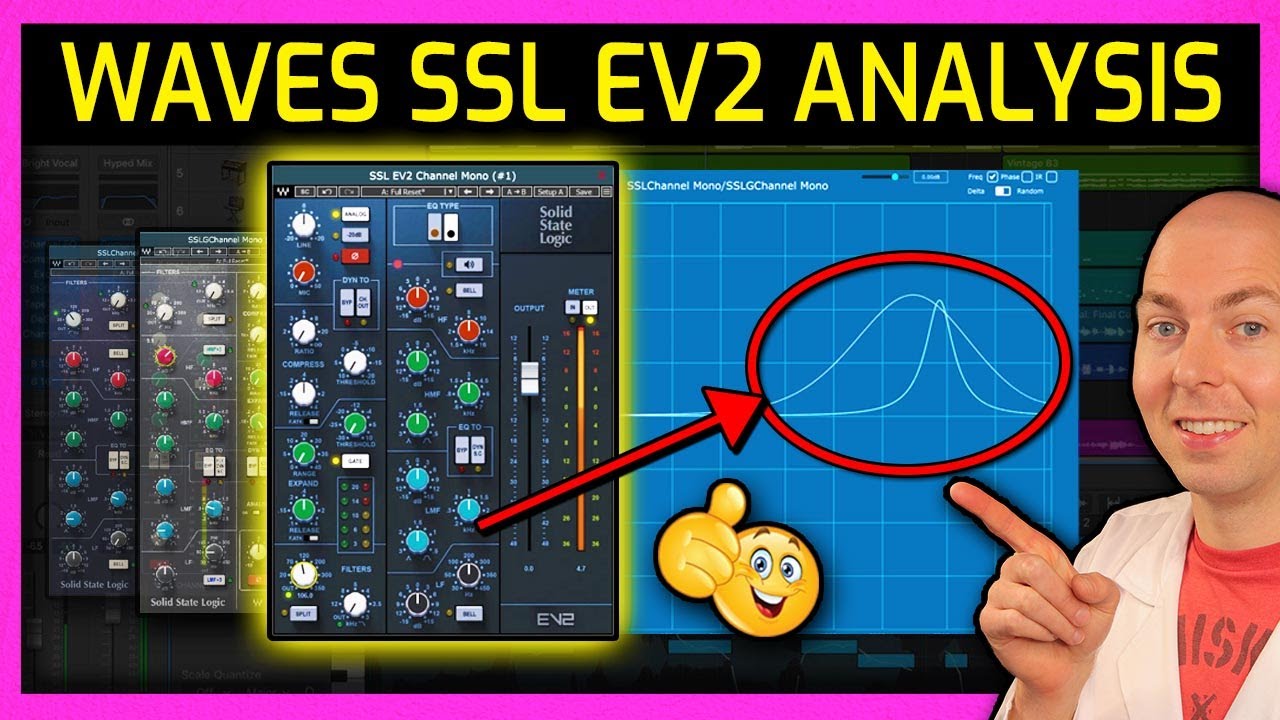
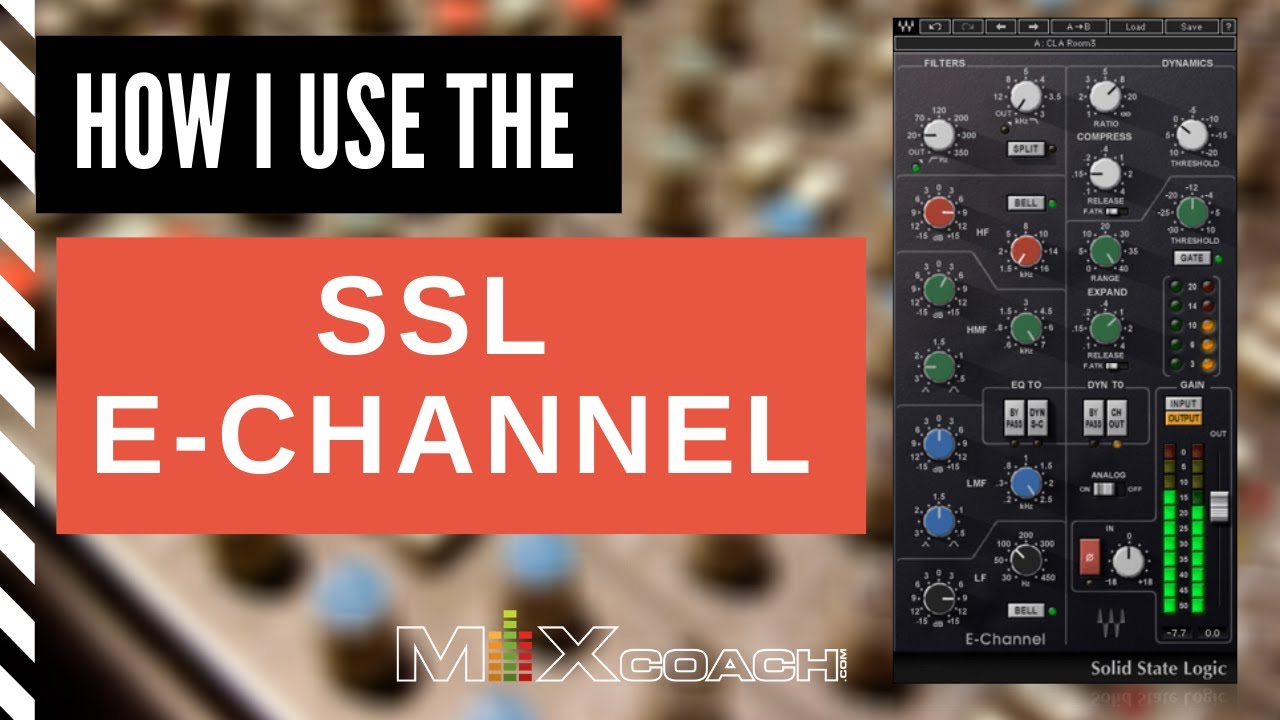
[Music] hi and welcome back so the good people at waves reached out and invited me to join their affiliate scheme and they gave me an all-access pass so i now officially have too many plugins honestly it's slightly overwhelming and i hardly know where to start if there are specific waves plugins you want me to look at let me know in the comments and i'll see what i can do however i've already had a lot of requests to look at the various waves channel strip offerings and the waves affiliate team helpfully informed me that this ev2
channel strip is a good seller so i decided to start with that and yes that does mean i now have a financial interest to induce you to click the affiliate links in the description and make a purchase as i'll get a little cut if you do bear that in mind when deciding how impartial my review is however i will proceed as normal regardless if i make a statement i'll try to back it up with evidence and if i state an opinion i'll try to label it as such so first of all let's consider what type
of channel strip this is intended to be when i reviewed the harrison 32c channel strip i suggested that these types of plugins could be broadly split into two categories there are tracking strips that are intended to provide the color and flavor of a specific console as if you tracked those parts through one but are not intended to get you all the way to a finished mix an example from the waves stable might be this red console they've preserved all the limitations of the original vintage design with no dynamics available just colorful saturation and vintage style
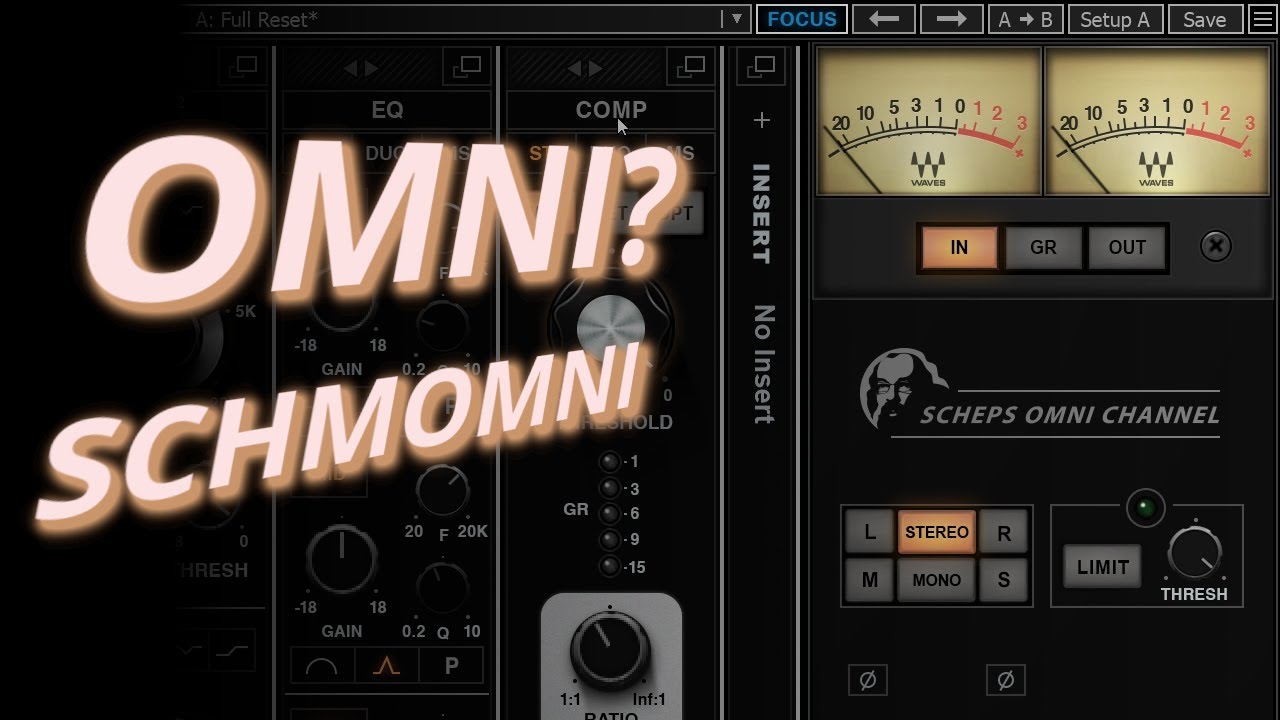
eq i don't think they expect you to use these eqs exclusively to finish a mix rather they're intended for preliminary tone shaping and it's expected that you will load more modern and surgical tools to refine the results it gives you contrast this with the shep's omni channel here you get to choose between different styles of saturation or different types of compressor you get the ds2 module which seems to be basically a type of dynamic eq you get an insert slot to load any other waves plug-in clearly the idea is that this will be your main
mixing tool in this case they're not trying to recreate the character of one specific console rather the goal is to speed up the mixing workflow by consolidating all your main tools into a single interface that you can navigate more quickly and efficiently than you could a chain of separate plugins when designing a mixing channel strip you're faced with two apparently competing criteria on the one hand it needs to be as flexible and powerful as possible if you need to load another compressor or eq because those provided by the channel strip aren't suitable then the strip
has failed in a key criteria but on the other hand a mixing channel strip also needs to be fast and intuitive to use it needs to be easy to find the correct parameter and easy to dial it into the correct range and the busier and more cluttered the interface gets the harder those things tend to be so what type of channel strip is the waves ev2 ssl then should i judge it as a tracking channel strip just intended to add some color before you go on to mix with your normal tools or is it a
mixing strip that you're meant to use as your main eq and dynamics on most channels that's kind of a good question on the one hand it very much sticks to the limitations of the original console design there's no choice of different compressor types for example and no way to add more compressors or more eq bands [Music] feature-wise it's looking more like a tracking channel strip but i can't ignore the fact that it's an ssl this was famously the console you used to mix after tracking through an eve and i know many engineers prefer to use
one of the many ssl flavored strips available as their main go-to eq and dynamics so i'm going to conclude that either it's intended to cover both duties or they just didn't think that through and simply recreated the standard ssl feature set without really considering how those features will translate to use in a door rather than as hardware so considered as a mixing strip there's a few things i need to get off my chest before we even start first of all do we really need an expander or gate for every channel obviously it was different with
the hardware especially back when we were mixing off tape having a gate just there already on every channel in case you need it is surely a massive bonus in that case but mixing in the daw is different i rarely actually need a noise gate to deal with noise anymore it's more likely to be used just on a handful of drum channels obviously it's nice to have it for those channels but i'm not sure that justifies the room on the interface another compressor or some more eq bands or even some kind of de-esser would be useful
more often in my own opinion and yes i know for sure that i'll run out of eq bands on some sources four bands covers most things but not all especially when the frequency ranges of each band are limited as they are here and i know that on some sources this compressor isn't going to cut it even without trying it i know there's no single compressor design that's ideal for every scenario however i do see some advantages as well obviously this is a set of tools that's proven its worth over many decades and many hit records
if you can't mix on an ssl you simply can't mix narrowing your focus to just this set of essential tools and avoiding the distractions of a sprawling plug-in folder can be a good thing in terms of getting your mix together quickly when i'm very sympathetic to those people who don't like to see graphic displays of their eq curves i'm also one of those people really but i've learned to ignore that when using the fabfilter eqs because the interface is faster for me to navigate than anything else and i consider that more important i do want
to say one thing though aimed at all developers of channel strip plugins what's going on with this massive fader over here i don't care how pretty you make it look i'm not going to use it to balance my tracks as i would on a real ssl i do that with my daw mixer faders of course the fader in the channel strip is just gain compensation for the processing does it really need to be that big or even there at all in fact a small gain compensation knob in the compressor section plus another for the eq
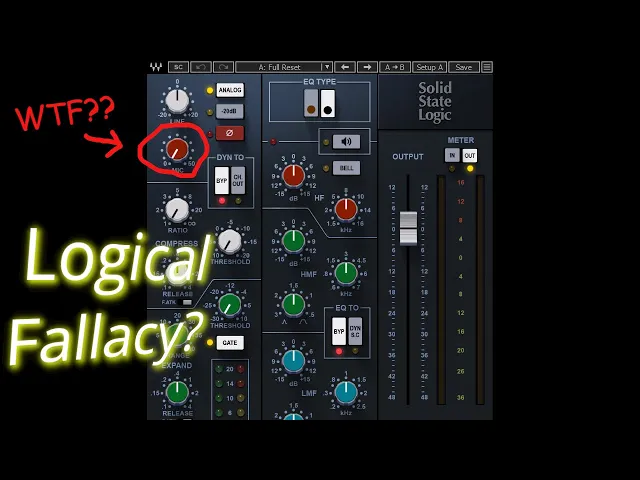
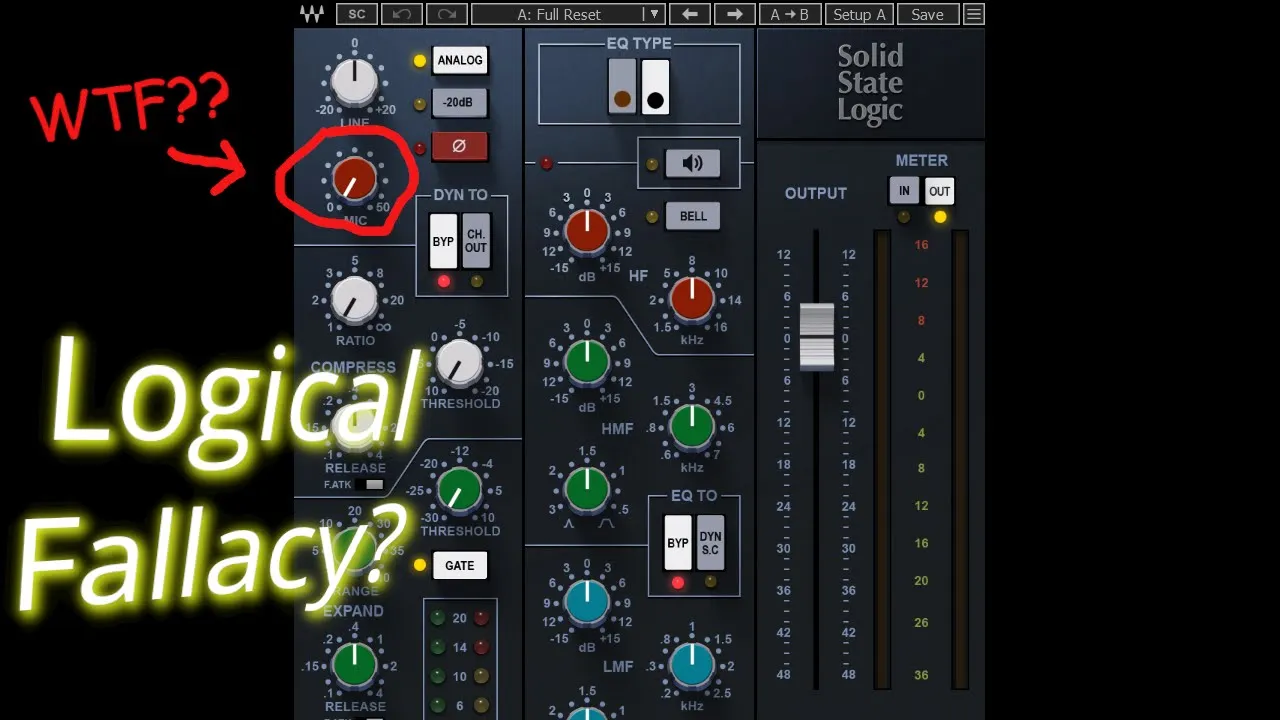
would render it totally redundant and would also allow us to toggle bypass for each section with the loudness matched okay let's actually try it out [Laughter] starting in the logical place with the input preamp section we've got two gain controls here a line input and a mic input both active at once without the expected switch [Music] okay so i guess the line input is clean gain while the mic input gets dirty and saturated that seems logical but wait a sec that line gain sounds pretty dirty when i crank it [Music] here's 20 db of line
input gain [Music] but now here's 20 db of mic input gain with the line level back at unity [Music] and now 40 db of mic input gain with the line input at minus 20. [Music] can you hear a difference [Music] well okay all ears are fallible so here's a hammerstein analysis in plug-in doctor unity line gain with plus 20 mic gain unity mic gain with plus 20 line gain plus 40 mic gain with -20 line gain there's no difference whatsoever both these gain knobs do exactly the same thing the only difference is the gain range
available am i missing something obvious or is this totally pointless why do we need to input gain knobs and come to think of it why do we need a possible plus 70 db of input gain i don't think this is intended as a hard distortion plugin and if it is it needs better over sampling options more on that shortly so okay a console might be presented with a mic level signal that needs 50 db of gain to get it up to line level that's not going to happen inside a daw but we still get a
totally pointless mic gain control apparently just because it was in the hardware and that's more important than making a useful plugin here's what obviously should have been implemented instead the line gain actually controls the input gain and a 40 db total range is more than enough for that while the second knob should be either a compensated gain or should directly control the amount of headroom available or in other words this knob shouldn't affect the actual gain at all it should simply add more saturation and harmonics as you turn it up all right speaking of harmonics
have they dealt with aliasing here's a linear analysis in plug-in doctor and we can see the tell-tale brick wall filtering that says we do have some oversampling but this is with the analyzer running at 48 kilohertz if i switch to 96 kilohertz those filters disappear there are no oversampling options anywhere that i can find so it seems to be preset two times over sampling if you're running it 44.1 or 48 but none if you're already higher than that in some ways this is a sensible compromise two times oversampling should be enough for normal use most
of the time however if you're cranking the input gain by 70 db and distorting the signal to hell and back two times over sampling probably isn't going to be enough to prevent aliasing and at the other end of the scale if you're gently processing a warm bass part aliasing isn't going to be a problem at all and you likely don't need any over sampling even more so if you turn off the analog option now the plugin seems to be completely linear accepting the dynamics of course and i can't get it to add any harmonics even
with 70db of input gain it seems a shame that there isn't an option to turn off oversampling when it's not required to save cpu cycles for other instances note that if i switch to the phase display and plug plug-in doctor we get a commendably flat line it's linear phase oversampling which is a good thing when it comes to mix down in my opinion you don't have to worry if the phase shift in the high end is degrading the sound audibly and the phase response will be much more like the analog console and you don't have
to worry about issues when running instances in parallel the downside is there's a bit of latency so you might want to avoid using this while tracking if you monitor through your daw it's not a huge amount a little over one millisecond so you might get away with it if your base latency is low enough but it's something to be aware of nonetheless it's interesting to note that this is less of an issue if your sample rate is set to 96 kilohertz as that seems to disable the oversampling but while the latency does drop to less
than half the number of samples so less than a quarter of the delay it's still not quite zero latency i did notice something odd while testing this however here's a 2k boost from the eq section with the analyzer running at 48k now here it is again at 96k okay now the same setting with a 192 kilohertz sample rate and now it's boosting 4k instead of 2k oops same again at 384 kilohertz we're now boosting 8k what i'm trying to say is this plug-in doesn't work properly at sample rates higher than 96k i don't know if
that's a deliberate design choice or a bug but it seems surprising either way well i don't think there are many good reasons to set your project sample rate to 192 or 384 kilohertz i do nevertheless expect modern plugins to work properly up to 192 at least when this also means i can't try using reaper's own oversampling to do higher oversampling factors i could replace the built-in two times over sampling with two times reaper over sampling but i'm not sure what the point of that would be so i guess i'll have to think of a different
way to end this video okay let's talk about the expander gate and it's fine really honestly i struggle to get excited about noise gates this one lets me add a nice extra snap to the start of a drum hit with the fast attack setting and the release can tighten up a kick or a tom nicely [Music] it's also quite possible to make it sound bad if the threshold isn't set carefully just like any normal gate really i don't have much to criticize here [Music] one thing that does annoy me however i can't patch the filters
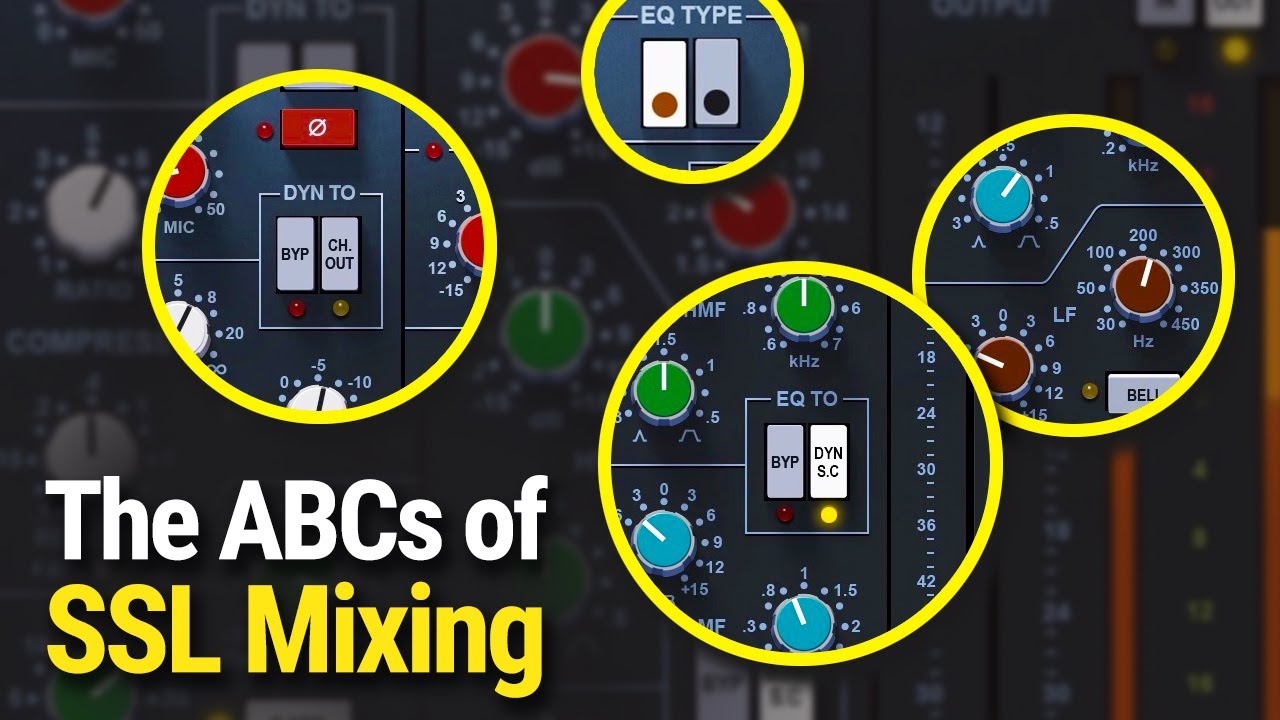
to the gates sidechain i should clarify that if i switch the eq to feed the dynamics sidechain the filters go with it so technically i suppose i can patch the filters to the gate side chain the problem is they're also patched to the compressor side chain these can't be separated and perhaps more importantly we lose the eq for the signal pass as well the split button doesn't help this puts the filters before the dynamics and back into the main signal path leaving just the eq for the side chain it seems odd to me that the
very normal and unsurprising desire to band limit the side chain of your gate with filters is not catered for specifically and let's also consider these configuration options split means you split the filters from the eq meaning that the filters now run before the dynamics with the eq after or you can press the ch out button which puts the dynamics after the eq instead clear as mud right obviously i understand why the hardware has cryptically labeled buttons to control these options i find it harder to understand why a software plugin just mindlessly copies them there are
so many ways this could have been improved even just explanatory tooltips for the buttons would have helped but we're not reconfiguring actual electronic circuits here as the hardware must why can't we just have a pair of dedicated side chain filters for the gate and while we're at it why can't i eq the dynamics sidechain without losing the eq for the signal path i know why the hardware couldn't do that but i failed to understand why that limitation persists in the plug-in speaking of the eq this is also fine it's a classic road tested set of
features two parametric mid bands plus low and high shelves that can be switched to fixed width bells if needed it's exactly the kind of console eq i cut my teeth on when starting out in live sound many years ago i feel very comfortable using it though of course tweaking knobs one at a time with a mouse doesn't feel quite the same as getting hands-on with the real thing i would also note that some console eqs are more generous with the frequency ranges for each band specifically here i'd like the low mid band to go lower
it's often useful to be able to grab 100 or 150 hertz with this band while the low band deals with stuff below that i wasn't expecting any issues with the eq especially as oversampling is non-negotiable at normal sample rates so we definitely won't get any cramping at all interesting to note that the bell shape for the high band still has a slight trace of shelf in it at the very top but this probably isn't very significant in practice what i really want to talk about here is the brown or black knob options for the low
band these represent different versions of the console eq with different behavior the curves are a little bit different and so is the amount of gain applied with the same knob settings i want to talk about the gain so it doesn't matter if a console eq doesn't boost or cut exactly the number of db indicated by the knob there's a limit to how accurately you can set an analog pot and anyway you don't need to know precisely how many decibels you're boosting because if you're doing it right you're judging that by ear i would offer up
the fact that the brown and black knob eqs differ in the amount of gain they apply as evidence of that the difference didn't matter in practice because the engineer would just boost a bit less with one than they would with the other okay so now it's a plug-in instead of hardware and suddenly we have a numeric display telling us exactly how much gain we're applying to one tenth of a db of accuracy except it's not accurate it's still doing what the hardware was doing you could argue that's a good thing it's a more accurate model
of the console by virtue of accurately recreating the inaccuracies of the eq i would argue that the inaccuracies of the game parameter aren't important anyway so you might as well correct it so that the interface displays the correct values but i still wouldn't really care because it still isn't important that you know precisely how many dbs you've boosted or cut to get it to sound the way you want however when you add the ability to switch between the brown and black knobs it all changes preserving the inaccuracies of the gain bots means that the gains
change when you switch and not just the curves but haven't we already agreed that the gains don't matter because the engineer will tune those differences out by ear it's only the curve differences that matter here and yet you can't properly judge those differences because the gains change as well the only way to properly compare the eq responses is to compensate the gain for each then use the a b switching to toggle between them i mean this is fine but wouldn't it be easier to just toggle the black brown button and not have to compensate manually
i guess i'm criticizing the developers for modeling the hardware too accurately now which might seem a little unfair but it's not really that i wish they'd put a little more thought into the implications of adding the ability to switch eq types but i feel like they missed an opportunity to make the plug-in a bit more useful and usable in practice now i can sense you still think i'm being a bit nitpicky but it gets worse because the black brown knob option doesn't only affect the low band it also changes the low and high pass filters
yes they change shape but more significantly it moves their cutoff frequencies by really quite a lot apart from the fact that there's no visual indication or hint of any kind on the interface that the filters are affected by this option we have all the same issues as for the eq band the fact that the hardware knobs only vaguely indicated the actual cutoff frequency didn't matter because proper engineers set it by ear anyway ergo it wouldn't matter if the plugin corrected this when accurately set the cutoff to the standard 3db down point and if they did
so we would then be able to easily try out these different filter curves without having to once again compensate manually for the differences so i need to mention the fact that a plug-in could easily have allowed us to switch slopes separately and independently for the filters and the eq low band no perhaps i just won't go there [Music] okay the compressor i put some thought into how to test this generally i find that smashing a drum bus is the best way to get a feel for how a compressor reacts but that didn't seem right in
this case while you are of course free to load the strip on buses or the master its primary purpose is obviously to be used on individual channels and what's more to be used on all of them or at least any channels that don't get an la2a or 1176 inserted so i've thrown together this little jam using relatively conventional instrumentation for the most part and mixed it with just the ev2 strip on every channel i've used some of my favorite acoustic drum and percussion samples i've got the waves finger bass plugin doing a bass guitar part
i might as well squeeze in as many affiliate links as i can right electric piano comes courtesy of the waves e200 plugin i'm using the waves prs guitar amp sims for all the guitar parts and they're really good by the way i've also slightly modified the way i mix with a little less emphasis on subgroups than usual i've avoided the kind of nested sub subgroups that i might usually use for things like toms there's just one level of subgroup like on a real ssl console i have a drum subgroup however into which i've also thrown
percussion which has a waves api compressor on it i've also gotten everything else but with a cream of pie actually two kramer pies running dual mono with controls linked in reaper i fell in love with this compressor immediately however it doesn't provide stereo linking controls so i've had to set that up myself and there's also no side chain filtering so i've used some emphasis and de-emphasis eq from pro-q3 to stop it over-reacting to the base and of course the mix bus has the obligatory ssl bus compressor and as you can see i've stuck with waves
for that as well i didn't stop there however here's their mid-range pultec with a little bump at 1k and a little dip at 2k [Music] some mid side compression from their fairchild 670 emulation and another pultec eq p1 for doing the low end trick plus a tiny little bump at 16k oh and there's also a meta filter at the start of the chain mostly just for filter sweeps at the start and end of the song but it's got a little hint of saturation and the resonance is adding a touch of sparkle at the top i've
used one main reverb for the whole mix the abbey road chambers plug-in almost every channel feeds this though the amounts vary but i also have an abbey road plates reverb for a few things like piano and both these reverb plugins return via an instance of the ev2 channel strip with some gentle two to one compression and as with every channel in my mix i've pushed the input levels as hard as i could without it starting to suck to get as much non-linear coloration and saturation as possible i feel like i should also shout out some
of the non-waves plug-ins i'm using the acoustic piano is from marturia as is the b4 organ part that comes in at the end when as neither the kramer nor the j-37 take plug-ins inspire me much sorry waves i've got my old favorite uh satin on the master and also both subgroups so what do i think of the ev2 compressor now well they nailed it basically the original console designers nailed the original design and waves have nailed the model in my opinion i'll overlook my slight irritation that the ratio knob defaults to one to one which
is guaranteed to be the only ratio you won't want to use i can fix that by setting a different default preset in reaper and the only reason i haven't so far is to remind me to moan about it in this video but in action it does indeed seem to handle anything i throw at it the fast attack setting is fast enough to catch and tame short transients i used it on the toms in this mix to make them rounder and fatter the slow setting is in fact a program dependent setting i've had a few people
ask what i mean by program dependent it's actually quite difficult to pin down because ultimately every compressor is program dependent by definition in practice it means that the compressor will adapt itself to different material for example the attack and release times might be faster for short transients than for longer peaks and usually the goal is to make the compressor more transparent or easier to dial in or both in this case it means an attack behavior that can add punch to a snare drum or a kick but which will also behave gracefully when presented with an
acoustic piano [Music] the release is also well conceived it can go fast enough to add some extra growl to a bass part if that's what you're after but the parameter range in scaling is such that this is very easy to control unlike an 1176 for example where all the action is in the final few degrees of the knob if it were to be perfect i guess i would add an attack time knob but i would be happy for it to only control the fast setting if it would otherwise break the auto setting as i really
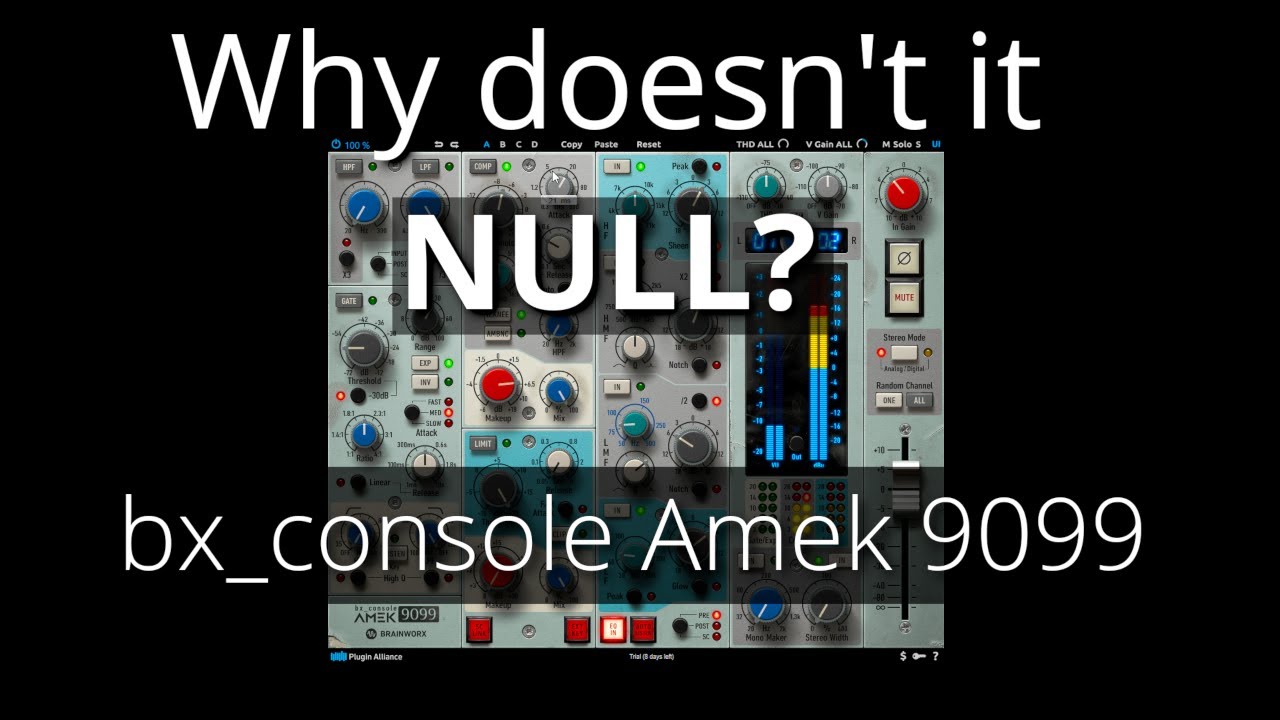
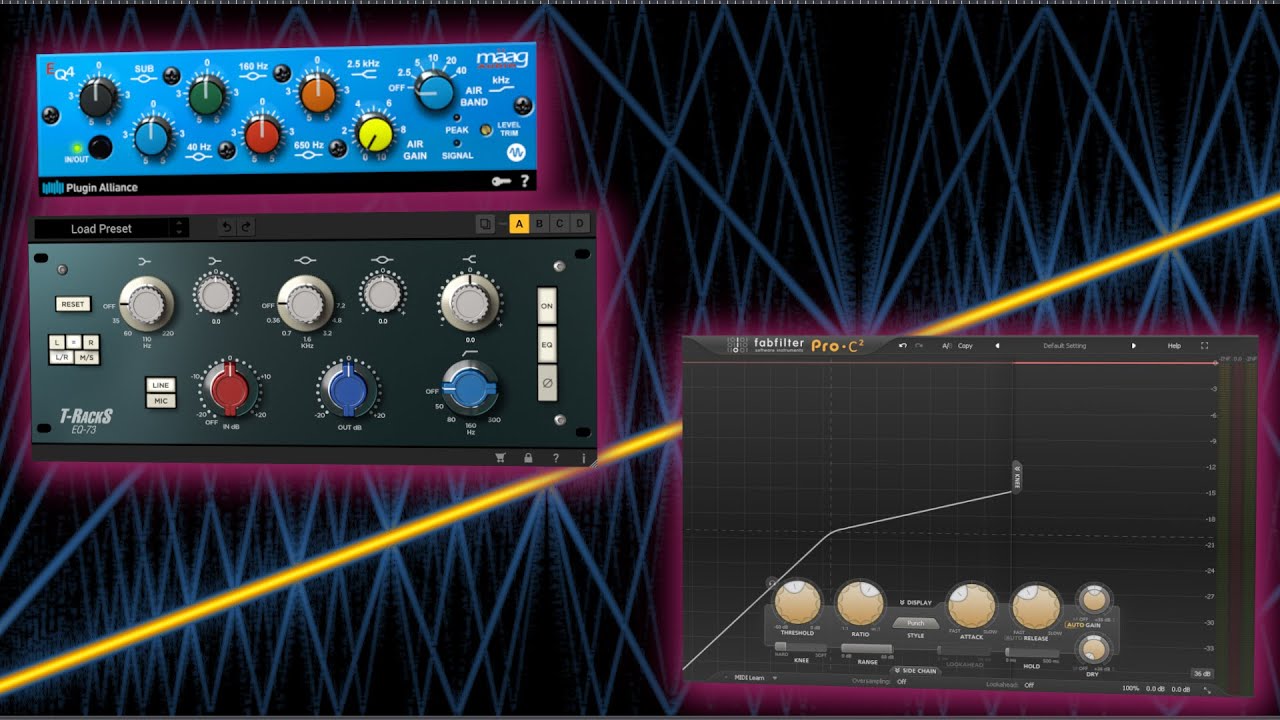
like the automatic attack behavior and as with the gate why not give us a dedicated side chain filter for the compressor i know it's not authentic but it would be better right i guess some people might also want a wet dry mix knob for the compressor as in the amex channel strip from plug-in alliance i'm not really bothered about this one however it's not something i do on individual channels that often and you can always throw an instance on ascend if you want parallel processing so this is 26 instances of the channel strip 18 of
which is stereo so this is like a decent sized console running a decent sized mix and here's how it sounds if i bypass all instances with some extra loudness matching after the fact so [Music] was that a smaller difference than you expected yeah me too to be honest it's interesting to compare that with the difference when i bypass my 2-bus processing [Music] for those of you who thought i had too many plug-ins on the mix bus i would say i'm getting pretty good value from those six plugins compared with the 26 instances of the channel
stream [Music] but this may say more about how i like to mix than anything else [Music] so am i a convert will i be mixing mostly with the ev2 strip in future time will tell but i suspect not the main reason i dropped my objection to graphic eq displays an adopted fab filter for my go-to eq is because the fab filter interface lets me work more quickly and efficiently than i do when twisting virtual knobs with a mouse [Music] ironically using the fabfilter eq gets me closer to the feeling of being in control that i
used to enjoy when using an analog console that i was very familiar with and the ev2 plug-in makes no attempt to address this aspect on the other hand i do really like the compressor and i can imagine loading it just for that it's possible that when i do create my default preset it will have the eq switched to the compressor sidechain and i'll just treat the plug-in as a compressor with unusually comprehensive side chain filters in the eq but if for some reason i had to mix with the ev2 channel strip like for example i
was making a review video about it i think i wouldn't struggle at all okay i guess i've covered everything interesting i'll leave it there and play you out with a nice reaper mixer shot thanks for watching [Music] [Music] you