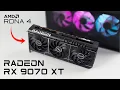
AMD just dropped their new Radeon 9000 Series cards and I'm really impressed by what I'm seeing here with the radon RX 970 XT and the non-xt variant of the 970 from 1440 all the way up to 4K both of these cards are offering outstanding performance and I think a lot of people out there are going to want to get their hands on them in this video we're going to be testing out the allnew AMD Radeon RX 970 XT I've also got the RX 970 non-x variant and for a couple of these tests we'll throw the
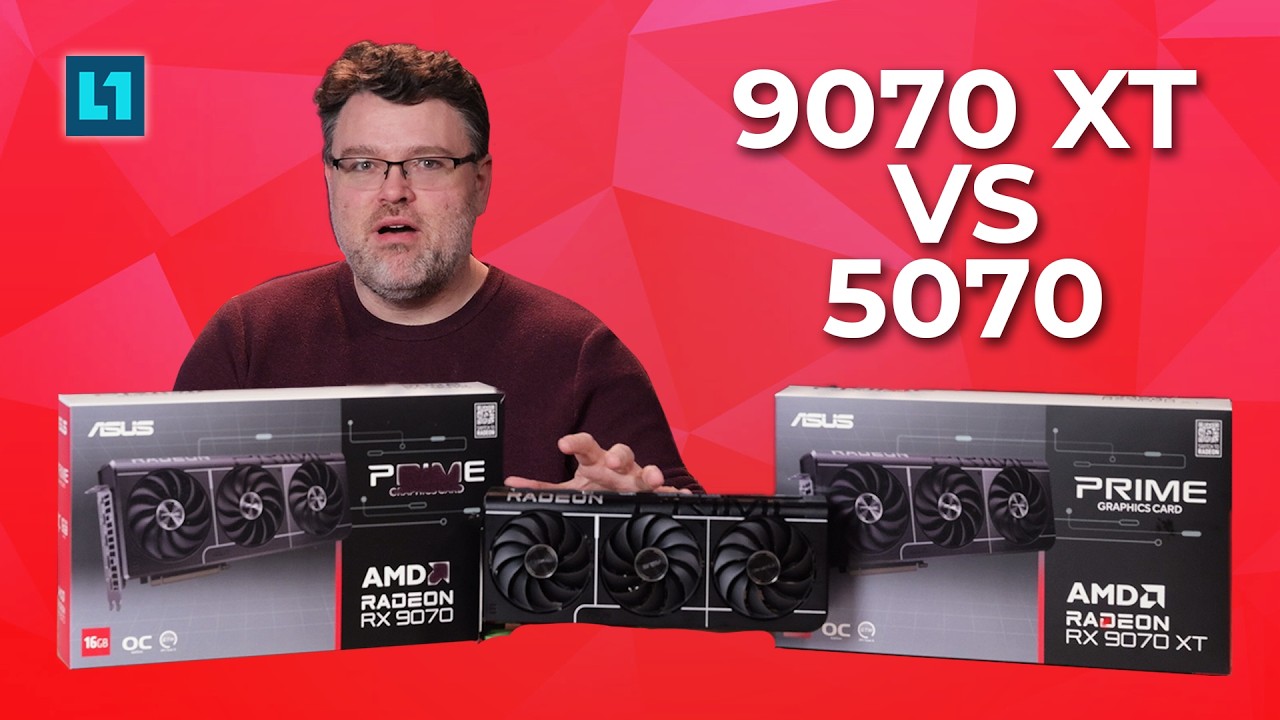
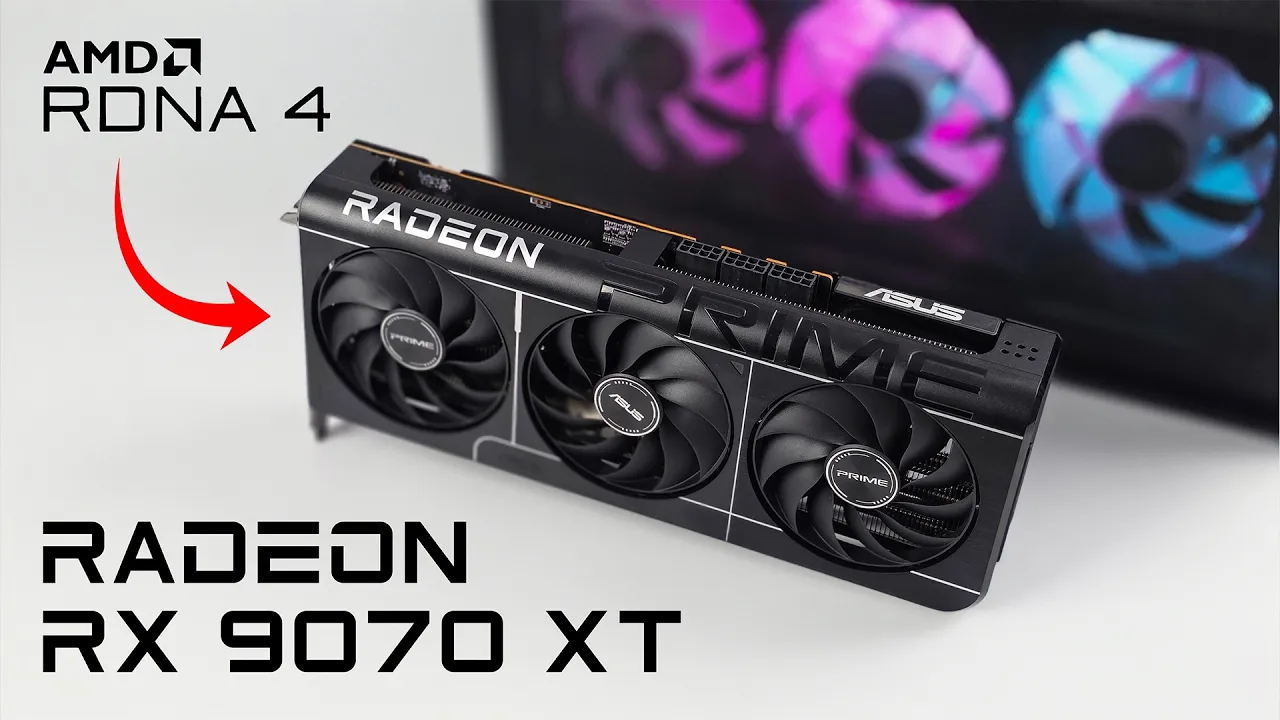
RTX 570 into the mix just to see how everything Stacks up against each other it's no secret that AMD recently announced these cards and what I've got here is the Asus Prime overclock edition of the RX 970 XT and the overclock edition of the 970 non XT variant I do have more videos planned there are a couple builds that I want to do with both of these cards we're going to go small form factor with some of them but in this video we're mainly going to be focusing on the RX 970 XT I think that's
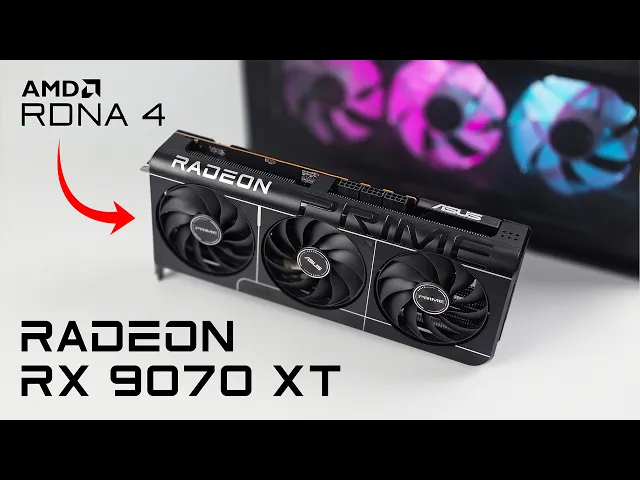
the one that a lot of people are going to want to get their hands on taking a look at the Asus Prime version it is a 2.5 slot card and it requires three eight pin power connectors overall I've always loved the aesthetic of these Asus Prime cards there's no RGB here and that's something I've been trying to get rid of on a lot of my PCS but usually nowadays it's actually a bit cheaper to go with RGB on some of the parts so I'm glad to see that they didn't add any here very clean aesthetic
minimalistic and I think this can go inside of an all-h chassis or a black chassis and look just fine full metal vented back plate plus we've got a dual bios performance mode or quiet mode you can swap this out with the switch at any time dual ball bearing triple fans and these are asus's new axial tech fans so they've got the longer blades here and it's got a zero DB mode so under light use or just idling these fans will completely turn off and just to give you a look here the biggest difference between the
Asus Prime RX 970x and the non XT variant are the connectors obviously we've got a higher tgp on the XT model it's going to pull more wattage up to 304 Watts with no overclock and it requires three 8 Pin connectors as opposed to the 9070 that only requires two 8 Pin connectors the cards are the same length they're 2.5 slot and to tell you the truth I kind of wish the non XT variant was just a bit shorter than the XT and of course when it comes to the overall specs of the XT version we've
got 16 GB of gddr6 running at a 256-bit bus 64 MB of AMD Infinity cache 64 compute units 4,096 stream processors total board power is 304 wats without an overclock and they do recommend at least a 650 W power supply in order to get all of the testing done with this card and the others they're all going to be inside of the same rig what I've got here is an i 714 700k 360 mm aiio 32 gigs of Viper Ram running at 7400 MHz and for the power supply I've got an Asus Prime 850 watt
and again keep an eye on the channel because I've got a couple more videos coming up I want to do a small formfactor build with the XT or the non XT let me know what you'd like to see in the comments below but we're probably going to end up pairing this thing up with the AMD ryzen 9800 x3d first thing I want to do here is jump into some Real World gameplay with the XT then we're going to move over to some benchmarks and compare this to the non-xt variant and even the RTX 570 here
we have cyberpunk 2077 4K using the ultra preset and with some upcoming benchmarks we're going to go native 4K but a lot of people are going to run it out of the box at a preset so I wanted to show you how it runs we're seeing an average of 75 FPS with cyberpunk 2077 4K Ultra preset this is some great performance at 4 4K I mean it's actually performing way better than I thought it would and you could definitely get more out of it using frame gen if that's what you want to do but uh
overall by itself like this it's looking amazing not I also wanted to run some 3D Mark benchmarks on the XT and the non-xt steel noad on the XT we got a total score of 7,079 around 70 FPS and on the non-xt variant total score of 5,795 average of50 7 FPS getting close to 58 and again these are in the same exact system 14700 K next one we have here is Port Royal on the XT total score of 18357 FPS of 84 looks great here and that 970 isn't that far behind total score 15,27 with an
average of 70 FPS and the final one we have here is time spy and both of these scores are looking really good over on the XT our graphic score was 29,9 184 on the non-xt 2,571 next up we've got some in-game benchmarks and I wanted to throw the RTX 570 into the mix cyberpunk 4K native Ultra as you can see that RTX 570 even came behind the non-xt variant and with the XT we had an average of 61 taking it down to 1440p now our average jumped way up on the XT version and the 570
is still falling behind the non XT moving over to Horizon zero Dawn remastered 4K native very high XT had an average of 72 FPS and the non-xt did fall behind the 570 in this test at 4K and even 1440 but the XT is still holding strong here up to an average of 134 FPS and the final one I tested was black myth wo Kong 4K native cinematic if you've ever tried to run this at cinematic on any system you know how hardcore it is the XT managed 30 FPS the non-xt 24 and you can see
that the RTX 570 came in at 13 FPS and this really comes down to the vram amount we've got 16 gigs of vram with both of the 97s and only 12 gigs with the 570 and with Wukong set at that cinematic preset it is running out of vram 1440 same settings here on the XT we had an average of 50 non XT 41 and on the 570 we were up to 29 FPS now it's time to get back into some more real world gaming with the XT and right now we've got Spider-Man 2 4K very
high no raay tracing we're not using FSR we're not using frame generation or anything like that this is native 4K at the highest settings minus Ray tracing now one thing I didn't have access to because it's not in the games yet is FSR 4 but AMD does claim that the will be a bunch of games day one once this launches with FSR 4 support so I will make another video checking that out I'm really interested to see what that can do and how it looks here's Forza Horizon 5 4K Extreme Plus and for extreme plus
I mean when you go to the extreme preset there's actually some settings that still can go up a bit like raid tracing we're totally maxed out here at 4K getting an average of 141 FPS [Music] here's Marvel Rivals 4K Ultra preset and I thought we'd see a little more out of this but that's kind of how it goes with this game right now it's still early access every time I test it on a higher end card I kind of expect more out of it but right now we're seeing an average of around 68 fps to
tell you the truth with most of these Esports games 1440 is going to be more than enough and at 1440 with these same settings we're getting an average of 93 Doom Eternal 4K Ultra nightmare raid tracing off and AMD claims that with raid tracing on you can see an average of 144 FPS and it's totally possible with raid tracing but I left it off here and by the end I had an average of 21 FPS yes the final game we have here is Monster Hunter Wilds 4K Ultra preset and keep in mind with that Ultra
preset FSR is set to ultra quality so we are using a little here and we still get those dips under 60 but one big thing to keep in mind is at the time of making this video this game is not very well well optimized yet we're still waiting on patches from the developers so it's only been out for about a week at the time of making this video so definitely keep that in mind I got a feeling you know once we get some more performance patches for this game we're going to see better performance at
this Ultra preset but I figured I'd go ahead and take it down to the high preset and at that 4K High preset we're now over 60 seeing an average of 74 FPS with so yeah not too bad for 4K a lot of people are going to be just fine playing this at 1440p but I really wanted to kind of stress the XT out don't mind if I do last thing I wanted to talk about here were thermals and with the prime variant this is actually using a phase change GPU thermal pad it just creates a
nice even layer between the GPU die and the cooler itself plus you don't have to worry about squeeze out and this thing isn't going to dry out as fast as thermal compound would and with the newly designed Prime cards from Asus I haven't worried about thermals with any of these cards so far and this one's no different in the case I'm using side panel on average 4K gaming 49° C and the maximum temp this hit was only 66 while running benchmarks average 4K gaming 46° C and the maximum this ever hit was 55° C the
triple fans paired up with the cooler they design and that phase change thermal pad really do a great job on this Prime card overall really impressed with the performance the 9070 XTS put now in and in my next video we will explore some overclocking or maybe even just uh you know some power limit tweaking just by taking that up a bit we can reach some pretty high clocks on this card it's actually really impressive and with what we have here I think a lot of people out there are going to want to jump on board
with the 9070 XT given the state of gpus right now and it's really going to come down to pricing and unfortunately at the time of making this video since this is the prime overclock Edition I don't have the price on this thing but keep in mind it's the overclock version which do tend to run a bit more than MSRP cards AMD has set the MSRP of the XT at 599 so overclock cards do run a bit higher definitely keep that in mind but again I'll leave the price and a link where you can buy it
in the description as soon as it's available but until then I'd love to know your thoughts in the comments below is the AMD RX 970 XT offering enough performance for you to consider picking one of these up are you going to skip it all together keep what you have now wait for next gen let me know down below but that's going to wrap it up for the this one like always thanks for watching