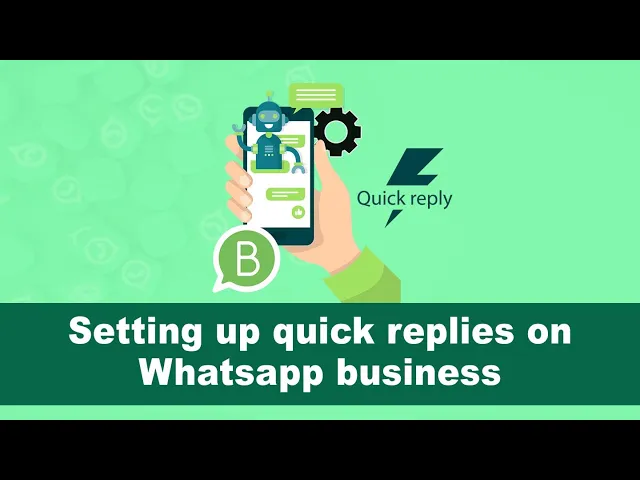
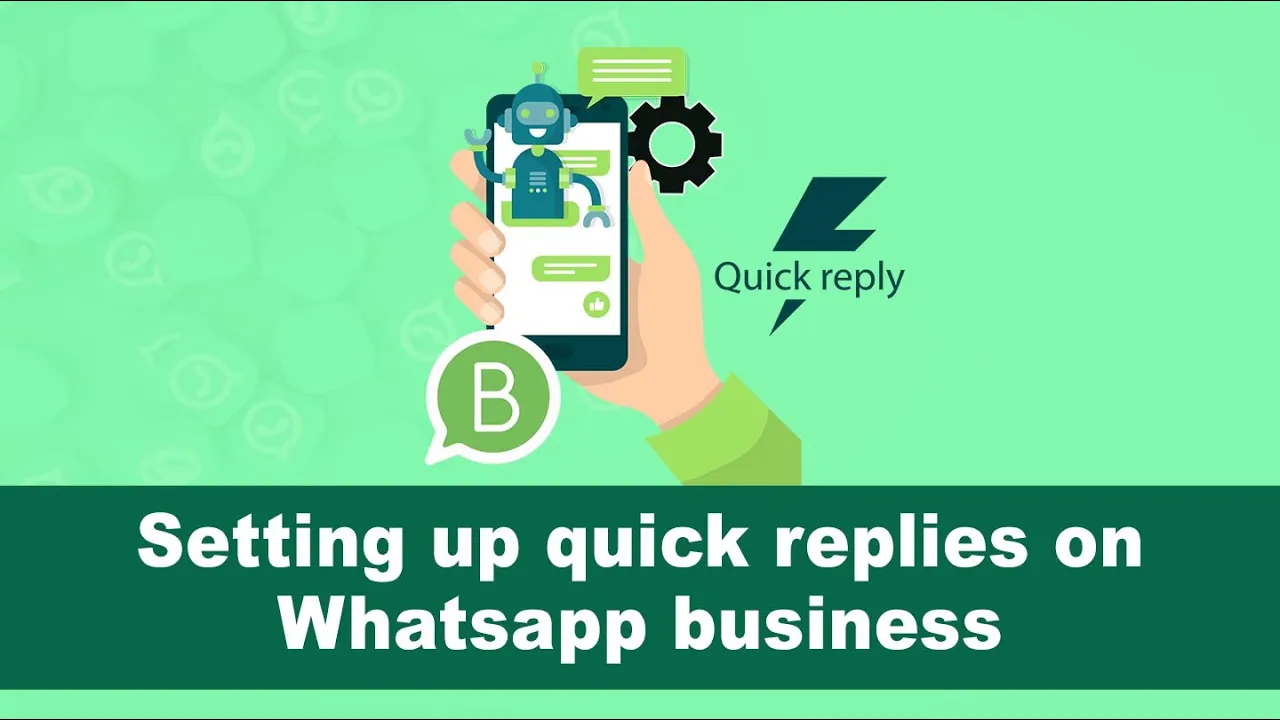
hello today's video is about how to set up quick replies on whatsapp business let's begin quick replies are really great in time saving inside whatsapp business app these are those quick responses that you can give to those commonly asked questions that is just one tab and it's done with quick replies you can create keyboard shortcuts for the messages you send most frequently you can use quick replies for text or media messages such as gifs images and videos if you have multiple preset quick replies you can sort through your list by keywords and usage keywords for
quick replies that appear within the current conversation are shown first followed by quick replies that are most recently used for example if you have a quick reply save for monthly specials you can add keywords such as specials and monthly to the quick reply now when a customer's message contains those words the quick reply will get sorted to the top if multiple quick replies are matched based on keywords they are sorted alphabetically now let me show you how you would set it up first thing you need to do is of course download and install your whatsapp
business app if you haven't already and once that's done set up your business profile and if you need help on how to set up your business profile we have a tutorial video just for that and you'll find it on this channel once you have set up your business profile let's go to our settings and click on business tools now inside your business tools you can do a lot of things like manage your business profile add details websites you can even create a catalog which actually lays out your products or services you can do an away
message greeting message and then of course quick replies which is what we're going to do right now so click on quick replies as you can see i have already set up a bunch of quick replies for my most frequently asked questions like answers for deliveries fees coupons discounts and many more now let's create a new one go ahead and click on the plus sign to create and first thing you want to do is enter in the message that you want to type for example one of the frequently asked questions in my business is how long
does the delivery usually take so let me type in my quick reply for that message you can even attach a media file if you want but once you have that now you will add in a shortcut the shortcut is the word that you will type in order for this message to pop up so let me add in slash delivery and below here you can add in keywords that will help you find shortcuts faster i'm gonna add in shipping and days and after that's done just click on save now what that's gonna do is when your
customer asks that question you can just click on slash on your keyboard and your quick replies will show up and when you type in your shortcut you can easily find your reply and tap on it and send easy right so if you're using whatsapp business app i recommend that you create a couple of this quick replies already set up and ready to go you don't have to type in this reply messages over and over again quick replies helps you save more time and if you want to utilize your whatsapp business marketing we've got a great
app that can help you it's called watroid whatdroid is a powerful application which will help you get more out of whatsapp whatdroid uses web browser automation to give you the capabilities to send scheduled messages to message a group of people on whatsapp you can use it for whatsapp business as well as whatsapp personal you can broadcast your messages schedule your messages create message sequence verify whatsapp message create groups subgroups and get a detailed report too whatdroid gives you the most powerful and easy method to connect with your target customers it gives you direct access to
an audience of 2 billion people all over the world you can sell any product or service directly to customers and engage your prospects with any media type you can schedule and automate your complete whatsapp marketing easily watroid gives you features that no other similar application has and it uses browser's automation with whatsapp web to give you 100 legitimate automation if you want to know more about what droid app just go to what droid dot in and we also have a bunch of demos and training videos here on our channel and that is it for today's
video i hope you find this video helpful and for more tutorials videos and tools to help you in internet marketing visit us at technicforce.com as always thanks for watching and see you on the next one