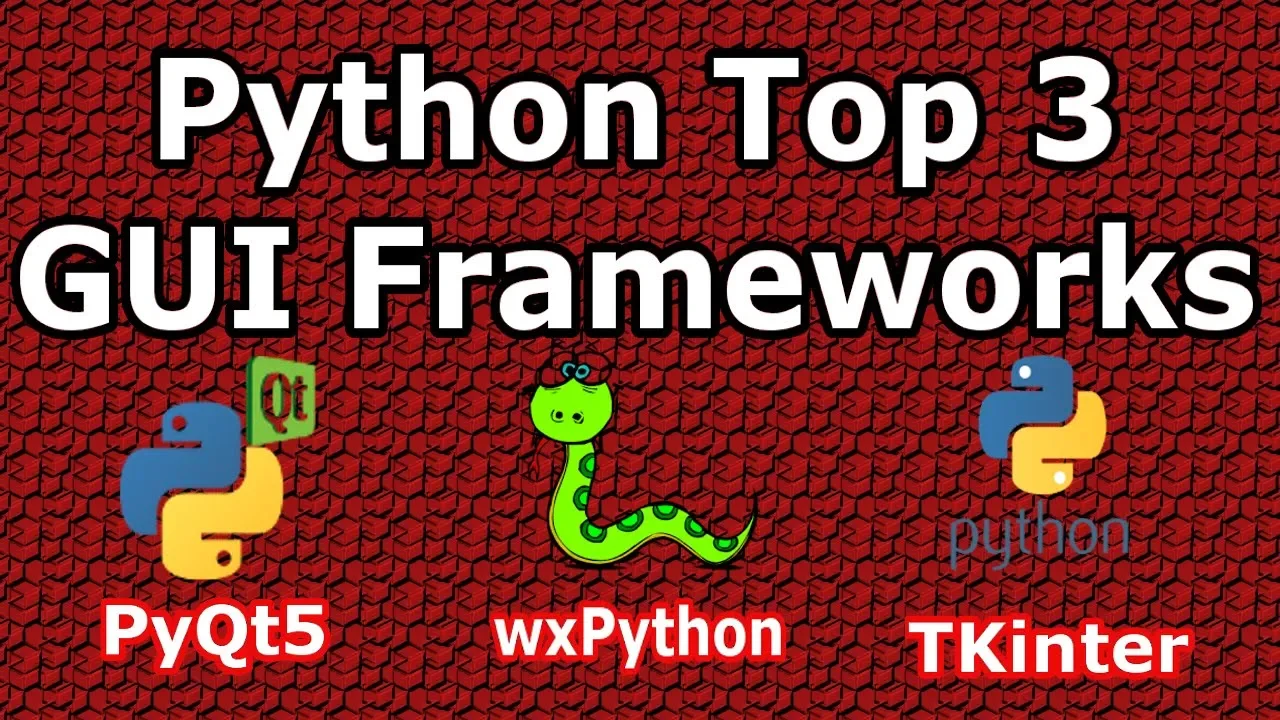
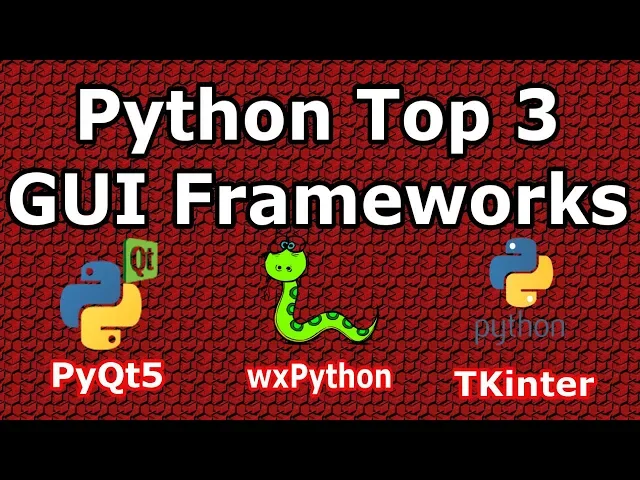
hello friends I'm per ways and in this video I'm going to introduce top three Python GUI frameworks that you want to learn so in this video and the first I will have some introduction to these GUI frameworks and also I'm going to show you the video series on these GUI frameworks that you can easily learn so now let's get started the first degree framework that we are going to talk that as PI qd5 now PI QT 5 is Python bindings for QT 5 C++ application development framework 35 C++ it is a framework that we can
use this framework for making graphical user interface applications and C++ language now PI 285s the binding of QT v app also pie cutie 5s there are consists of 400 classes and more than 6000 methods and functions in pi to defy here we have we can use PI QT which Python a2 and Python tree for example for a Python 2 we have pi 24 and for Python 3 we have pi to divide up also we can use PI QT 5 with different operating systems such as Windows Mac and Linux because it is a cross-platform GUI framework
also a pie cutie 5s dual license what does it means to a license it means that we have a commercial license that is a paid license we need to pay for that and also we have eligible license that is free that you can use about su a PI 35 is used to write all kinds of GUI applications maybe it will be complex so from accounting applications to data visualization applications that is used by scientists and engineers now I'm going to talk about some features of by QT 5 and also advantage and disadvantage so but the
first advantage of my qt5 is that Pike 85 has a good UI builder it has a good user interface build L builder that it's called QT designer so you can separate your main design from a limitation you can design your application in QT designer and you can convert that that dot UI file to a Python file also we can use PI key device in many large scale applications it as different native UI widgets it means that the widgets are changing according to the desktop environment so a push button and Mac OS or in Windows as
according to desktop environment and in Linux as according to that Lenny's Linux this desktop environment also Pike 85 is more famous and there are some disadvantage for pi QT 5 so but it's not free I have said that it's a dual license it has a commercial license also it has a liberal license also there is no more documentation by 35 we have more documentation sin PI QT file for and also in QT flexible as well PLAs there are a lot of documentation but and PI qd5 it as less documentation now don't worry I'm going to
show you that a complete series videos on PI QT 5 also I will add the link to the video description that you can watch from basic up to advanced topics in PI K divide so now let me show you so now this is a complete series that I have n PI qt5 I'm using pi QT 5 with Python 3.6 now there are two playlists and pi qd5 so this is the older playlist I have around you can see that you can see I have around 50 videos in pike 85 from basics up to advanced topics
like graphic view like a graphic graphic sense by qt5 animations Gmail cutie mark up introduction up how you can use Gmail in Python language so I have 50 videos that you can learn from v6 after advanced up I will add the link of these display lists and the video description also I have another series this is a new series and you can see that I have updated yesterday it is a 2019 series and I have added around right now there's 17 video but I will add more videos on this playlist it's the new features of
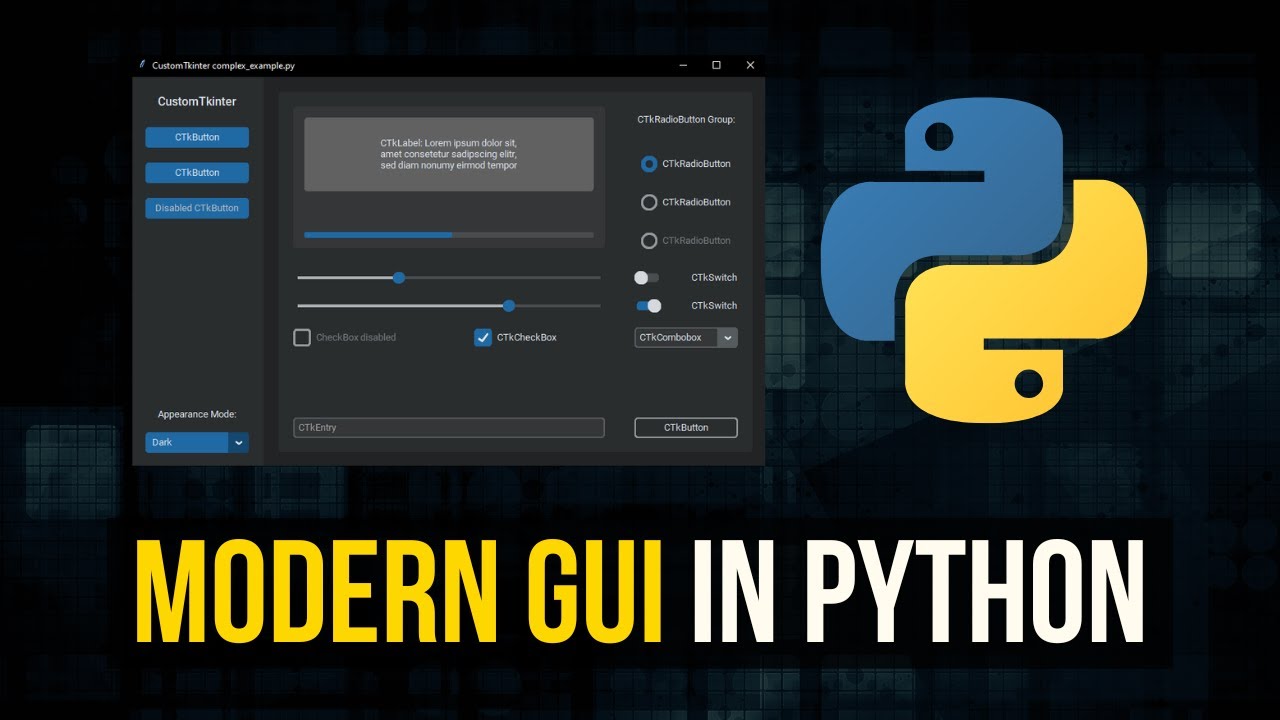
Pi QT 5 some advanced features and also I will add the this link to the video description that you can simply access and you can learn complete by qd5 from basic app to advanced and now let's I'm going to introduce another GUI firmer framework so now tkinter is another GUI framework we have saw up by qt5 and now chicken there is another powerful GUI library for development of applications in Python programming language tkinter is a built-in library in Python language it means that you don't need to install python a chicken turn because when you are
going to install python so a chicken turn is built-in and python and also tkinter as the Python interface to Tk it's a GUI toolkit for TCL now TCL means to comment language now TCL is a popular scripting language and the field of embedded applications testing prototyping and greet development also TK is an open source multi-platform widget toolkit that is used by many different language to build GUI programs we can use to interfer creating different applications from small desktop applications up to scientific modeling and research applications tkinter is the great library for development of GUI application
and biking programming language now I'm going to talk about some features of chicken term and also some advantage and disadvantage of tkinter so tickler is so simple and it's easy to learn there's no difficulty in tkinter and learning tkinter and it is free for commercial use in pi 35 we have said that there are 2 license for this we had commercial license and also l japan license but tkinter is free for commercial use there is no problem up also it's easily accessible no need for installation also it's fast now there are some disadvantage for example
in ticket or we don't have advance widget in tkinter as we compare this with QT file 35 and PI qg5 we have advanced widgets advanced features that we can use in our application but and taken turrets limited and also there is no UI builder in ticket er we don't have a user interface builder that we can design our GUI application for example and PI QT 5 we have said that we have QT designer that we can design our GUI applications and also in WX python that's another GUI framework we have WX form builder now I'm
going to show you a video series that I have partaken tur well now let me show you and I will add this the link of these video series on the video description on this video description you can watch them so guys this is the Python chicken Telugu application development series I have around 23 videos and you can learn from a B 6 up to some advanced topics like embedding matplotlib and tkinter and some more topics I will add the link to the video description you can watch the complete video series and you can learn completely
to enter so now we are going to introduce another Python GUI library so now WX python is another grief framework for Python programming language now double X pattern is a wrapper around WX widget like two t5 c plus plus we have said WX widget is a GUI framework for creating reallocations and c++ language now WX python is just a wrapper around the breaks widget and the double expire on is a cross-platform GUI library after creating desktop applications and pattern programming language the author of tablets Python is Robin tan and there are let me talk about
some features and some advantage of WX whiten so WX button has light large library of widget that we can use in our GUI applications if we compare this with chicken tur so in chicken there it's limited but and and then WX Python we have a lot and we have F we have compared this with Q PI 35 the pike 85 will be powerful as powerful than the exploit on also that's also native look and feel like pie QT v JP x python has good UI builder for designing of our application like PI 35 for example
in PI Q T 5 we said that - we have aptitude the designer but in wxy tone we have W X designer and also W X form builder devic spite on is very flexible also for disadvantage we can tell that we need to install the Blake's right and also there is some incompatibility with Python 3 now let me show you some my video series that I have on Devex Python and I will add the source the link to the video description you can watch complete playlist of jbx Python okay guys now this is the debris
X fighting series that I have and you can see that I have around 23 video on WX by tone that you can learn if you want to learn I will add the link to the video description okay now we are going to conclude our this video so we have saw three different Python GUI and library development libraries we have thought the black spot on Pyke 85 tkinter and I have mentioned that I have a lot of videos videos series on these libraries that you can watch I have added all of them to to the video
description so now you can learn all of them there is no problem you can learn the expert on pi 3540 ginger but in my opinion and as I have experienced on these frameworks GUI frameworks pine qt5 is the best but the this does not mean that job reacts by tone is not good or tkinter is not good maybe there are some people that they like tkinter or they like w X button but as my experience I like pi q define so thank you guys I will add the link of the series in the in the
video description and for the further videos please subscribe to my channel

![7 Top Python GUI Libraries (2023) [Pricing, Pros, Cons, & 5 factors to help you choose]](https://img.youtube.com/vi/QPHtNqGNuX4/maxresdefault.jpg)
![PyQt vs. PySide: Differences, Similarities, and Licenses [2022]](https://img.youtube.com/vi/rHlsV0hzr8I/maxresdefault.jpg)
![An introduction to customtkinter [way better styling in tkinter]](https://img.youtube.com/vi/MvzK9Oguxcg/maxresdefault.jpg)